Different Banner Images for Desktop, Tablet, and Mobile

Hello,
I’m having trouble getting the homepage banner on EdKim.co to display properly across different screen sizes.
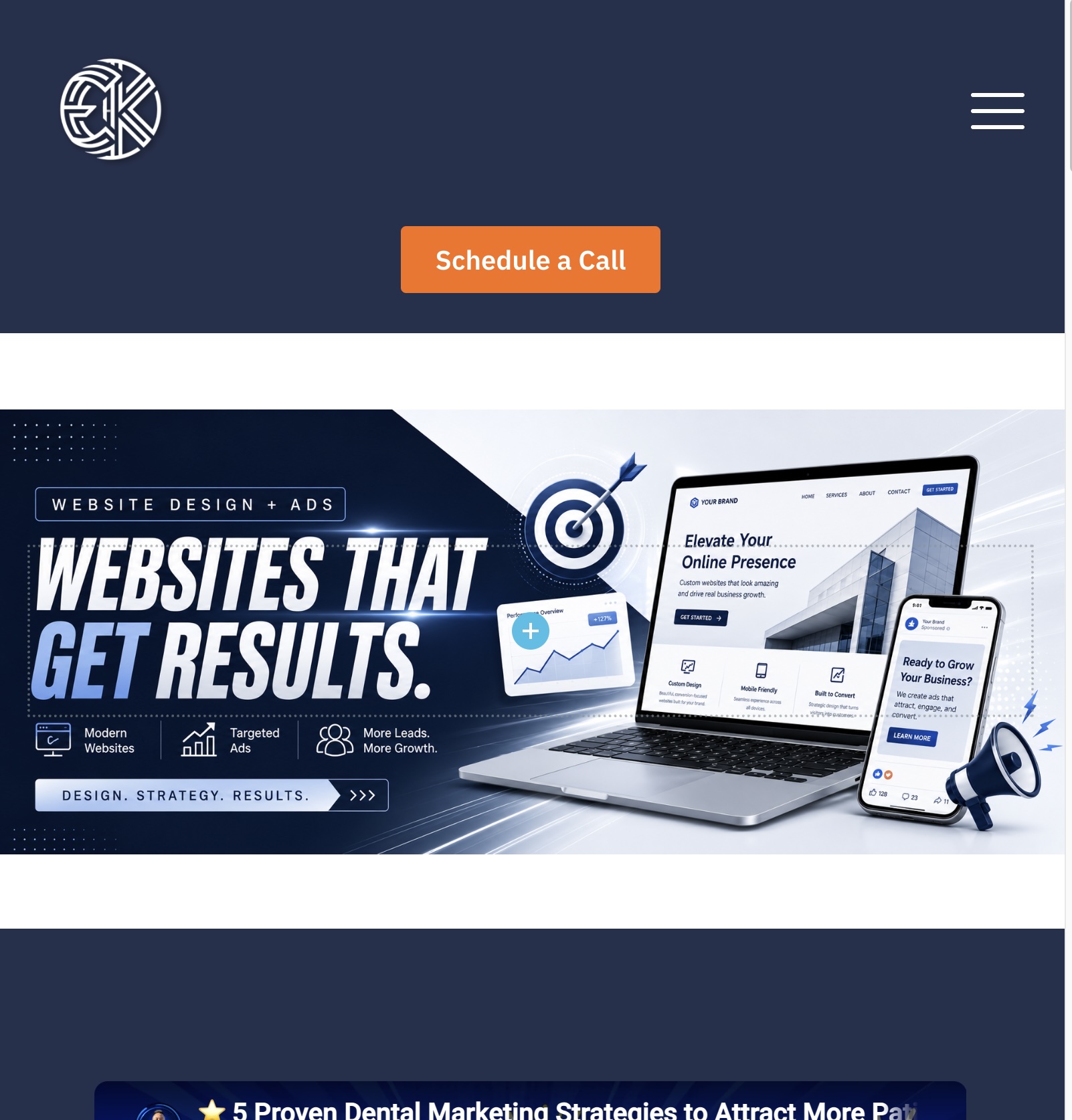
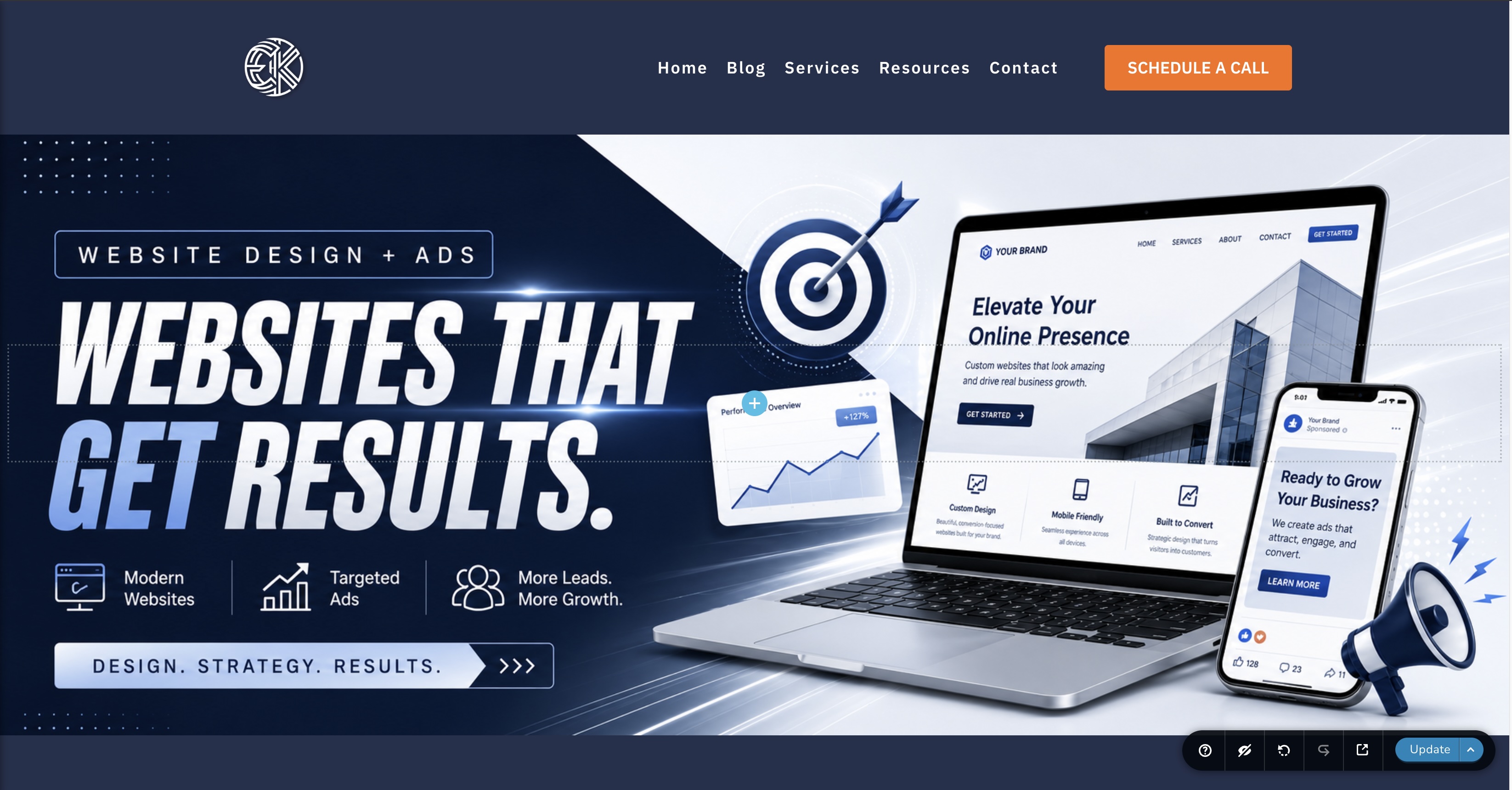
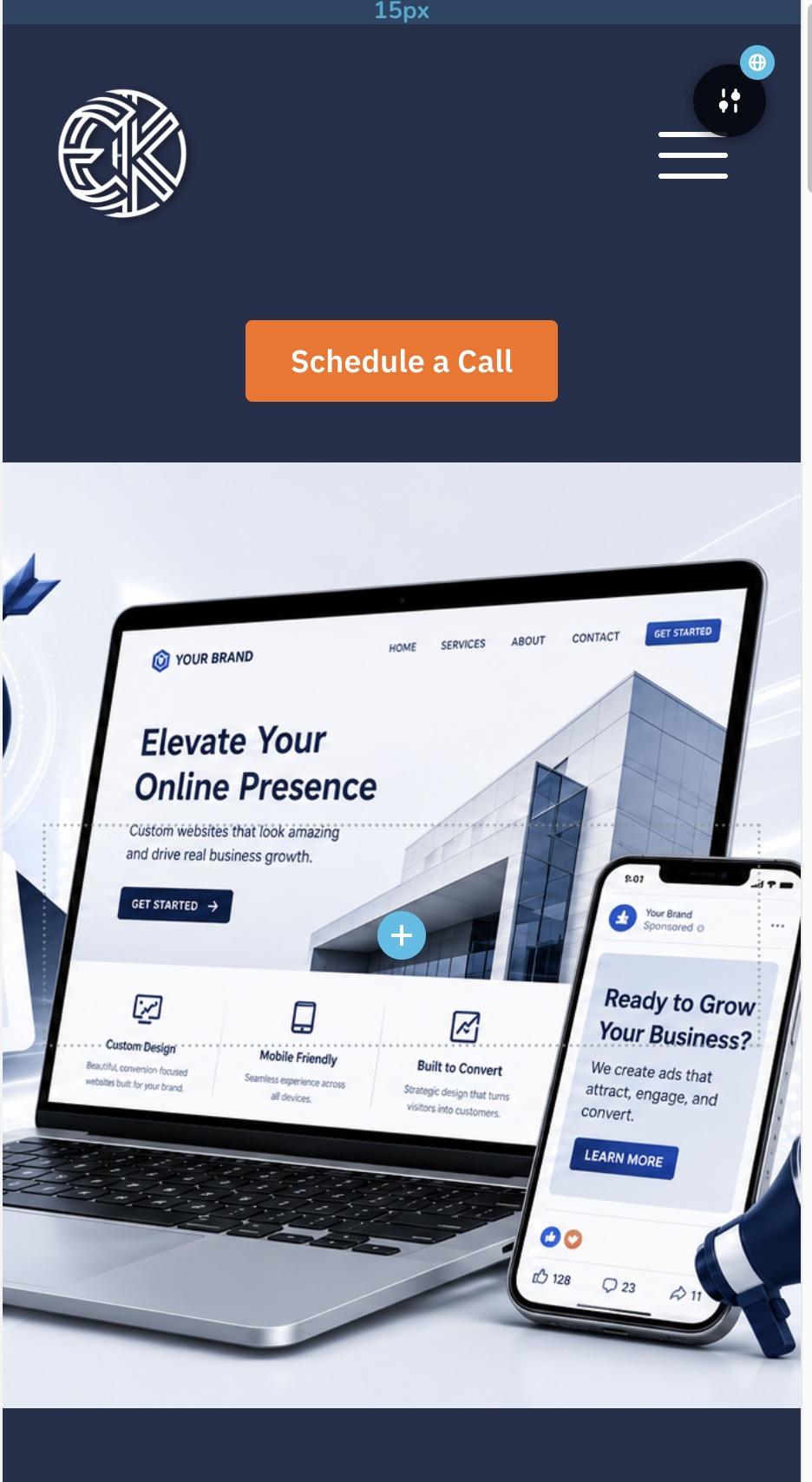
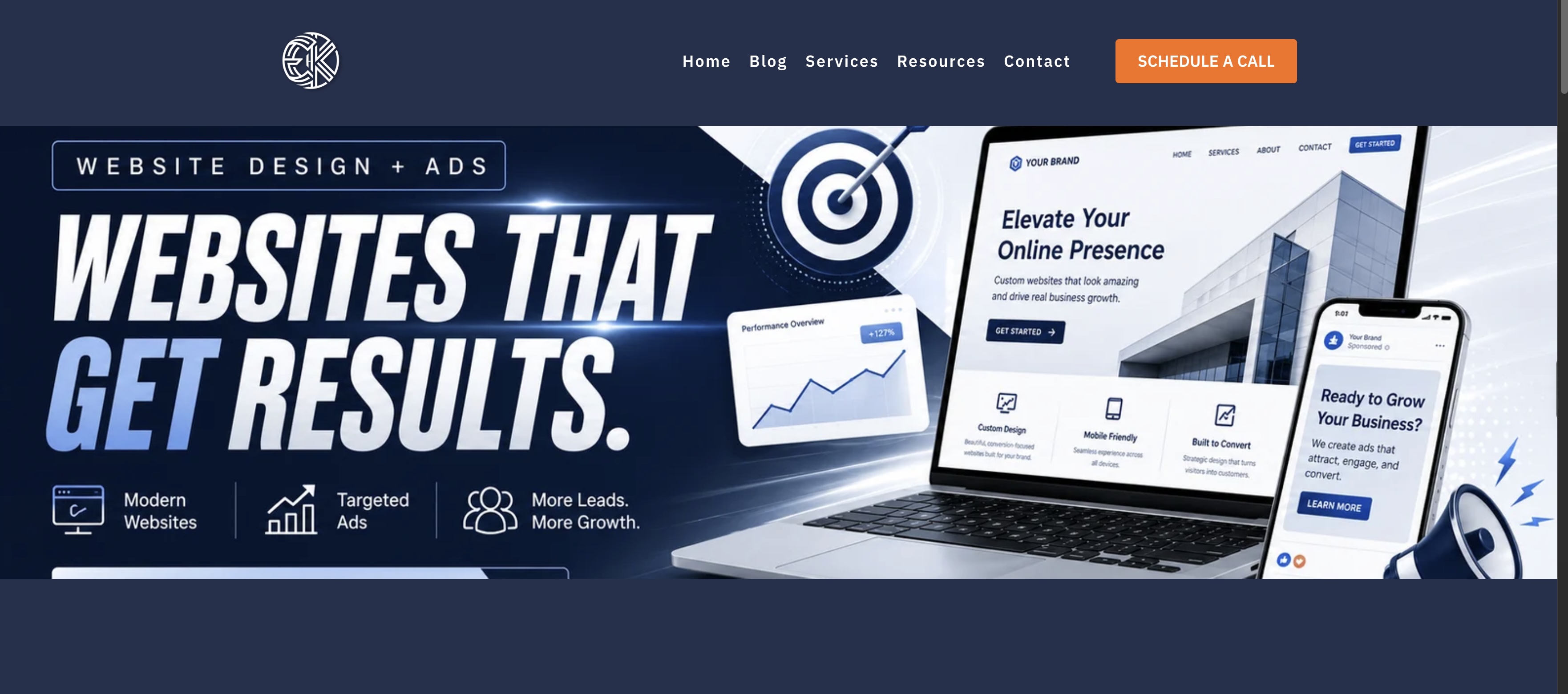
On desktop, the banner is cropped depending on the browser width, so some text and design elements are cut off. On tablets and mobile, the image does not fit the available space correctly, and large portions of the design are missing.
I would like to use separate, properly optimized banner images for:
- Desktop
- Tablet
- Mobile
Is there a way in Brizy to assign a different background image for each responsive view? Ideally, I would like the desktop version to appear only on desktop, the tablet version only on tablet, and the mobile version only on mobile.
I’ve attached screenshots showing how the banner currently appears on each device.
Thank you!
-

Hello Edwin,
To make the banner image fit into multipe devices, you could try using the Brizy Image element to place the image in the foreground rather than as a background. Have a look at https://brizy.digital/test/ where I have placed the image in the foreground. Feel free to download my design from https://jmp.sh/AlF3pvWo, import it as a block to your page using the "Import New Block" option in the Saved Blocks Library.
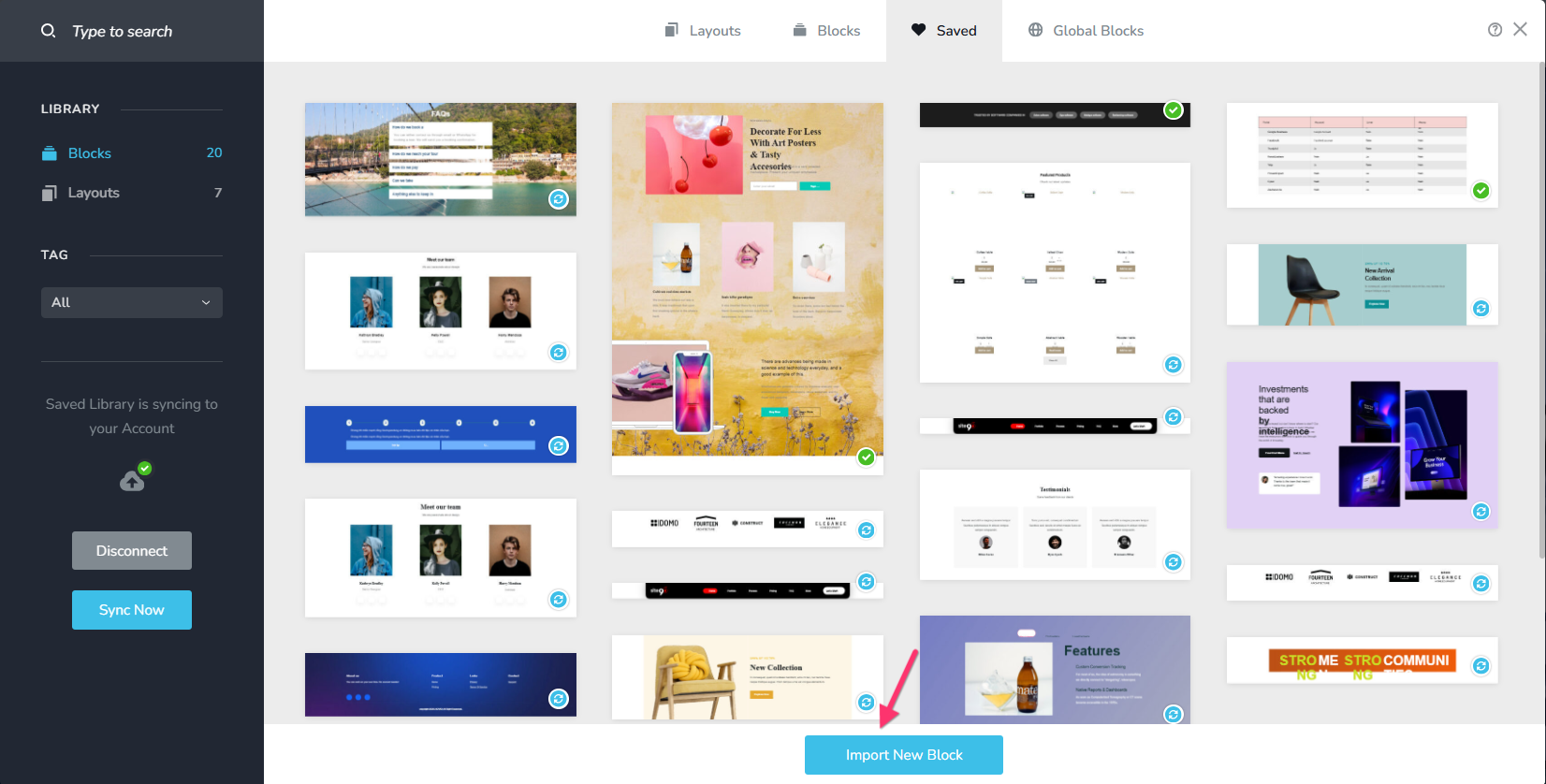
If you want to use different banner images for desktop, tablet and mobile devices, kindly follow these steps
- Duplicate the hero block two times and you will have three identical blocks with the same design. Among the three blocks, let's say, you assign the first block for the Desktop, second for the Tablet and the 3rd for the mobile.
- Add the Tablet banner image to the second block and the Mobile banner image to the third block
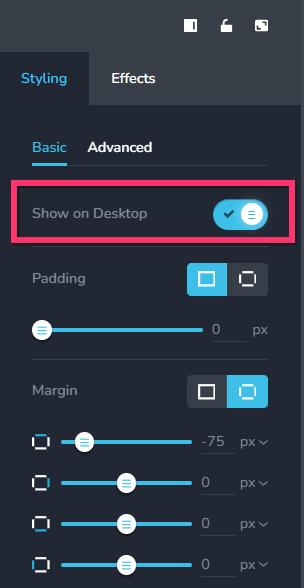
- Hide the 2nd and 3rd blocks in the Desktop design by turning off the "Show on Desktop" toggle switch in the Block Settings panel.
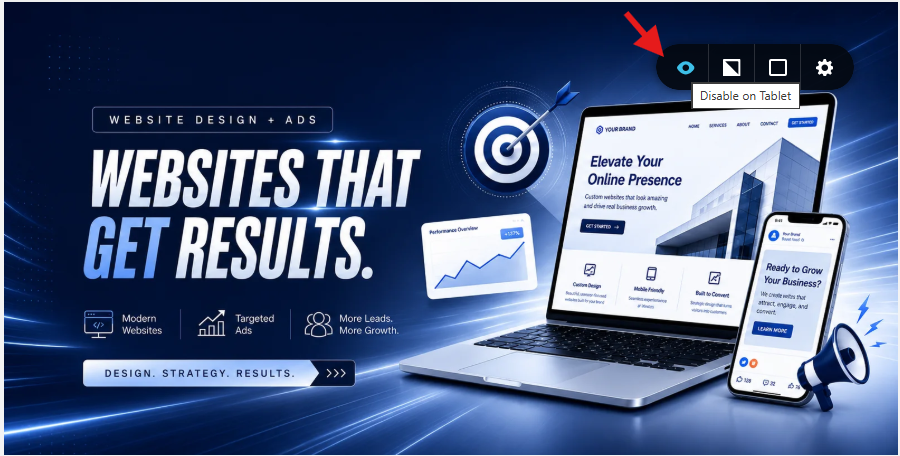
- Hide the 1st and the 3rd blocks in the Tablet design by selecting the "Disable on Tablet" icon in the Block Settings
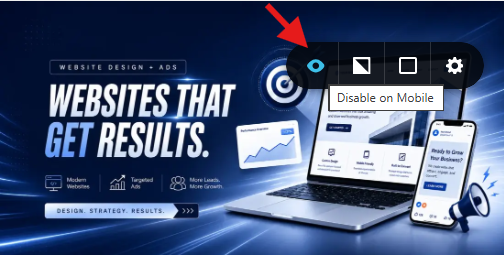
- Hide the 1st and the 2nd blocks in the Mobile design by selecting the "Disable on Mobile" icon in the Block Settings
0 -
Hi, thank you. I imported your block, and it fixed the issue.
However, do you think you can make a short video on this: "If you want to use different banner images for desktop, tablet, and mobile devices, kindly follow these steps."
I have difficulty following the steps.0 -
Hello Edwin,
Sure, take a look at https://jmp.sh/share/8LoUxcfvid5wmlTBsftx for a screen recording of the process I explained above.
0 -
Hi, thank you. That was very helpful.
0
Please sign in to leave a comment.
Comments
4 comments