CSS Problem in Menu and one Block

Hey Brizy-Support-Team,
my website menu suddendly has dots infront of every word.
And one (lately updated) block is not shown correctly.
https://salathai-heilbronn.com/
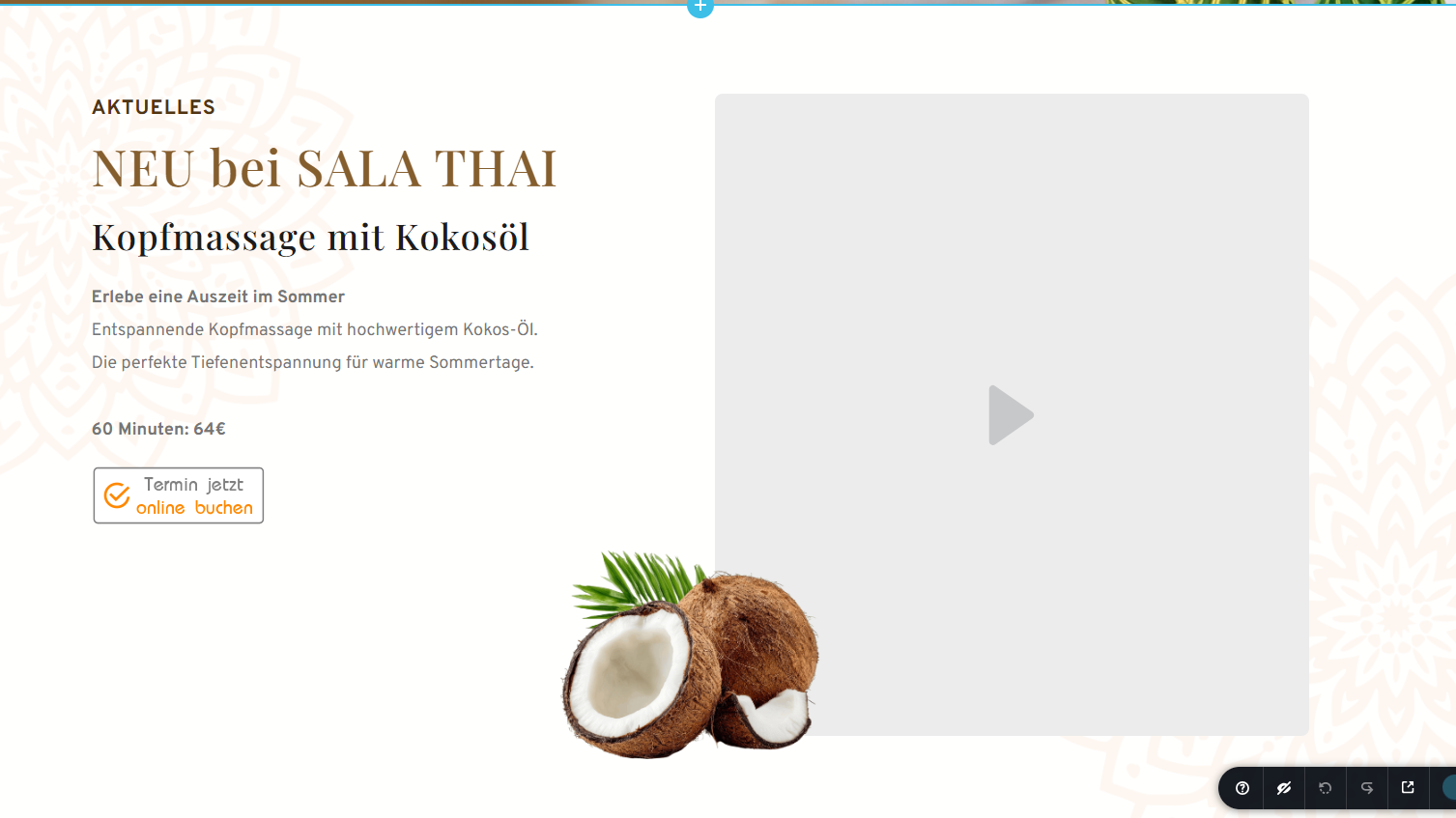
The view in the editor is totally fine.
Latest Brizy and Brizy Pro. 2.8.19 & 2.8.11
But it occured when i updated from an older Brizy Version to the newest.
Tried reinstalling Brizy and Pro, Disabled all Plugins etc.
May you help me?
Thank you very much
-
Pictures of the problem on the website here:

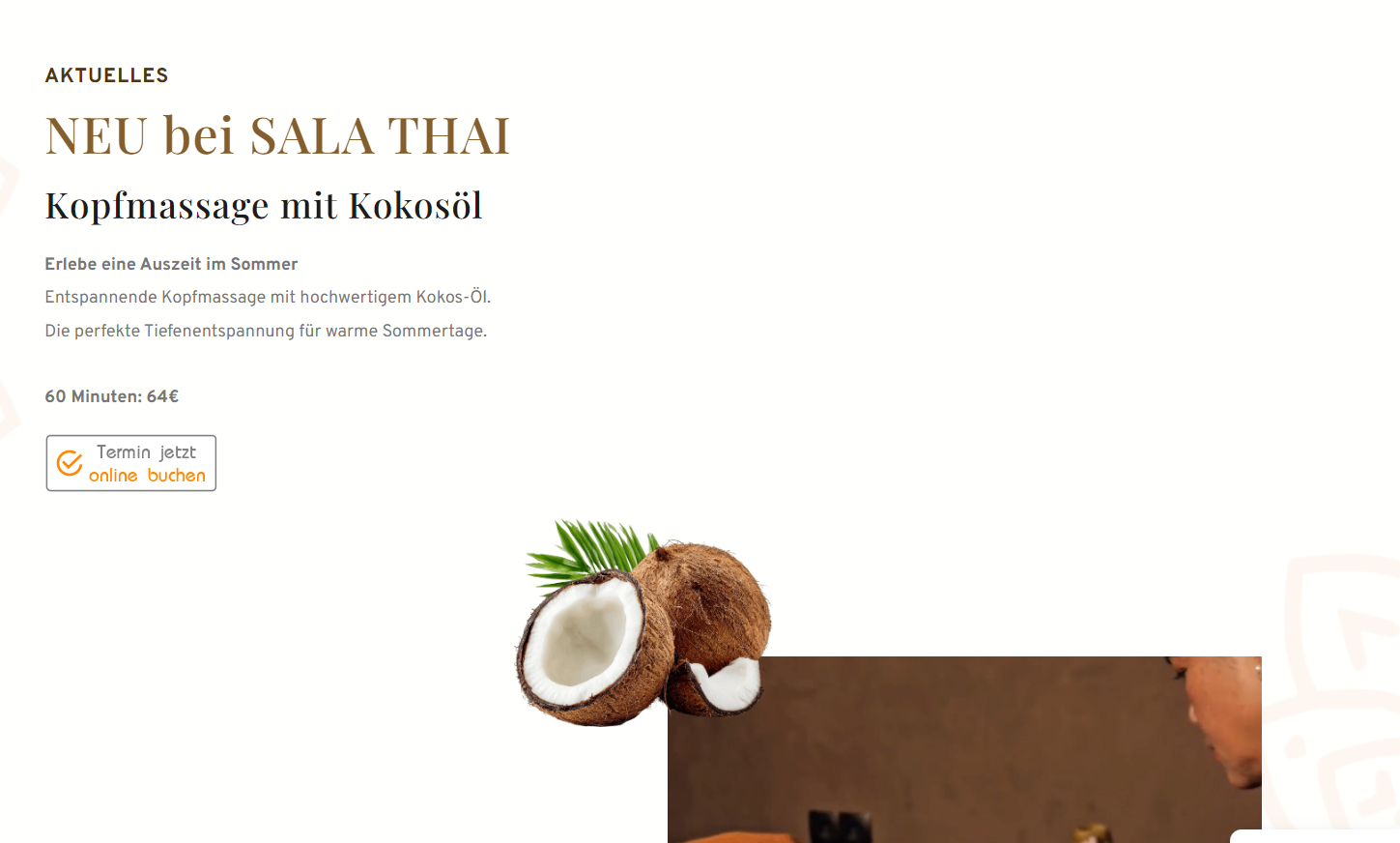
Brizy looks linke this:

 0
0 -

Hello Sarah,
We apologize for the inconvenience. There are a few bugs with the most recent Brizy and Brizy Pro versions. Please roll back to these versions to resolve the problem in your project while we work on fixing those.
- Brizy 2.8.17
- Brizy Pro 2.8.10
You can download the rollback versions at https://jmp.sh/LvkL5r0K
Kindly follow these steps to rollback
- Deactivate and delete Brizy 2.8.19
- Upload Brizy 2.8.17
- Deactivate and delete Brizy Pro 2.8.11
- Upload Brizy Pro 2.8.10
0 -
It worked,
i really appreciate your quick help.
Is there a possibility to get informed when the bug is solved?
0 -

Hi Sarah,
We have fixed the issues you reported.
Please download and install the latest versions of Brizy and Brizy Pro from the shared Google Drive folder:
https://drive.google.com/drive/folders/1lVdL3p9TSaUIBQQCgVDq7Rxd4x9qtizI?usp=drive_link
The updated free version of Brizy has already been uploaded to the WordPress repository, but it may take up to 24 hours for the update to become available.
Once installed, please check the site and let us know if you have any further questions.
Best regards,
Ariel H.0 -
Hello dear Ariel,
the lastest version works too now.
I just want to thank you guys for your amazing support.
There never has been even one problem in the past you couldn`t solve within shortest of time.
0
Please sign in to leave a comment.
Comments
5 comments