Pages Not Displaying Properly

Hello -
Something got messed up with my home page - images disappeared, navigation, etc. the interior pages were OK. I tried fixing it. Some of it came back, but now I have additional problems. Duplicate headers. Duplicate carousel. can you help? pattiweber.com
-

Hello there,
We apologize for the inconvenience. There are a few bugs with the most recent Brizy and Brizy Pro versions. Please roll back to these versions to resolve the problem in your project while we work on fixing the bugs.
- Brizy 2.8.17
- Brizy Pro 2.8.10
You can download the rollback versions at https://jmp.sh/LvkL5r0K
Kindly follow these steps to rollback
- Deactivate and delete Brizy 2.8.19
- Upload Brizy 2.8.17
- Deactivate and delete Brizy Pro 2.8.11
- Upload Brizy Pro 2.8.10
0 -
How do I upload the other versions?
0 -
Oh - Disregard - I think I found it!
0 -
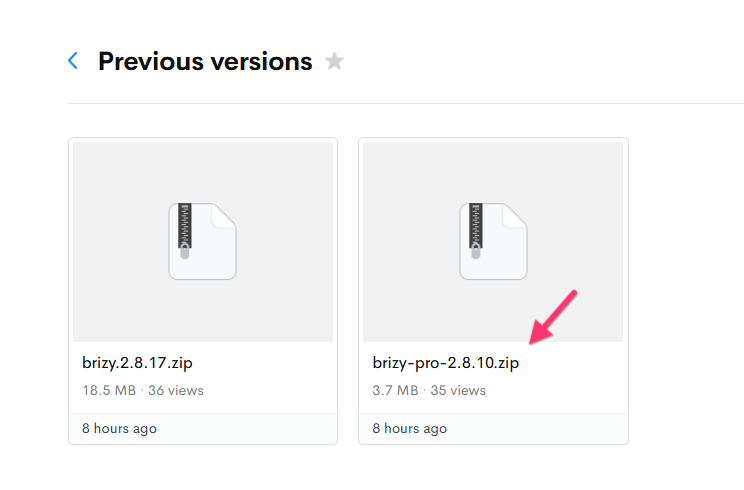
Both of these files are 2.8.17
0 -
can you resend Pro 2.8.10
0 -
The second file at https://jmp.sh/folder/dCsXFFaYMbQ7OseDUz2U is Brizy Pro 2.8.10.zip. Is this file not working for you?
 0
0 -
No when I downloaded it, it says it's 2.8.17. I thought maybe it was just misnamed so tried to install, and it said - already installed. Can you check the file to be sure it's Pro 2.8.10?
0 -

Hi Patti,
Please check the Plugins area in your WordPress dashboard. The latest versions of Brizy and Brizy Pro should now be available, and these updates include a fix for the issue you reported.
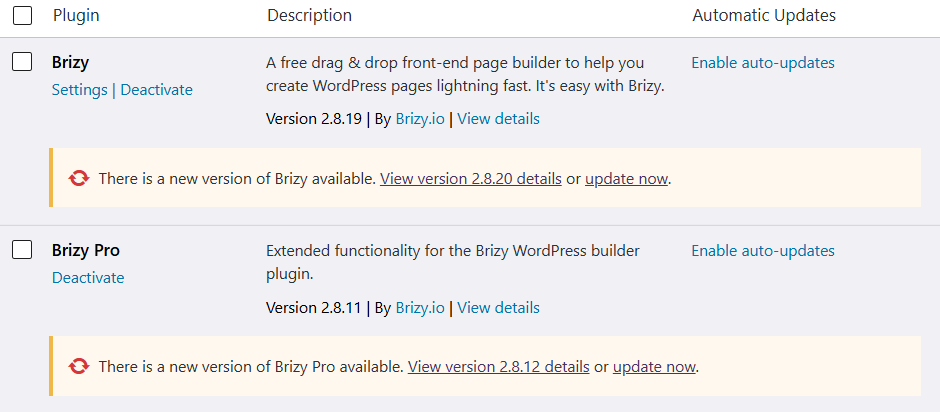
You can update both plugins directly from the Plugins page.
Best regards,
Ariel H.0 -
ugh - sorry to be a pain, but I've uninstalled Brizy Pro so how do I find that again... I updated the Brizy.
0 -
I got it 🙂
0 -
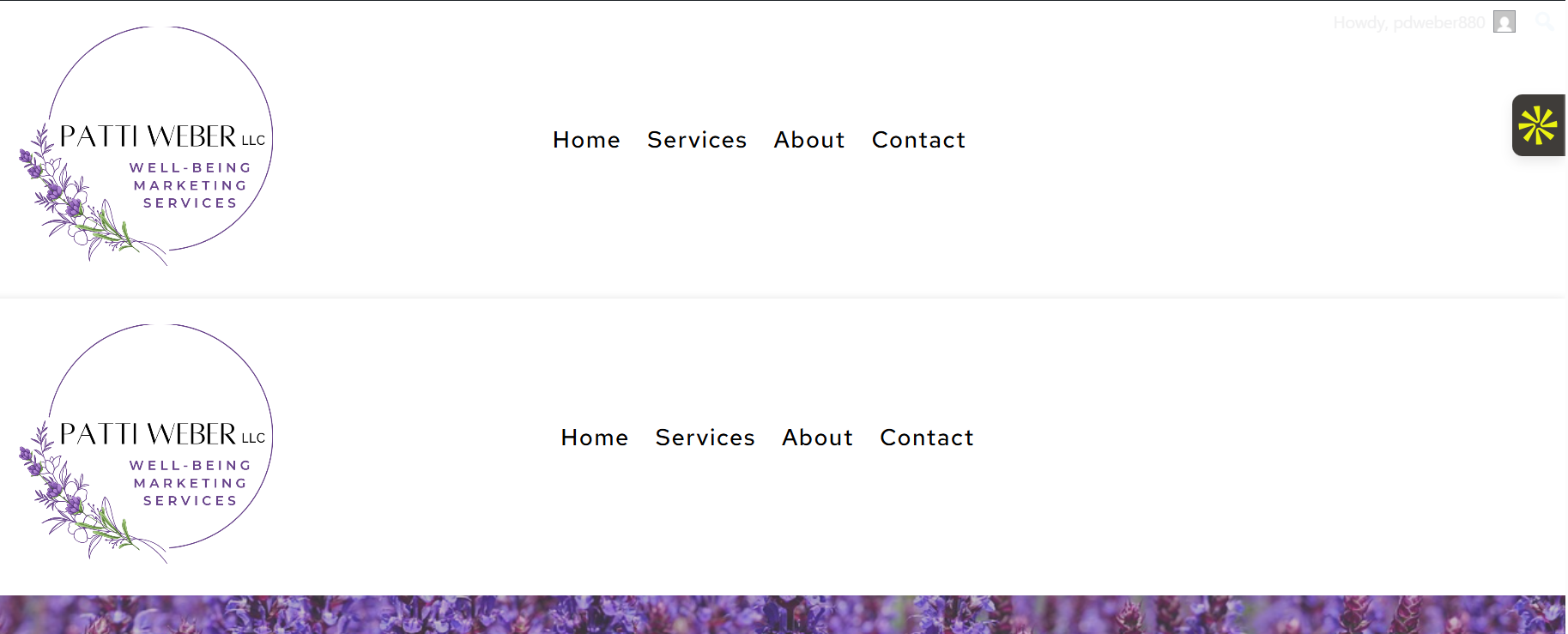
I'm still getting duplicate headers on the inside pages.
 0
0 -
Hi Patti,
To help us investigate this further, could you please provide temporary access to your WordPress admin dashboard? This will allow us to take a closer look at your setup and identify the cause of the issue.
Kindly send the following details to communitysupport@brizy.io:
Community Post: https://support.brizy.io/hc/en-us/community/posts/37484500949906
WordPress Admin URL:
Username:
Password:We’ll review it as soon as we receive the access.
Best regards,
Ariel H.0 -
I just sent it - but you have to access via my Namecheap account.
0 -
Resending the email - might have a direct way to get to it.
0 -
Hi Patti,
We have fixed the issue with the duplicate headers. It was caused by multiple display conditions being applied to the headers.

We also noticed that some of the media files on your website are quite large. Large images can increase page-loading times, which affect the website’s performance, particularly on mobile devices.
We recommend installing the Smush plugin to compress and optimize your images. This should help reduce their file sizes and improve the website’s loading speed.
https://wordpress.org/plugins/wp-smushit/Best regards,
Ariel H.0 -
Wonderful - thank you so much!! I appreciate you all 💜
0
Please sign in to leave a comment.
Comments
16 comments