Brizy theme keeps showing up even if I select Brizy

I'm having two problems with this site. I have blocksy and brizy and i usually have no isses with this.
1)even is i select Brizy Temlate the site shows as a WP theme compleatly off .. as if I selected Default. When I edit with Brizy everything looks fine.
2)When ever I worked with brizy I always installed Blocky with a them that supports Brizy and then worked on the site. If I used TranlsatePress the editor would always be in WP/Blocksy format and its not so bad "almost" identical to the brizy site. this time its imposible to select the test to translate everything is off.
These are teo critical issues.
-

Hi Dan,
Thank you for contacting us.
To help us investigate this further, could you please provide temporary access to your WordPress admin dashboard? This will allow us to take a closer look at your setup and identify the cause of the issue.
Kindly send the following details to communitysupport@brizy.io:
- Community Post: https://support.brizy.io/hc/en-us/community/posts/37397163787026
- WordPress Admin URL:
- Username:
- Password:
We’ll review it as soon as we receive the access.
Best regards,
Ariel H0 -
Hi Dan,
Thank you for your patience. We are still looking into the issue and would appreciate a little more time to investigate it further.
Unfortunately, the first staging site became unusable while we were troubleshooting. I assume the backup available in the All-in-One WP Migration plugin is the same backup you previously used to restore the website.
In any case, this appears to be a conflict. We will try to reproduce the issue on a local testing site and get back to you as soon as we have more information.
Best regards,
Ariel H.0 -
Hi Dan,
The issue appears to be a compatibility edge case between Brizy and TranslatePress when WordPress is installed in a subdirectory. TranslatePress incorrectly duplicates part of the path in Brizy’s CSS and JavaScript URLs, causing those files to return 404 errors on the English page.
We were able to get the site working in the subdirectory by adding a targeted code snippet that corrects the affected asset URLs. We tested this in my homelab, which is accessible at the following URL:
https://homelab.brizywp.site/demos/hygienistmontreal/en/
Please note that the test site is accessible only during my working hours and will remain available for approximately five more hours.
Could you also clone or move the site to a testing subdomain where WordPress is installed in the root directory (for example, testing.example.com) and check whether the English page works correctly there? This will help confirm whether the subdirectory installation is triggering the issue.
I am also testing this on my end and will let you know the results before my shift ends.
Best regards,
Ariel H.0 -
Hi Dan,
We have confirmed that the website works correctly when WordPress is installed in the root directory rather than in a subdirectory. This supports our earlier finding that the issue is related to the subdirectory installation.
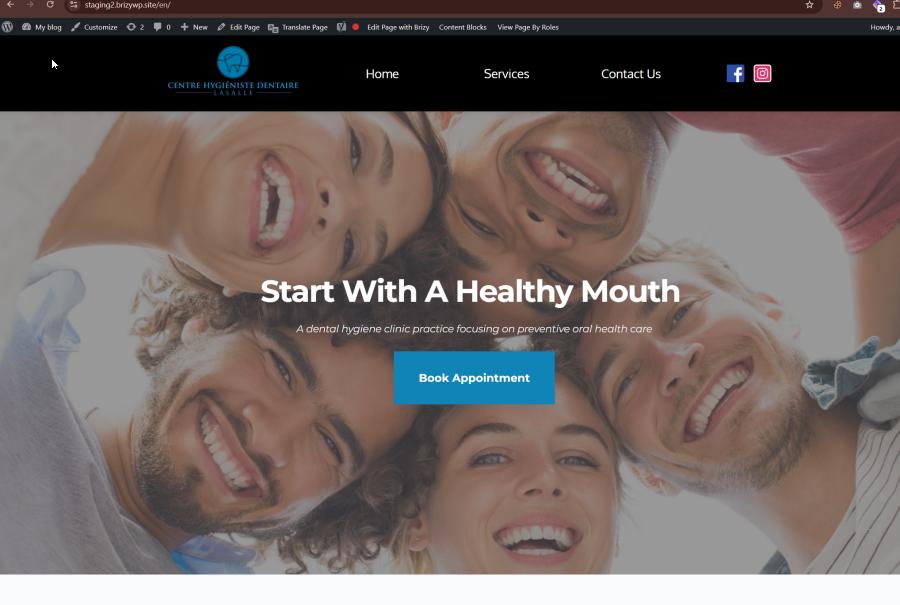
You can inspect our test site here: https://staging2.brizywp.site/en/
Please let us know once you have finished checking it so we can remove the staging site.
Best regards,
Ariel H.0 -
Hi Dan,
Thank you for your patience.
Brizy Version 2.8.21 will be rolled out soon to address the issue you’ve been experiencing.
Let me know how it goes after the update.
Best regards,
Ariel H.0
Please sign in to leave a comment.
Comments
5 comments