Editing Brizy WP Global Footer Breaks CSS

For one of my client sites, we need to update the email listed on the website (there's a typo and we need to fix it). I've been able to fix the typo listed on the Contact page, but after I edit the text in the footer and save/publish the changes, the website CSS completely breaks (see attached image). The site still looks normal when editing on Brizy, it's just the frontend.
Any ideas as to why this is? The plugin & theme are fully updated.
Here's the website: https://artesanosdeltiempo.mx/contact
I'm currently restoring the site to a previous backup to get rid of the CSS issue, but we still need to update the email typo.
Note - this is a WordPress.com website, not a WordPress.org website.
Let me know if you have any questions. I can give you access to the site if needed.
Thanks,
Connor
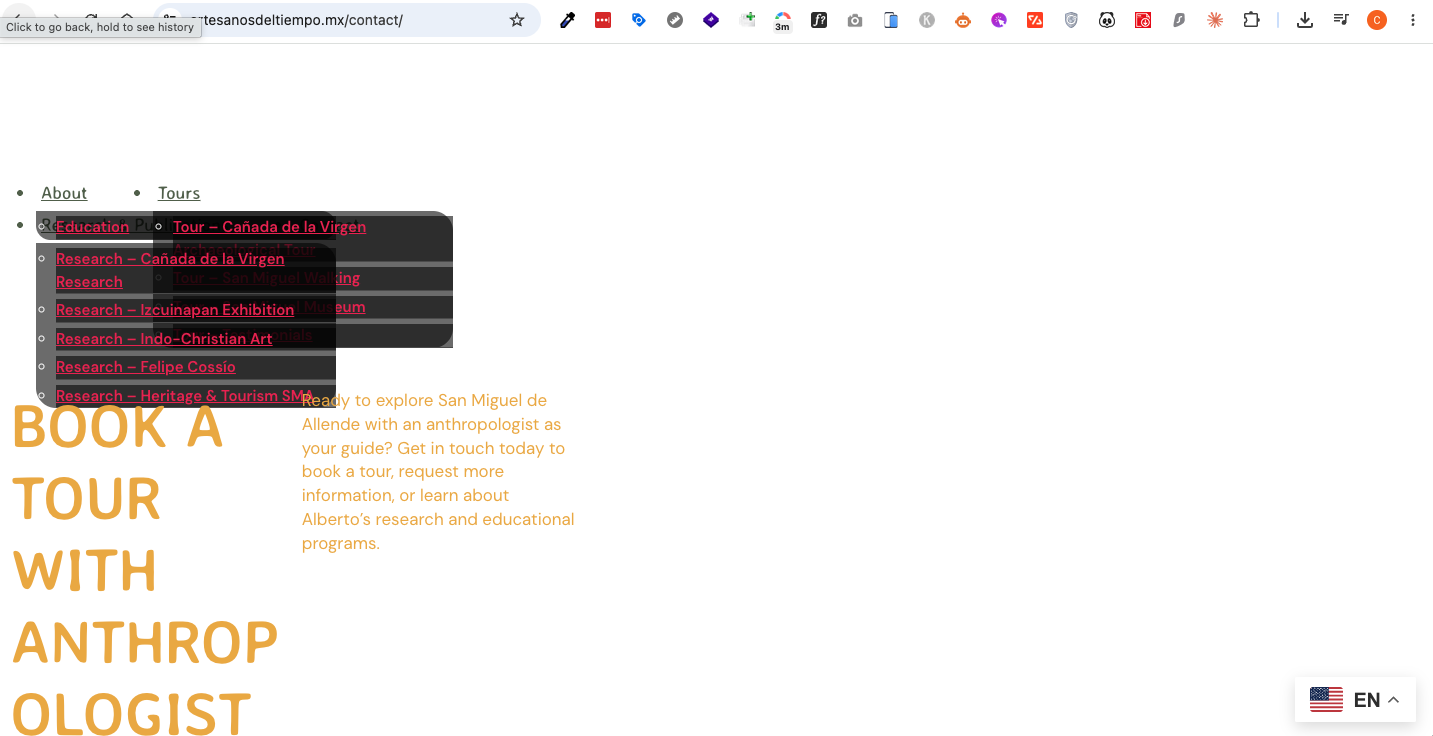
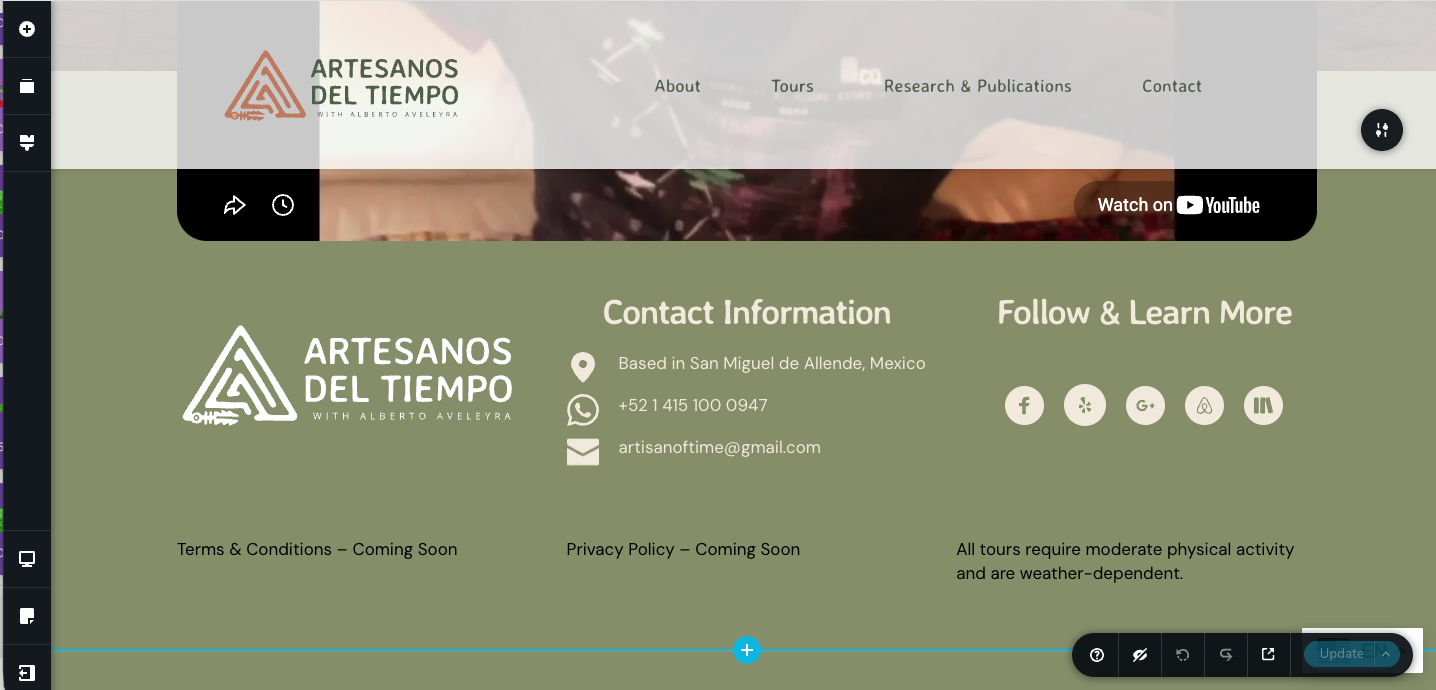
-

Hi Connor,
Thank you for reaching out.
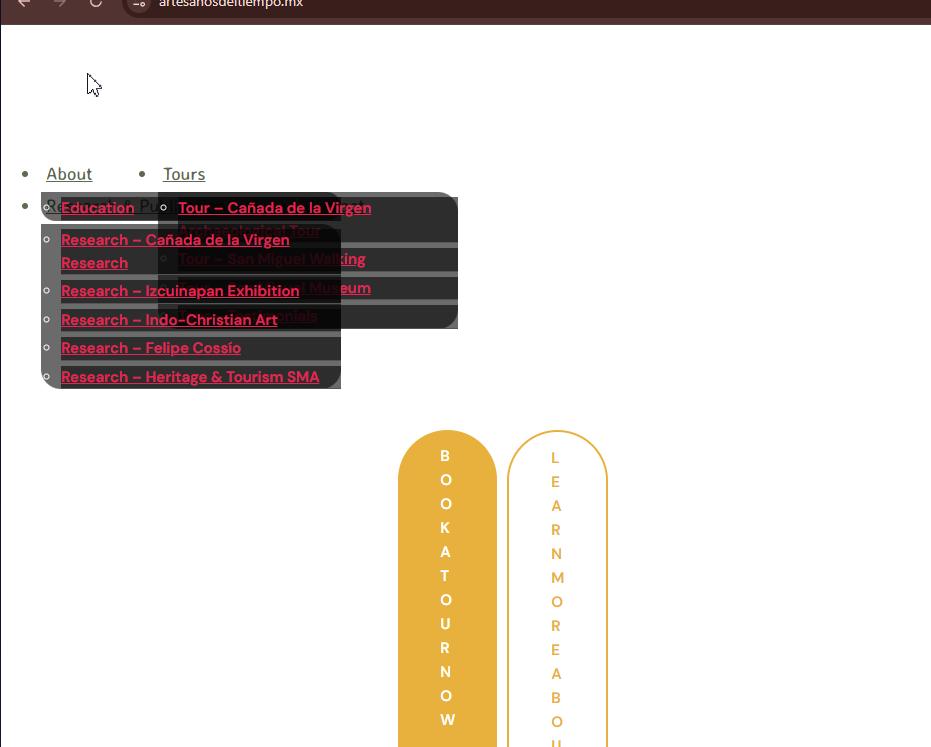
I checked the website and can see that the layout issue is affecting the entire site.
To address this, please first make sure that both Brizy and Brizy Pro are updated to their latest available versions.
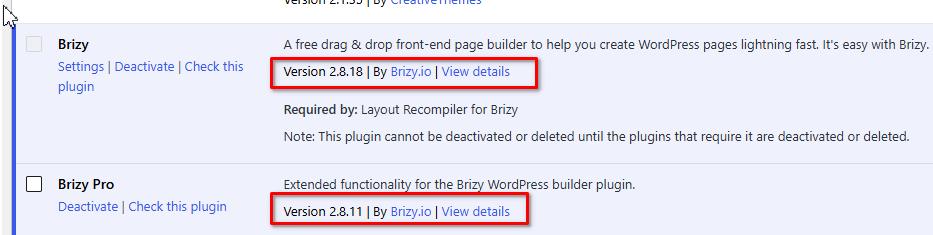
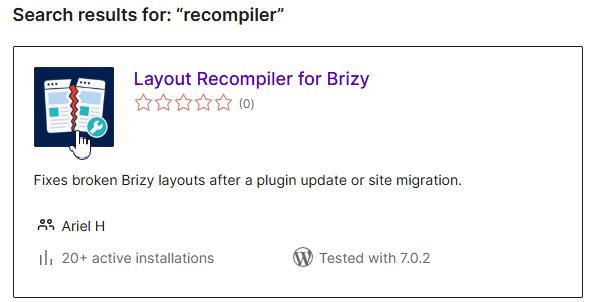
Once they are updated, please install and activate the Layout Recompiler for Brizy plugin. Then go to Tools → Layout Recompiler, click Start Recompilation, and allow the process to finish completely.
After the recompilation is complete, clear the website, hosting, CDN, and browser caches. You can then check the frontend again and try updating the email address in the footer.
Since the website is hosted on WordPress.com, please also confirm that your current plan supports the installation of third-party plugins.
Best regards,
Ariel H.0
Please sign in to leave a comment.
Comments
1 comment