Background Image Not Visible

I am in the early stages of building a new site on a temporary URL and having a problem with block and field background images not showing up.
I have created a video detailing what is happening. https://youtu.be/WNTsVZga6_I
-
I have also disabled all other plugins and tested again, same results.
0 -

Hi Michael,
Thank you for reaching out.
Could you please try the following troubleshooting steps?
- Check whether you have any custom code embedded on the page, and temporarily remove it to see if the background images appear.
- Review any custom CSS added in your theme's Customizer, especially rules using the "!important" tag, as these can override Brizy's styles.
- Create a new page and add a simple block with a background image to check if the issue is page-specific.
- If possible, temporarily switch to a different theme to see if the problem persists.Please let us know the results.
Kind regards,
Ariel H.0 -
Ariel -
There is no custom CSS added and I have disabled Hummingbird.
I am also noticing that the UPDATE spins for an excessively long time, which I am sure indicates something. The preview page won't even load. I have checked with my hosting provider and they swear there are no memory log entry issues, and I have only one page underway on this site.
I have changed from my 'go-to' theme Blocksy to WordPress Twenty-Twenty-Five and there is no change.
0 -
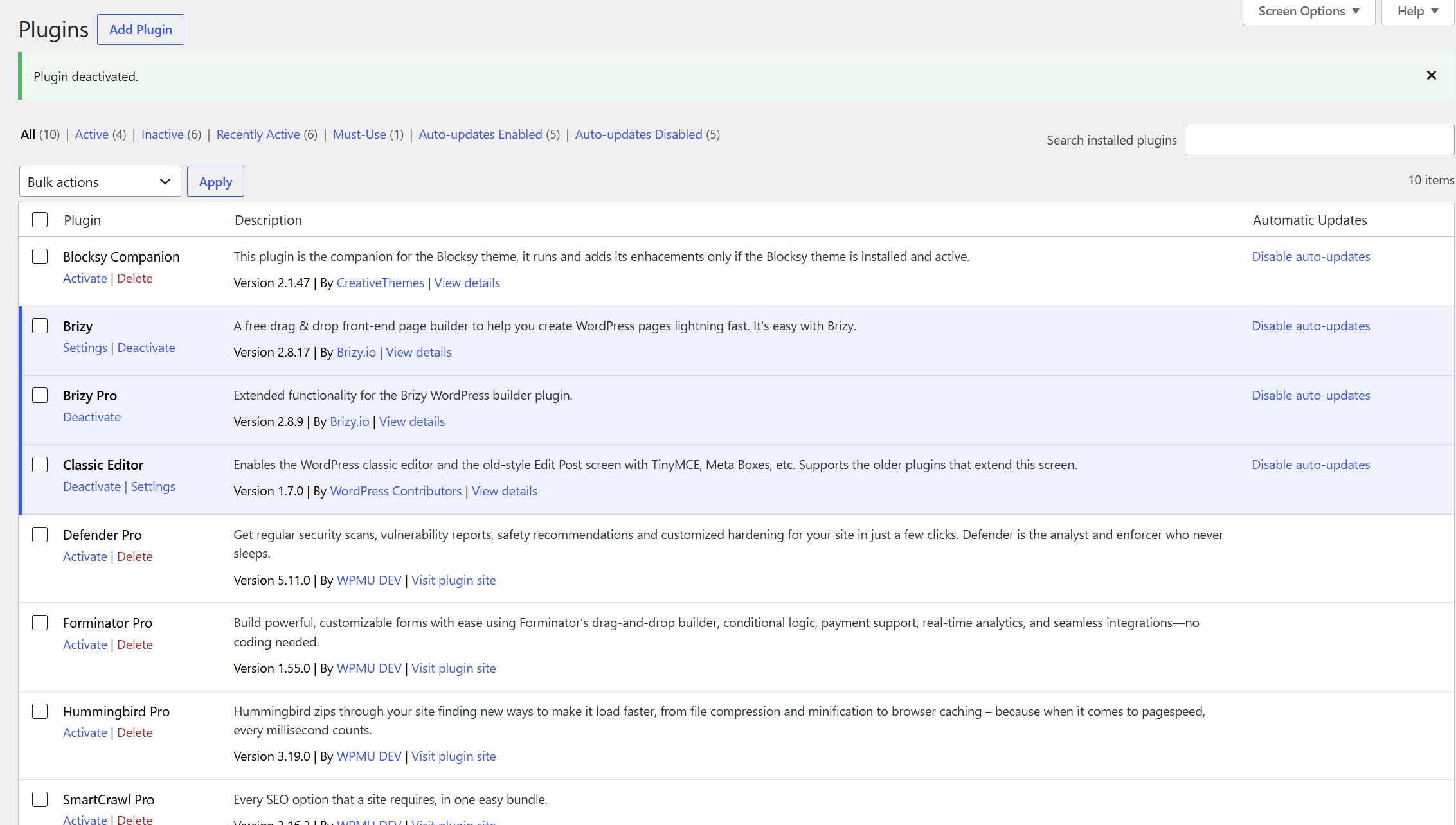
These are the only plugins activated.
0 -
Ariel -
I have taken the liberty of adding you as an Admin User at https://brackenrebuild-pilgrim.tempurl.host/wp-admin/ and set the Username to Brizy. You can then create a password for yourself, should you care to look at the site.
0 -
Hi Michael,
Thank you for your patience.
Upon checking, the issue appears to be caused by the image size. The background image you're using is approximately 9 MB, which is too large for web use. Large image files can take longer to upload and process, preventing them from displaying correctly.
I recommend compressing all of your images before uploading them. As a general guideline, a maximum width of 1600 px is usually sufficient for website backgrounds while still maintaining good quality. I also recommend saving them in WEBP format, as it provides excellent image quality at a much smaller file size.
I've recorded a short screencast demonstrating how to compress the image using Photopea:
https://youtu.be/GefmIaAC_HYYou can slow down the video playback if you'd like to follow the steps more easily.
Once you've optimized the images, please try uploading them again.
Kind regards,
Ariel H.0 -
I have turned on the already installed Smush Pro and optimized the images. That should do it then. Thanks
0
Please sign in to leave a comment.
Comments
7 comments