Brizy menu issue and page disappear

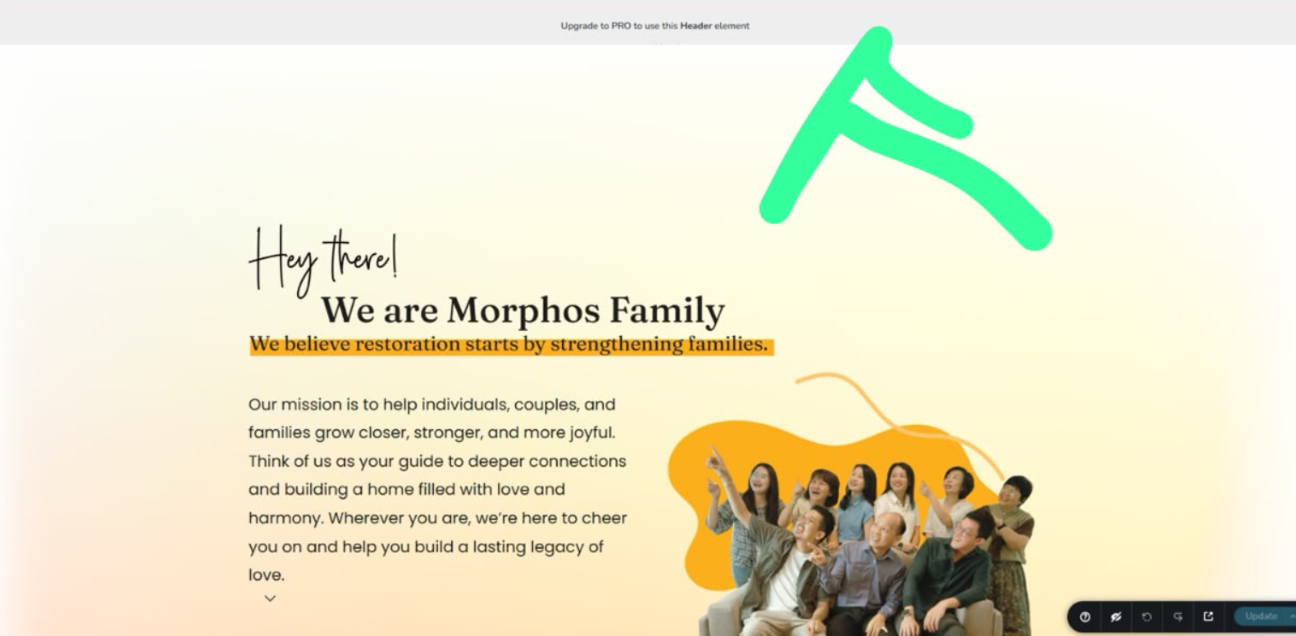
Renewal plan is on Sep 2026, and we have updated the plugin.
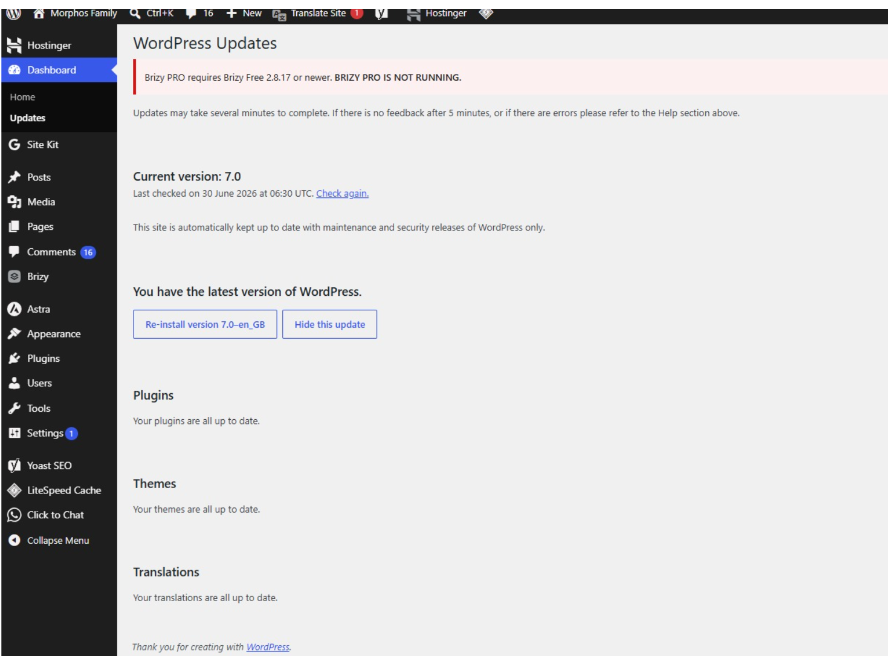
But still pops out this
(Briny Pro Require Brizy Free 2.8.17)
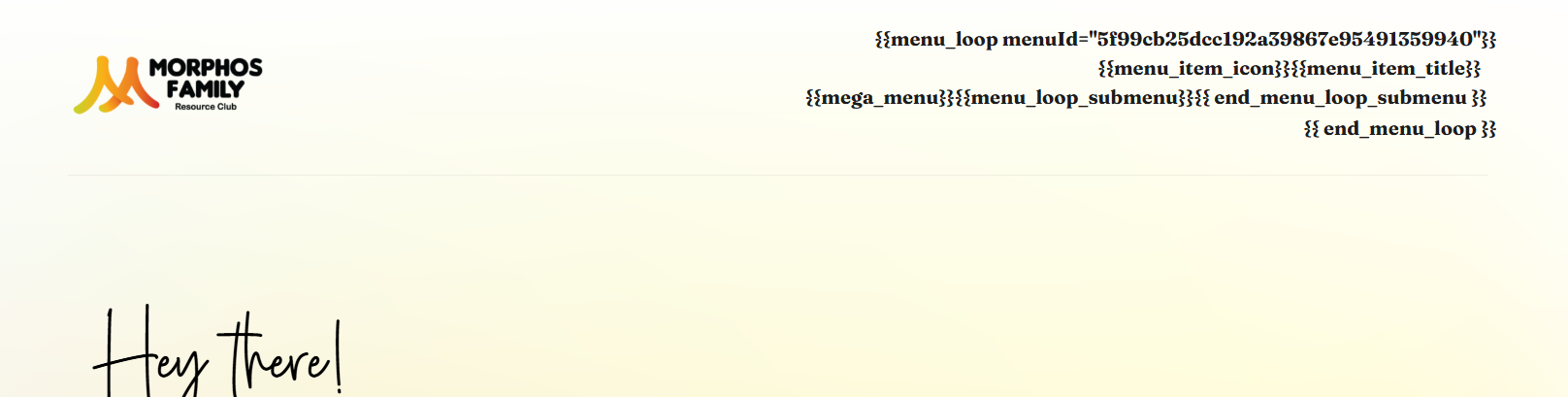
And the menu at ‘about us page’ disappears
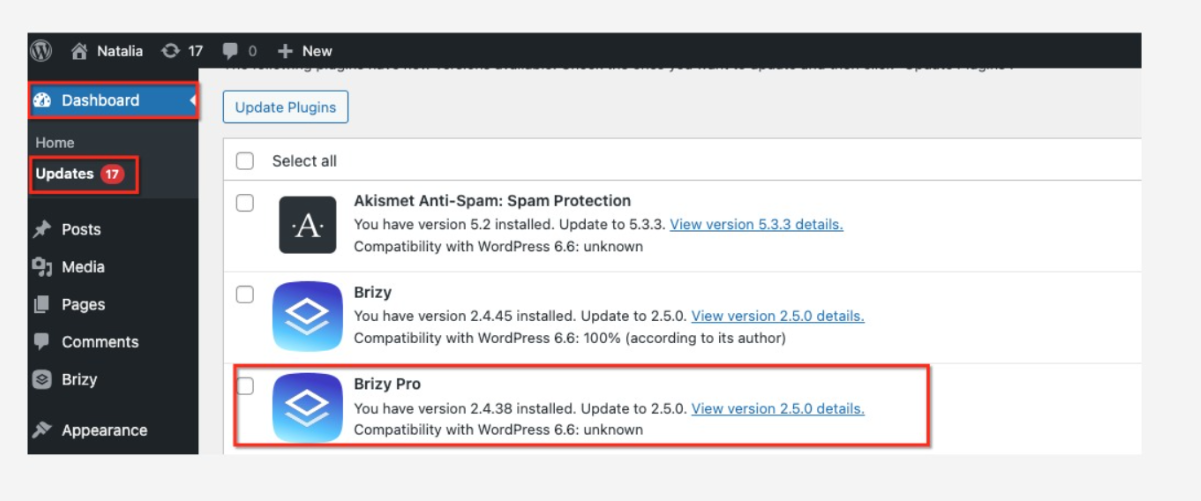
-

Hello Janet,
To fix the above issue, kindly roll back the Brizy plugin to its previous version following the 2 steps below
- Deactivate and delete the Brizy plugin
- Download Brizy 2.8.16 from https://jmp.sh/share/Zb7sXk7sIgz7HDCeYIZy and install it
By today or tomorrow, you may see an update notification for both Brizy and Brizy Pro plugins. Kindly update the plugins only when you see update notifications for both the plugins.
0 -
followed the instruction but it turned out like this:
 0
0 -

Hi Janet,
Please share your site’s credentials so we can inspect your site. Kindly add us as an Admin user to your WordPress Dashboard and send the following details to communitysupport@brizy.io.
- Community Post link: https://support.brizy.io/hc/en-us/community/posts/36819171373074
- WordPress Admin URL:
- Username:
- Password:
Looking forward to your reply.
Best regards,
Ariel H.0 -
Hi Janet,
I just wanted to follow up regarding the temporary WordPress Admin access we requested so we can check the issue mentioned in your community post. Please let us know once you’ve added us as an Admin user and sent the details to communitysupport@brizy.io.
Best regards,
Ariel H.0
Please sign in to leave a comment.
Comments
4 comments