Slide in effect disappeard from my website

Hello
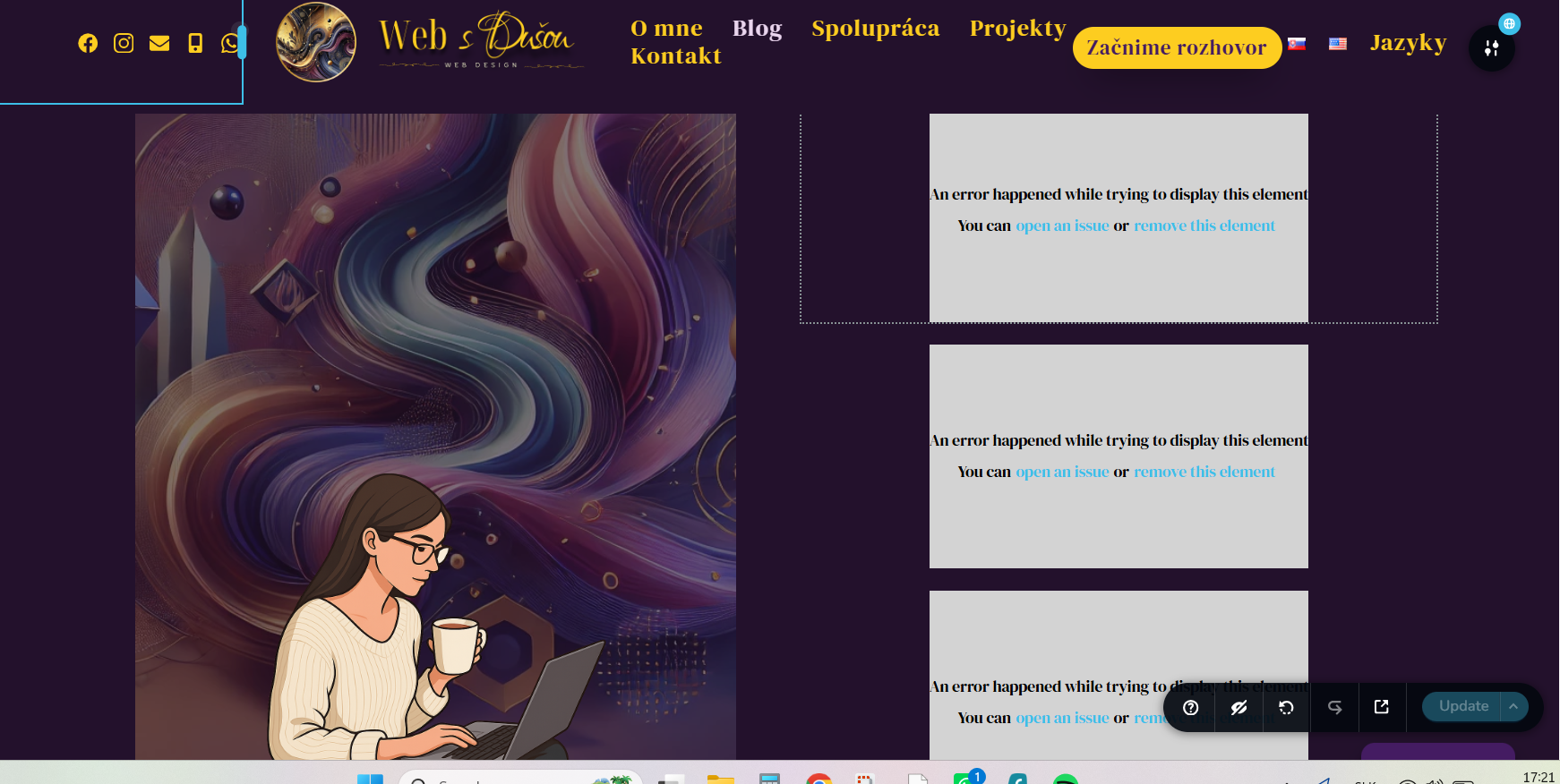
After the recent update, the slide in effect has disappeared from my website. I have it the hero section and this whole section is just not there on the frontend. Everytime I try to change it in the backend, the page reloads. Also if I just try to click into a text blok and make a change I get an error message.
Thank you
Lucy
-

Hi Lucia,
Thank you for reaching out, and we apologize for the inconvenience.
It appears that Brizy Pro may have been automatically updated first from v2.8.9 to v2.8.10. Unfortunately, WordPress did not detect that there was also an available update for Brizy, which resulted in a version mismatch between the two plugins.
To resolve this, please install the WP Rollback plugin. Once installed, you should be able to update Brizy to the latest version. I've created a short screencast demonstrating the process here:
After Brizy has been successfully updated, you can safely delete the WP Rollback plugin, as it is no longer needed.
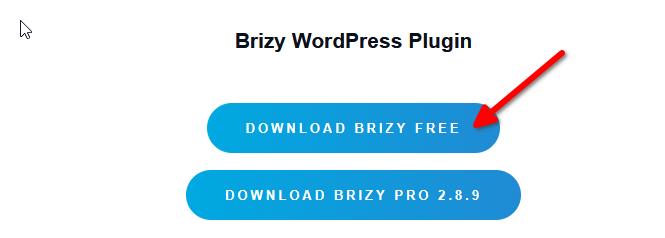
You may also login to your Brizy Account and download the latest version of Brizy Free and manually install it.
If this does not resolve the issue, could you please provide temporary administrator access to your WordPress dashboard so we can take a closer look?
Kindly send the following details to communitysupport@brizy.io:
Community post: https://support.brizy.io/hc/en-us/community/posts/36805393983890
WordPress Admin URL:
Username:
Password:We'll be glad to assist as soon as we have access.
Best regards,
Ariel H.0 -
Hello Ariel
Actually, I have already manualy updated Brizy Pro and Brizy to the latest version
(downloaded from my Brizy Account) I thought the problem migh have been, because I was one version behind. But it did not help.I have just created the user for you and sent credentials to communitysupport@brizy.io
Thank you for your help
Kind regards
Lucy
 0
0 -
Hi Lucia,
Thank you for providing access.
Unfortunately, we're currently unable to access your WordPress admin dashboard because logins from our location are being blocked.
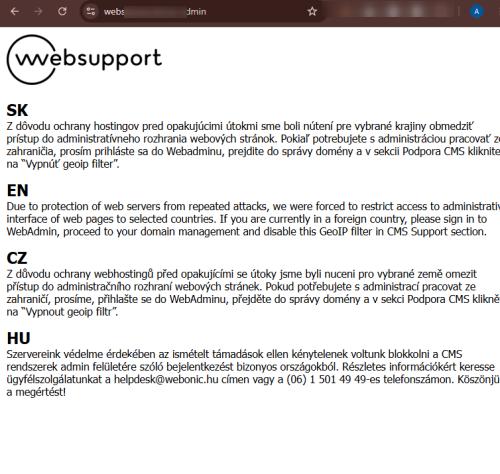
Could you please temporarily disable this restriction or whitelist 192.64.81.41 so we can inspect your website?
In the meantime, we've seen similar issues caused by optimization plugins. Could you also try temporarily disabling all optimization and caching plugins on your website to see if that makes any difference?
Kind regards,
Ariel H.0 -
Ok, you can now access my website.
0 -
Mobile menu a some buttons are also not working.
0 -
Hi Lucia,
Thank you for your patience.
We found that the issue is caused by a conflict with the W3 Total Cache plugin. When the plugin is disabled, the reported issues no longer occur.
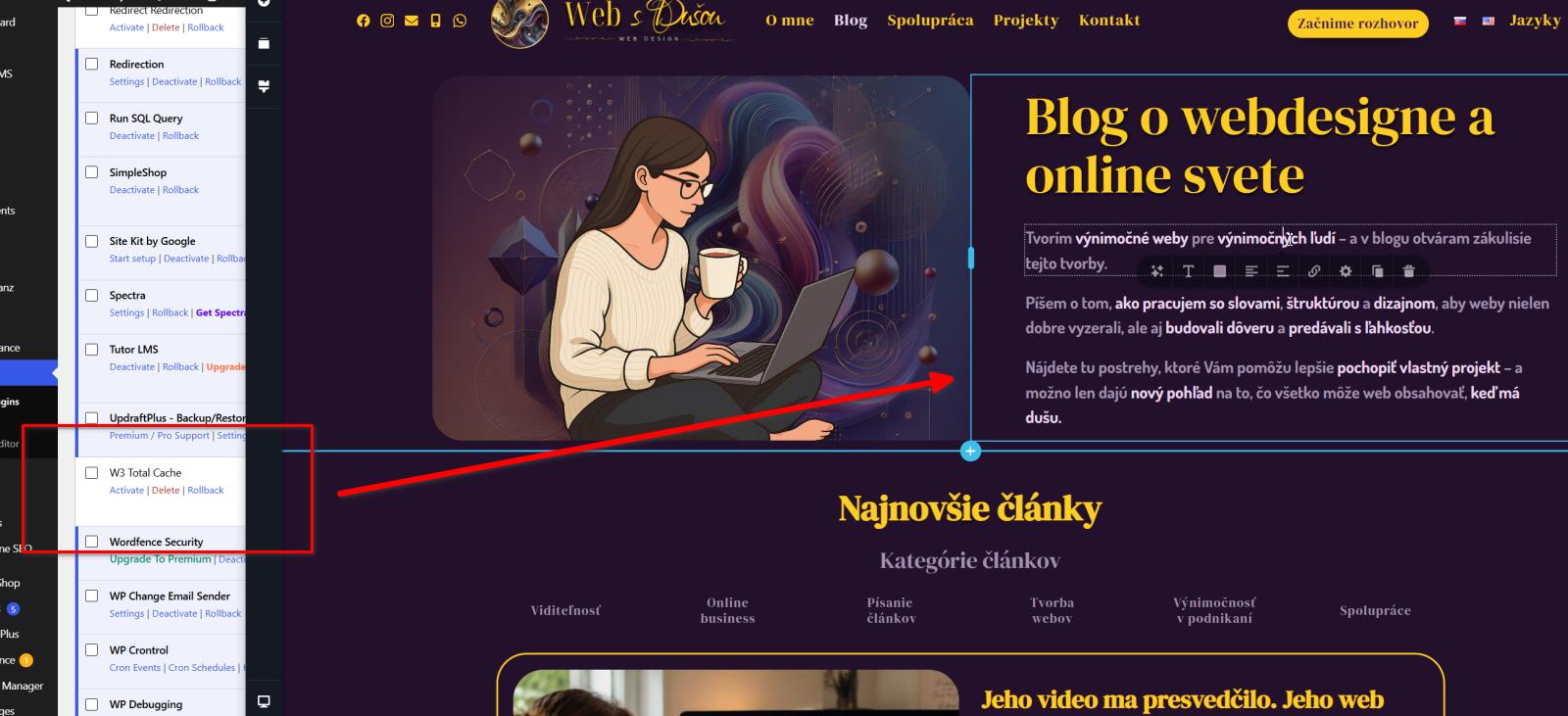
Could you please review your W3 Total Cache optimization settings? In some cases, aggressive optimization can cause layouts to break.
In particular, please check the following settings:
- CSS Minification
- JavaScript Minification
- CSS Combine (if enabled)
- JavaScript Combine (if enabled)
- Delay/Defer JavaScript execution (if enabled)As a starting point, we'd recommend temporarily disabling CSS/JS minification and combining, then clearing all caches (plugin, server, and browser) to see if the layout displays correctly. If that resolves the issue, you can re-enable the optimizations one at a time to identify which specific setting is causing the conflict.
If you have any further questions, please let us know.
Kind regards,
Ariel H.0 -
Hello Ariel
Thank you for the quick help.
All seems to be working now.
I will do, as you have suggested.
Kind regards
Lucy
0
Please sign in to leave a comment.
Comments
7 comments