Need fixed background image behind all Brizy sections

Hi,
Hi Brizy Support,
I’m trying to create a page where one background image stays fixed behind the entire page while the user scrolls through multiple sections/blocks.
I feel like there could be the possibility of the second section having a background/overlay still despite the fact that I already turned everything off. Just a feeling, idk.
Quick 1min loom video that shows you everything I mean: https://www.loom.com/share/d309d34a5d244a118d3cb10e63b63da7
Hopefully you can help me. It's rather frustrating. I feel like this should be way easier.
-Martin
-

Hi Martin,
Thank you for contacting us.
If you'd like to test a fixed background image across the entire page, could you try the following CSS and see if it works for your setup?
body {
    background: url('https://yoursite.com/wp-content/uploads/2026/06/background-image.jpg') center center / cover no-repeat fixed !important;
}

.brz-section,
.brz-container,
.brz-block {
    background: transparent !important;
}
I suggested this approach to another customer with a similar requirement, and it worked well for creating a single fixed background behind all page sections.
I've also created a short screencast demonstrating how it works:
https://youtu.be/THA4xNiEWugPlease give it a try and let us know how it goes.
Kind regards,
Ariel H.0 -
Awesome! Thank you, Ariel! That worked (for desktop).BUT...On mobile the background looks like trash for some reason :( (See pics)

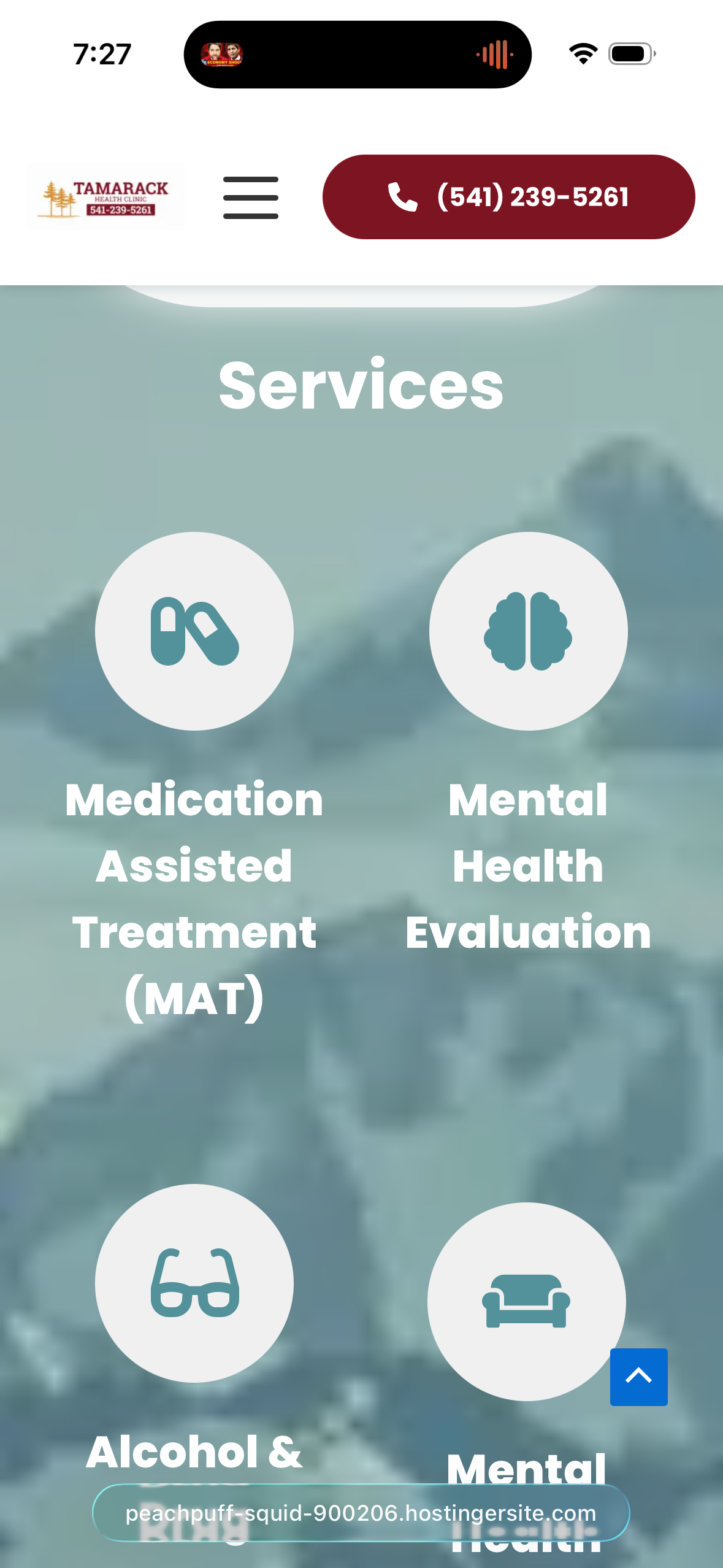 Any ideas on how to get the background to look good on mobile? I definitely need that fixed.Also, I do have to say... even though, this works, it's not ideal/optimal from an editing perspective since I can't actually see background in the editor. Is this something you guys can add as a function?
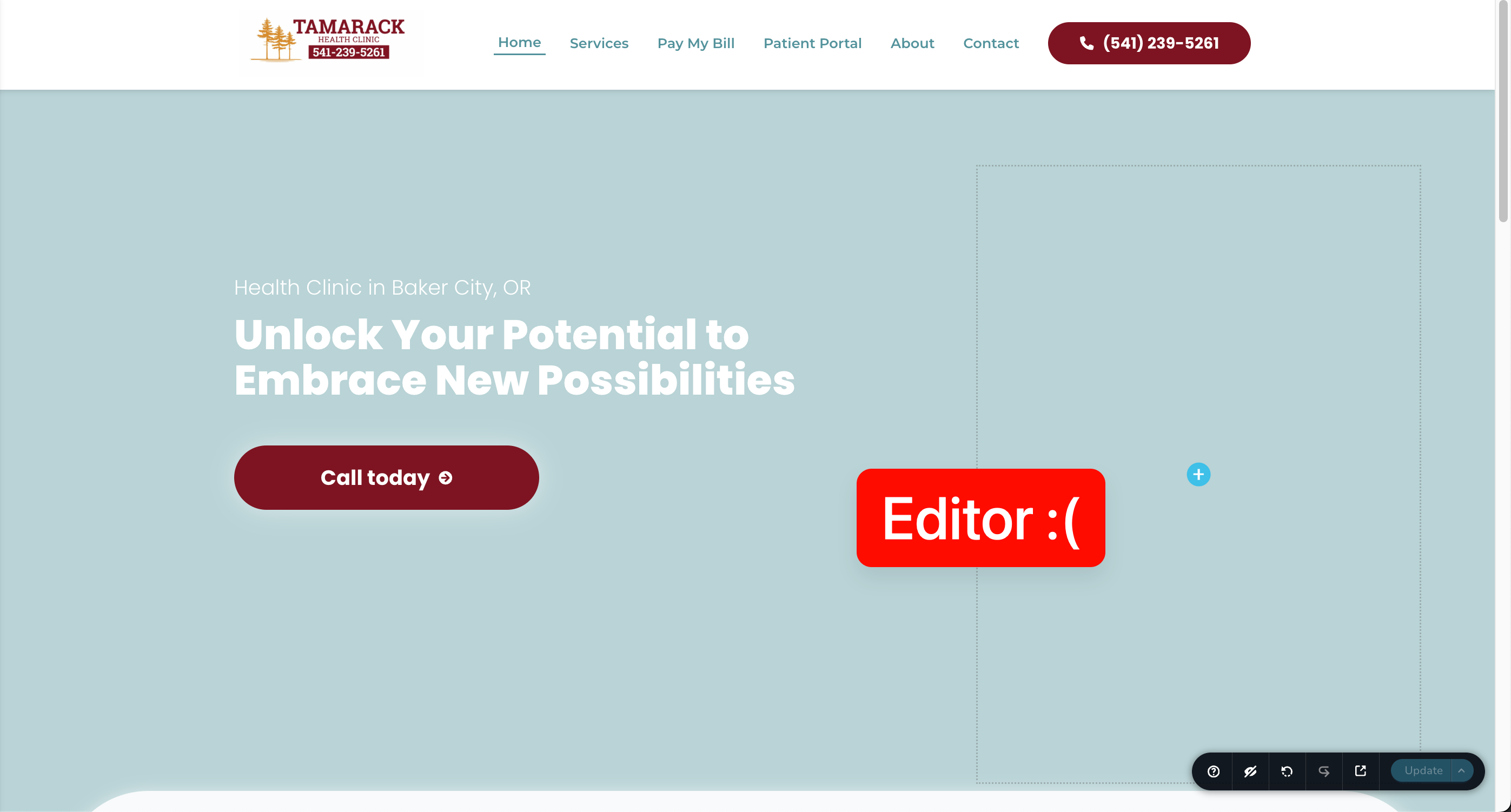 I appreciate your help!-Martin0
 -
Hi Martin,
Could you please try the updated CSS below and see if it produces the desired result on your end?
body::before {
    content: "";
    position: fixed;
    inset: 0;
    background: url('https://yoursite.com/wp-content/uploads/2026/06/background-image.jpg') center center / cover no-repeat;
    z-index: -1;
}

.brz-section,
.brz-container,
.brz-block {
    background: transparent !important;
}
If the issue persists, please provide temporary WordPress admin access so we can test it directly on your website. Kindly send the following details to communitysupport@brizy.io:
- Community post link: https://support.brizy.io/hc/en-us/community/posts/36589335409170
- WordPress Admin URL:
- Username:
- Password:
We'll be glad to assist as soon as we have access.
Best regards,
Ariel H.0 -
Background actually disappeared with that last code. I sent you guys an email with login. Thank you for all your incredibly fast help so far! I really appreciate it, Ariel.
0 -
Hi Martin,
We've created a separate background image for the mobile view so it fits phone screens better and displays more clearly.
Using the same background image for both desktop and mobile isn't ideal because desktop images are much wider. On mobile, the browser has to resize or crop the image, which can make it look blurry or poorly positioned.
By using a separate image, the desktop version remains optimized for larger screens while the mobile version is optimized for phones, giving a better result on both.This is demonstrated in this short screencast: https://youtu.be/buuia-EtNk8
0
Please sign in to leave a comment.
Comments
5 comments