Problem in page builder

Hi, I'm having this problem on several pages of my site. How can I fix it without rebuilding from scratch?
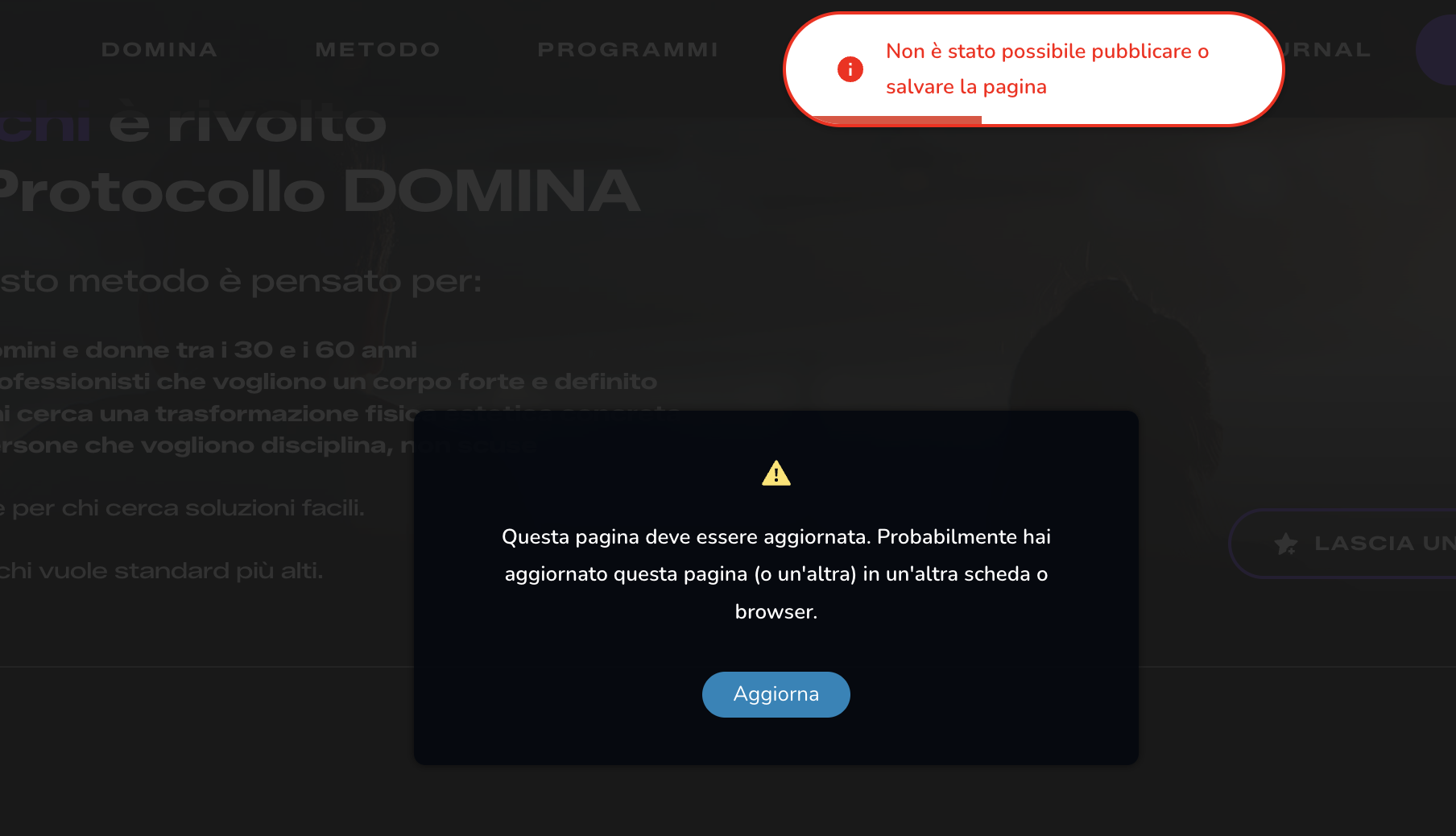
-

Hi Federico,
Thank you for reaching out.
Could you please provide temporary administrator access to your WordPress dashboard so we can take a closer look at the issue?
Kindly send the following details to communitysupport@brizy.io:
Community post link: https://support.brizy.io/hc/en-us/community/posts/36354980989970
WordPress Admin URL:
Username:
Password:We’ll be glad to assist as soon as we have access.
Best regards,
Ariel H.0 -
Hi Federico,
Thank you for your cooperation
Upon checking, the issue appears to occur only on larger pages, while smaller pages can save changes properly, this usually indicates server-side limits.
As a first step, please try increasing the PHP memory limit from 256M to 512M.
In cPanel, you can usually do this by:
1. Log in to cPanel.
2. Open MultiPHP INI Editor (or PHP Options / Select PHP Version, depending on your host).
3. Select the affected domain.
4. Locate memory_limit and change it from 256M to 512M.
5. Save the changes and test the page again.Additional instructions can be found here:
https://chemicloud.com/kb/article/how-to-increase-the-php-memory-limit-in-cpanel/If increasing the memory limit does not help, please check whether you have access to disable ModSecurity in cPanel:
1. Log in to cPanel.
2. Open ModSecurity under the Security section.
3. Locate the affected domain.
4. Temporarily disable ModSecurity.
5. Test the page again.If disabling ModSecurity resolves the issue, please contact your hosting provider and ask them to review their ModSecurity rules for your website.
You can also review the additional troubleshooting steps in our guide:
https://support.brizy.io/hc/en-us/articles/22590197512210Please let us know the results after trying the above steps.
Kind regards,
Ariel H.0
Please sign in to leave a comment.
Comments
2 comments