Menu Broken *4th time!

Hi,
For the 4th time, the menu is broken after Brizy updates.
Please CHECK before publishing updates! And solve this problem as soon as possibe.
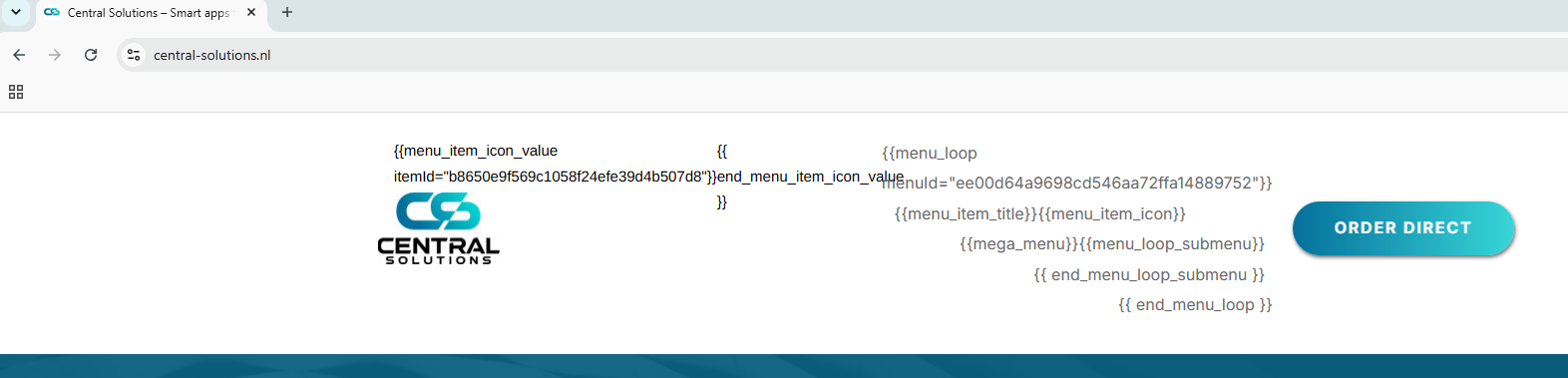
-

Hi Berry,
Thank you for reaching out, and we apologize for the inconvenience.
It appears that Brizy Pro may have been automatically updated first from v2.8.8 to v2.8.9. Unfortunately, WordPress did not detect that there was also an available update for Brizy, which resulted in a version mismatch between the two plugins.
To resolve this, please install the WP Rollback plugin. Once installed, you should be able to update Brizy to the latest version. I've created a short screencast demonstrating the process here:
After Brizy has been successfully updated, you can safely delete the WP Rollback plugin, as it is no longer needed.
Alternatively, you may delete Brizy, manually download the latest version from your account dashboard, and then upload it to your website.
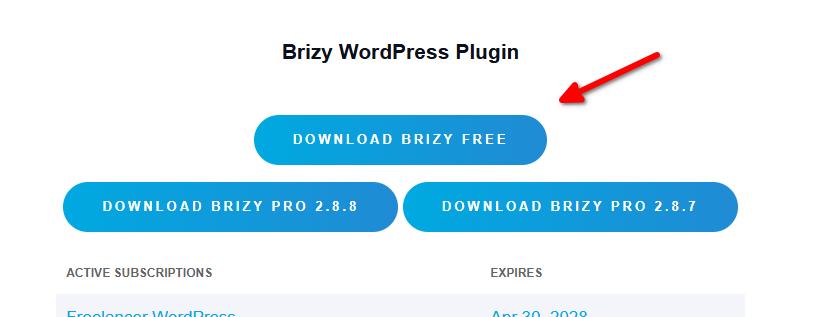
Please let us know if the issue persists after the update.
Kind regards,
Ariel H.0
Please sign in to leave a comment.
Comments
1 comment