Problem with hover on product

Hi there,
I am experiencing an issue on the Products page. When hovering over the product cards, the background image disappears:
Previously, this was working correctly, similar to the product/card hover behavior on the homepage:
Could you please check why the hover background image is disappearing on the Products page?
Thank you.
-

Hi Amir,
Could you please provide temporary administrator access to your WordPress dashboard so we can take a closer look at the issue?
Kindly send the following details to communitysupport@brizy.io:
Community post link: https://support.brizy.io/hc/en-us/community/posts/36277982984466
WordPress Admin URL:
Username:
Password:We’ll be glad to assist as soon as we have access.
Best regards,
Ariel H.0 -
Sent
0 -
Hi Amir,
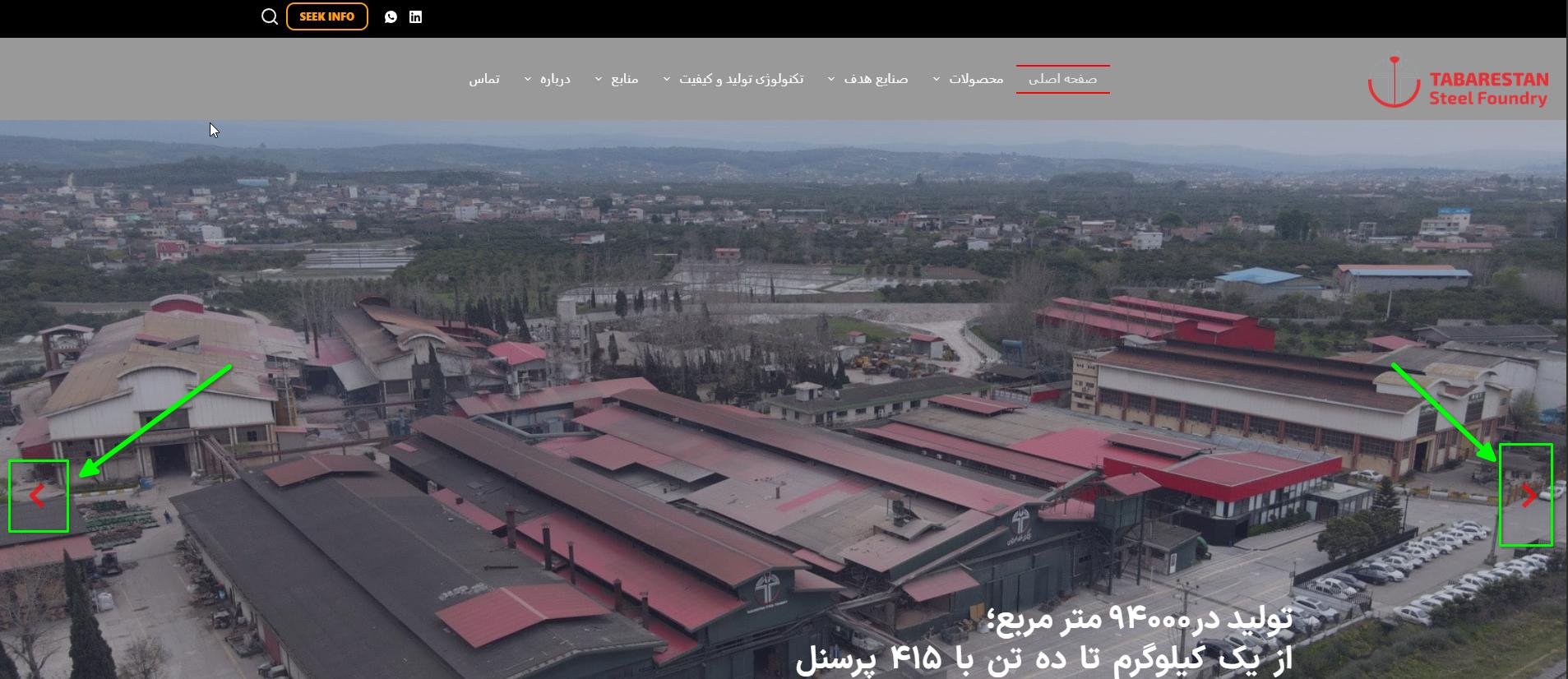
We've now fixed the reversed slider arrows on the translated page. Please check it on your end and let us know if everything is displaying correctly.
Kind regards,
Ariel H.0 -
Hi Amir,
Thank you for your patience.
The issue does not appear to be related to the inline CSS rule. Instead, it is related to how the Posts element loads the background image. The hover effect is unable to dynamically swap the Featured Image when the content is loaded from pages.
We tested the same setup with posts, and the hover effect works correctly there, as demonstrated on this test page:
https://staging.brizywp.site/wp/_demo01/Upon further checking, the current setup is not supported when the content is pulled from pages. As a workaround, I would recommend moving the product content to posts and individually editing the product pages with Brizy to achieve the desired hover effect.
Regarding the flipped slider arrows on the translated pages, the issue appears to be related to how Polylang translated the page. We were able to fix it by adding custom CSS to the blocks containing the sliders:
svg.brz-icon-svg {
    transform: scaleX(-1) !important;
}
This corrects the arrow direction on the translated version of the page.
Kind regards,
Ariel H.0
Please sign in to leave a comment.
Comments
4 comments