Brizy Free 2.8.15

I have the message: Brizy PRO requires Brizy Free 2.8.15 or newer. BRIZY PRO IS NOT RUNNING.
What shall i do
-

Hello Bo-Lennart,
These are the most recent Brizy versions.
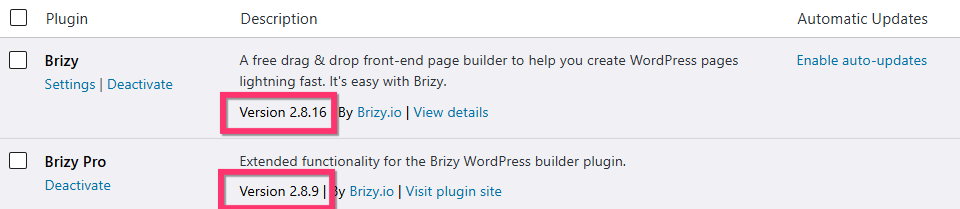
If you do not see an update notification for the Brizy plugin, kinly deactivate and delete Brizy and reinistall it from the WordPress plugin repository to get rid of the above error message.
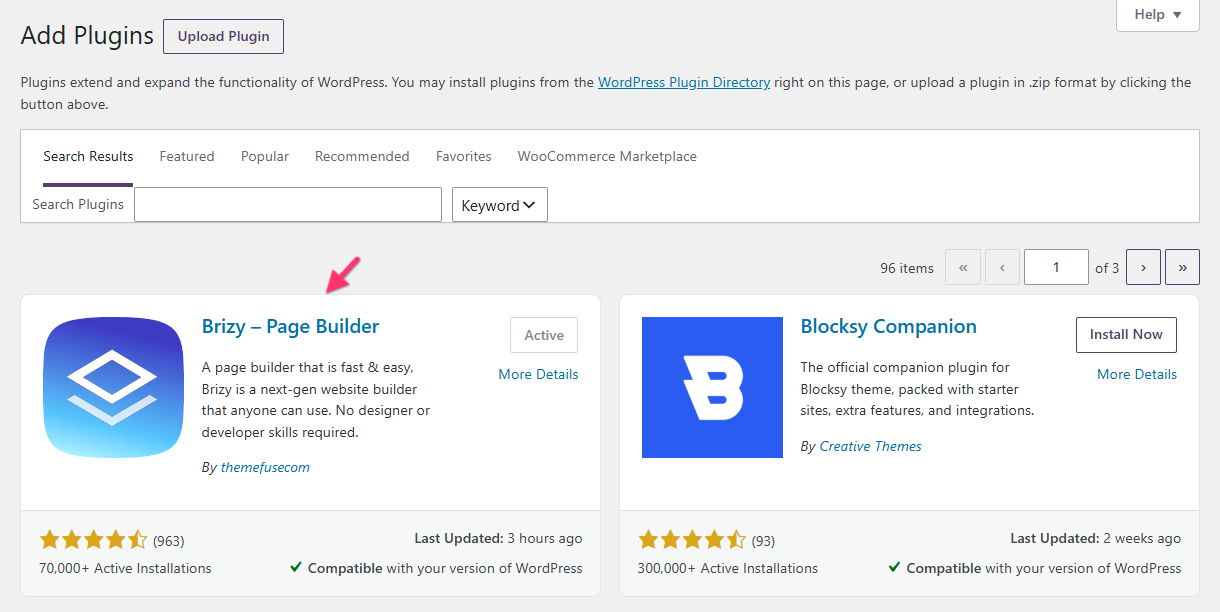
You can also download Brizy 2.8.16 from https://jmp.sh/EV2nPKrE and install it.
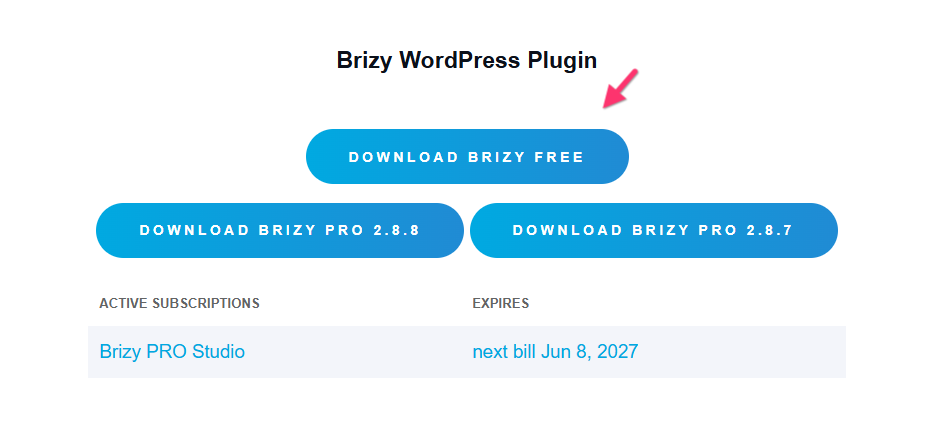
Brizy 2.8.16 is also available in your account dashboard. Please download and install it.
 0
0 -

I have the same issue and this cause more problems.
When I change brizy the site is broken.0 -

Hello
I have Brizy Pro 2.8.14 installed.
I have a similar issue. WordPress only has updates available for Brizy Pro.
I'm installing Brizy Pro, but I get an error: Brizy 2.8.16 is required.
I don't see a notification in the WordPress dashboard about a Brizy update being available.
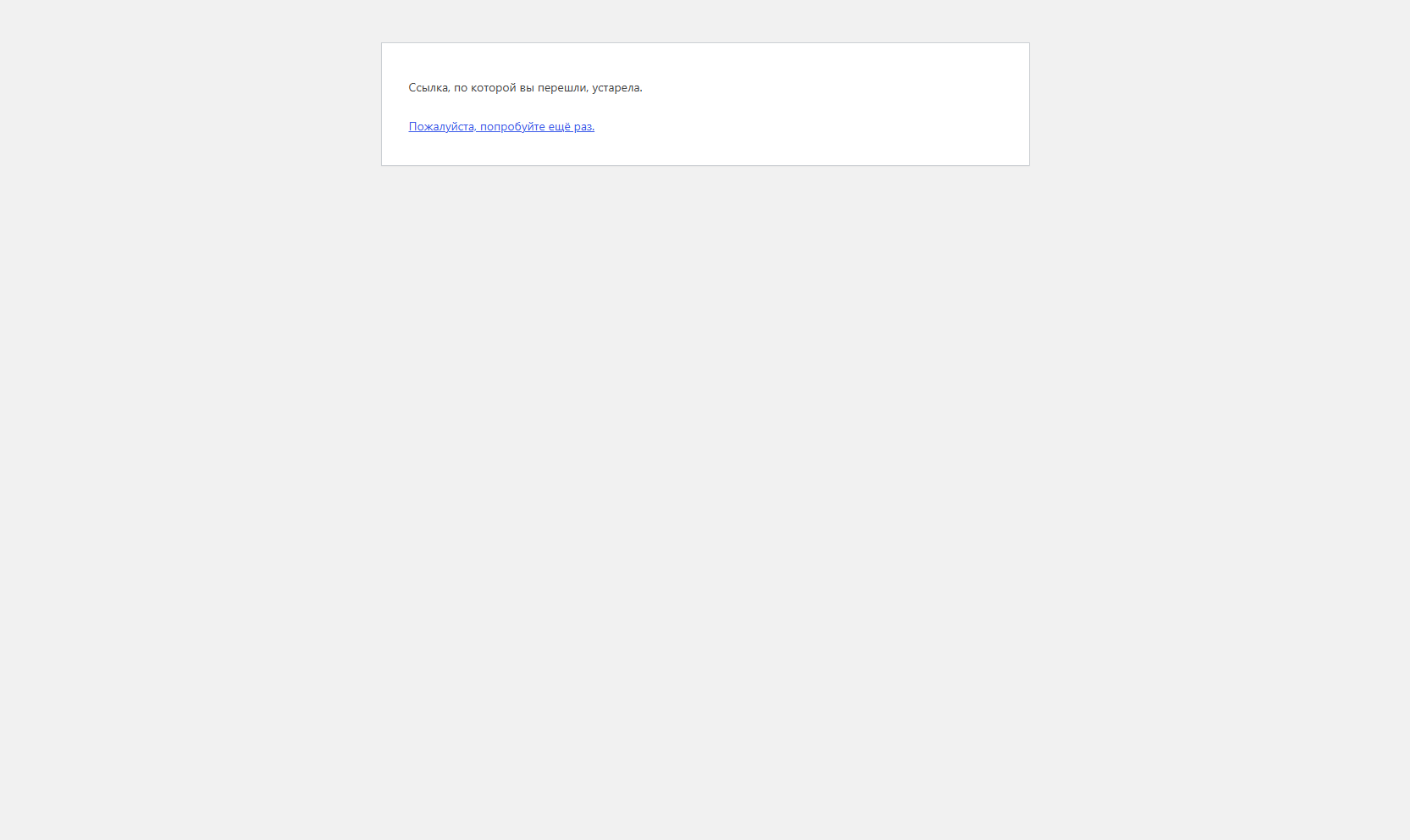
I download Brizy from the repository and install it, but I get an error: "Your link has expired."
Please fix this on your end.
0 -

Hi Terra and Timur,
Thank you for reaching out, and we apologize for the inconvenience.
It appears that Brizy Pro may have been automatically updated first from v2.8.8 to v2.8.9. Unfortunately, WordPress did not detect that there was also an available update for Brizy, which resulted in a version mismatch between the two plugins.
To resolve this, please install the WP Rollback plugin. Once installed, you should be able to update Brizy to the latest version. I've created a short screencast demonstrating the process here:
After Brizy has been successfully updated, you can safely delete the WP Rollback plugin, as it is no longer needed.
If this does not resolve the issue, could you please provide temporary administrator access to your WordPress dashboard so we can take a closer look?
Kindly send the following details to communitysupport@brizy.io:
Community post: https://support.brizy.io/hc/en-us/community/posts/36275151726098
WordPress Admin URL:
Username:
Password:We'll be glad to assist as soon as we have access.
Best regards,
Ariel H.0 -

I have done this and it has not solved the issue. It started with menus but this has now spread to anything that uses custom post types and any menu.
0 -

This is really bad!
The only upside... the problem isn't on my end.
The sites are down because the Brizy plugin isn't being updated.!?!?
I work with various website builders, but I've never experienced anything like this before.
0 -
Hi Edgar,
Thank you for your patience.
It appears that this may be related to server-side caching. During our testing, the issue was resolved by adding an extra URL parameter "?nocache=0" to the page URL.
This is demonstrated on this screencast - https://youtu.be/ZMiYGXnt-po
Adding a URL parameter like this effectively creates a unique URL, which can bypass cached versions of the page and force the server or caching layer to serve a fresh copy of the content. Since this resolves the issue, it suggests that an outdated version of the page may be stored in the server-side cache.
Do you have access to purge the server-side cache? If so, could you try clearing it and then test the page again?
If you do not have access to the server cache, we recommend contacting your hosting provider and asking them to purge any server-side caching that may be active for the website.
Kind regards,
Ariel H.0 -
Hi Rene,
We understand your frustration, and we sincerely apologize for the inconvenience this has caused.
Our team is actively working on a fix for the issue. In the meantime, could you please try the steps suggested in the previous support thread to update Brizy and let us know if you encounter any problems during the process?
Kind regards,
Ariel H.0 -
@Edgar Atukunda I uninstalled Brizy but left Brizy Pro installed.
Then I reinstalled Brizy by adding it via WordPress. The site is working again. Its not good at all, but it helpt.0
Please sign in to leave a comment.
Comments
9 comments