Problem with photo galleries on Firefox

Hello,
I have created a lot of websites with Brizy and I have identified a problem that appears on all photo galleries on Firefox (not on Chrome).
For example, the appearance of the photo gallery (set on justified) on the bottom of this page is ok on Chrome but not on Firefox.
https://www.villacaormina.com/la-villa/
Can you solve this problem please ?
Thanks for your quick answer!
-

Hi Chartron,
Thank you for contacting us.
We checked the gallery on our end and everything appears to be working correctly, including in Firefox, as demonstrated in this screencast: https://youtu.be/C5OSuem1DG4
Could you please try clearing your Firefox browser cache and then check the page again? If the issue persists, please also try viewing the page on another computer to see if the same behavior occurs.
Kind regards,
Ariel H.0 -
Ok thanks, can you check here also please ?
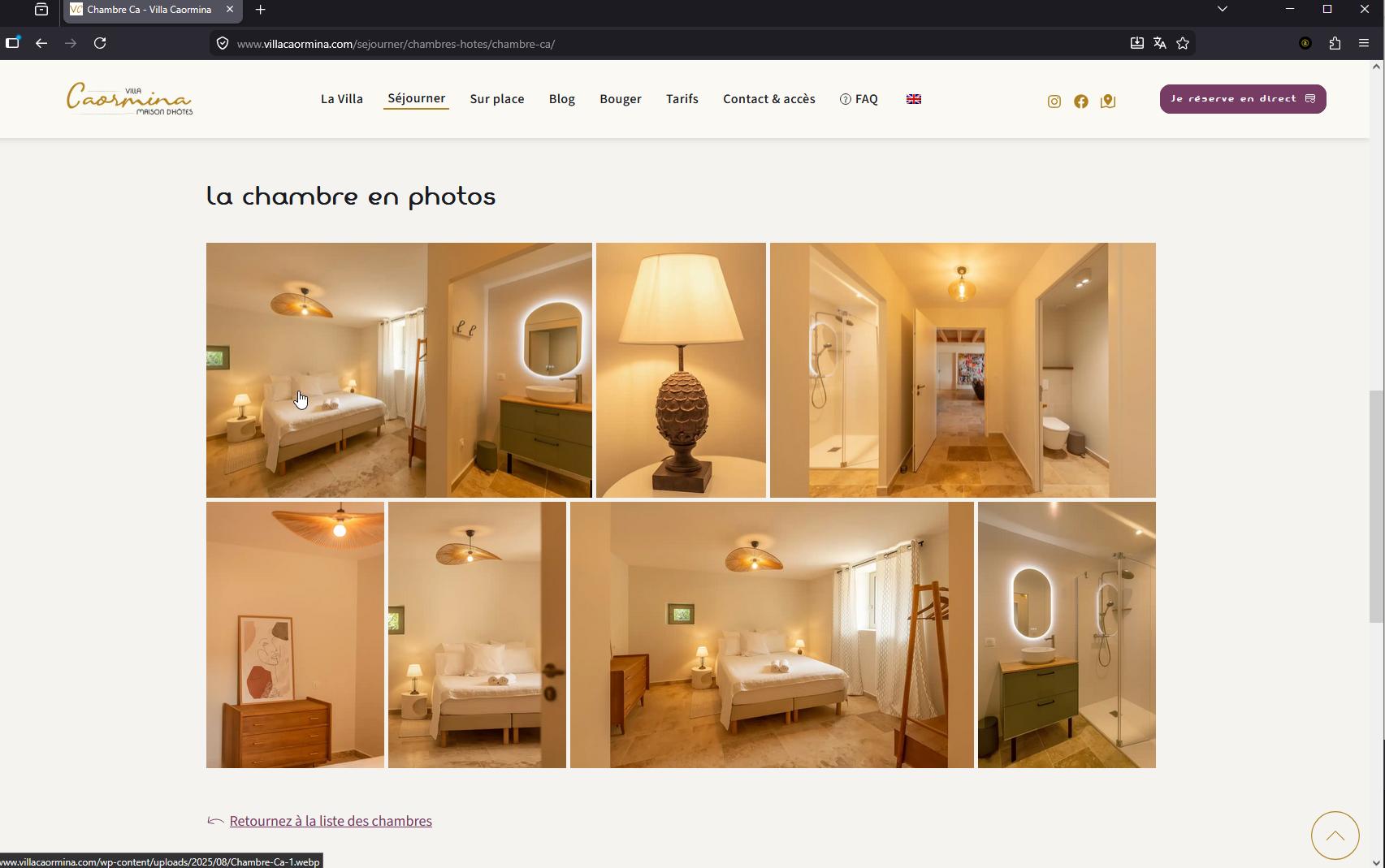
https://www.villacaormina.com/sejourner/chambres-hotes/chambre-ca/
0 -
Hi Chartron, this is how it looks like on my end.
 0
0 -
Not on my side (firefox Version 151.0.3 (64 bits)...
 0
0 -
Only works when the browser cache is cleared but not on the first connection.
0 -
Hi Charton,
Thank you for the update.
If the gallery only displays correctly after clearing the browser cache, could you please check whether you have access to purge the server-side cache as well? In some cases, outdated files may still be served from the hosting cache even after the browser cache has been cleared.
If your hosting provider offers any caching features (server cache, Varnish, LiteSpeed Cache, CDN cache, etc.), please try purging them and then test the page again in Firefox.
Kind regards,
Ariel H.0 -
Ok, thanks, it works !
0
Please sign in to leave a comment.
Comments
7 comments