Unable to select and edit any NEW templates?

I can search and they will appear but I'm unable to select them and start working on them?
-

Hello there,
I imported a template to a new project in your account. Kindly see my test at https://jmp.sh/5BOcatYH You can see the imported template at https://ferret011c0cb7.brizy.site. If you are still unable to import design templates to a project, kindly give us more details. Feel free to delete this project, after you have looked at it.
- Do you see an error when importing a template
- Are you not able to edit the template design
- Can you make a screen capture or a screenshot of the problem and share it with us?
0 -
Hi there,
I don't see any errors when attempting to select a template. When I hover over them with my mouse, they don't change like the below image (making it selectable). Nothing happens when I hover over them.
I no longer see "start with this design" as I only see the template even when hovering over.
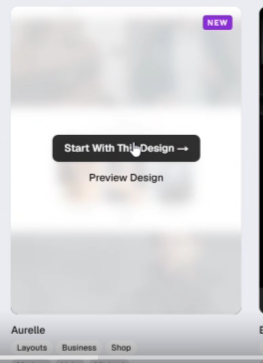 0
0 -
Hi there, hoping there's an update. Thank you
0 -
Hello Tom,
I checked this from your Brizy Cloud dasboard. When hovering over the templates, we do see the "Start with this design" and "Preview Design" options.
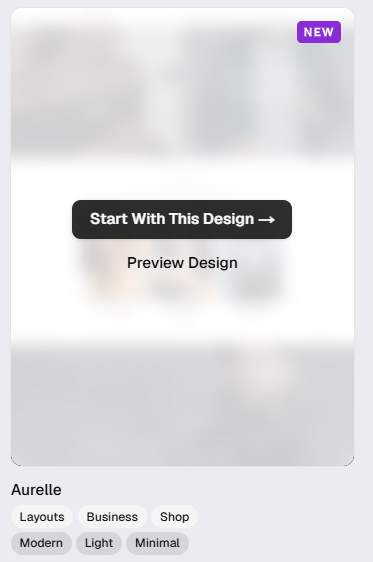
Can you do these two tests?
- Access the Brizy Cloud Dashboard using a different browser and check if you have the same problem
- Login in to your Brizy Cloud dashboard from a different computer and check if you experience the same problem.
0 -
Thanks KC George. The issue seems to be affecting one of my laptops(both chrome and edge) even after clearing cache. But I was able to select the templates on a different machine. Strange.. But thank you that got me further :)
0
Please sign in to leave a comment.
Comments
5 comments