Google Cloud Translation

Inserting key and tries to save it, then this message shows up:
key: Please provide a valid Google Translation Key.
0
-

Hello Benny,
I tried adding a Google Translations API key to a project and it worked at my end and could not reproduce the error.
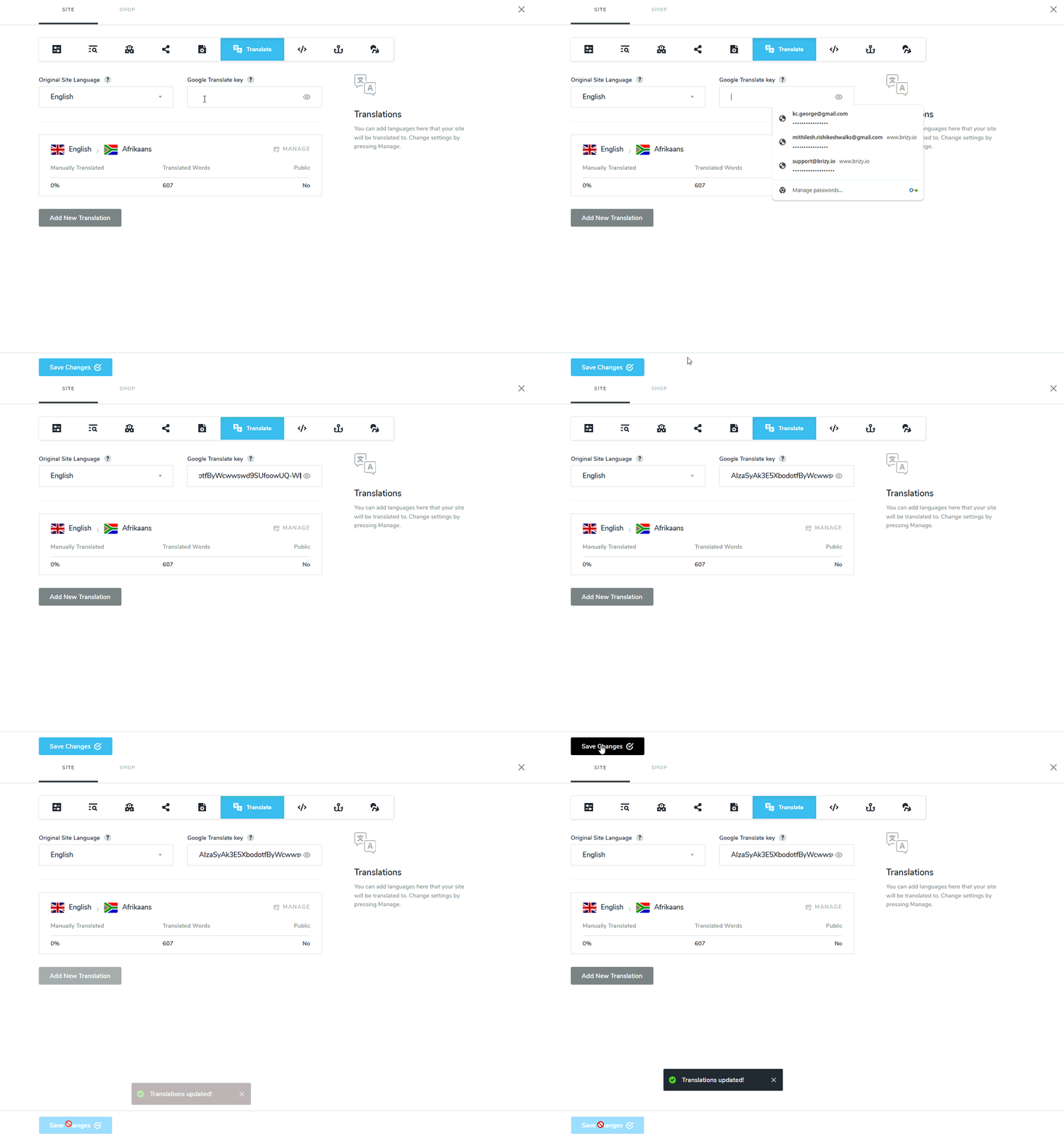
Please confirm if you have followed all the steps outlined at https://support.brizy.io/hc/en-us/articles/22465707546386 including
- Adding a billing account
- Adding a payment method
These steps are essential for the API key to work well. The first 500,000 characters per month are free for Google translation API key. You will be charged only if you use more than 500,000 characters of translations per month.
0
Please sign in to leave a comment.
Comments
1 comment