Tablet Horizontal Headerimage

Hi!
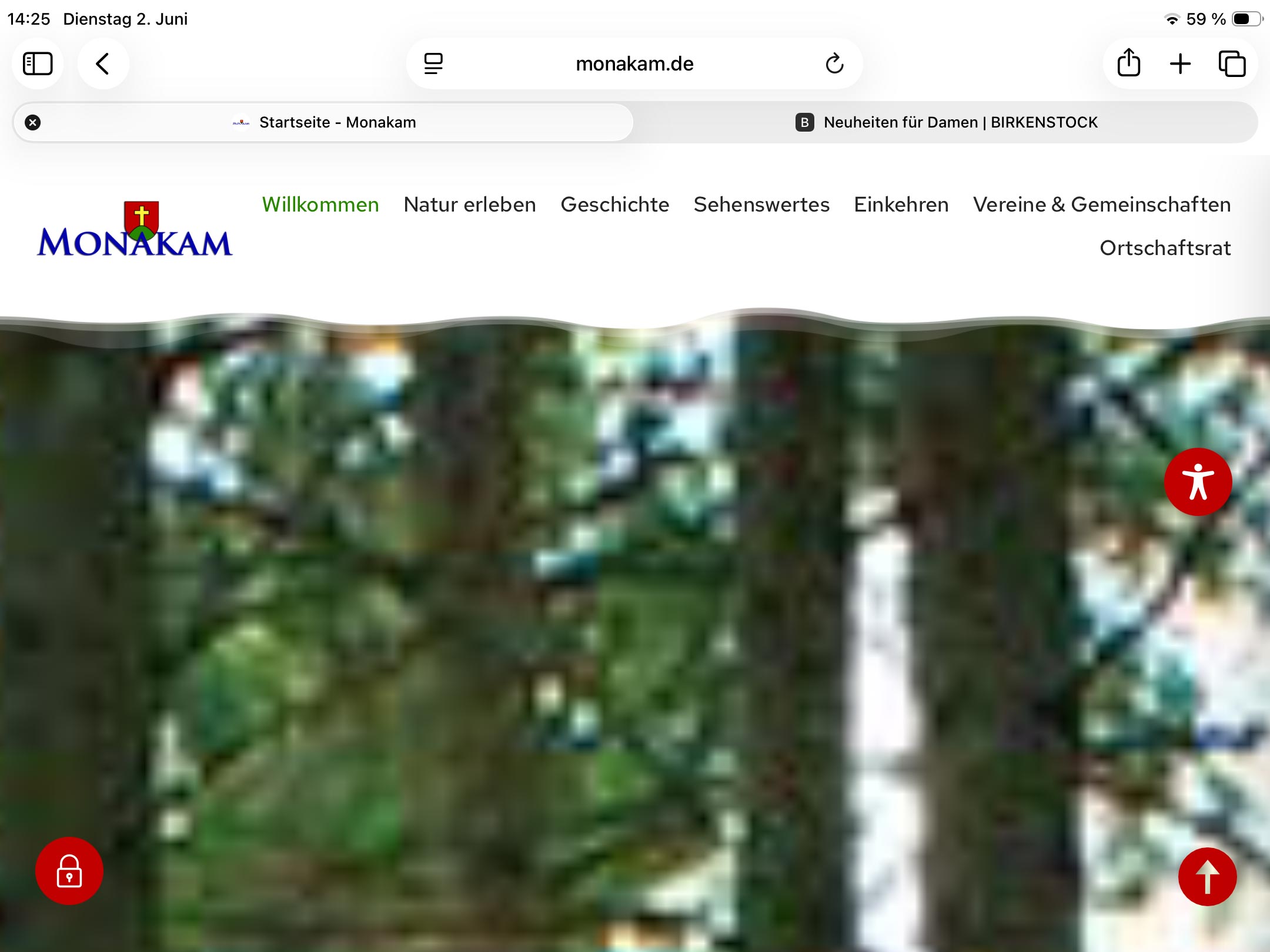
I created a website for a client who is now complaining that the header image looks completely pixelated on his tablet. At first, I didn't understand what he meant—until I realized he was using the tablet in landscape mode. And it really does look terrible. The problem is, I don't know how to fix it... unfortunately, Brizy doesn't offer any way to handle these kinds of specific edge cases.
Thank you,
Martin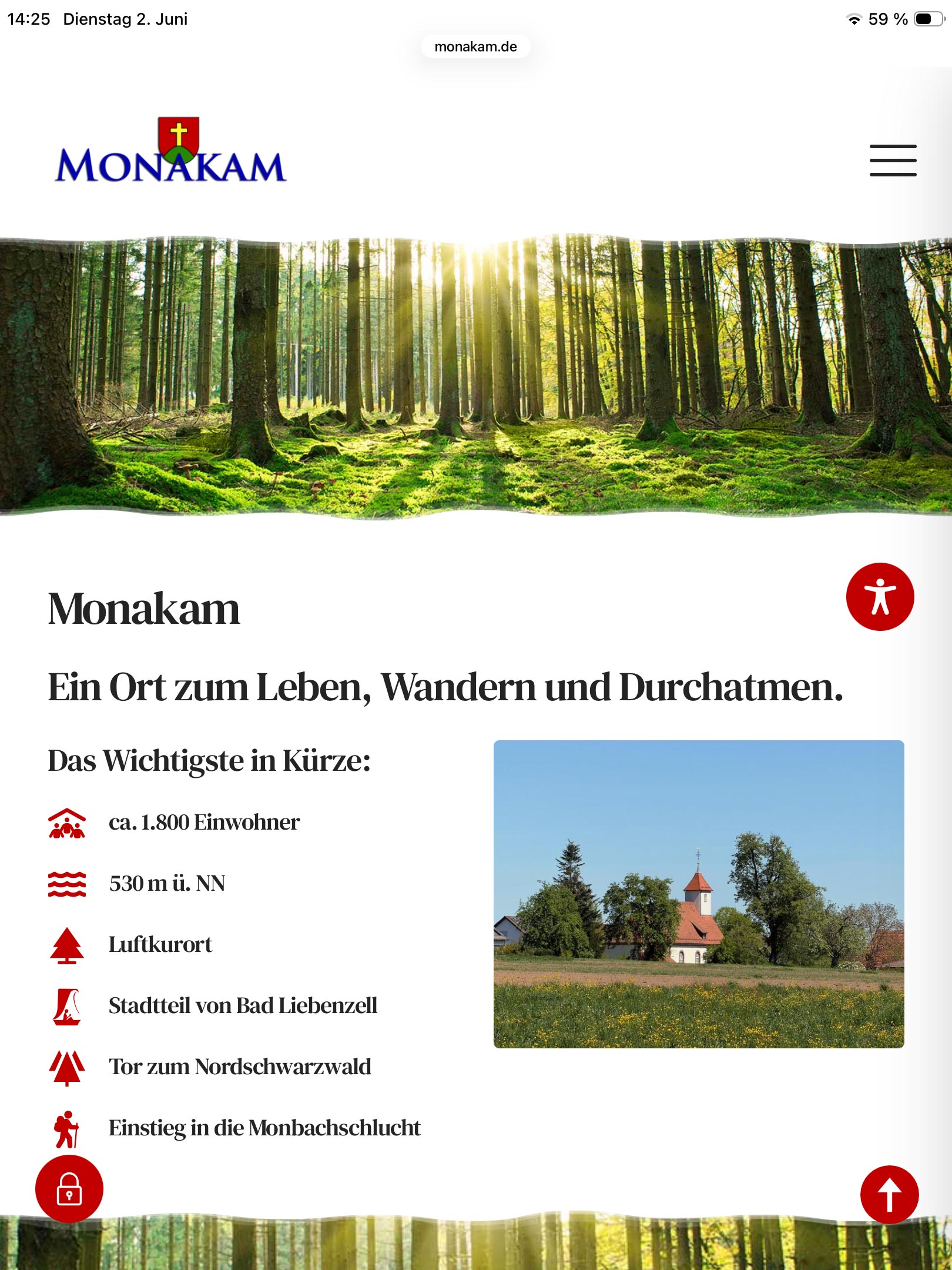
-

Hi Martin,
Thank you for the details.
The header background image currently appears to be 1382 × 922px. This may be too small for a full-width header, especially on tablets in landscape mode or high-resolution/retina screens.
If the image is set as a background with the Cover option, the browser may stretch and crop it to fill the entire header area, which can make it look pixelated at certain screen sizes.
Please try uploading a larger version of the image, ideally around 1920px wide or higher. Then replace the current header background image in Brizy and set the image size to Original.
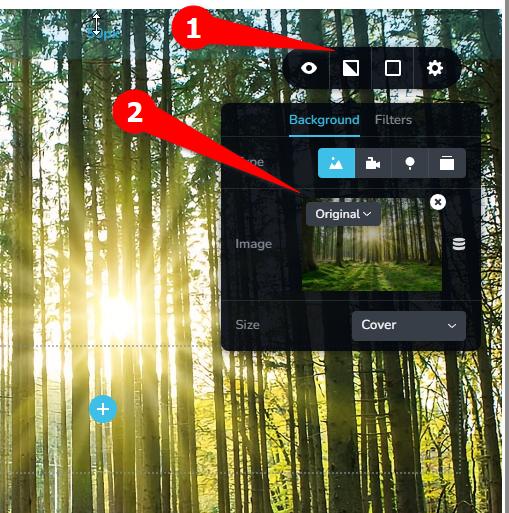
We also prepared an example using an AI-upscaled version of the background image. Could you please check if it still appears pixelated on your end?
https://staging.brizywp.site/wp/_test04/After that, please clear WP Super Cache and your browser cache, then check the page again on the tablet in landscape mode.
Best regards,
Ariel H.0 -
Hi Ariel,
The size of the image cannot be the problem here. On my massive Retina display, the image still looks fine; therefore, it should definitely work on a tablet with its much lower resolution. Furthermore, a forest image like this cannot simply be used at any arbitrary size on a website, as the textures are highly complex and the file size quickly becomes far too large. The image currently in use strikes a good balance between storage requirements and image quality. Nevertheless, changing the image size setting to "Original" did not resolve the issue...
Thank you,
Martin0 -

Hello Martin,
While the tablet is in landscape mode, refresh the page by clicking the "Reload" icon in the browser address bar and see if the image displays at the correct resolution.

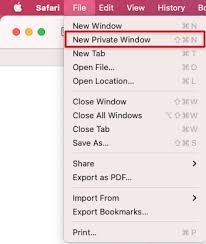
While maintaining the tablet in landscape orientation, try accessing the page in a new private window of the browser to see if the image quality issue is rectified.
 0
0 -
Hi George,
I tried but had no success...
Thank you,Martin
0 -
Hello Martin,
Are you experiencing the issue on a specific tablet model or multiple tablets? If the issue occurs on a single tablet, please share the brand and the model number so that we can check it at our end
0 -
Please also test the page at https://brizy.digital/test/ on your tablet and let's know if the issue persists.
0 -
Hi George,
the issue appears on different devices. The customer sent me the issue with a picture of his tablet (see below) but I don't know exactly which device this is. So I tested with an IPad 9.th generation iPadOS-Version 26.5 and had the same issue.
On your test page everything works fine!
Thank you, Martin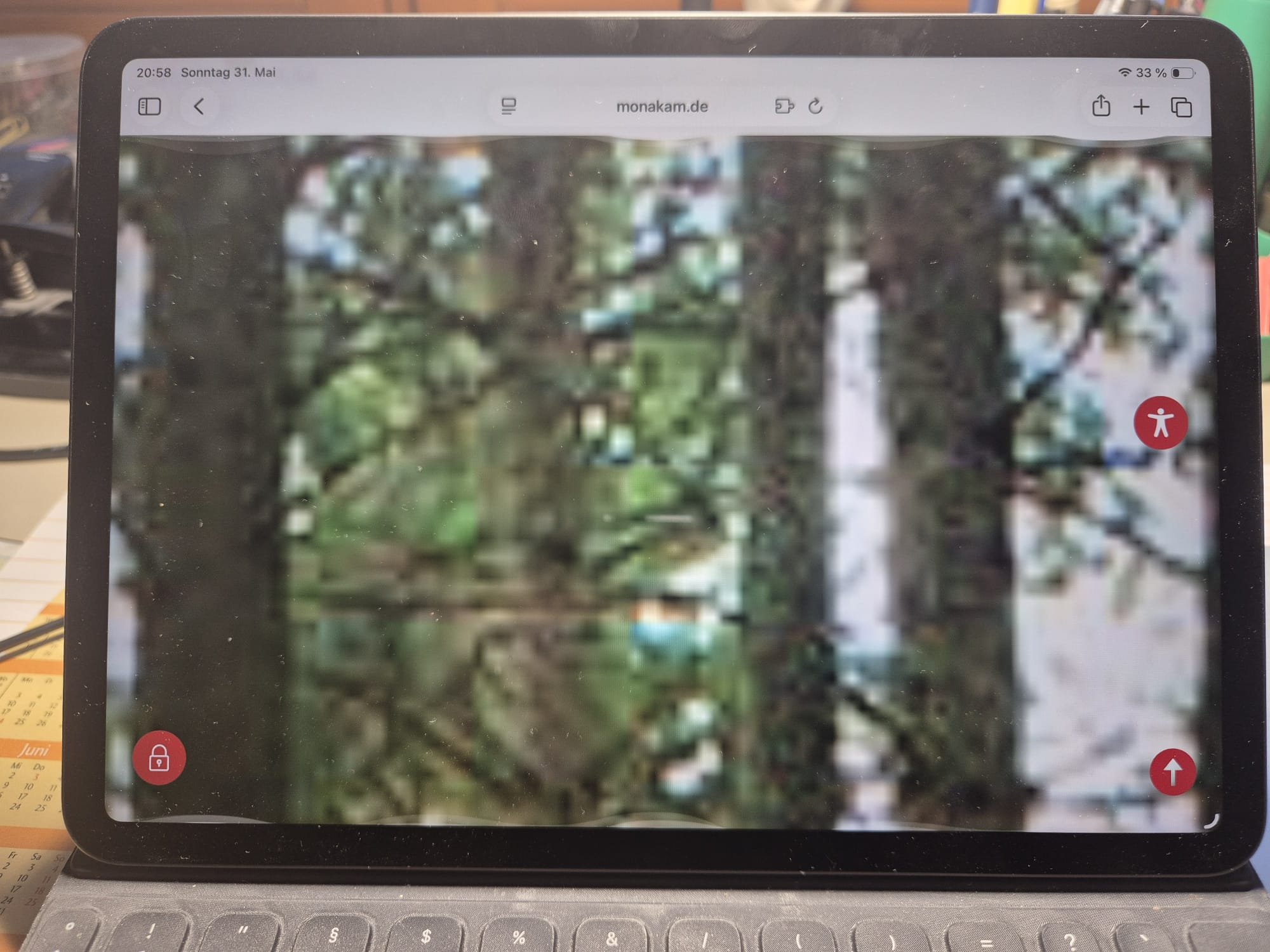 0
0 -
Hi Martin,
Thank you for the update.
This appear to be a glitch on our end, this issue occurs when the Parallax effect is set to Fixed on the background image - https://youtube.com/shorts/jHSslgHxgcU
If you set the Parallax effect to None, the background image should no longer appear blurry or pixelated.
I’ll ask a colleague to look into this further and will get back to you as soon as I have an update. In the meantime, please set the Parallax effect to None for that background image.
Best regards,
Ariel H.0
Please sign in to leave a comment.
Comments
8 comments