Probleme cu fonturile

Buna ziua,
Tot am o problema cu fonturile custom incarcate in Brizy.
Ori de cate ori apar update uri la tema, la wordpress la Brizy dispar fonturile selectate de mine si trebuie sa intru de fiecare data sa editez paginile ca sa se incarce.
Cum facem sa nu se mai intample asa ceva?
-

Hi,
Thank you for reaching out.
A theme update should not normally remove or reset custom fonts uploaded in Brizy, since those fonts are managed by Brizy/Brizy Pro rather than the active theme.
From what you described, it sounds like the font files or Brizy’s generated styling may not be loading correctly after the theme update, and opening/saving the pages in Brizy forces the styles to regenerate.
Could you please check the following?
1. Make sure Brizy and Brizy Pro are updated to the latest compatible versions.
2. Before updating your theme, disable all other plugins except Brizy and Brizy Pro to rule out any possible plugin conflicts.Please try this and let me know how it goes.
Best regards,
Ariel H.0 -
Acum nu mai pot verifica pentru ca am facut toate update urile.
Dar da, desi brizy era actualizat la ultima versiune - nu erau update uri de facut la el -
faptul ca am avut de updatat tema Blocksy si plugin ul lor mi a dezactivat fontul pe care l am folosit cu brizy.
Eu folosesc header si footer ele temei. Posibil ca asta sa fie motivul .. ?0 -
Hi,
Thank you for the update.
Brizy custom fonts should not normally be removed by a theme update, but the theme/plugin may override the font on the front end until the Brizy styles are fully loaded.
Please monitor this and let us know if you have any further questions.
Best regards,
Ariel H.0 -
uite aici
Asa se vede cand sunt in icognito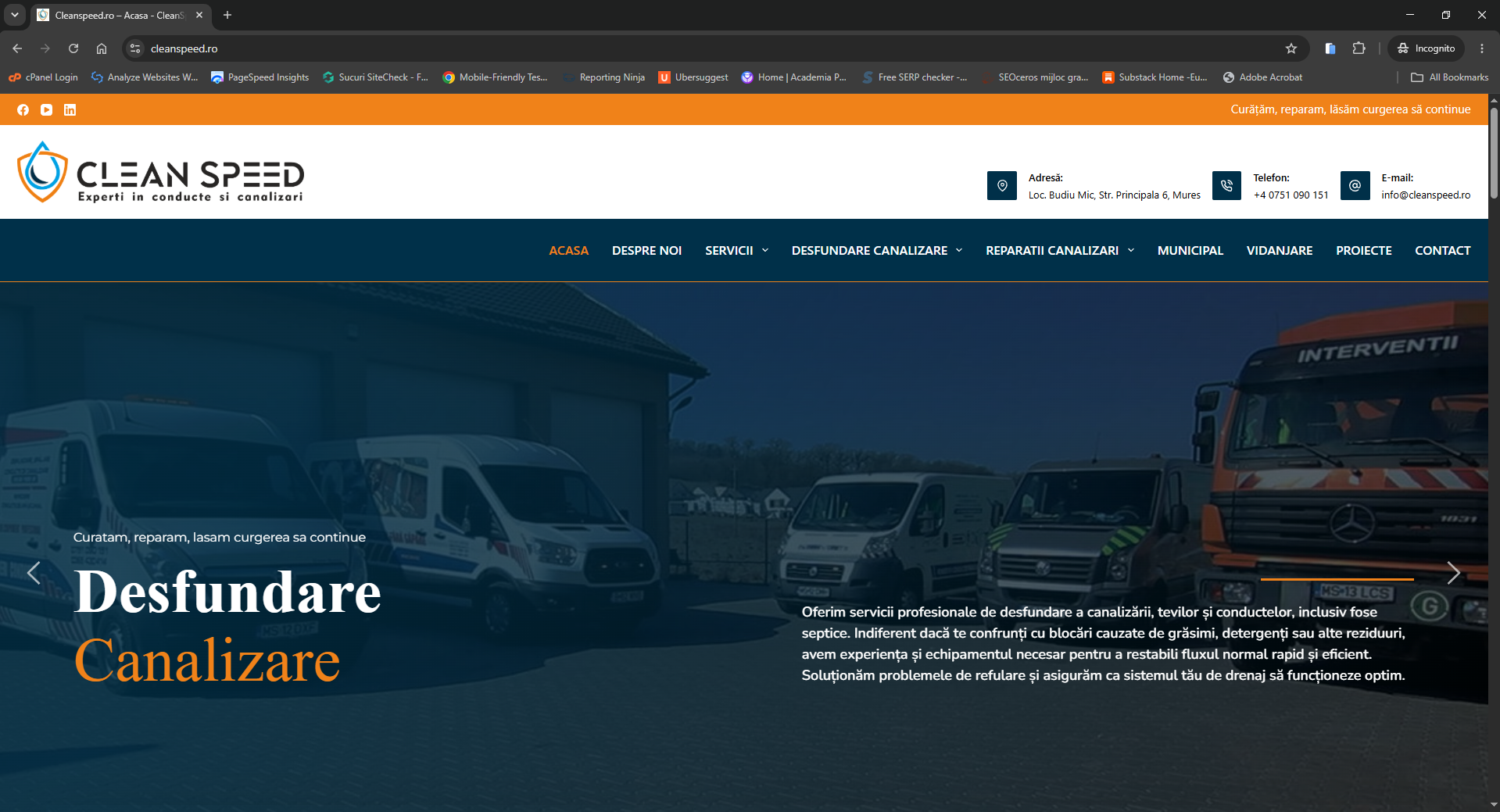
Dar cand ma loghez se vede asa:
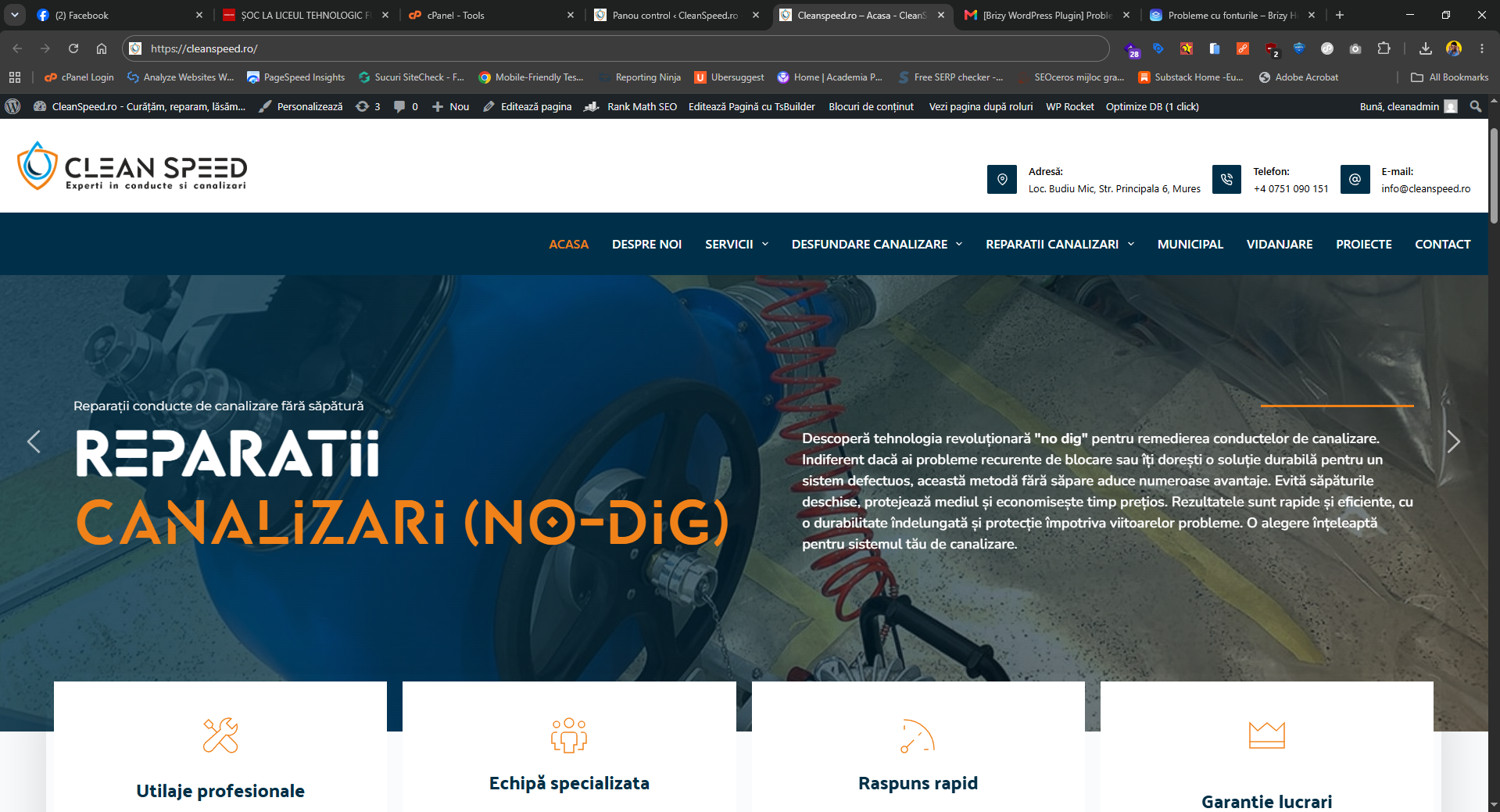
Nu am facut update la nimic. Brizy este ultima varianta.
astea sunt update urile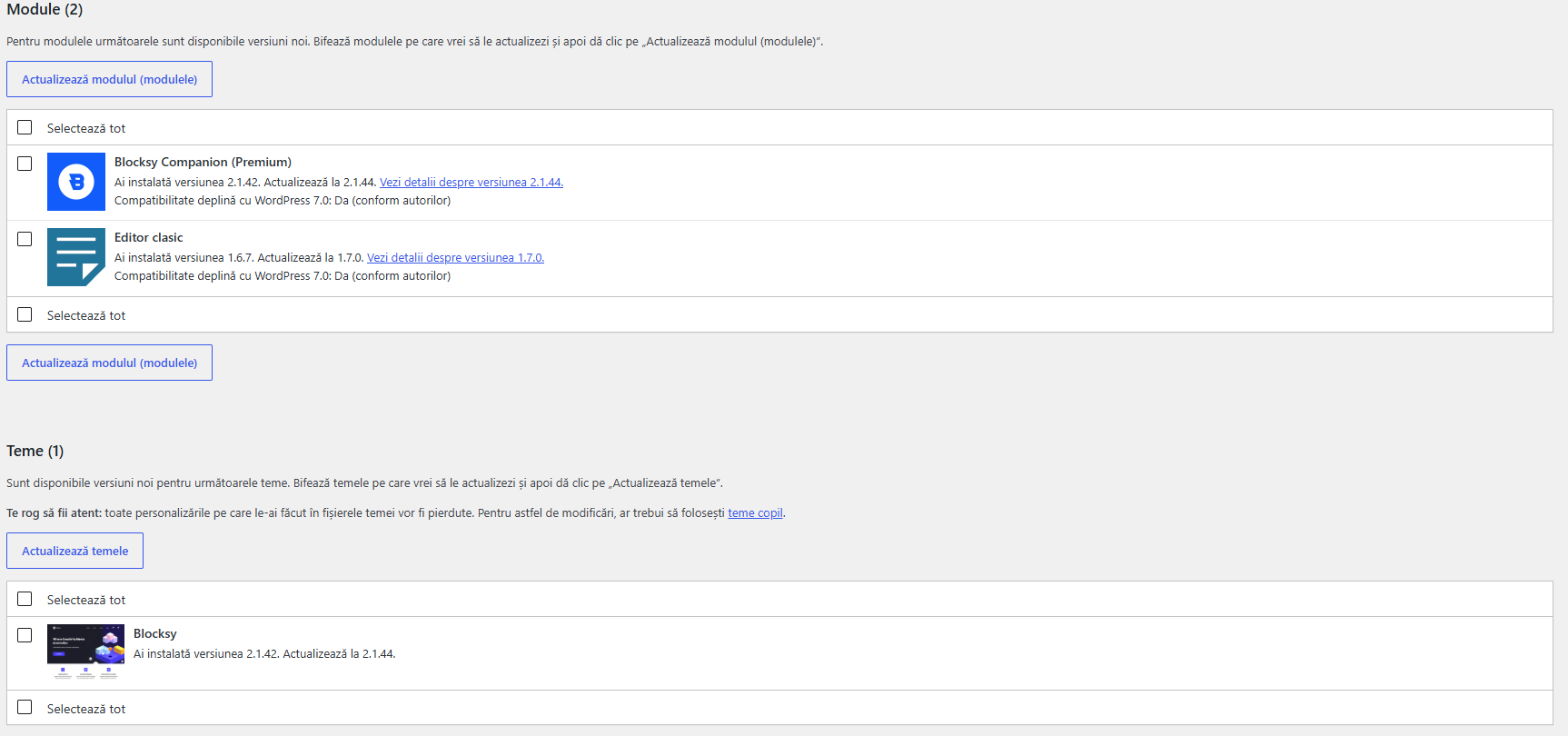 0
0 -
Hi Terra,
I checked the site, and this looks like a caching issue.
The fonts do not load correctly on the normal website link, but they appear correctly when a small URL parameter is added.
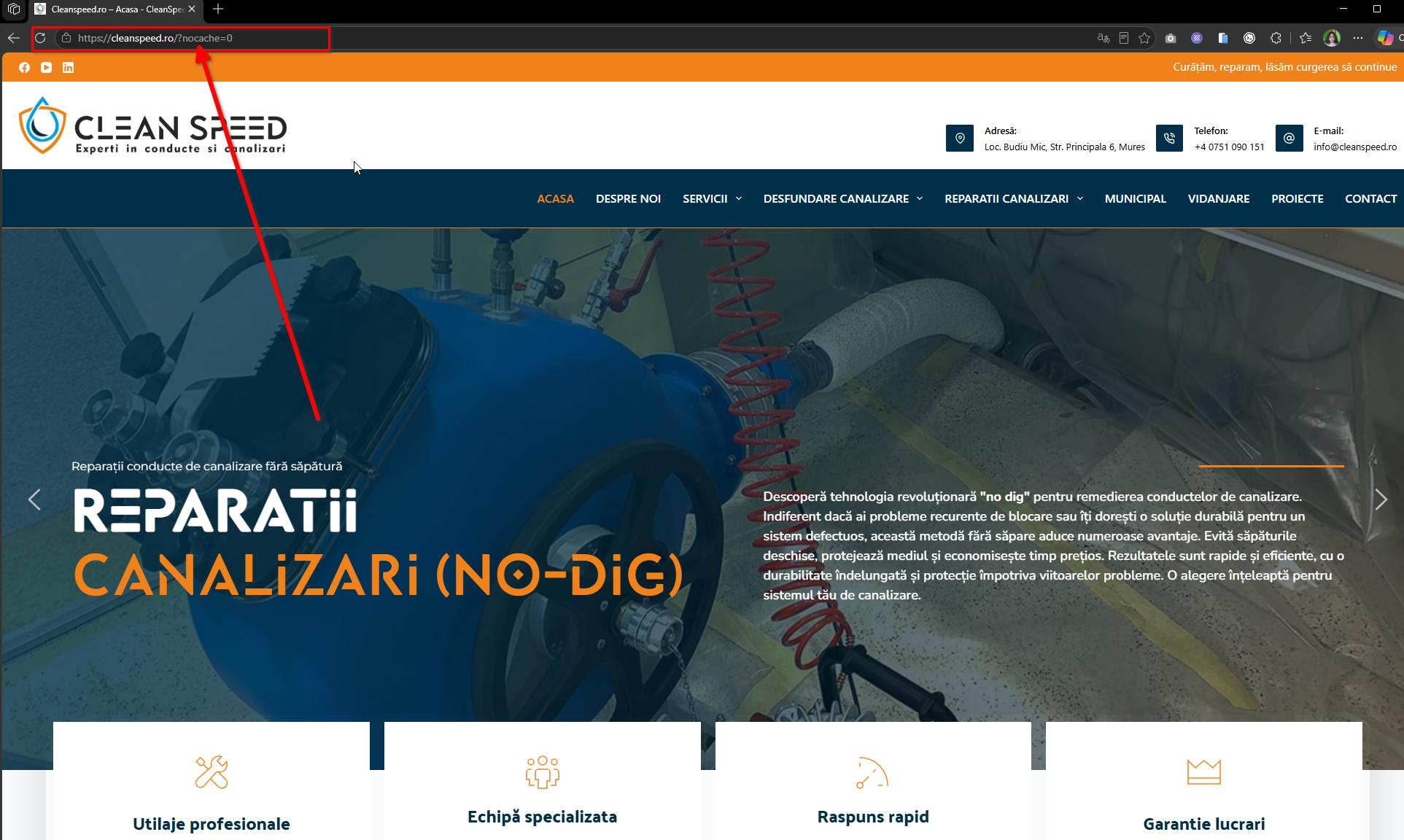
This usually means the website is showing an older or optimized cached version of the page.
If you are using a cache or optimization plugin, please try to temporarily disable CSS optimization/minification and then check the page again. The issue does not appear to be connected to how the fonts are loaded, but rather to the cached/optimized version of the site.
Best regards,
Ariel H.0 -
Da. Asa functioneaza. As fi vrut o solutie care sa forteze mentinerea fonturilor incarcate de brizy pentru ca daca scot optimizarea CSS scade si viteza de incarcare.
0 -
Hi Terra,
I understand. Removing CSS optimization completely can affect the site’s loading speed.
In this case, the best approach would be to keep CSS optimization enabled, but tweak the optimization plugin settings so the affected Brizy CSS or font files are excluded from optimization. This should allow the site to keep the speed benefits while preventing the font styling from being affected.
For your site, please try excluding these files/paths from CSS optimization:
/wp-content/plugins/brizy/
/wp-content/plugins/brizy-pro/
/wp-content/uploads/2023/08/Lequire.ttf
https://fonts.bunny.net/If the plugin requires full file examples, these are some of the Brizy files being loaded:
/wp-content/plugins/brizy/public/editor-build/prod/editor/css/main.base.min.css
/wp-content/plugins/brizy/public/editor-build/prod/editor/css/group-all.min.css
/wp-content/plugins/brizy-pro/public/editor-build/prod/css/main.base.pro.min.cssPlease check your optimization plugin settings for CSS exclusions, file exclusions, or font/CSS optimization exclusions.
0
Please sign in to leave a comment.
Comments
7 comments