Brizy Wordpress Pluggin Image Gallery Not Visable

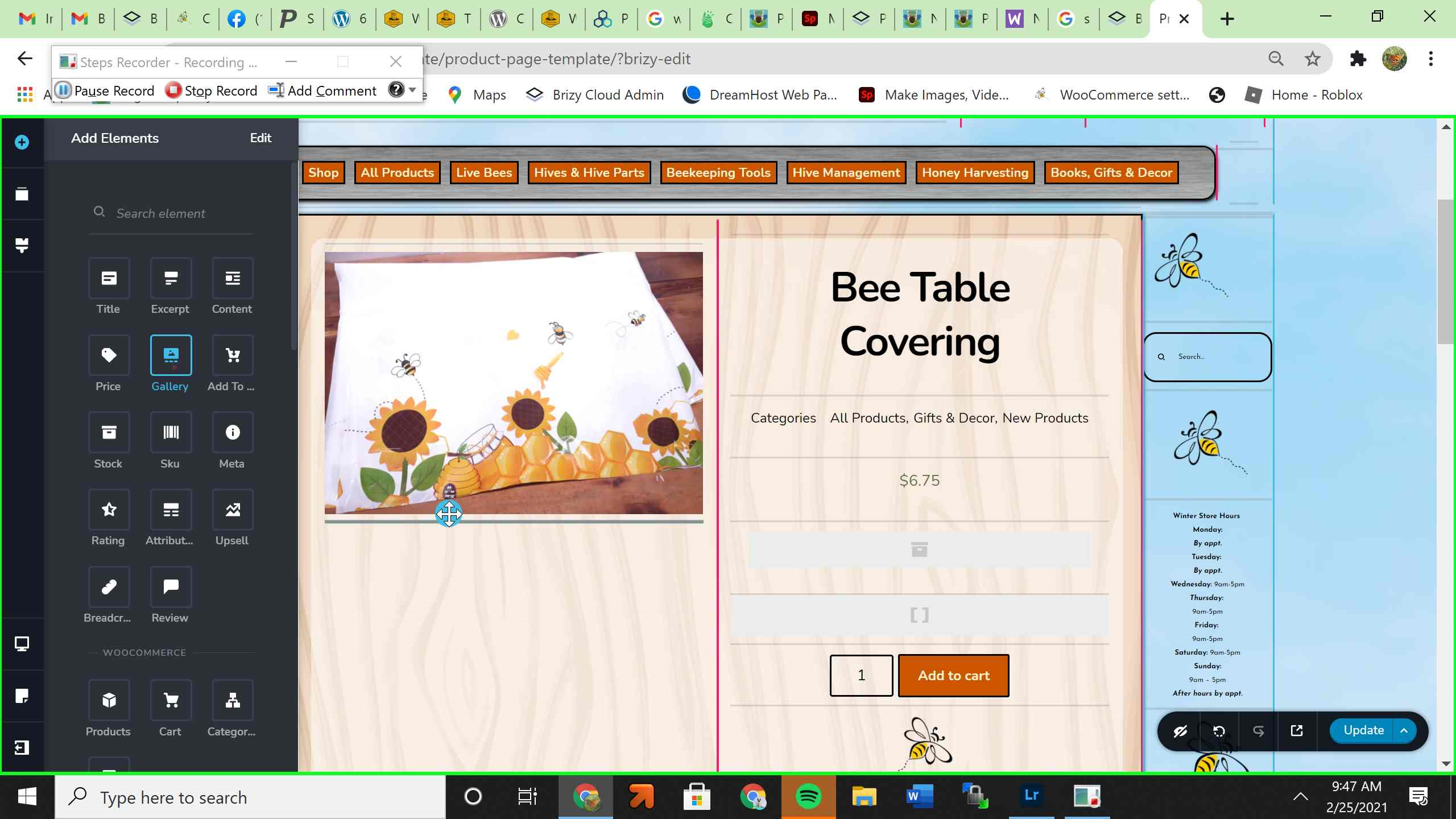
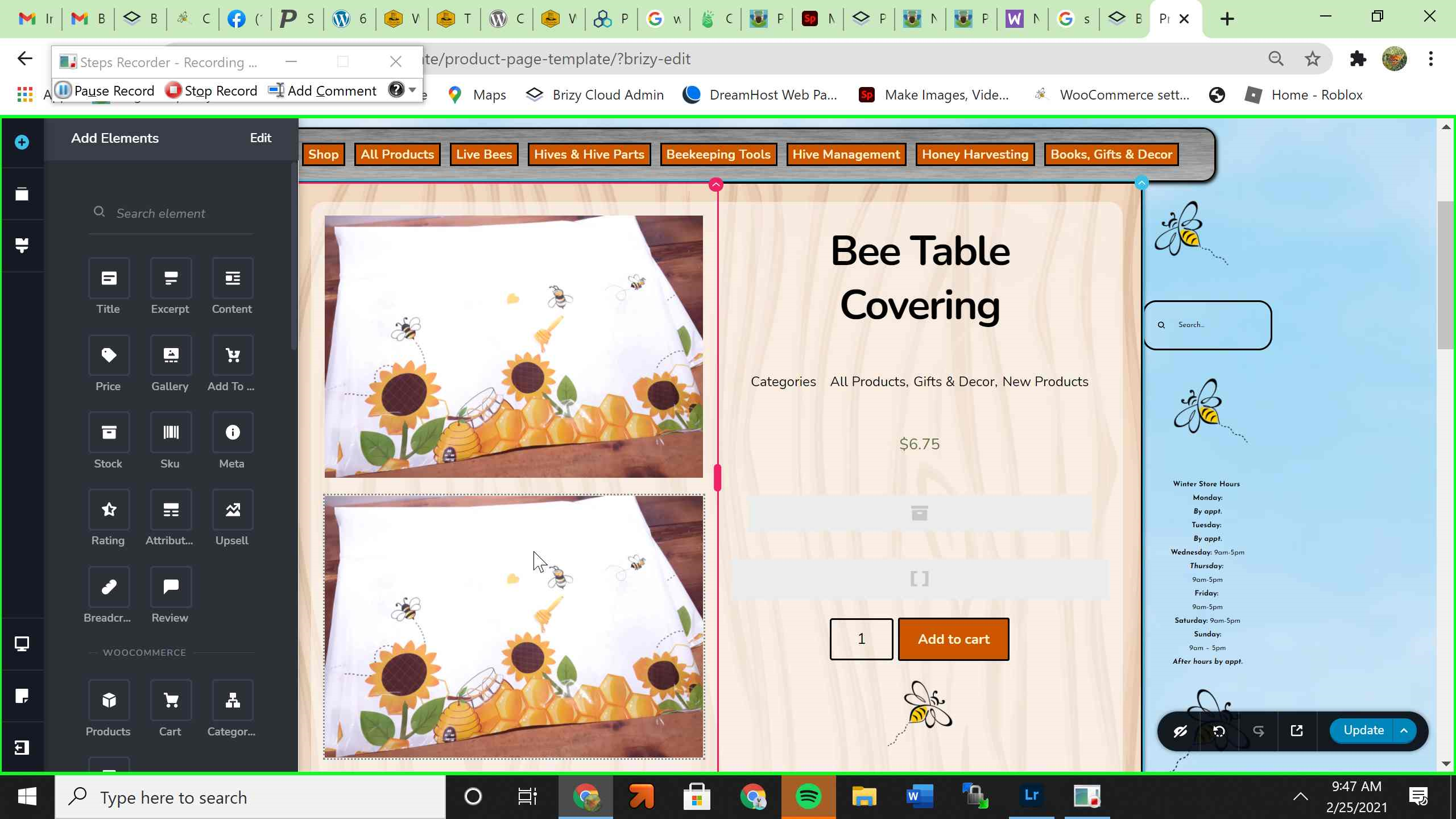
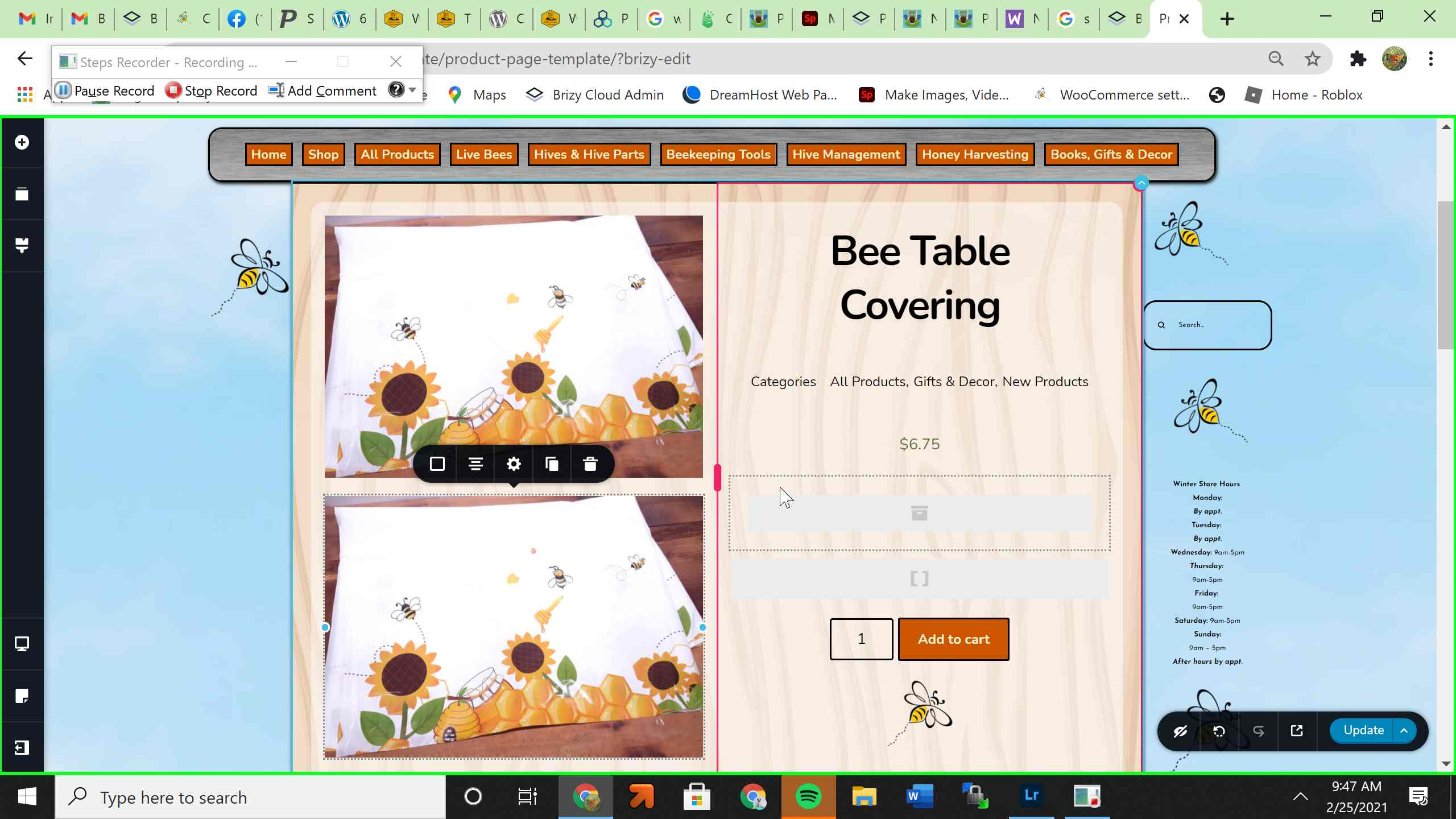
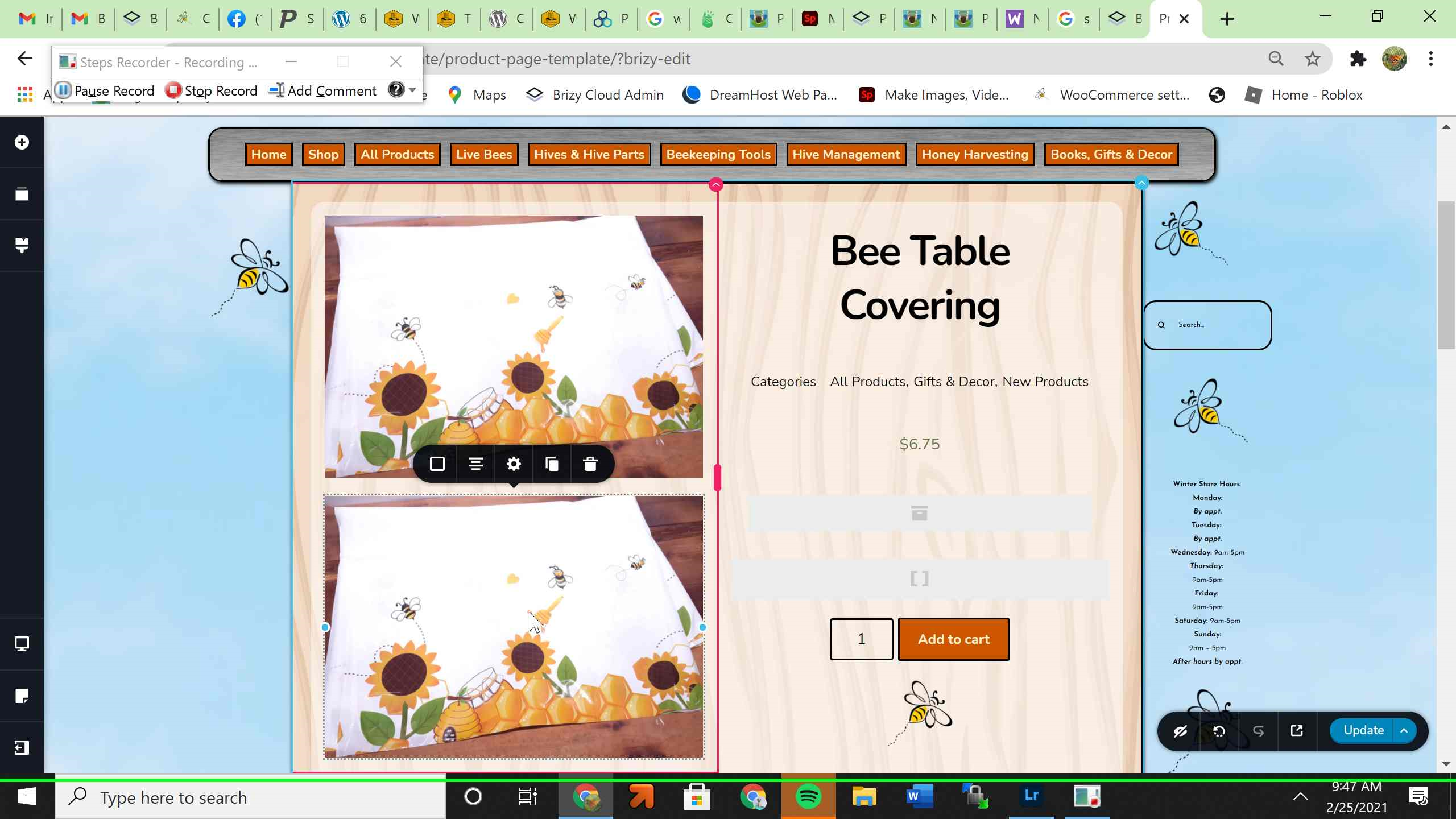
Image gallery is not working in the brizy wordpress plugin.
https://happbeeacres.com/product/civan-24-24-24/
-

Hi,
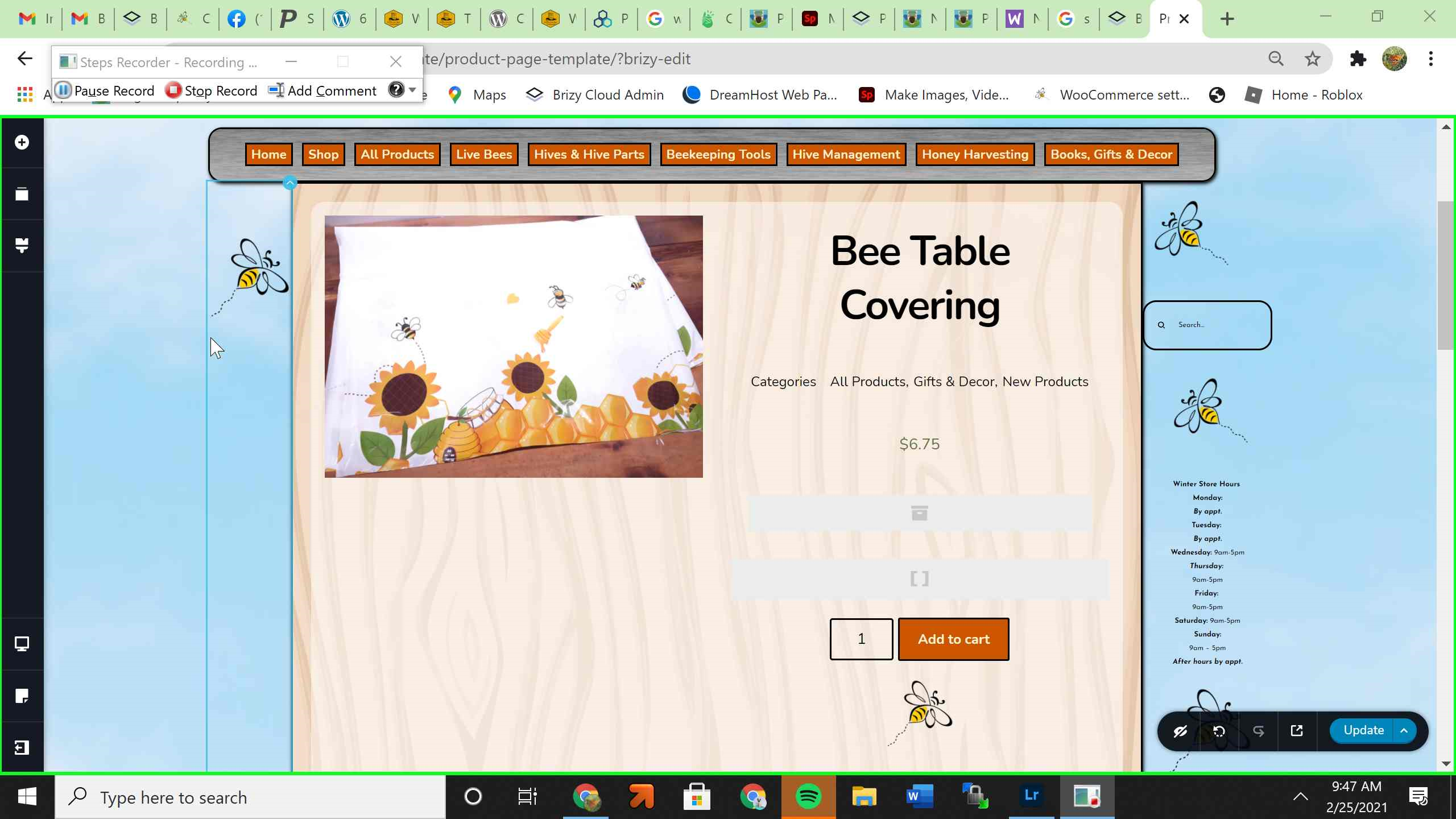
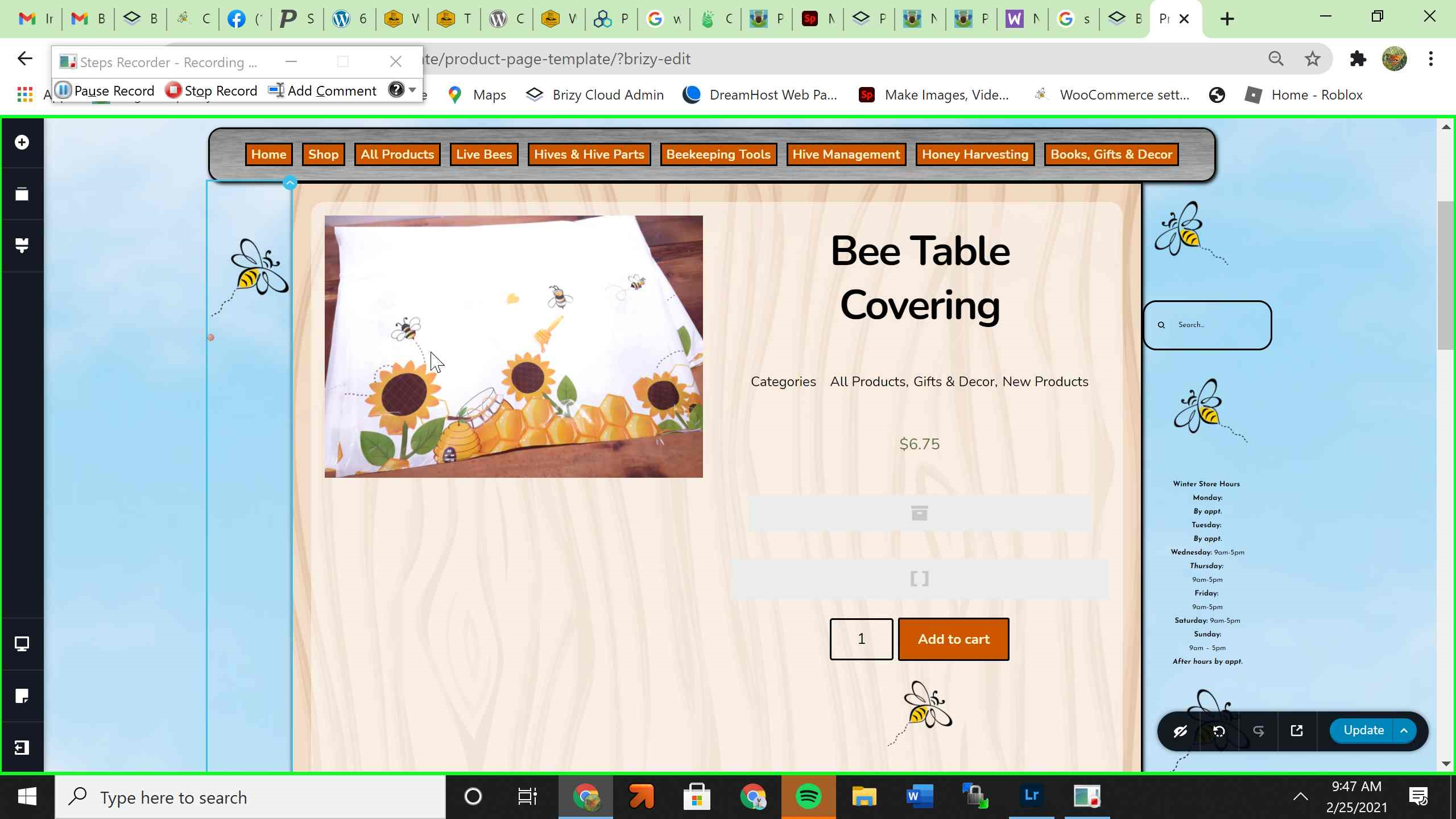
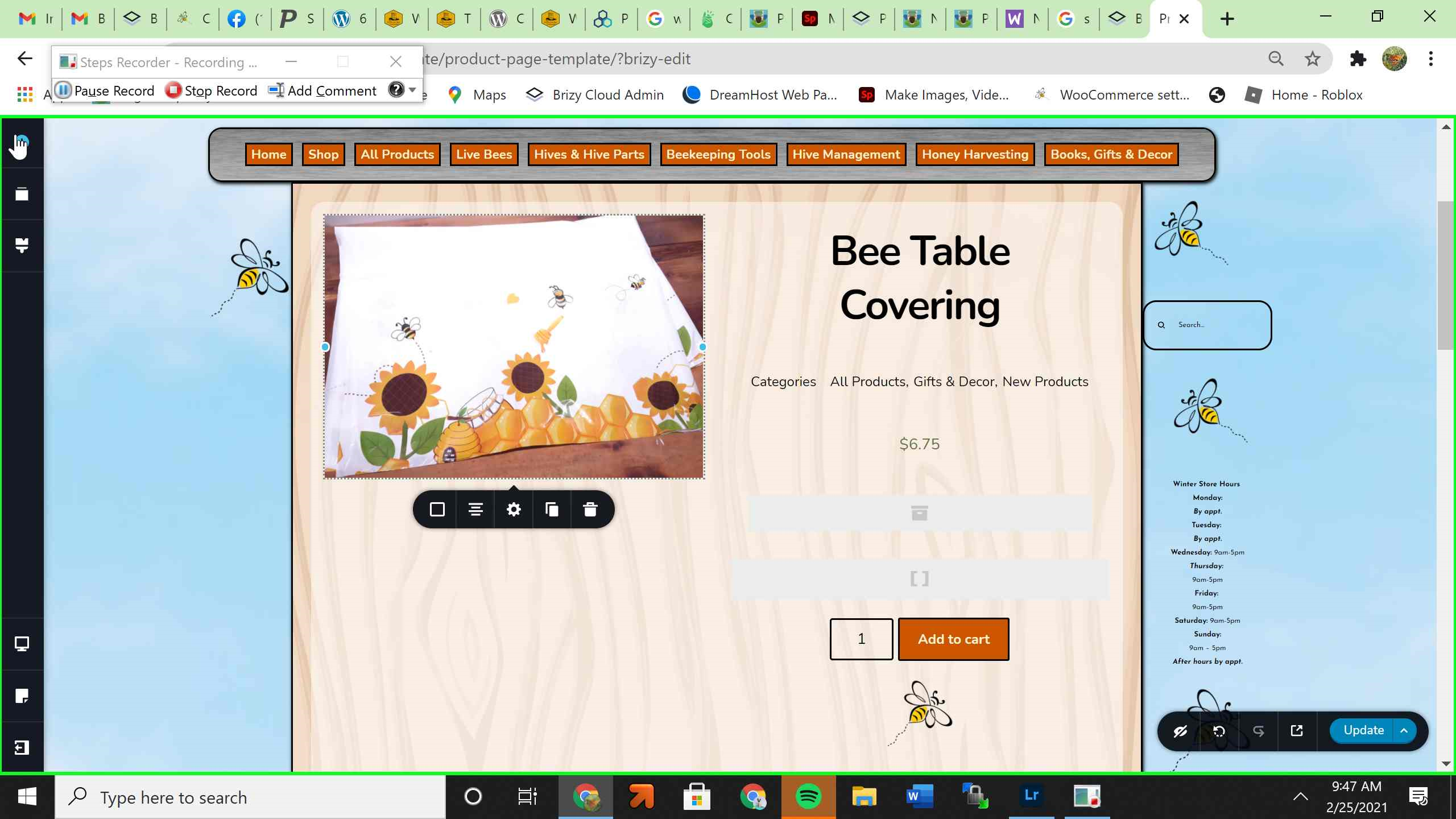
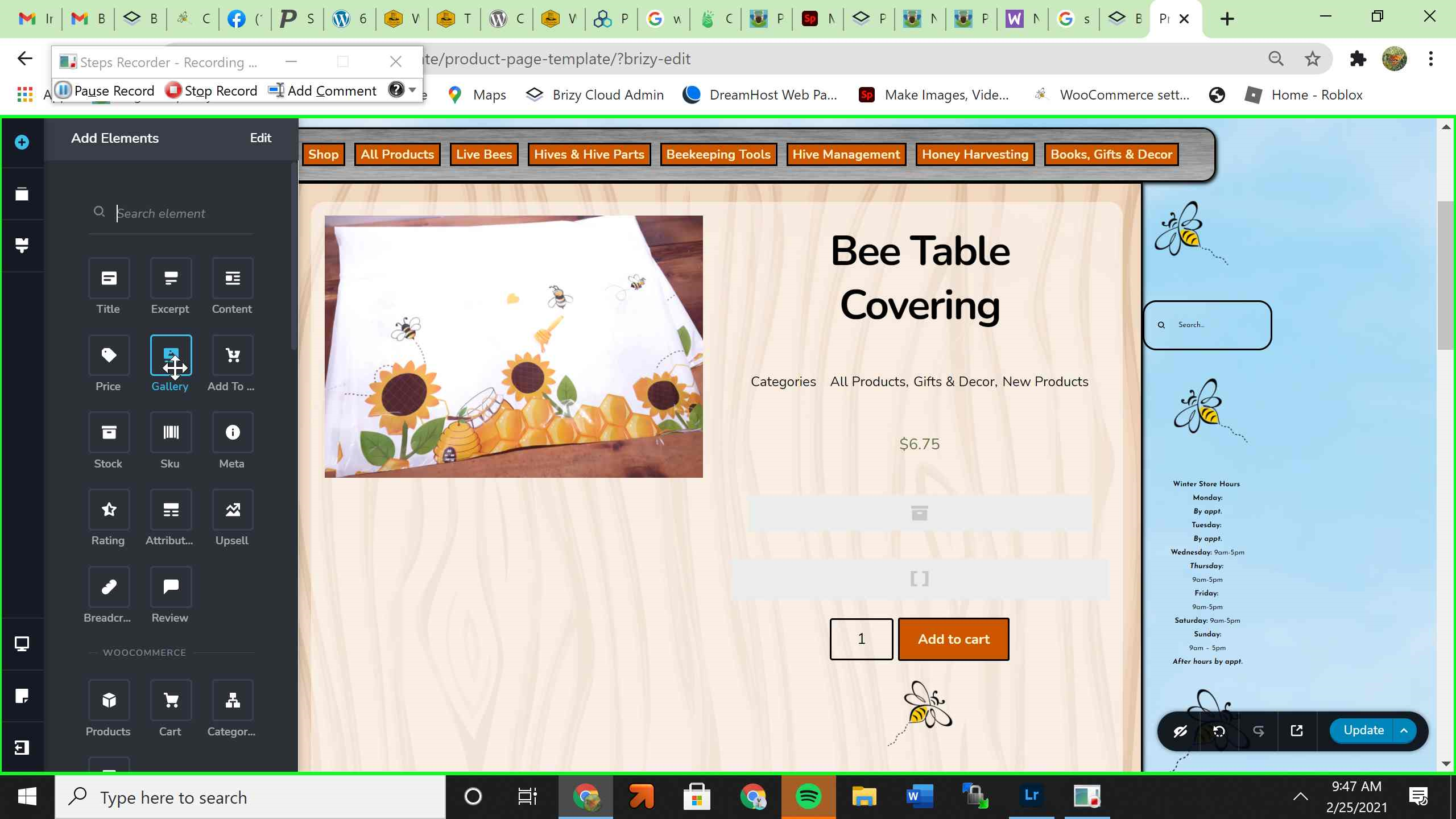
Did you add the Gallery element to this page? Or did you set up the Gallery in the WooCommerce and it isn't displaying in the live mode? How did you set-up the Gallery? Could you please send us some screenshots from editor mode with how did you set up it?
Could you please check if you have the latest Brizy Free 2.2.8 and Brizy Pro 2.2.5 version? Also, could you please temporary deactivate all external plugins (except Brizy Free, Brizy Pro and WooCommerce) and activate a WordPress default theme? Did you notice the same inconvenience?
Thanks!
Best regards,
Sandra0 -
 0
0 -
Hi I added the gallery image to the template page for my products. Plugins are brizy free 2.2.8 and brizy pro 2.2.5 and running the blocksy theme.
0 -
Hi,
Did you set up the Product Gallery inside the WooCommerce Product? See here. What display conditions did you set for this template? Could you send us a screenshot?
Thanks
Best regards,
Sandra0 -
Sandra, it is working now. Thanks for your help.
0 -
Hi,
Thank you for updating us regarding this issue! Great to know that all is working fine now!
Best regards,
Sandra0
Please sign in to leave a comment.
Comments
6 comments