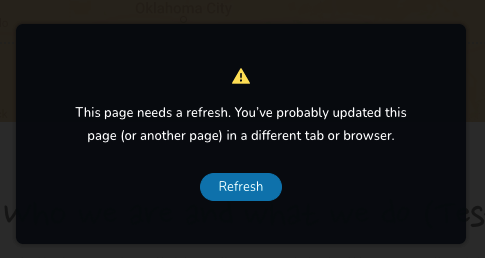
This page needs a refresh. You’ve probably updated this page (or another page) in a different tab or browser.

Need urgent help
-

Hi,
Could you please check if you have the latest Brizy Free 2.2.8 and Brizy Pro 2.2.5 version? Also, could you please check if you don't have open in another tab or windows the Brizy editor on the same page?
Thanks!
Best regards,
Sandra0 -
Yes I have the latest version and I have tried but still the same
0 -
Hi,
Thank you for all these details!
I notice that you send us here the WP credentials to your dashboard. I have created a private ticket on this request and send them there but deleted them from this channel because it is a public one. You had to receive a notification regarding this by email. We will check the dashboard and when we will have a notification, we will inform you in the private ticket we created.Thanks!
Best regards,
Sandra0 -

Hello, I have the same problem
0 -

Hi Emiliano,
We apologize for the inconvenience. The error "page needs a refresh" normally indicates that a software in your hosting server environment is interfering with Brizy editing. To fix the problem, please log into your server admin software (like cPanel) and check if any security system like Malware protection, Firewall, DDOS are enabled on your account. Disable these systems one by one and see if the above error goes away.
Please also check if you have installed a similar plugins in your WordPress Dashboard. Deactivate such software or plugin one by one to see if the error disappears. Once you identify the interfering software, relax the security restrictions to allow Brizy editing, in consultation with your hosting company.
Please contact us again if you need assistance in identifying the interfering software. We will require access to your WordPress Dashboard to troubleshoot this for you.
0 -
Ok thanks for your support
0
Please sign in to leave a comment.
Comments
6 comments