Image displayed improperly

Hello guys, my client is making posts for a brizy built wordpress. However, it happens as follows :
In the editor (probably writing a post in a wordpress editor) :
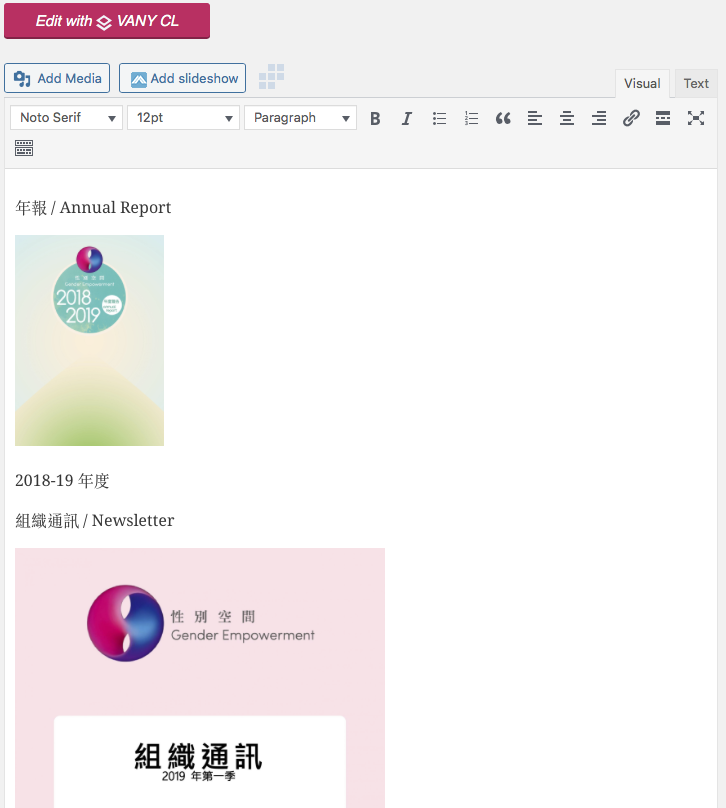
And the brizy template is built like this (as usual one) :
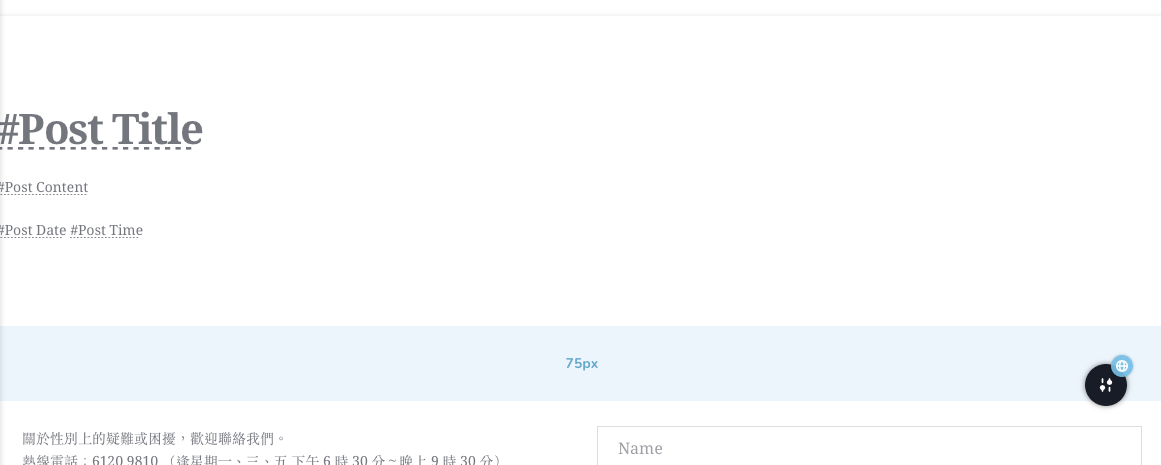
but the outcome is like that :
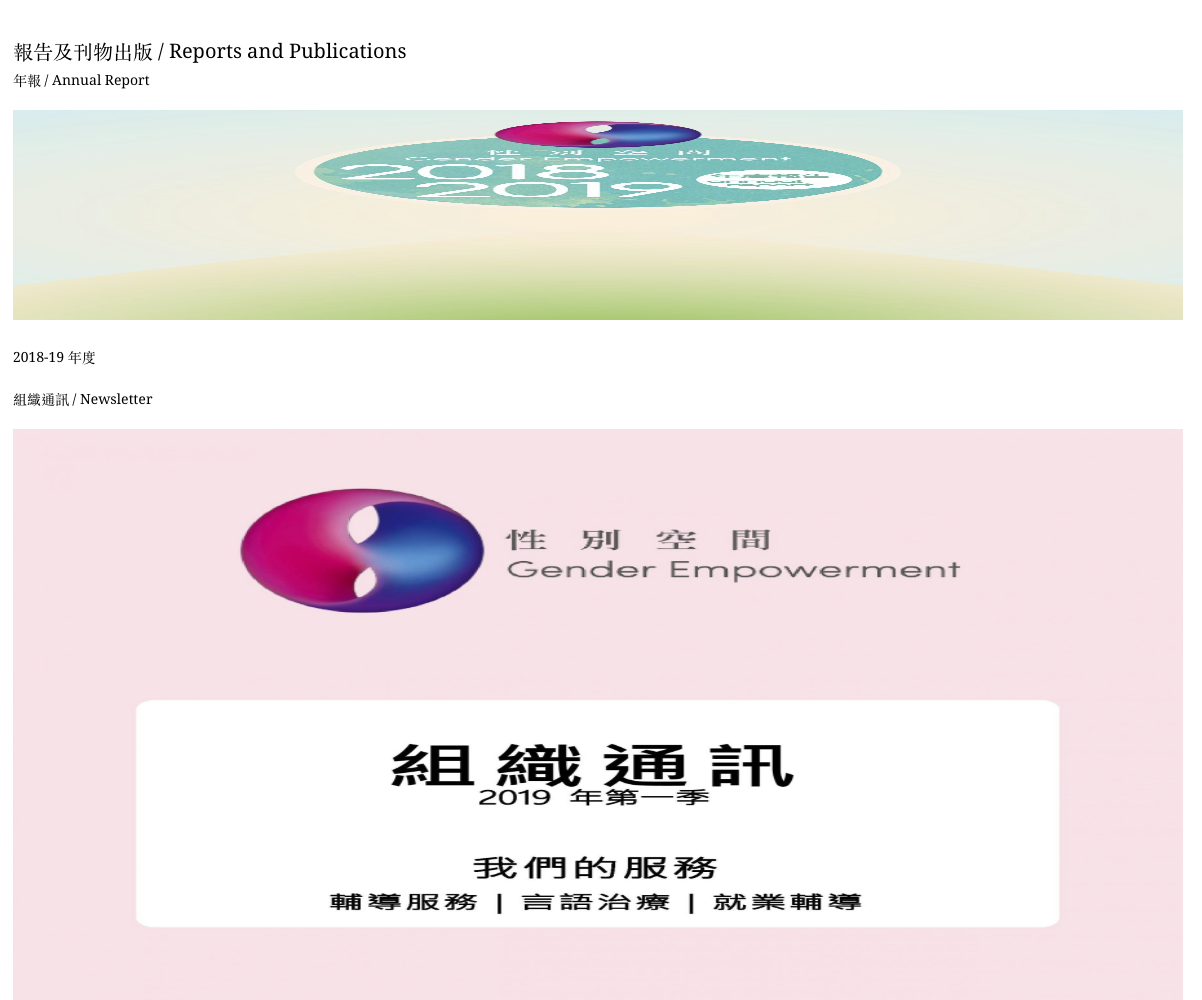
I am not good at CSS so i didn't do anything about the codes, may I know if I missed something? it didn't happen before and it's the first occur....
-

Hi,
Could you please use instead of "#Post Content" tag inside the text element, the Post Content element from the left Element Sidebar? Here you can find this element. The Post Content element is the improved version of the #Post Content tag and for this reason, many inconveniences were solved in the Post Content element.
Also, please make sure you have the latest Brizy Free 2.2.8 and Brizy Pro 2.2.5 version.Best regards,
Sandra0 -
Thanks Sandra,
Yes I am having the most updated versions, and I made the update with the new element you mentioned :
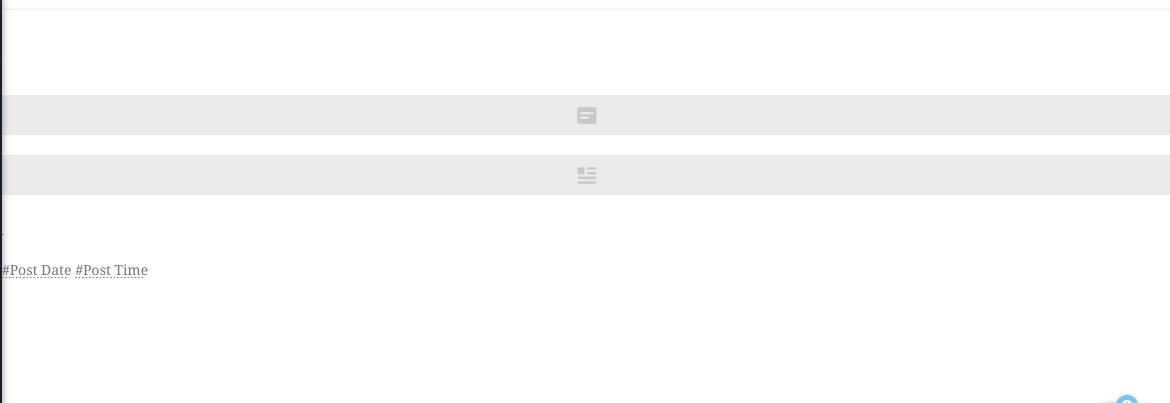
but the problem still exist even I've updated the template and re-publish the post.....
0 -
Hi,
Could you please check if you have the latest Brizy Free 2.2.8 and Brizy Pro 2.2.5 version? Also, could you please temporary deactivate all external plugins (except Brizy Free and Brizy Pro) and activate a WordPress default theme? Do you still have this inconvenience?
Best regards,
Sandra0 -
Hi Sandra,
Yes I tried and the Brizy is kept updated all the time....I've done the deactivation to other plugins and tried, the problem still exist..... could you help to have a look at my wordpress?
0 -
Hi,
Thank you for all these details!
I have created a private ticket for this request. You had to receive a notification regarding this by email. Could you send us in that private message the WP credentials to this site?Thanks!
Best regards,
Sandra0
Please sign in to leave a comment.
Comments
5 comments