How to make a column changeable?

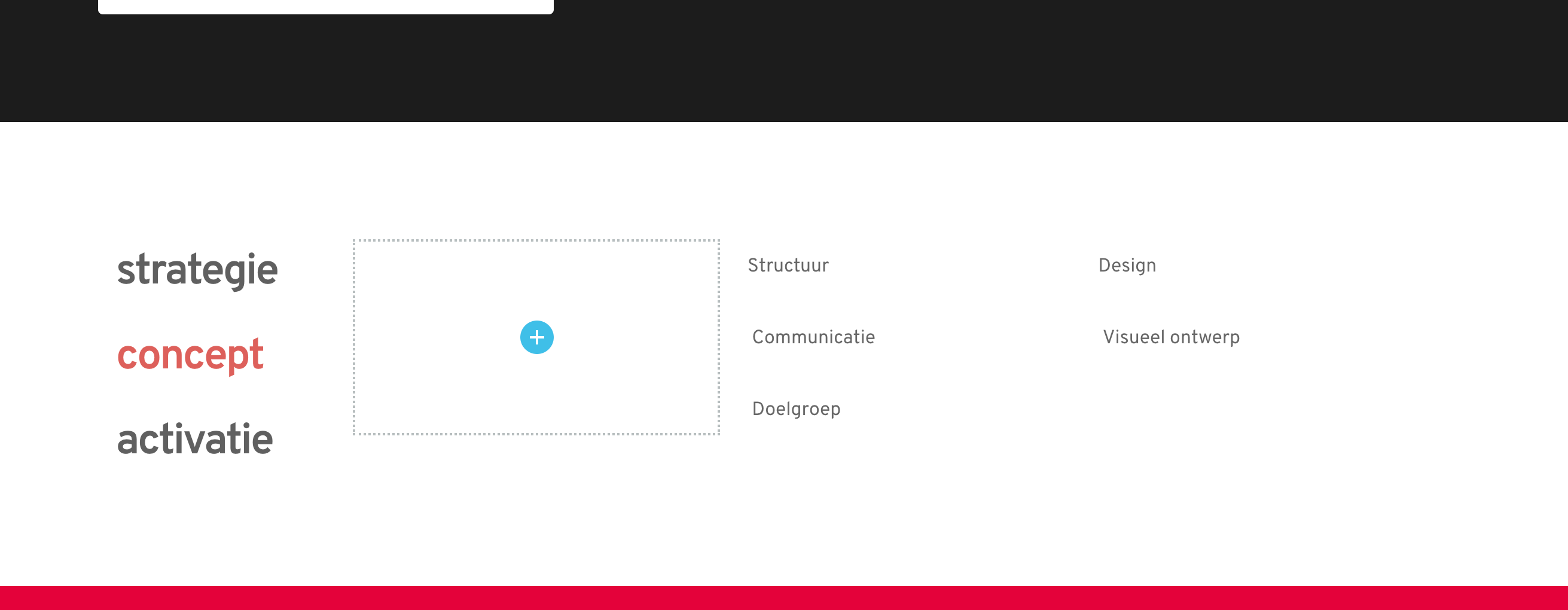
Hi all, how can I make a column clickable so it changes when you click on a certain concept, see the screenshots attached, so I want to make this one column, but when you click on strategy, it shows the 5 words attached to strategy. And same for concept and activatie.



0
-
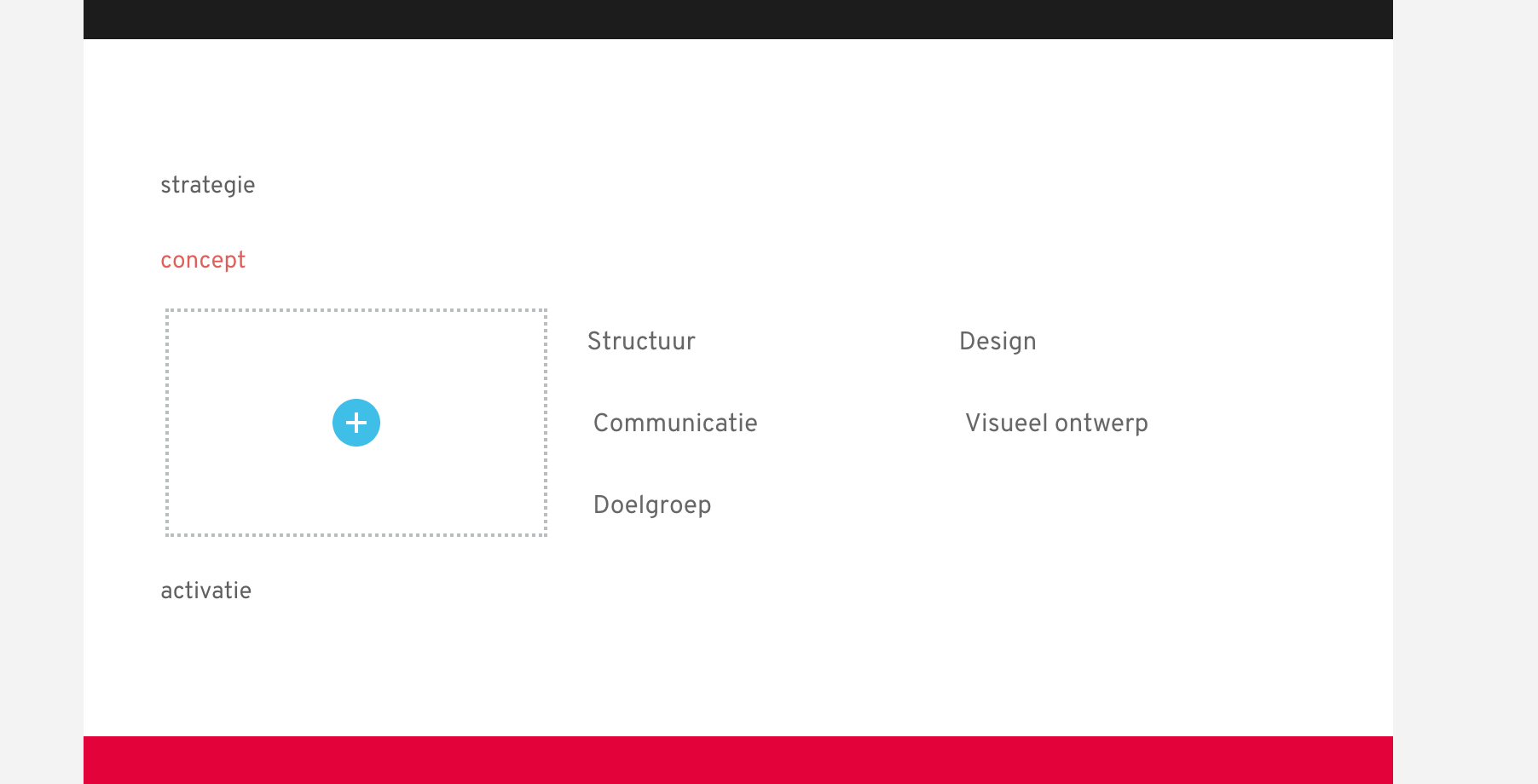
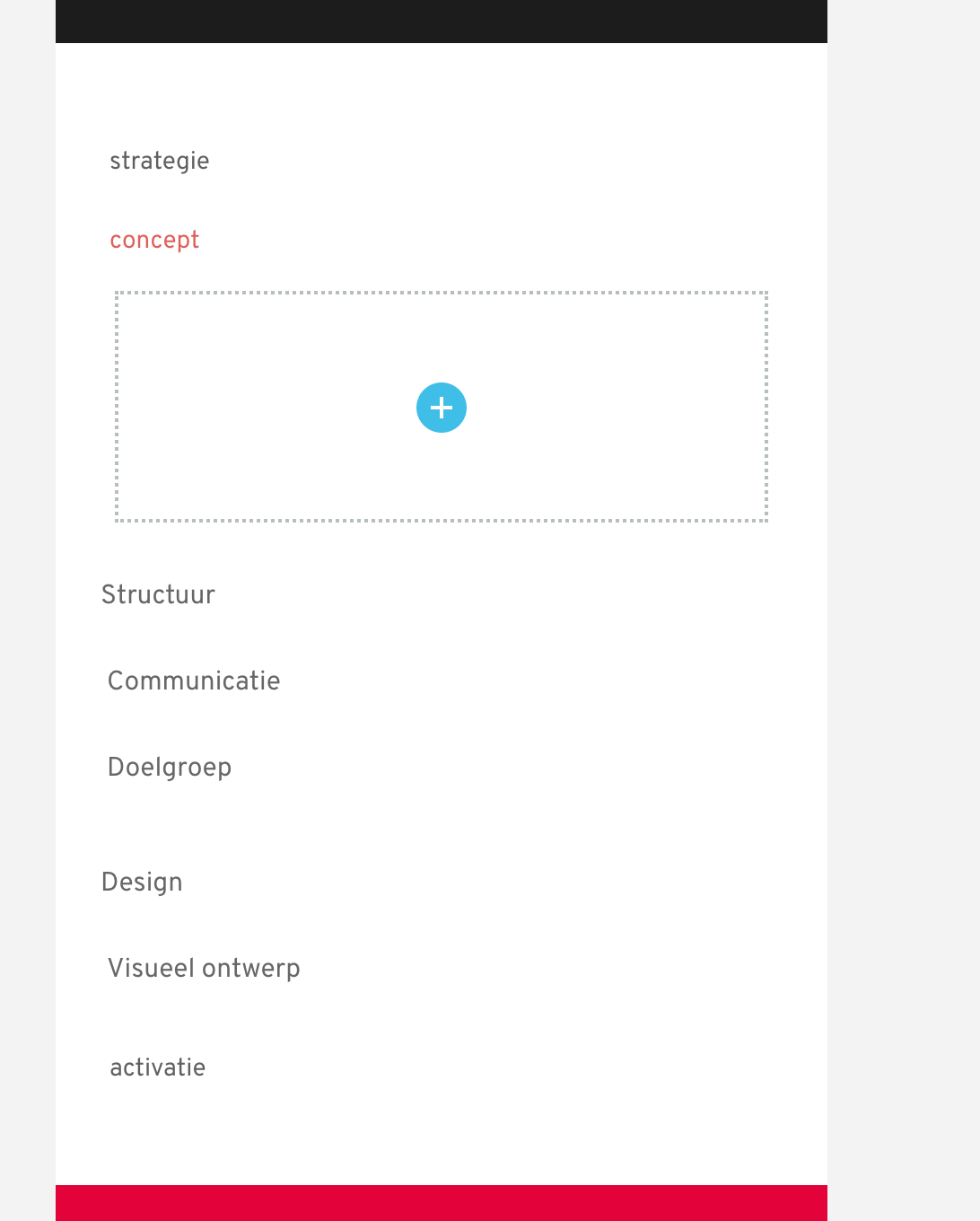
Settled down! But when I am using it for tablet or phone, it looks weird.
See the screenshots.
PC:
Tablet:
Mobile:
 0
0 -

Hi,
Yes, in the tablet and mobile mode the Tabs element is looking similar to the Accordion element, but you can style the elements in such a way to make them different by the title and to create this difference.
Best regards,
Sandra0
Please sign in to leave a comment.
Comments
3 comments