Changing the look of the submission text

In Brizy Cloud, I am trying to change the "success" text when a lead form is submitted. Currently, they are lime green and clash with the branding. Can we change the colors of this message? I'm unable to find a solution at the moment.
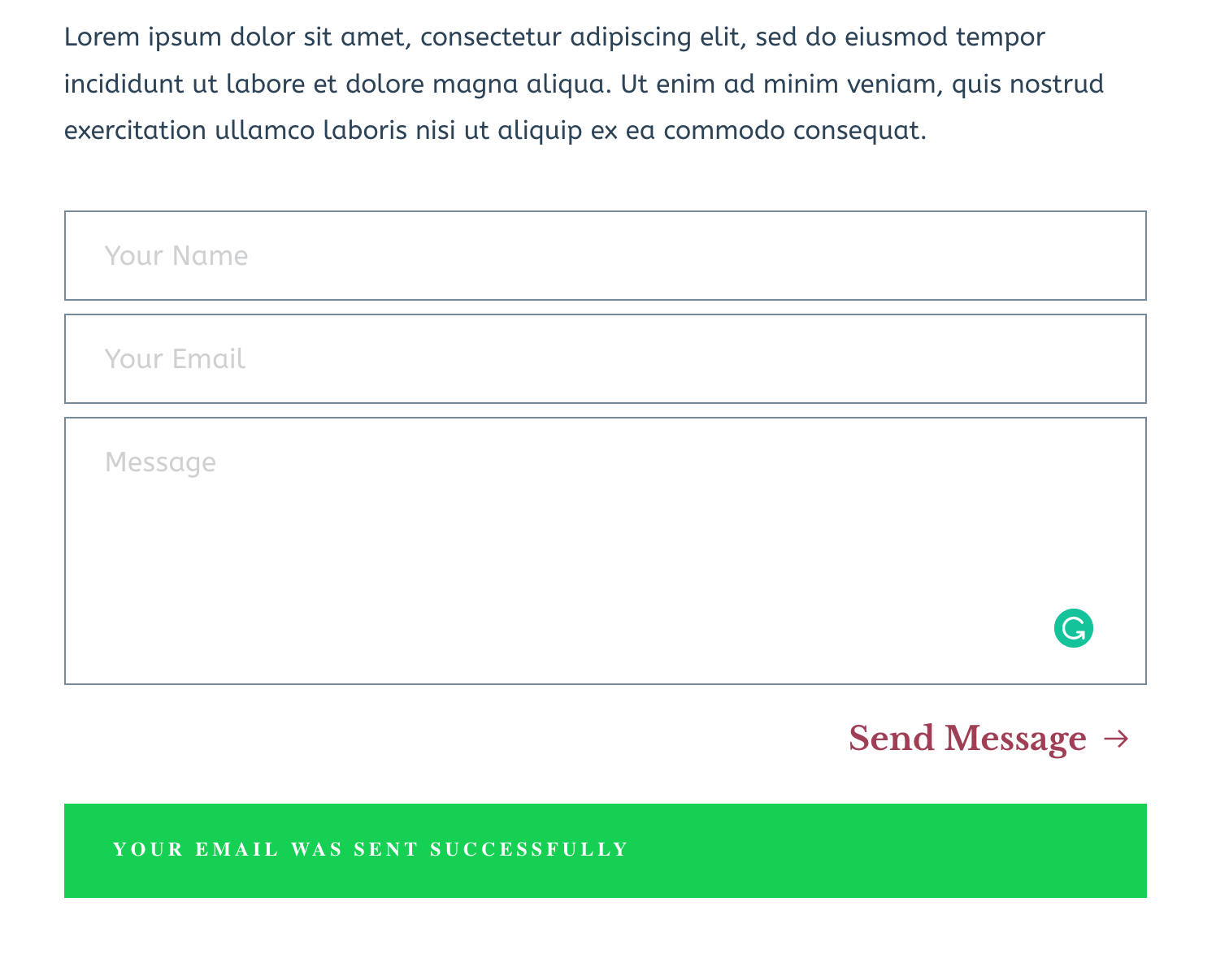
-

Hi,
If you want to change the text when a lead is submitted you have to change it from here. If you want to change the background colour of this box, it is a bit complicated because you have to add a Custom CSS but I created a video with how you can add it and hope it will help you. See here the video and this is the Custom CSS:
.brz .brz-forms2__alert--success {
background-color: grey !important;
}Instead of the "grey" value, you can add the hex code of the colour or name of the colour,
Best regards,
Sandra0 -
That CSS worked perfectly, thank you!
0 -
You're welcome!
Have a great day!Best regards,
Sandra0
Please sign in to leave a comment.
Comments
3 comments