Blog Page not displaying correctly

It's been nice using brizy for more projects. But I currently need help with this:
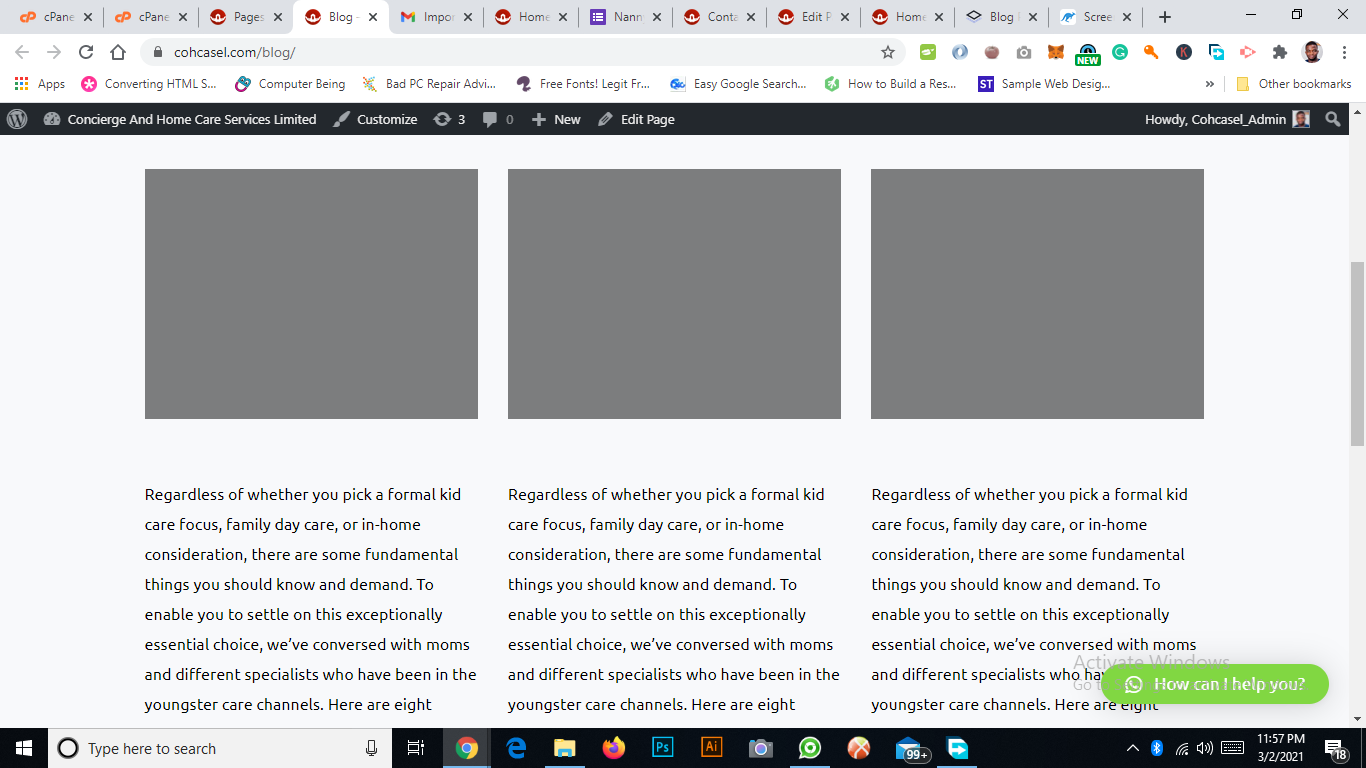
My Single post is showing properly, while the blog page shows the 3 articles existing on the site but with the same excerpts. The titles and featured images don't show. And it doesn't link to the individual posts.
Link to single post-working correctly:
https://stage.cohcasel.com/8-tips-for-choosing-child-care/
Link to blog page not working correctly
https://stage.cohcasel.com/blog/
I have the Pro plugin installed.
Thanks.
-

Hi,
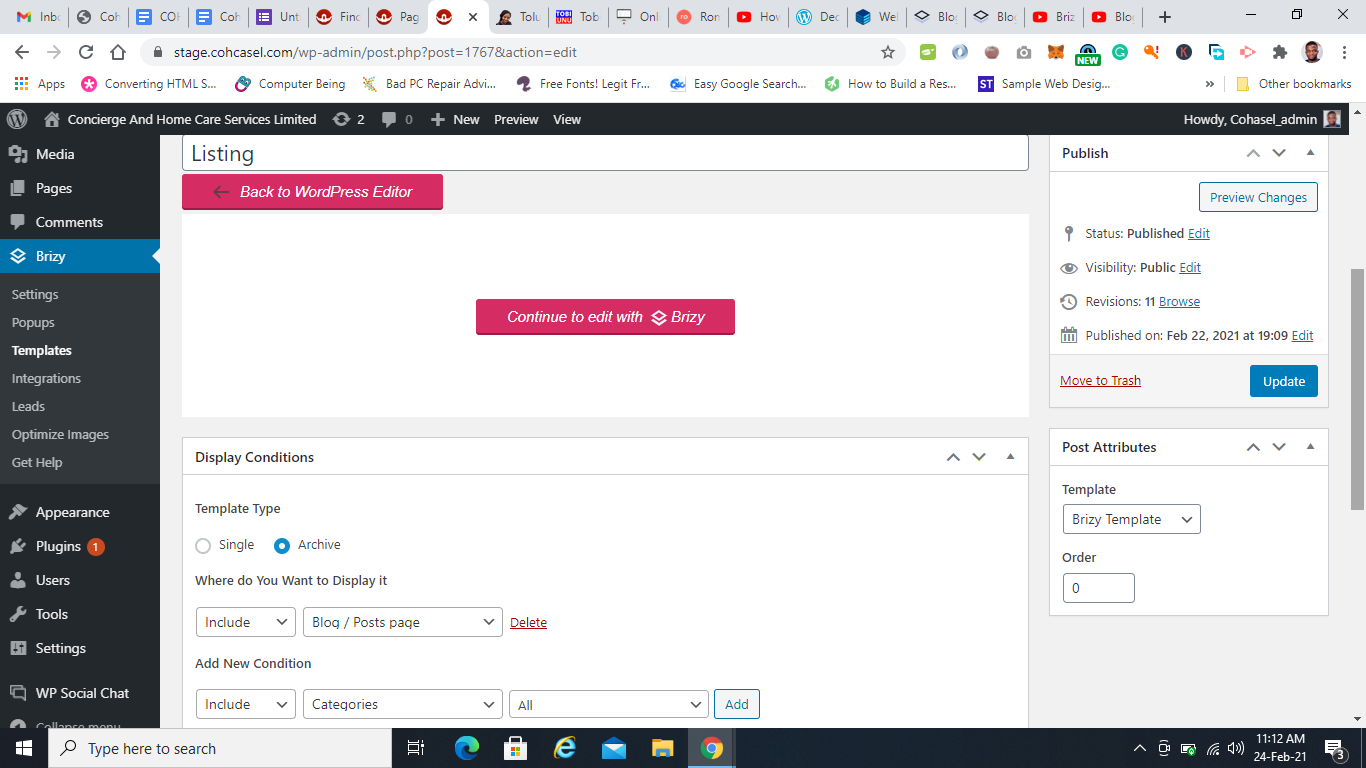
Could you please give us more details about how did you create the Blog? Did you create a template for the Blog page or did you build it in the "Pages"? What element did you use for showing the articles inside the Blog? If you create a template for the Blog page, could you please send us a screenshot with the display conditions you set for it?
Do you have the latest Brizy Free 2.2.8 and Brizy Pro 2.2.5 version?
Thanks!
Best regards,
Sandra0 -
I created a template for the blog using brizy templates as seen in the image below
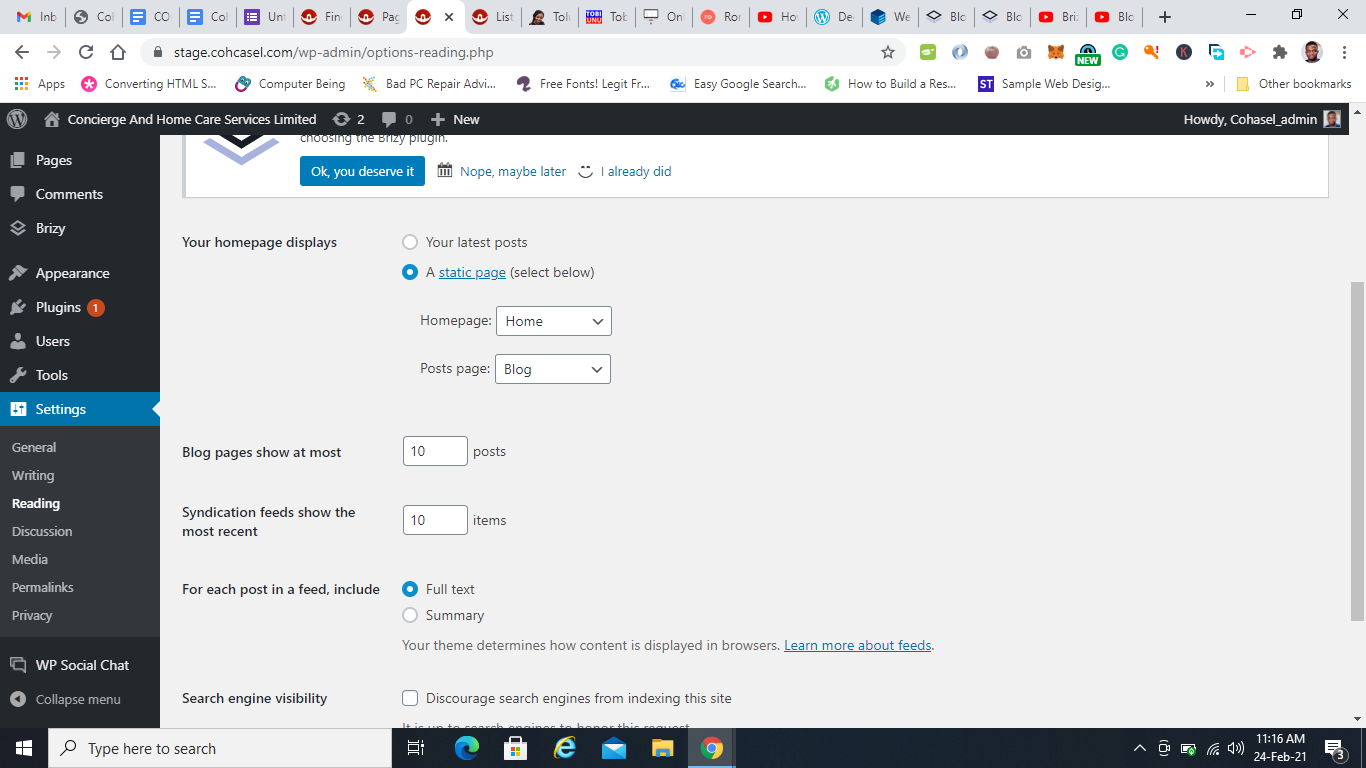
I made my blog page as a post page on reading settings
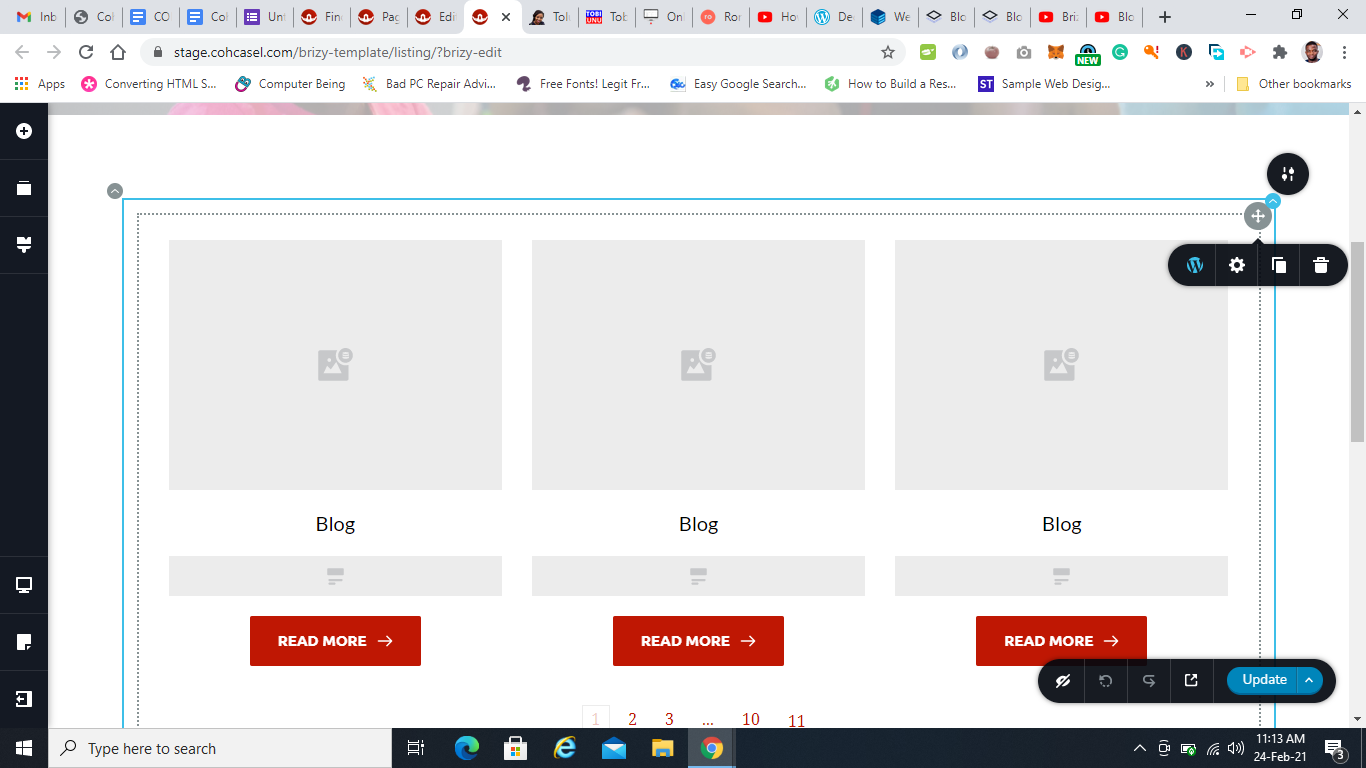
I used the archive elements to display articles
I have the latest free and pro brizy versions.
0 -
Hi,
Thank you for these details. Could you please send us a screenshot of how do you create a post? Did you set the featured image to posts https://jmp.sh/7O4mB26? Did you create them in the Brizy editor?
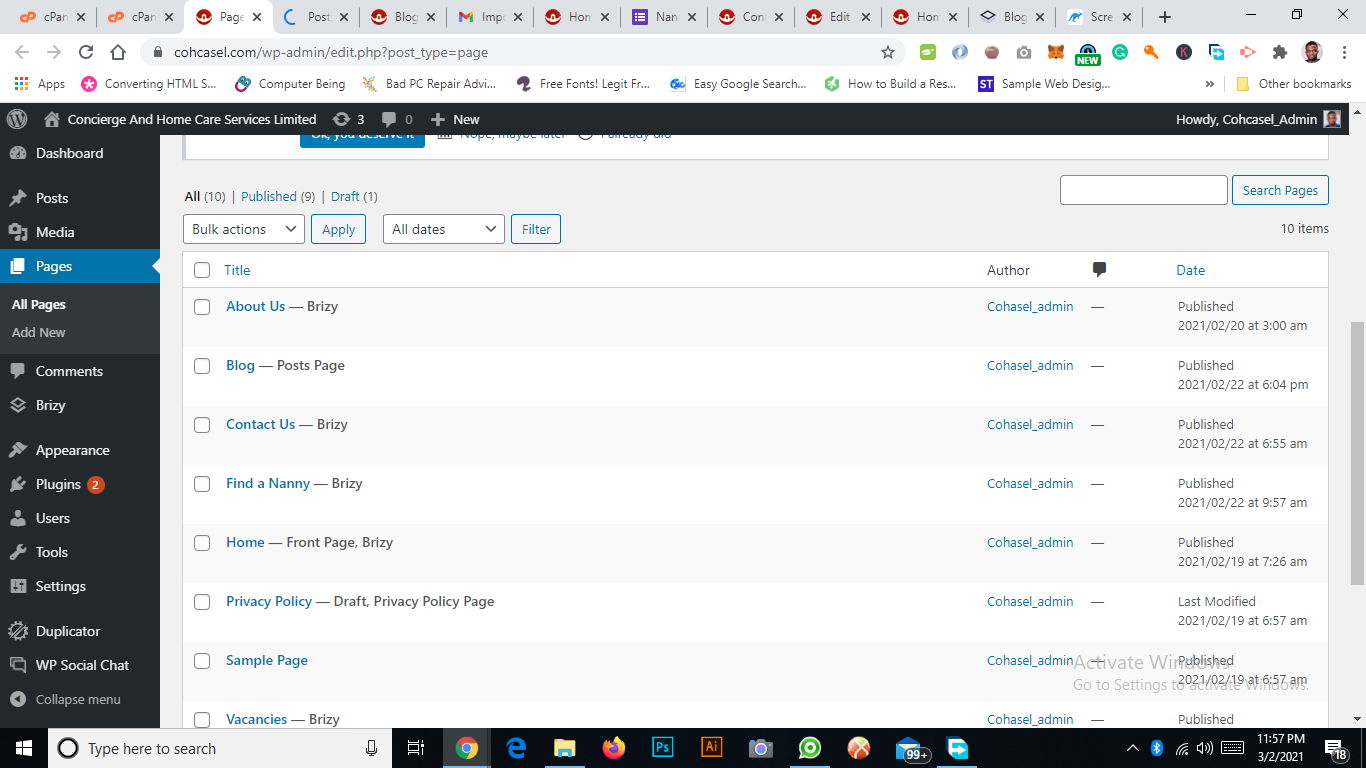
Also, make sure if the Blog page from the "Pages" doesn't have activated the Brizy editor. If you see in the Pages this https://jmp.sh/Rw4Cw3k, you have to deactivate the Brizy editor for this page in such a way https://jmp.sh/ma1flFo.
Best regards,
Sandra0 -
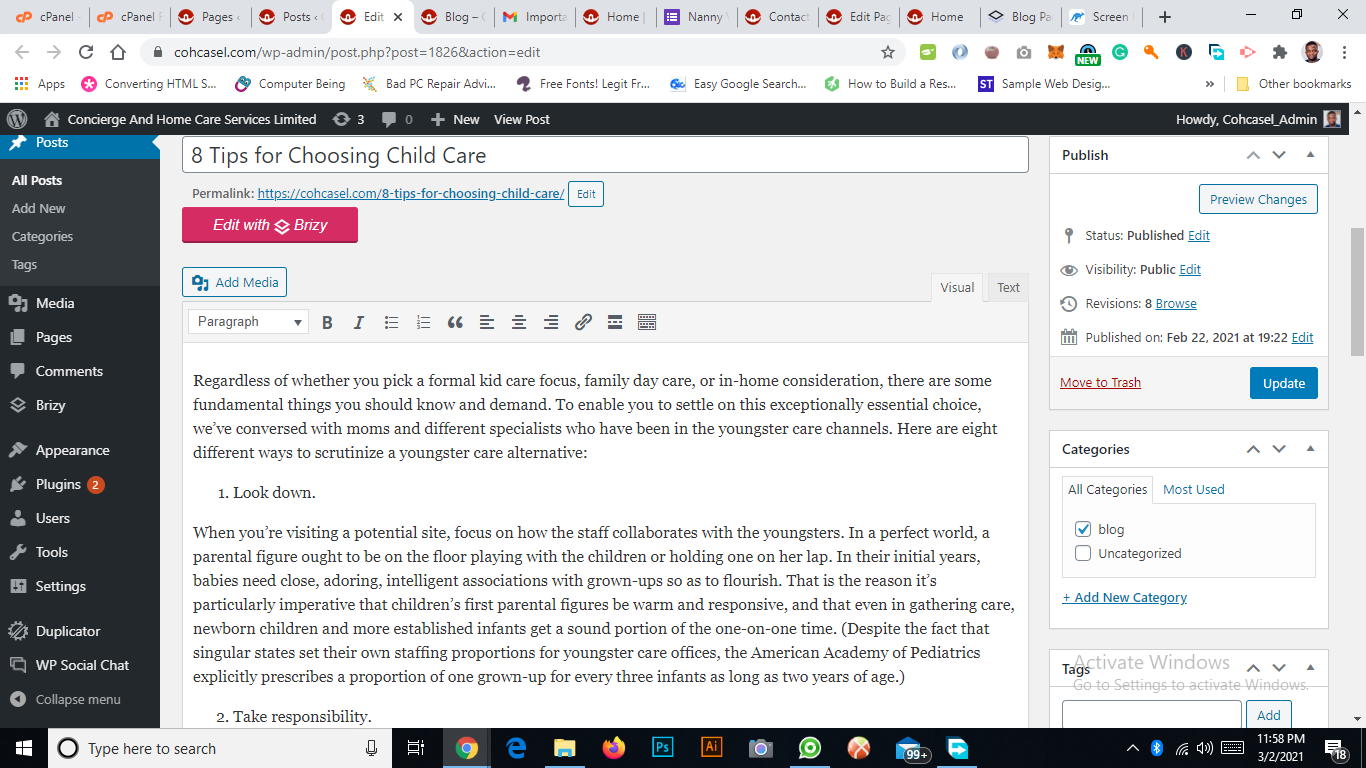
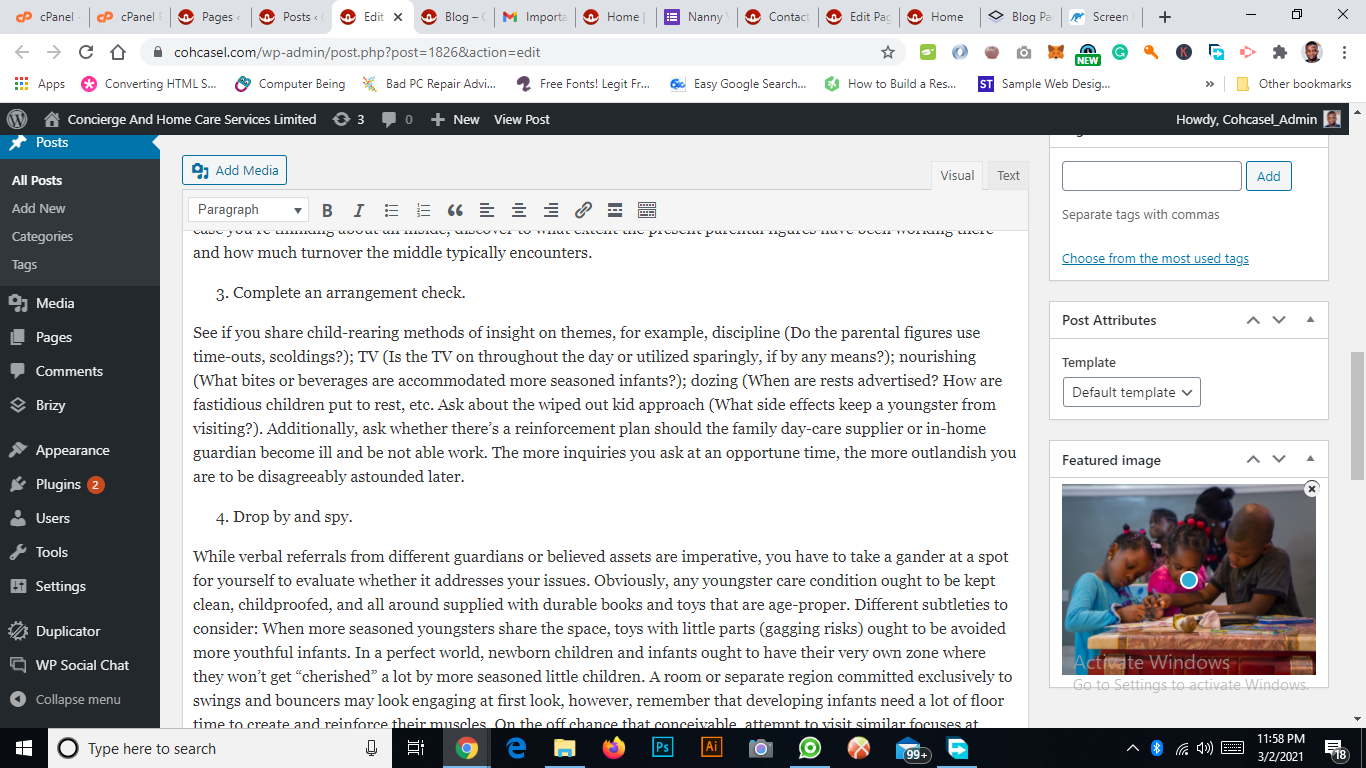
My Blog page doesn't have brizy editor activated
How my blog page appears
 0
0 -
Hi,
Could you please check some other details? Do you have the latest Brizy Free 2.2.8 and Brizy Pro 2.2.5 version? Also, could you please temporary deactivate all external plugins (except Brizy Free and Brizy Pro) and activate a WordPress default theme?
Thanks!
Best regards,
Sandra0 -
Thanks for the support. My site is working perfectly now.
0 -
Hi,
Thank you for updating us regarding this issue! Great to know that all is working fine now!
Best regards,
Sandra0
Please sign in to leave a comment.
Comments
7 comments