lottie file not work on template 404 page and works on the other pages

please help me I want to activate Lottie on 404-page error, am create 404 templates and assign to show only on 404 pages.
but Lottie does not appear and other elements work great and show as normal: text - button,
see an example on this 404 error page: https://cutt.ly/YlpPyOy
Nb: I have the latest update of brizy free and pro, am already try to activate and deactivate brizy and amusing with blocksy and twenty-one them and some problem please help me.
-

Hi,
Unfortunately, I can't reproduce the problem you reported. See here. Could you please send us the Lottie Animation URL you used for the Lottie element? Did you encounter this problem only in this template? In other pages/posts, is all working fine?
Best regards,
Sandra0 -
it's working now, I don't know what's happen but after update the WordPress core it's fixed, wired.
0 -
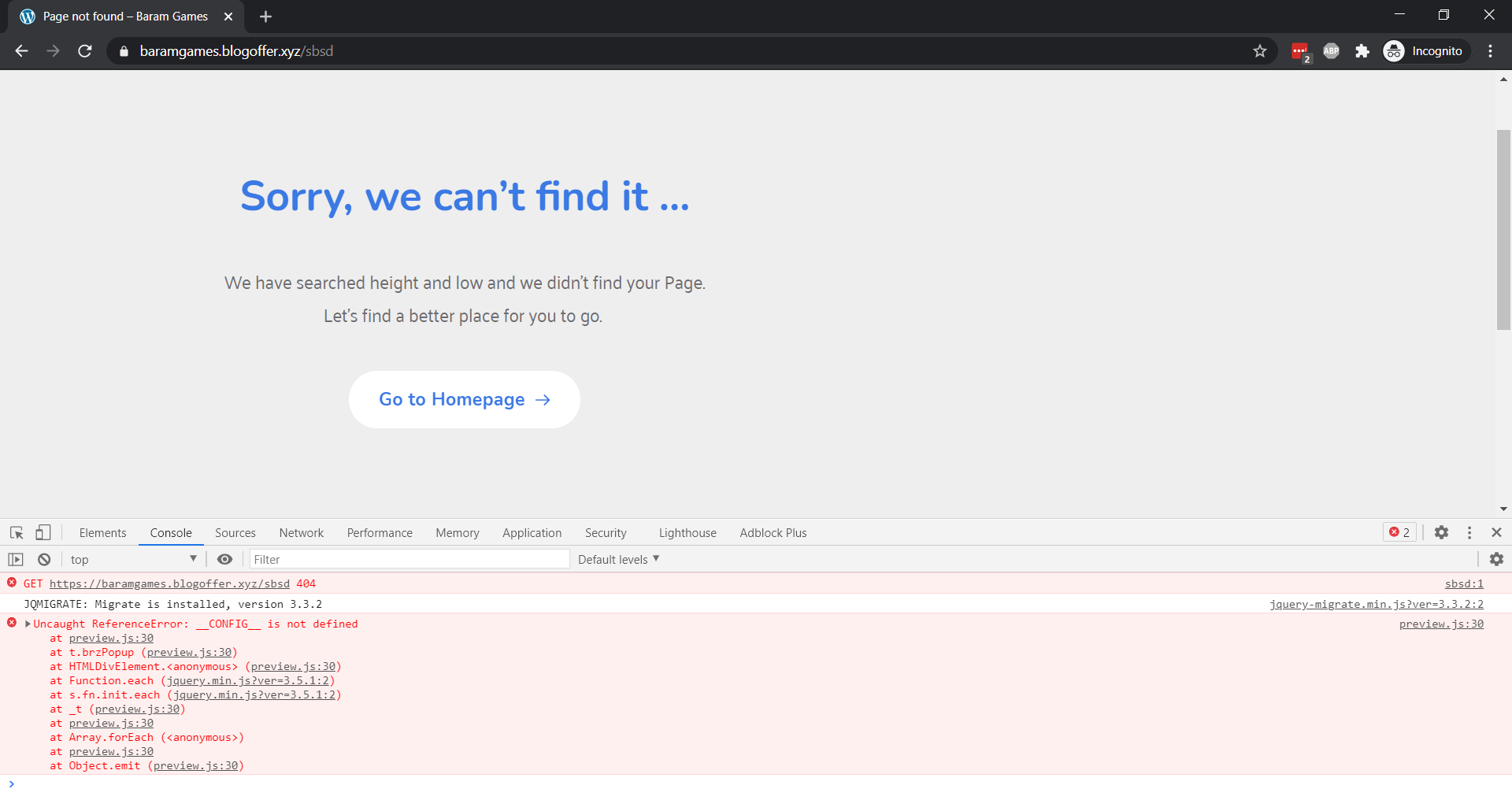
still have the same problem, :(, yes just in template, I have animation on other pages, and works perfectly.
 0
0 -
Hi,
Could you please send us the Lottie Animation URL you used for the Lottie element?
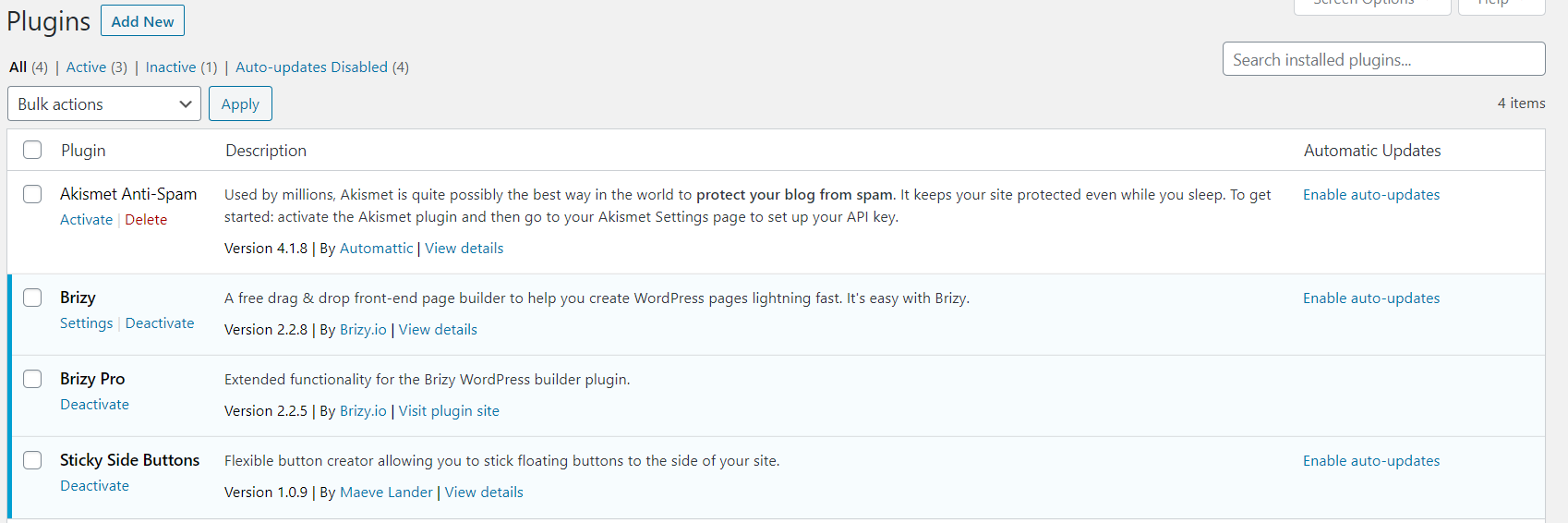
Could you please check if you have the latest Brizy Free 2.2.8 and Brizy Pro 2.2.5 version? I notice that you said that you have the latest versions but we want to be sure that you have exactly these versions.
Best regards,
Sandra0 -
Lottie link: https://assets2.lottiefiles.com/temp/lf20_0txt7u.json
yes, I have the latest brizy free and paid as you see here:
I can see the Lottie as normal in the editor as you see here:
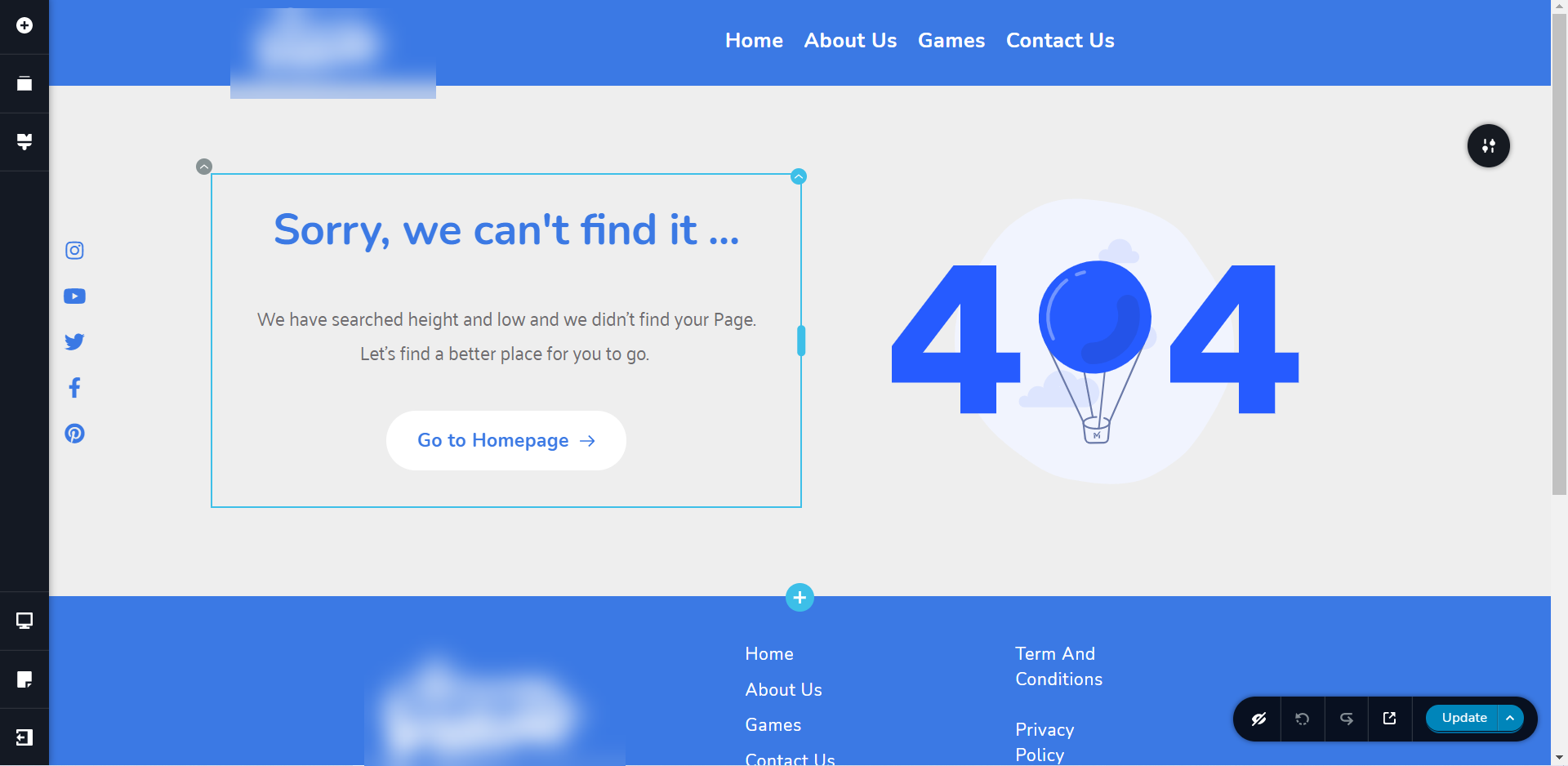
For a new visit no on templates in my case (the 404 page) they not work, but for other pages like games or contact us they always work..
0 -
Hi,
I checked the Lottie file you attached for the 404 error page and all seems to work fine with it. Also, I tried to check the 404 error page directly on your site and all seems to load fine. See here. I repeated this test 3-4 times and in all cases the Lottie file displayed fine. Could you please delete the browser cache and check it again?
Best regards,
Sandra0 -
I'm using a new browser as you see here on my pc and also am delete cash and history in 2 browsers on mobile and recheck it and the problem stayed.
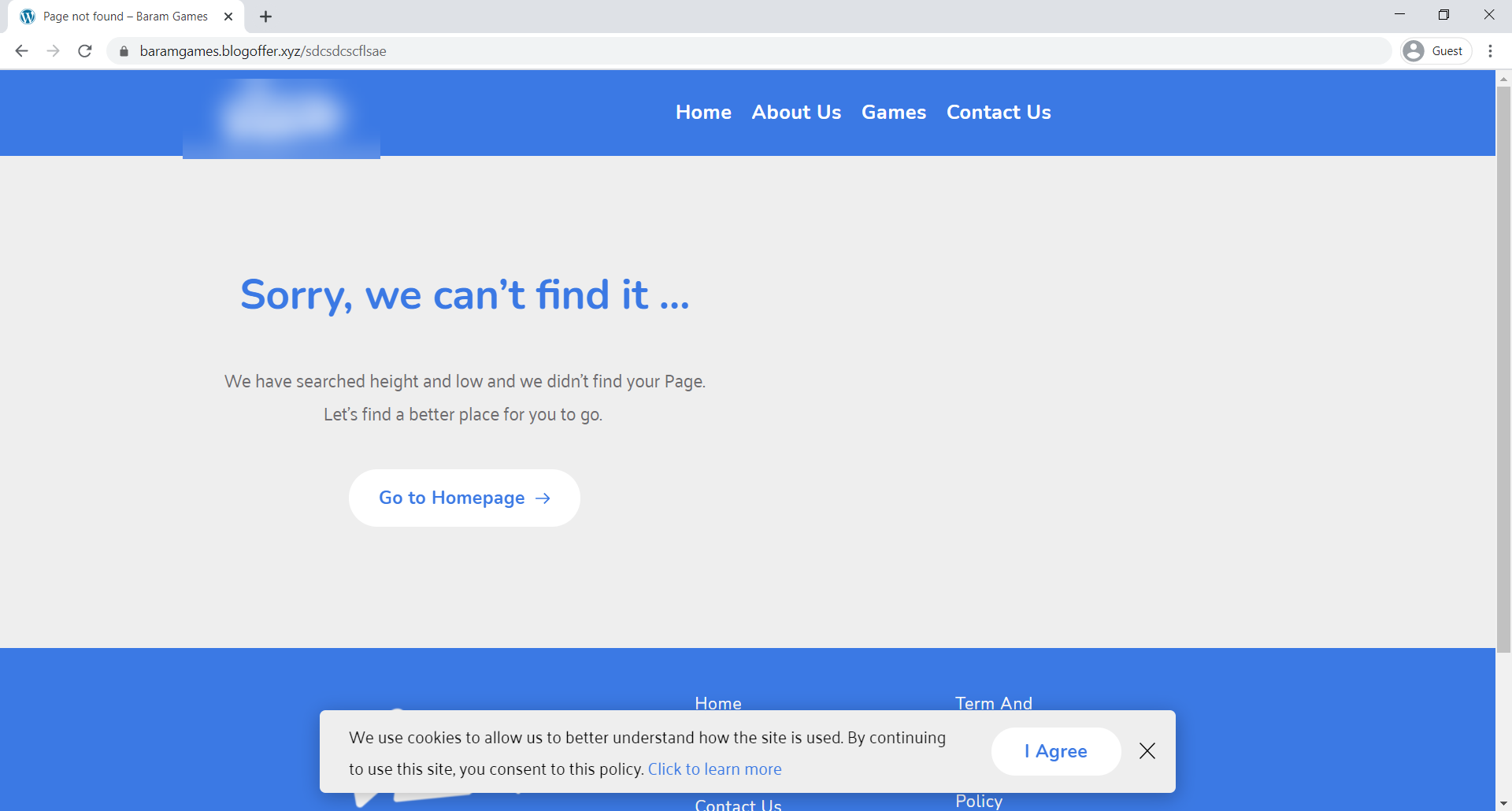
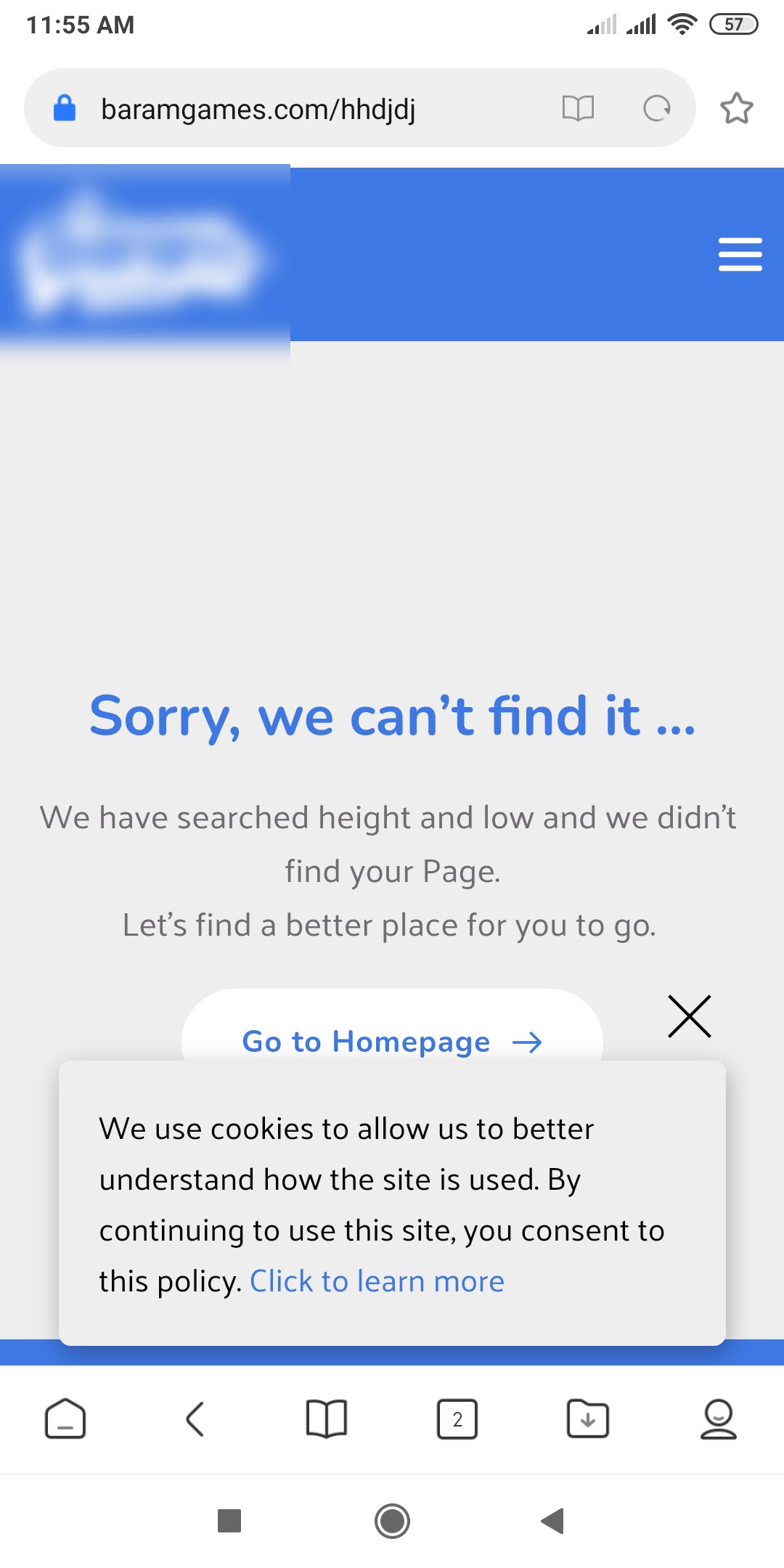
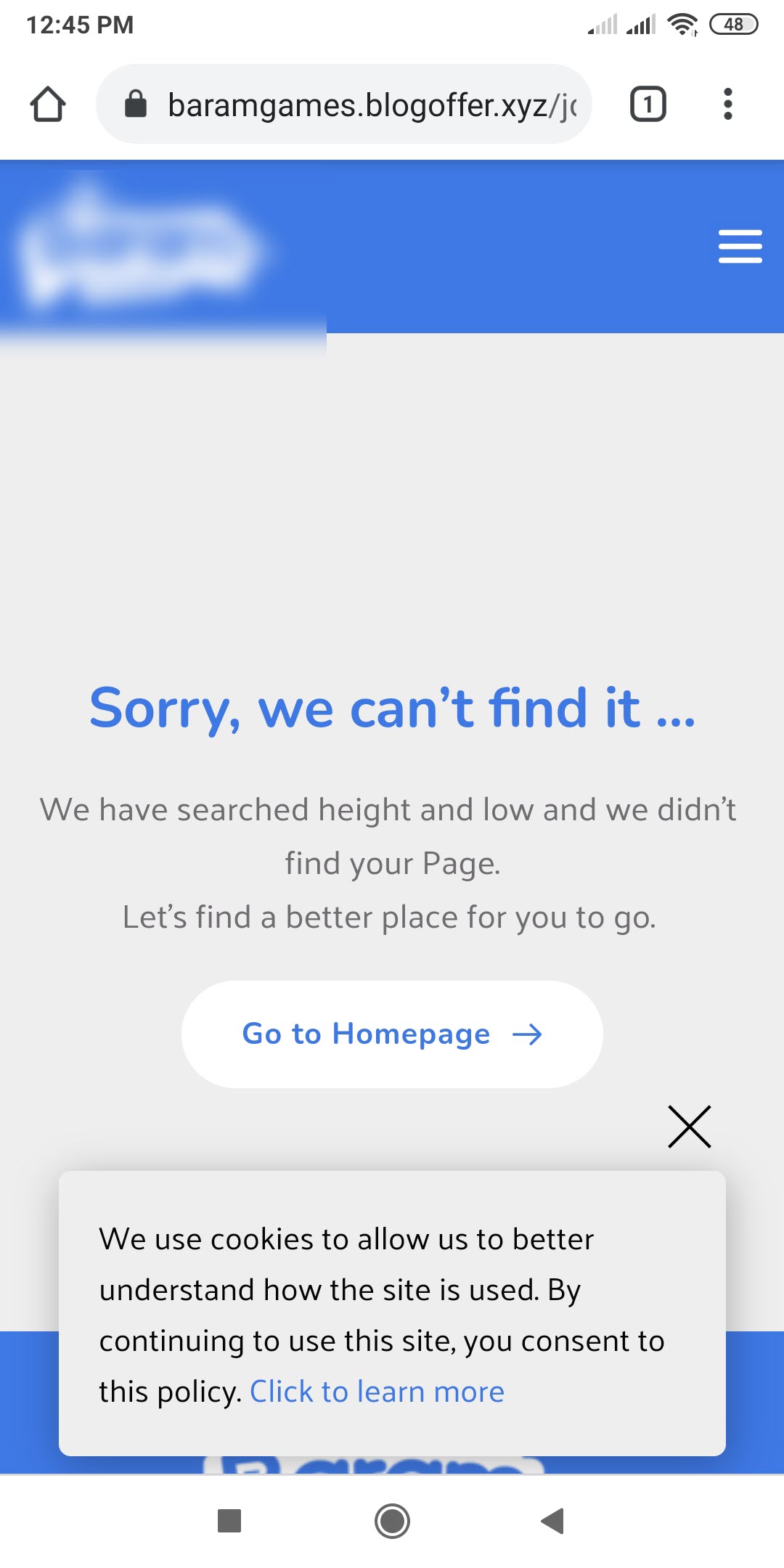
I ask for my friend from another ISP network and the results are:

N.b: this problem only appears on the first visit from a new device, they will not appear on the second or repeated visit, and this problem only appears on 404 templates, all other pages like contact us and games work normally.
0 -
Hi,
I checked this problem in the incognito mode of the browser and all seems to work fine. Could you please delete the cache from the site and server? If you still find this problem, could you please temporary deactivate all external plugins (except Brizy Free and Brizy Pro) and activate a WordPress default theme? Do you still face it?
Best regards,
Sandra0 -
am already do that, they not fix anything.
after I disable PopUp of privacy policy condition for all and set it to display for only pages the problem get fixed, that is a conflict between popup and templates, please fix this issue in the next update.
0 -
Hi,
Did you create the Pop-up with Brizy in the Brizy -> Pop-ups? What display conditions did you set?
Best regards,
Sandra0 -
yes, I create a pop-up in brizy and set the display condition to pages > all, and after that, the problem is gone.
0 -
Hi,
Ok, thank you for this details but what display condition do you have to pop-ups then this problem appeared on the 404 error page?
Thanks!
Best regards,
Sandra0
Please sign in to leave a comment.
Comments
12 comments