About ROLLOVER BLANK images when deleted

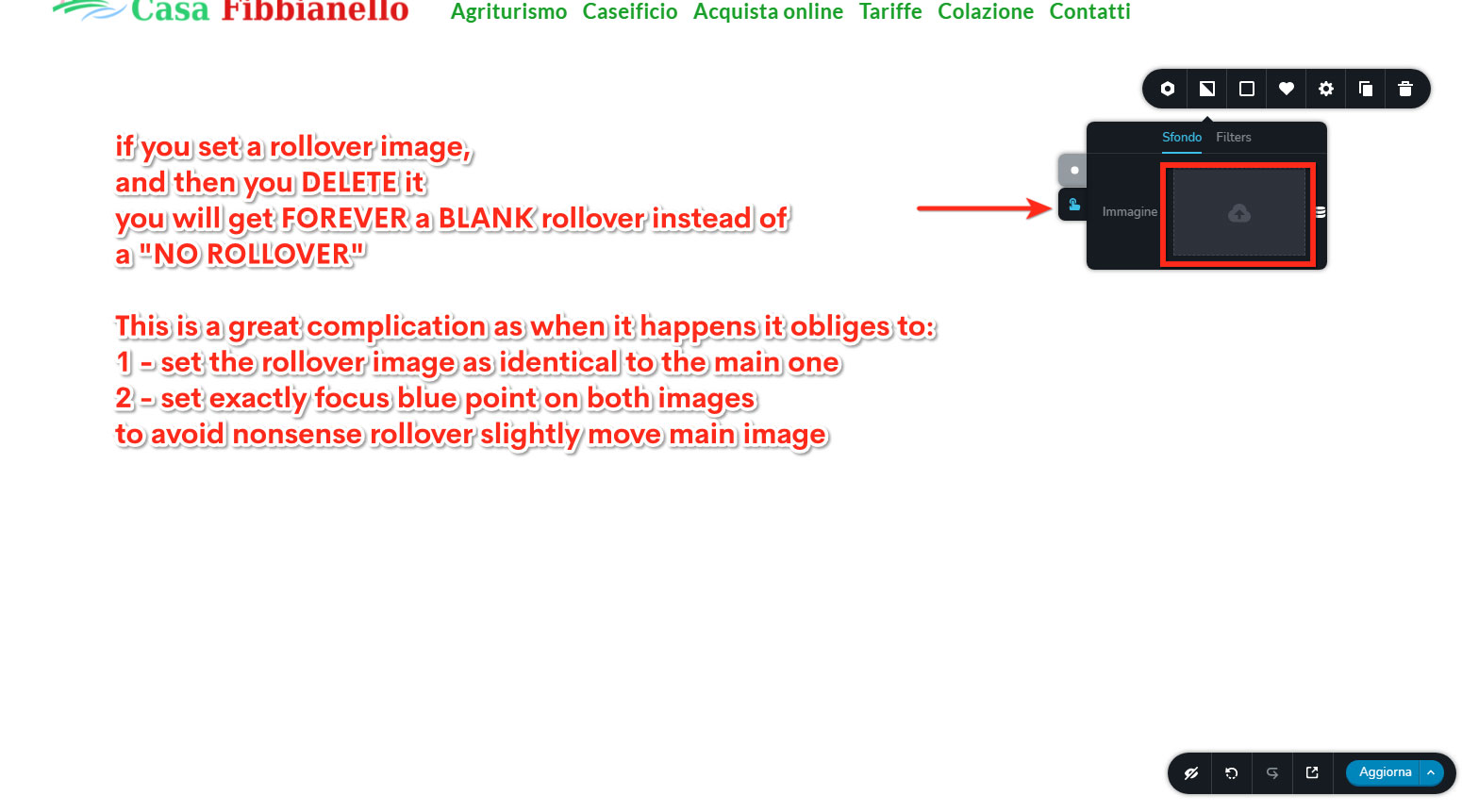
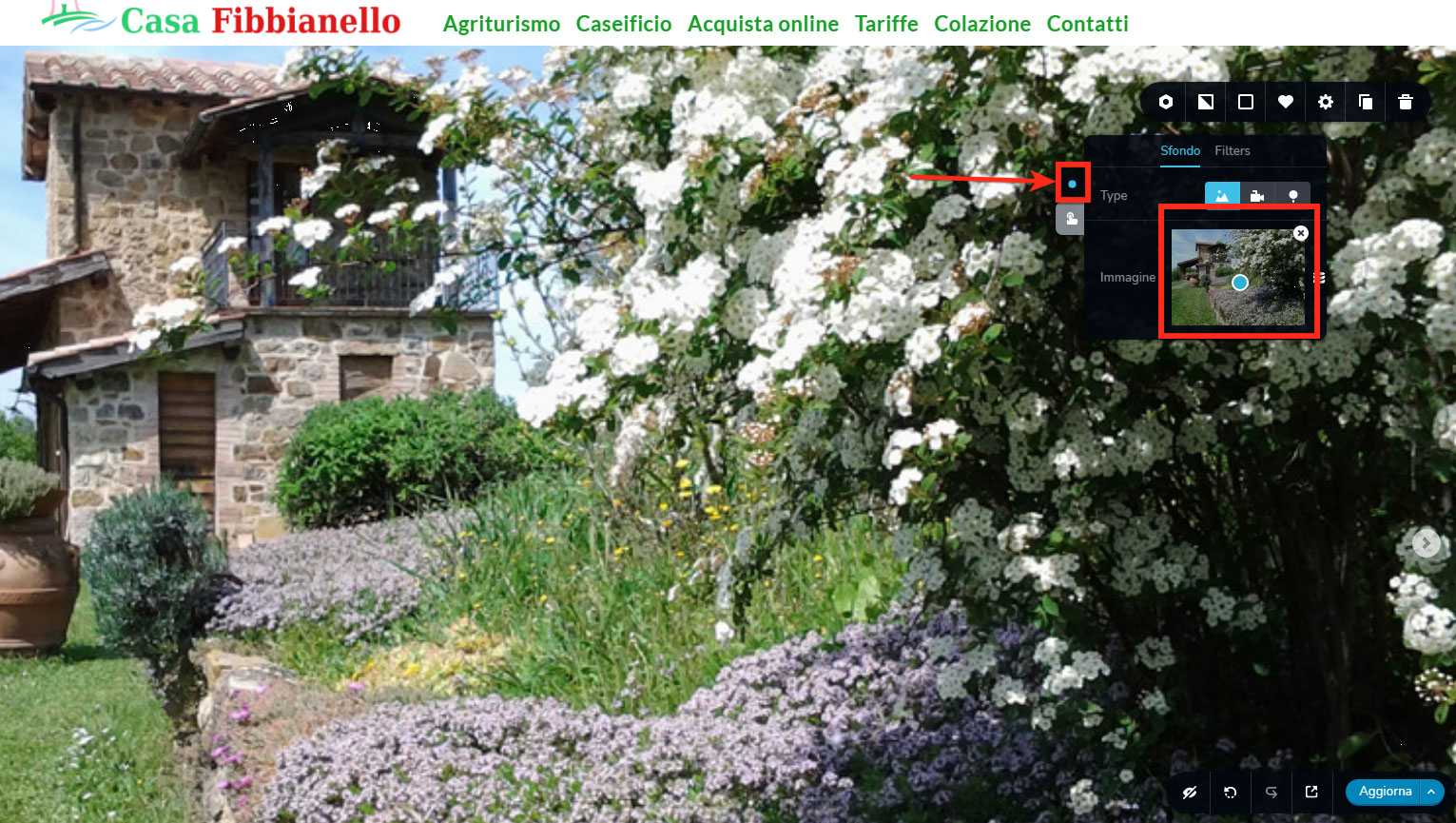
Pls check these screenshots:
-

Hi,
I'm sorry but I didn't understand the question. By rollover do you mean the background? How do you expect to work the block when you remove the background image? What do you mean by "you will get forever a blank rollover instead of NO ROLLOVER"?
Best regards,
Sandra0 -
Check better above images, it's all so clear, check red squares!!
Rollover is rollover effect: when you pass mouse on an image and main image changes with hover image.
In a slideshow you have main image. Until you do not input any hover image, main image does NOT change when you pass mouse over.
If then you input an hover image, main image changes with hover image when you pass mouse on it.
Now, if you delete the hover image, you do not get back normal behaviour (image that does NOT change when you pass mouse over it), you get a blank image when you pass mouse, so if you delete hover image, you're obliged to put some image there or you'll get this blank screen.
Check screenshots better
0 -
Thank you for these explications. Yes, at the moment in such a way is working the background image. When you set a background image, it is set-up the same for the hover effect. If you make some modification to the image on the normal state or hover state, this modification will be reflected only for that mode. Therefore, if you deleted the image from hover mode, it can't be placed automatically the image from the normal state because this action indicates that you want to customize that view. If you want to set the same image as for the normal state, you have to upload it again.
Best regards,
Sandra0
Please sign in to leave a comment.
Comments
3 comments