all text fields are justified left

This went sitewide. Is this a bug with the new update?
-

Hi,
Could you please send us a screenshot with this inconvenience you encounter? Could you please check if you have the latest Brizy Free 2.2.7 and Brizy Pro 2.2.4 version?
Best regards,
Sandra0 -
Ive emailed you this 3 days ago, but have not gotten a response...so I am posting here:
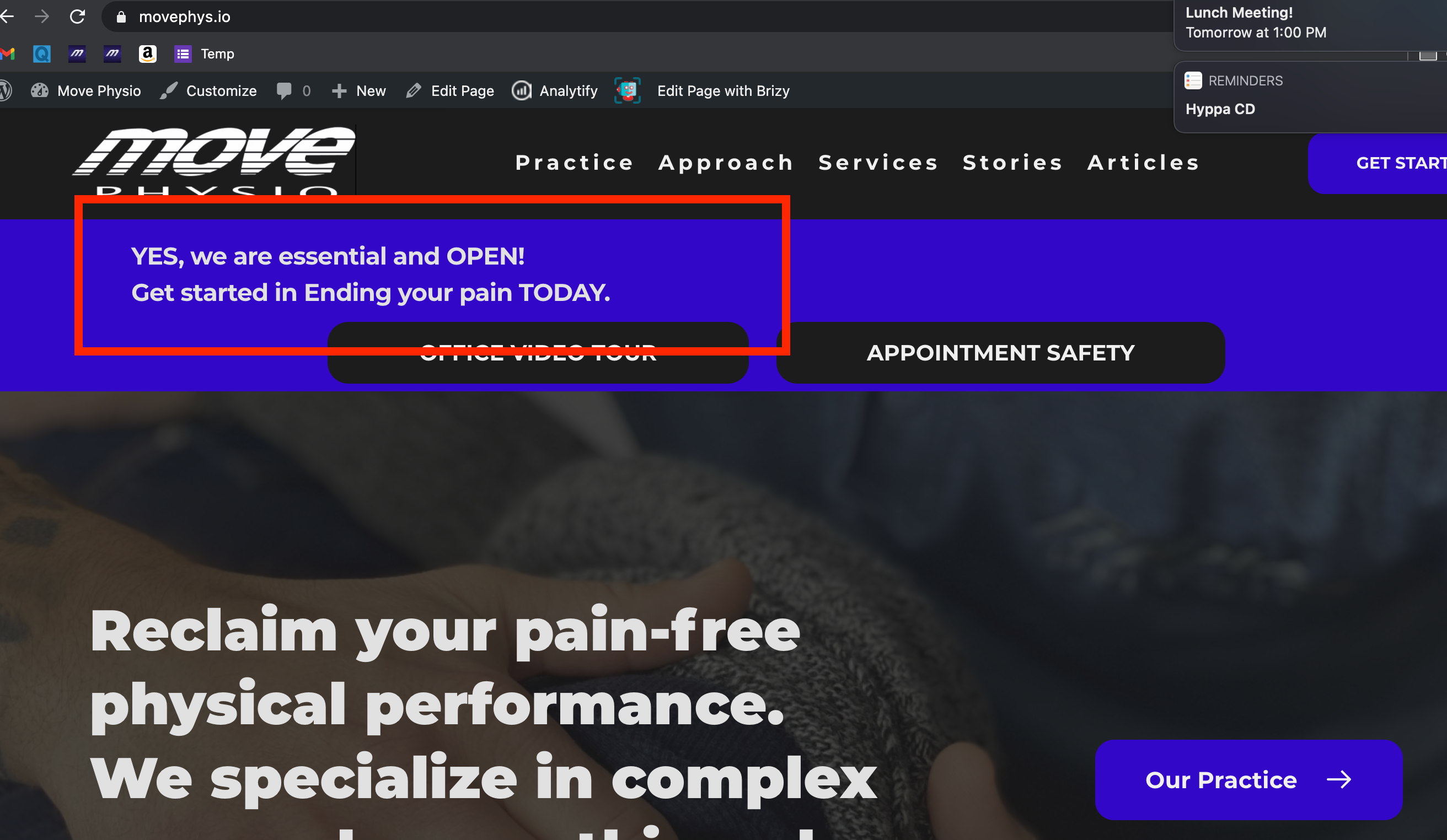
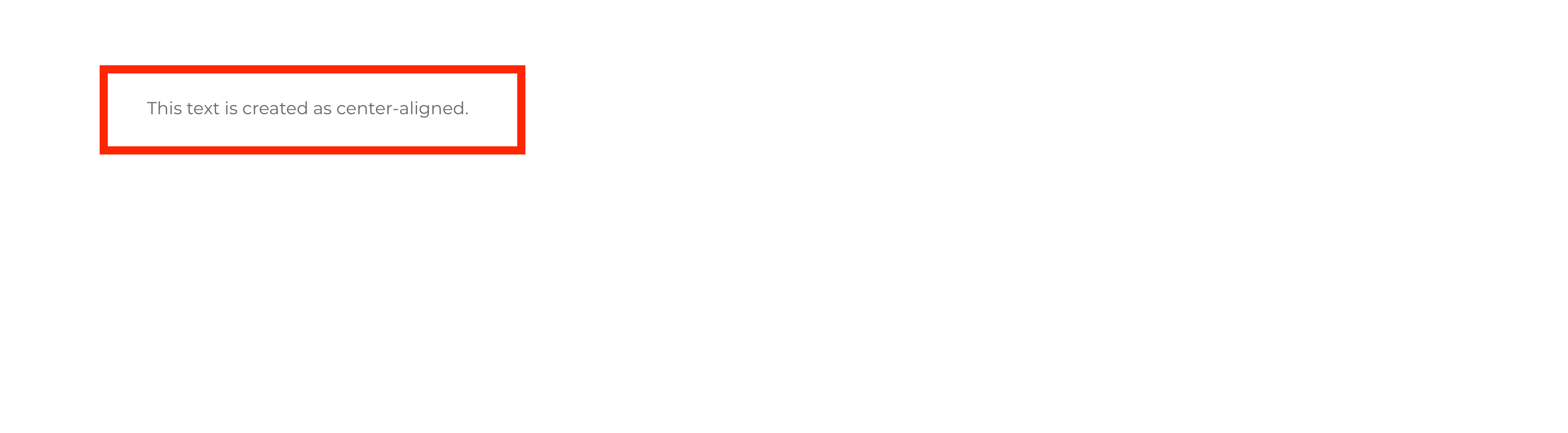
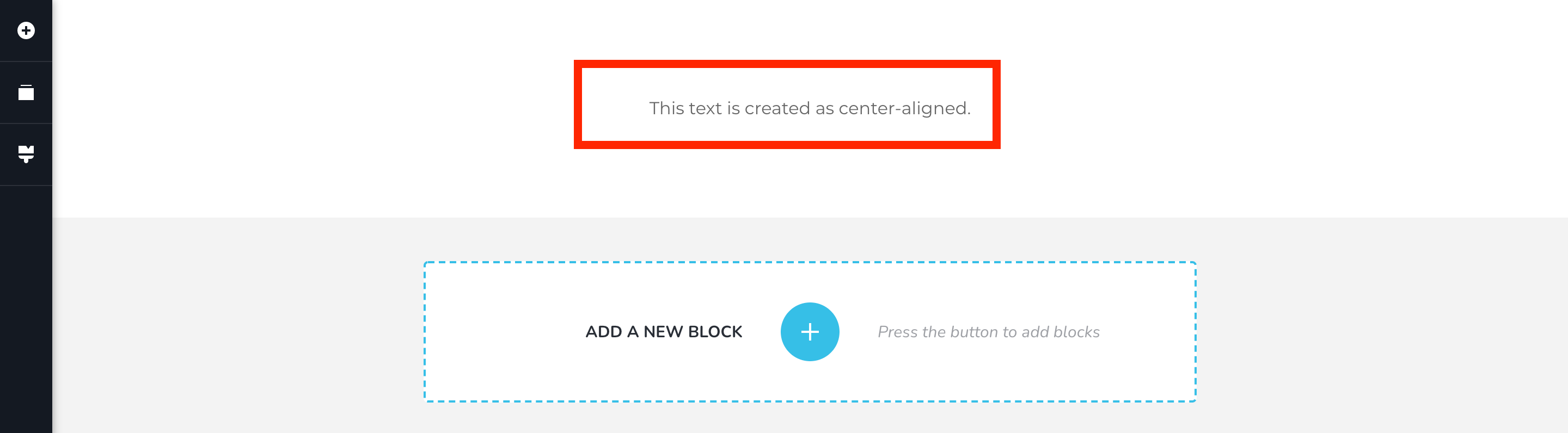
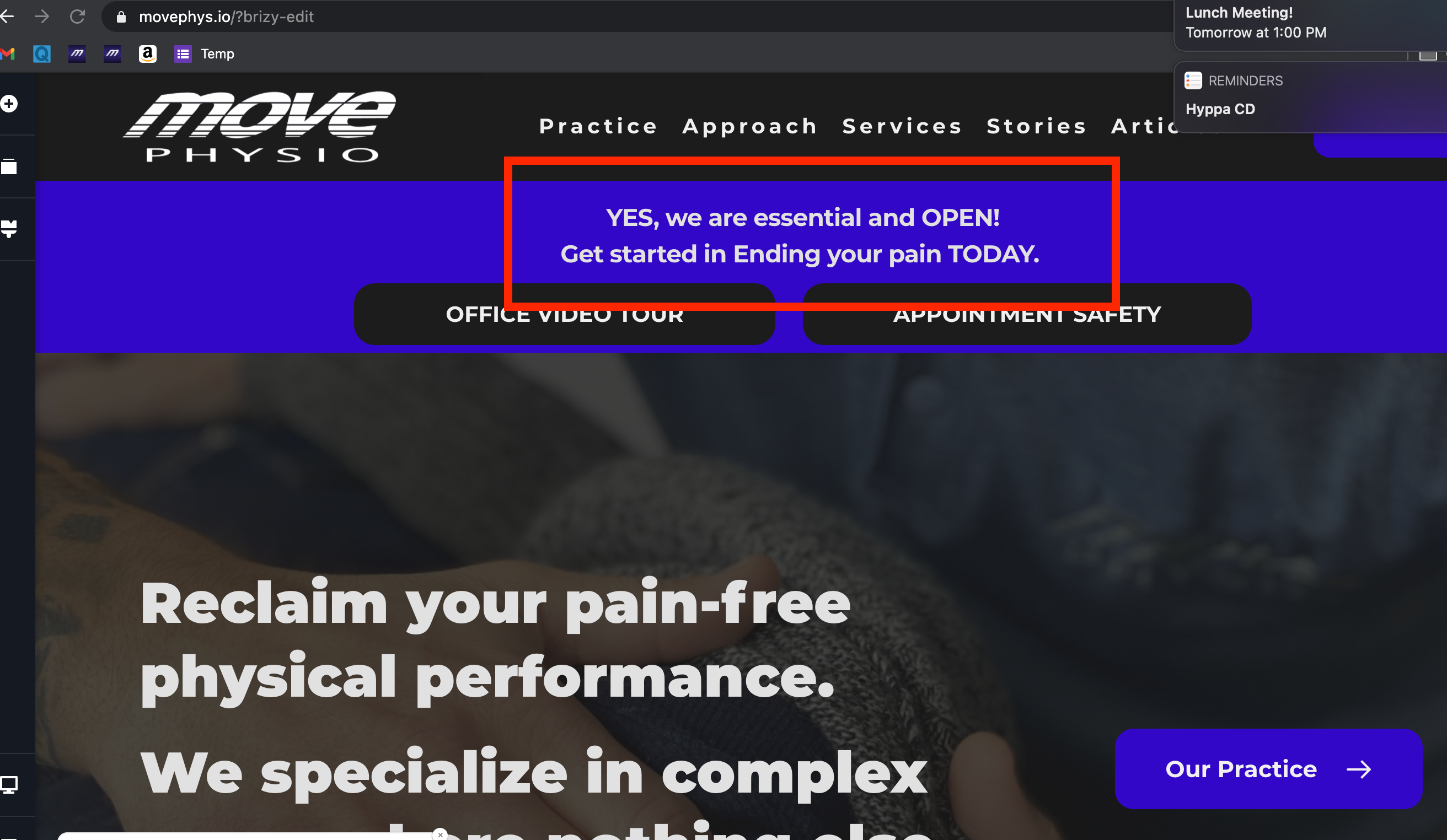 Please note that the centered text is in the editor, the left-aligned is the live site.
I have all the new updates for both free and pro.
0 -
Hi,
If you send us the reply to the noreply@, I'm sorry but we don't receive them because it wasn't created to receive the message and interact (no reply ). They are sent in Spam and from there they are deleted.
Thank you for sharing us these screenshots. I checked also your URL but unfortunately, I don't find the text you can't align to right ("YES, we are essential and Open..."). Could you please add it again to check it? Also, could you please check in the editor mode, if there isn't some padding, margins added to this text element or to other elements from the page that don't allow to work and display fine? If you create an absolutely new page and there add a new, simple and empty block and add there only the text element, is it aligned fine in the editor mode and preview mode?
Best regards,
Sandra0 -
Hi Sandra,
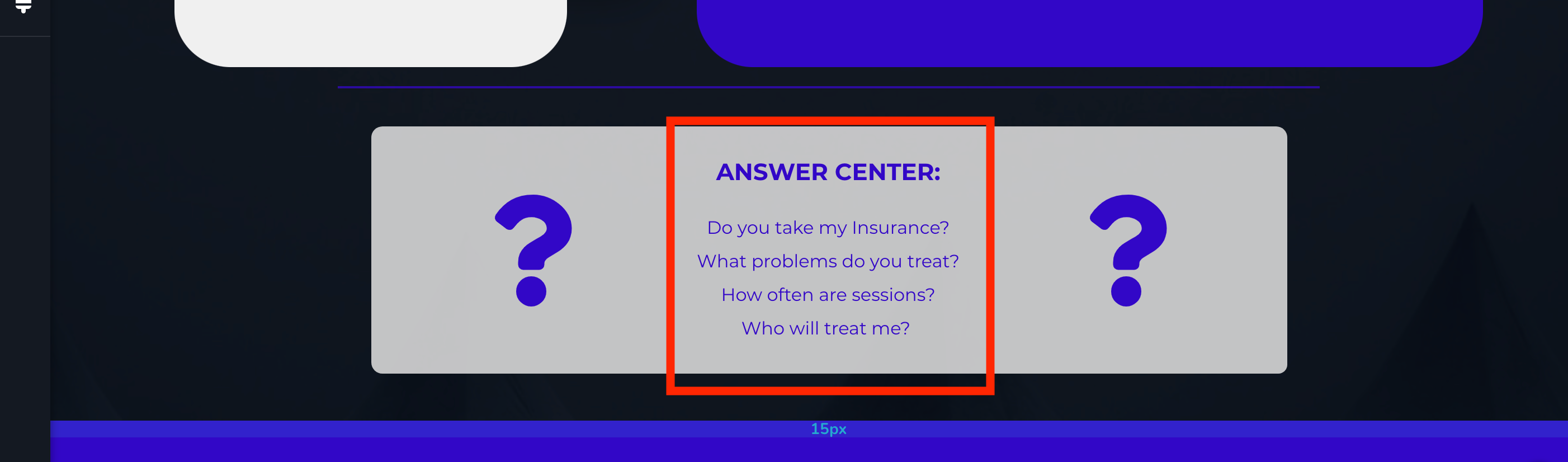
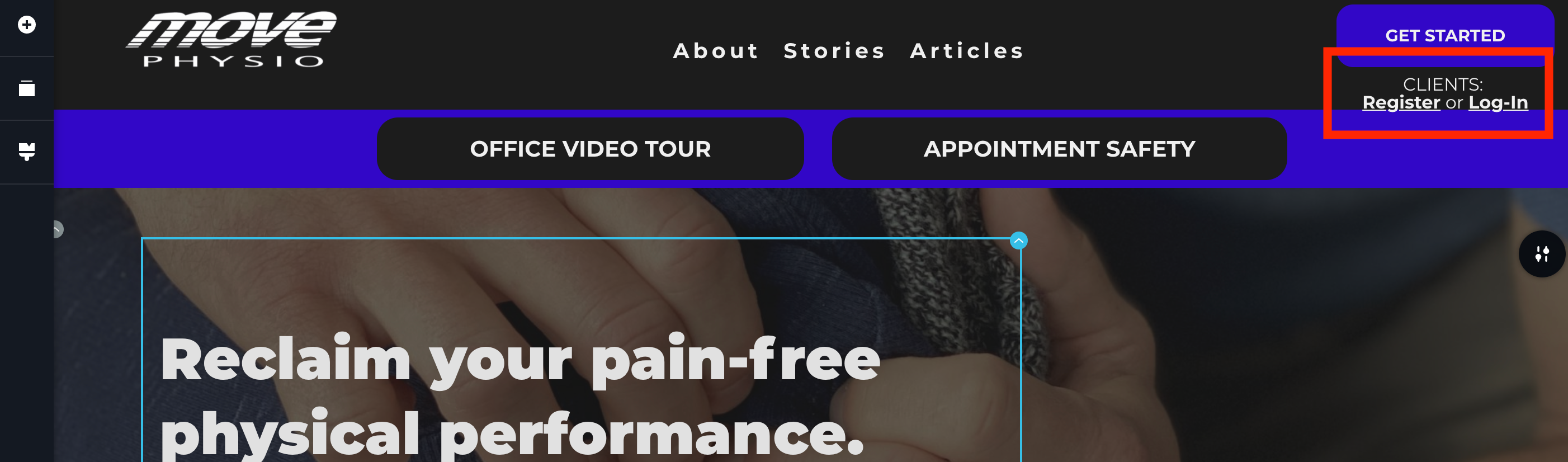
I've been editing the site, so that specific text is not there anymore, however ALL text boxes THROUGHOUT the site (not just one page) are aligned left.
I've included some more screenshots of the current site in the editor vs. live site for your reference.
To answer your question, yes, this occurs with a brand-new page, which I've also included screenshots of.
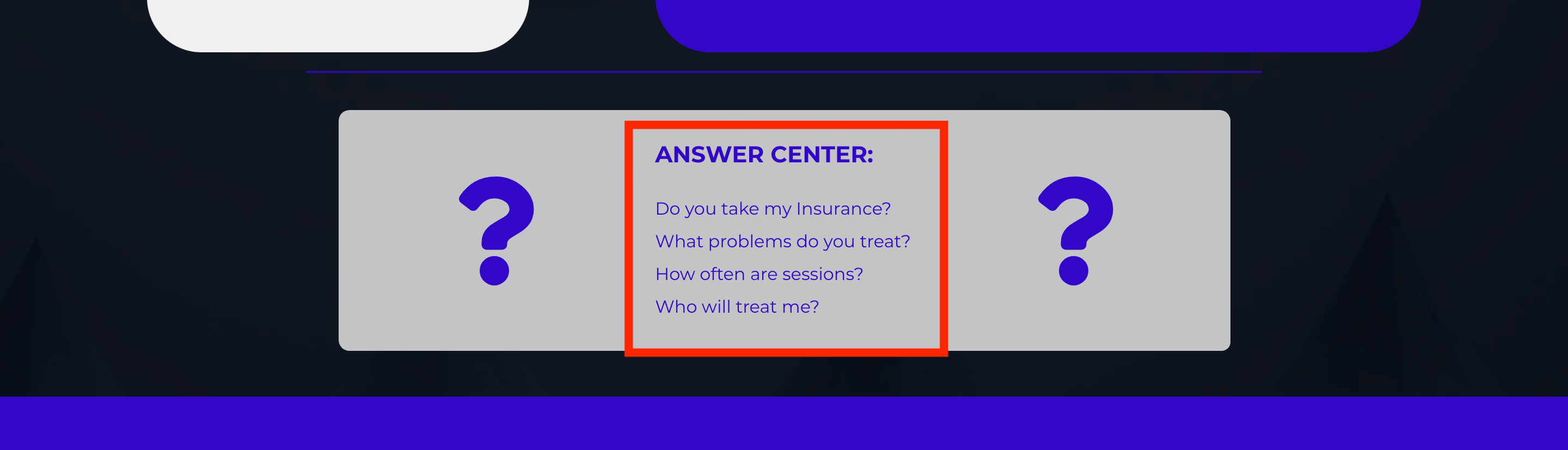
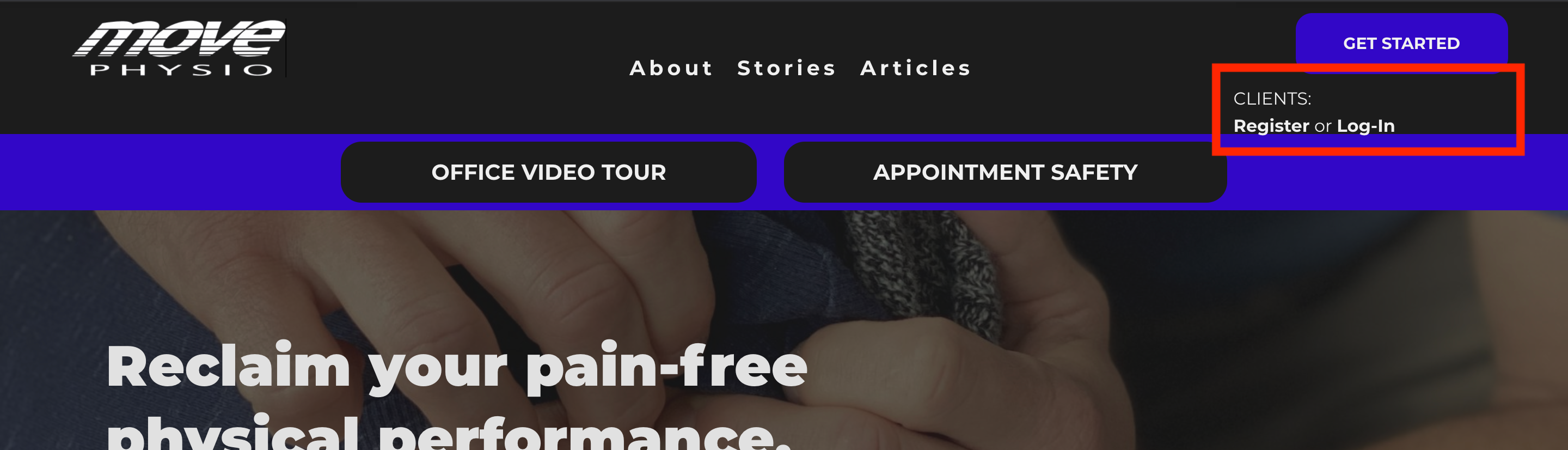
 0
0 -
Hi,
Could you please check if you have the latest Brizy Free 2.2.7 and Brizy Pro 2.2.4 version? Also, could you please temporary deactivate all external plugins (except Brizy Free and Brizy Pro) and activate a WordPress default theme?
Best regards,
Sandra0 -
Hi Sandra,
It appears that the most recent Brizy update is not compatible with my Shortpixel Adaptive Image plugin. Once I disabled that, the fields re-align.
Any insights on how to improve compatibility?
0 -
Hi,
Unfortunately, I can't reproduce the problem you encounter. I had activated the ShortPoxel Adaptive Image plugin and then checked my pages, all of them are aligned correctly. See here. Also, this is a plugin that works with images and not with text, therefore it is strange that it can affect the text. Could you please again? Could you please clean the site cache?
Best regards,
Sandra0 -
Sandra,
I've just retested and confirmed:
Once I activate the Shortpixel adaptive Image plugin and reload my live site, the text fields all align left. Once I deactivate the plugin and reload, they align correctly.
 0
0 -
Hi,
We tested this situation on other sites and unfortunately, we can't reproduce this problem https://jmp.sh/zQoSpSW. Could you please deactivate all external plugins except Brizy Free, Brizy Pro and ShortPixel and check again this case? Maybe you have an external code, shortcode or embed code that may affect the text alignment? Also, I noticed that you said about ShortPixel Adaptive Image plugin but you show us the screenshot with ShortPixel Image Optimization. We also checked this plugin and the same all is working fine.
Thanks!
Best regards,
Sandra0 -
Sandra,
Interestingly enough, I've deactivated then reactivated one-by-one to test.
Now...a new updated Brizy was just applied, so Im not sure if that has anything to do with it...but now Im able to have the Adaptive Image plugin without the text shifting.
I'll monitor and update if things change. Thanks for your help.
0 -
Hi,
Great! Thank you for updating us regarding this issue! Great to know that all is working fine now!
Best regards,
Sandra0
Please sign in to leave a comment.
Comments
11 comments