Can no longer view blog posts posts element (using Wordpress plug in)

Hi,
My website is no longer showing the post summaries for blogs and press releases. The pages I have created were still the same, but no there are blanks instead of links to the content. Can you advise what I can try?
As my website is live, I have created new pages hard coding the content instead of using the post feature. This is a temporary patch but not sustainable long term. Currently on Brizy Pro v2.2.2 (have not upgraded for fear of crashing).
Thanks for your help!
-

Hi,
Could you please check if you have the latest Brizy Free 2.2.7 and Brizy Pro 2.2.4 version? It is safe and in case that will appear a problem, we can help you to solve it. After updating Brizy Pro to the 2.2.4 version, please check if all is working fine. If the problem is still appearing on the site, could you please send us some screenshots from the editor mode and the URL link of the page?
Thanks!
Best regards,
Sandra0 -

Hi Sandra!
Same problem here - brizy builder works fine, but there is no output in the frontend.
brizy: 2.2.7, brizy pro: 2.2.4
Please compare screenshot (brizy builder) and frontend (url: https://www.curandero.at/blog/)
Regards
Karl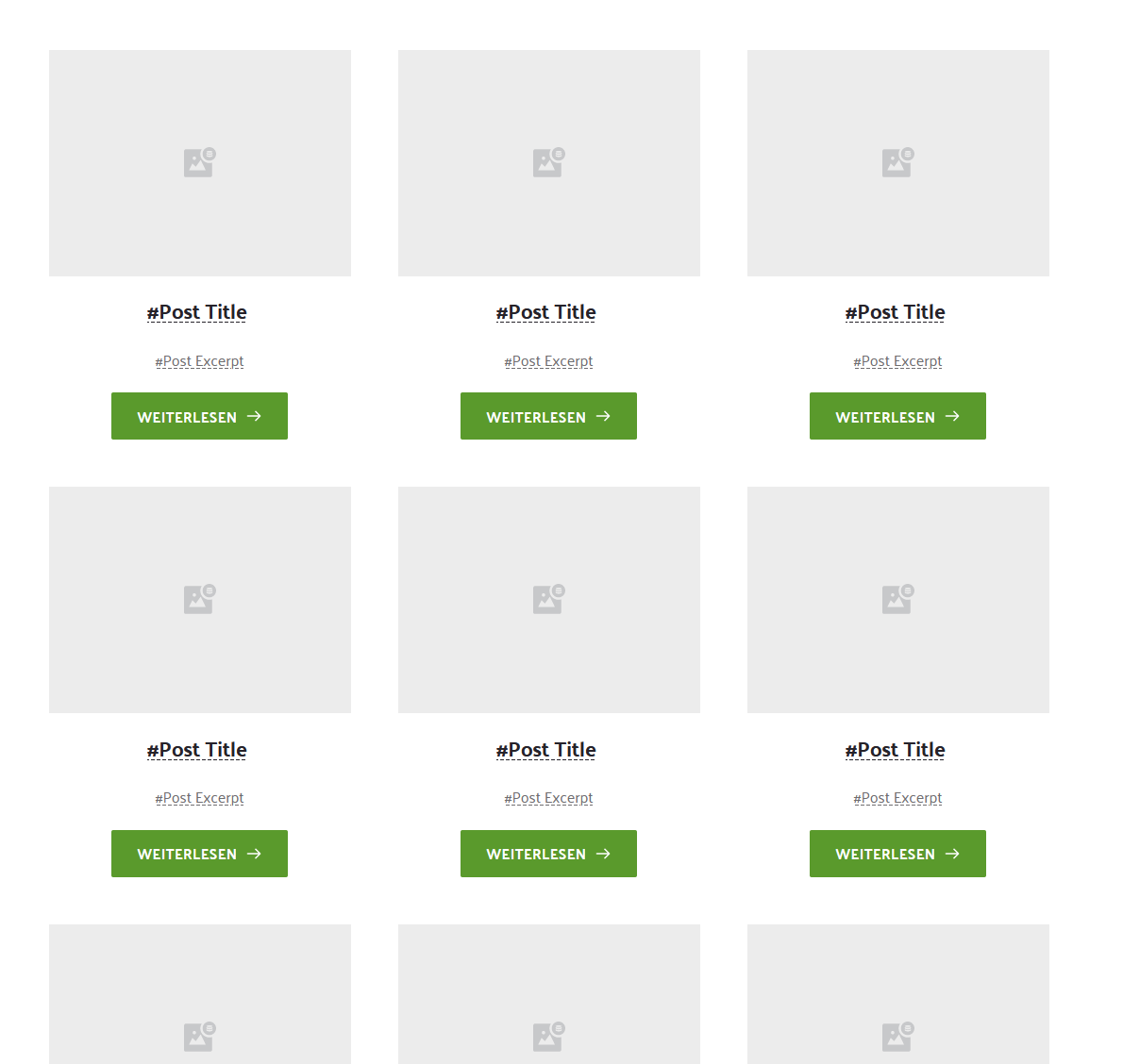 0
0 -
Hi Karl,
How did you create the Blog page? Did you create a template for a Blog page? What display condition did you set? What elements did you add inside the template/page? Could you send us a screenshot with the display conditions? Did you use the Posts element or the Archive element? Why you not use the Post Title and Post Excerpt element but use the #Post Title and #Post Except dynamic tag? We recommend using the elements because they are the improved version of the dynamic tag.
Thanks!
Best regards,
Sandra0 -
Hi Sandra,
Thanks for your answer.
I just use the brizy blog element on normal pages, no templates. Worked like a charme for over a year until recently.
I also tested the blog element delivered with brizy 2.2.7/pro 2.2.4. same result, see screenshots.
Builder:
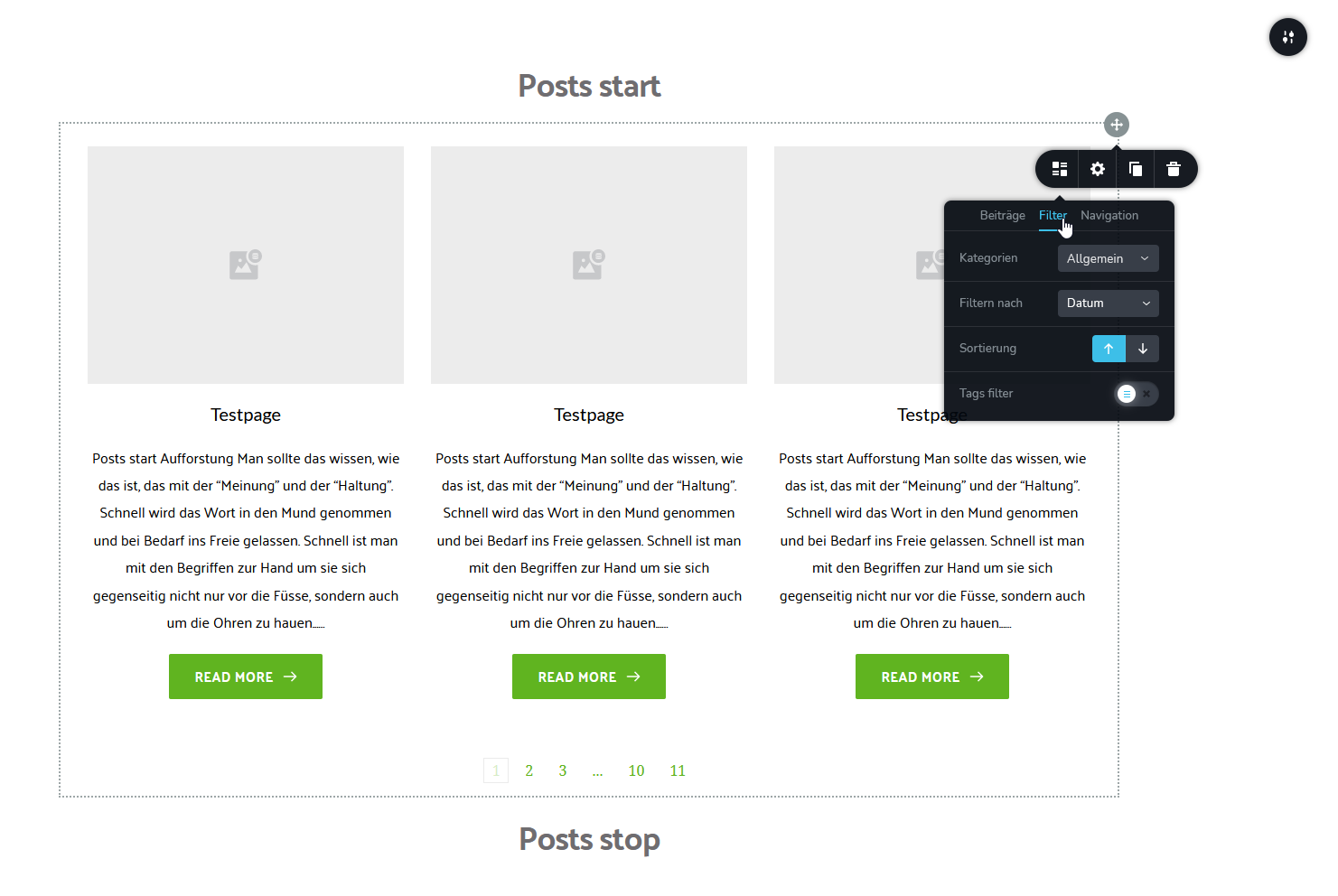
Frontend:

Funny thing: The number of pages in the pagination decreases when I increase the rows of the blog element in the builder like expected.
Regards
Karl0 -
Hi Sandra,
Problem solved. Kinda same issue as here: https://bit.ly/3ryYdTJ
The Events Calendar PRO plugin caused the problem. Even on pages where it is not shown.
Anyways, thanks for your help.
Regards
Karl0 -
Hi,
Great! Thank you for updating us regarding this issue! Nice to hear that you found the cause and now all is working fine!
Best regards,
Sandra0 -
Hi Sandra,
I'm still having the issue. Here are screen shots. Any suggestions on how to resolve? It used to work fine.
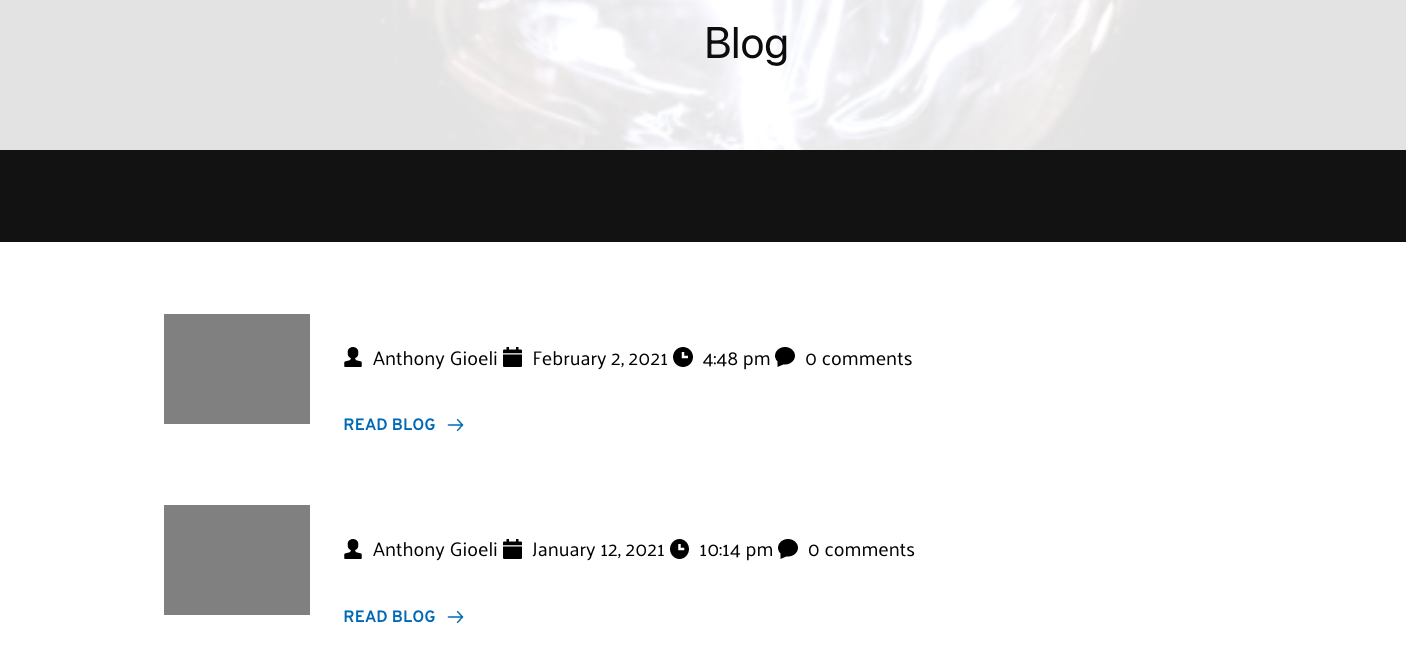
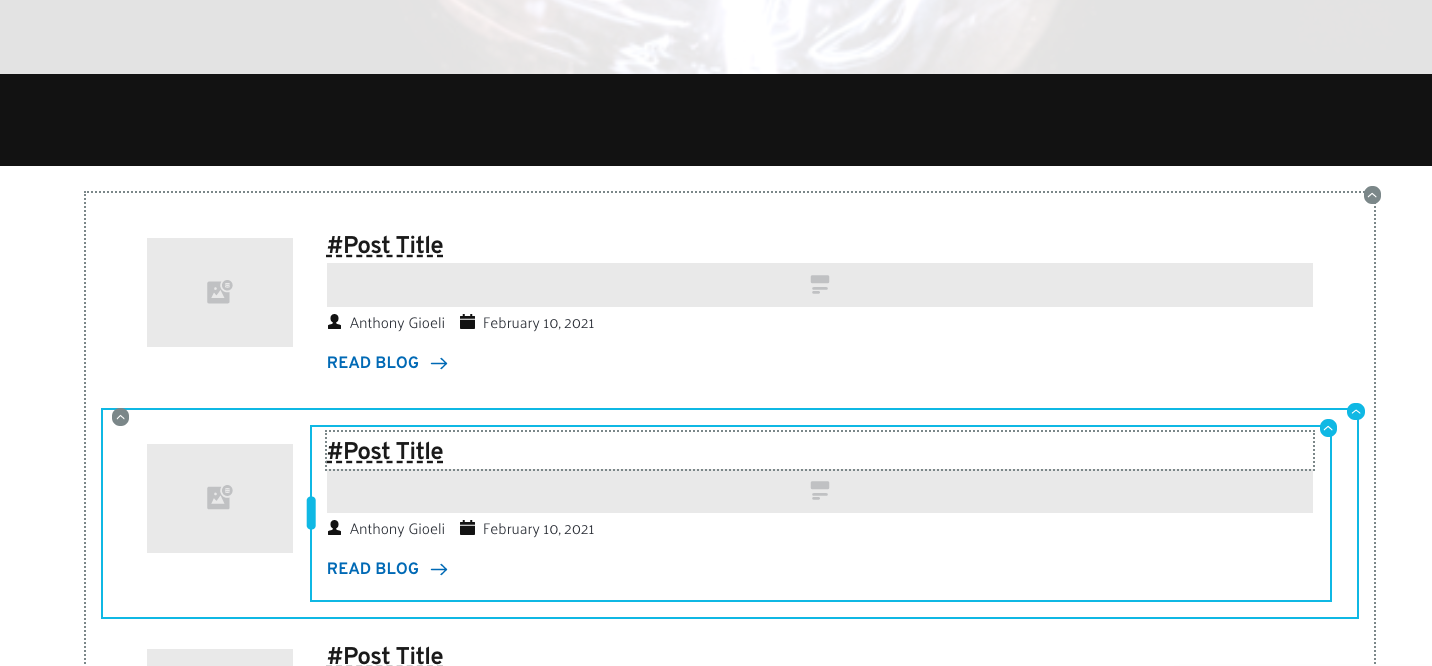
Like Karl, I just use the brizy blog element on normal pages, no templates. Worked up until recently.
Any suggestions?
Best regards,
Anthony
0 -
Hi Sandra,
Never mind....it looks like the Brizy Pro update did not happen when I did it previously. So I updated to 2.2.4 and it is working correctly again. So I believe the issue is resolved.
Best regards,
Anthony
0 -
Hi,
Thank you for updating us regarding this inconvenience! Great to know that all is working fine.
Best regards,
Sandra0 -

Hello Brizy
I'm also having issues with creating blog templates on my WordPress.
I don't have any post or WP archive inside the element section.
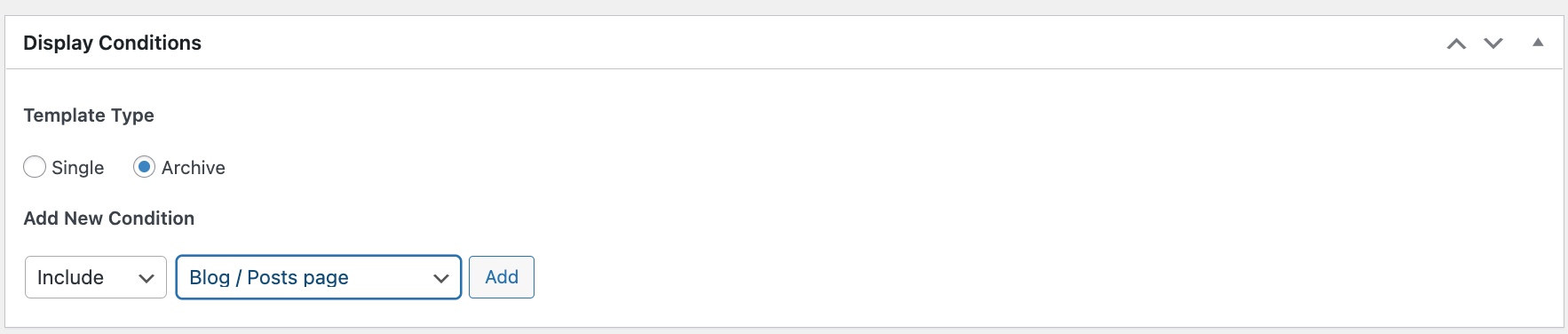
I have created the template using brizy menu as well as including posts/pages as archives in the Brizy setting.
I have attached screenshots as a reference.
Can you please help asap?
Thank you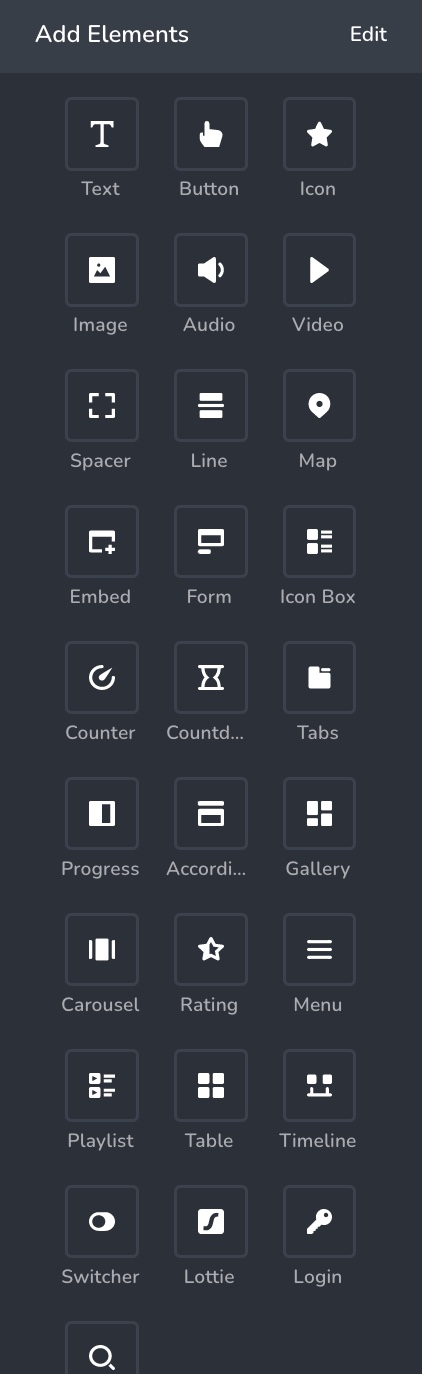
 0
0 -

Hi Eddie,
You have selected the Display Conditions correctly, However looks like you have not clicked on the 'Add' button next to the display condition. Please click on the Add button as explained in this video https://jmp.sh/d0mVBJH and check if you are able to access blog specific elements.
0
Please sign in to leave a comment.
Comments
11 comments