Your Plugin version is incompatible with Brizy Account version, please update plugin

Hi there. Please solve this problem.


2
-

Hello Ariel,
We face the same problem too... Latest Brizy (2.5.2) and Pro (2.5.1) are installed.
Thank you.
0 -

Hi Xander,
This is an ongoing issue and it will be fixed when we roll out next Brizy release. In the interim, kindly follow these steps to import a saved block/layout to another project.
- In the "Saved" tab of the Saved Blocks and Layouts library, hover over a block or a layout you want to import to another project
- Select the "Download" icon at the bottom right corner. This will download the block/layout as a ZIP file
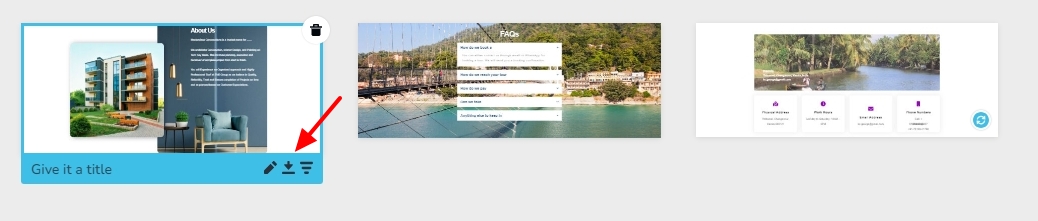
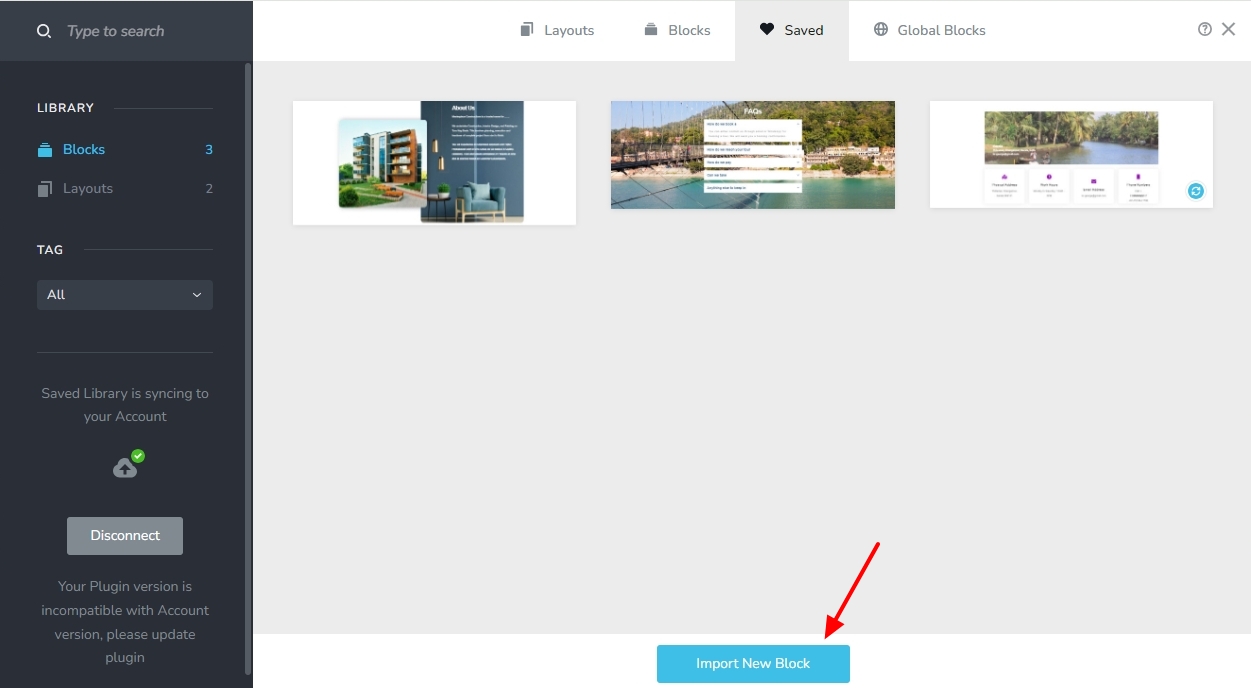
- Open the project where you want to import the saved block/layout. To import a saved block, click on the "Import New Block" button at the bottom and select the downloaded ZIP file
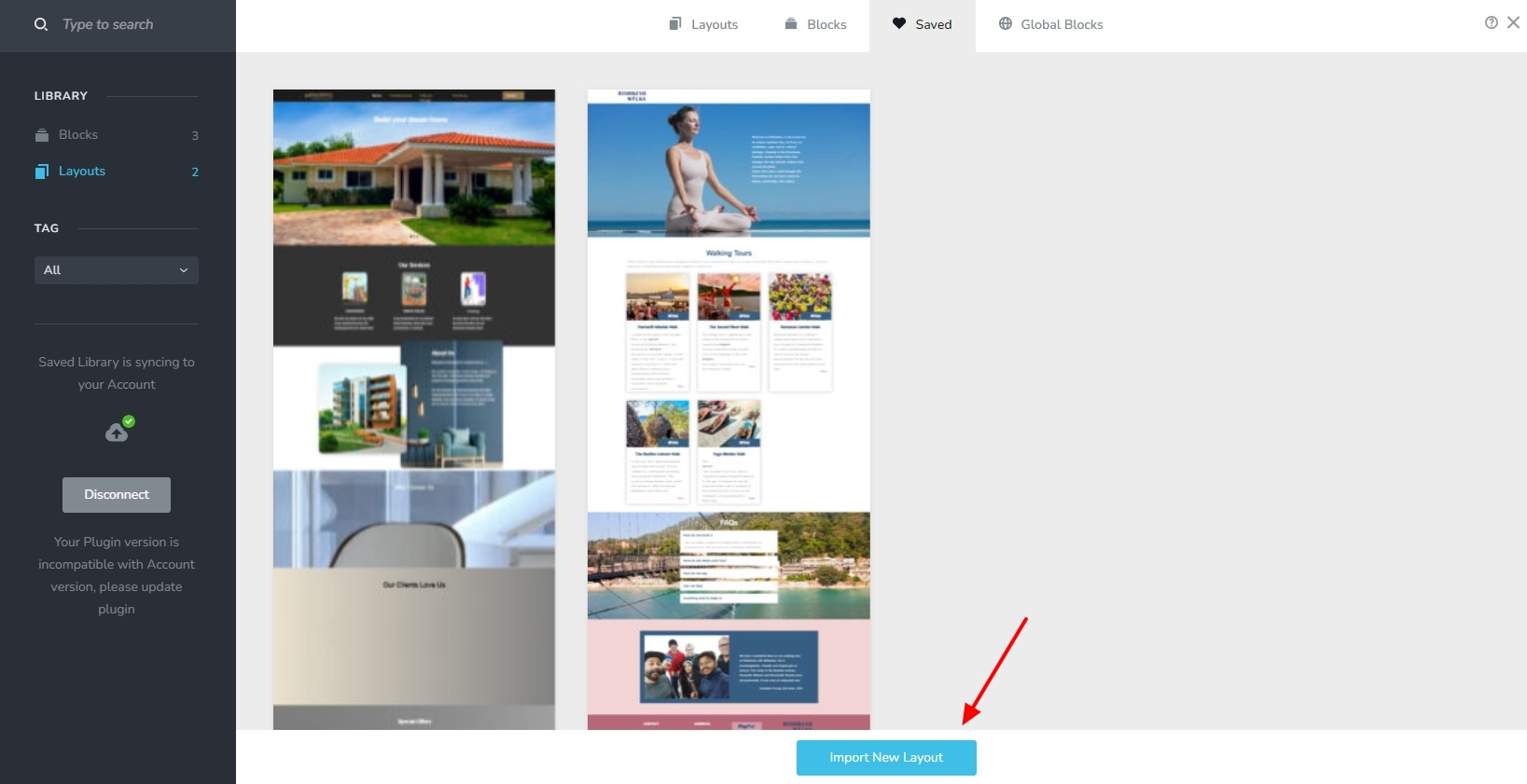
- To import a saved layout, click on the "Import New Layout" button at the bottom and select the downloaded ZIP file
0 -
Hello KC, great solution (for now 😉) thank you!!
0
Please sign in to leave a comment.
Comments
33 comments