Black Bars Around Images

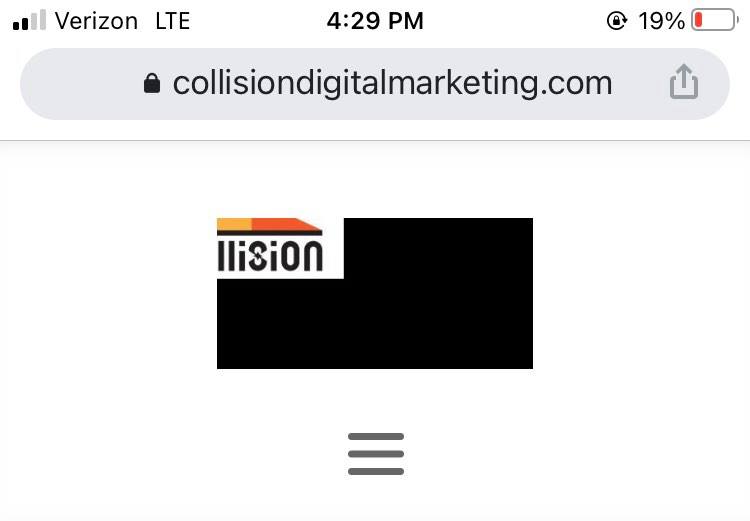
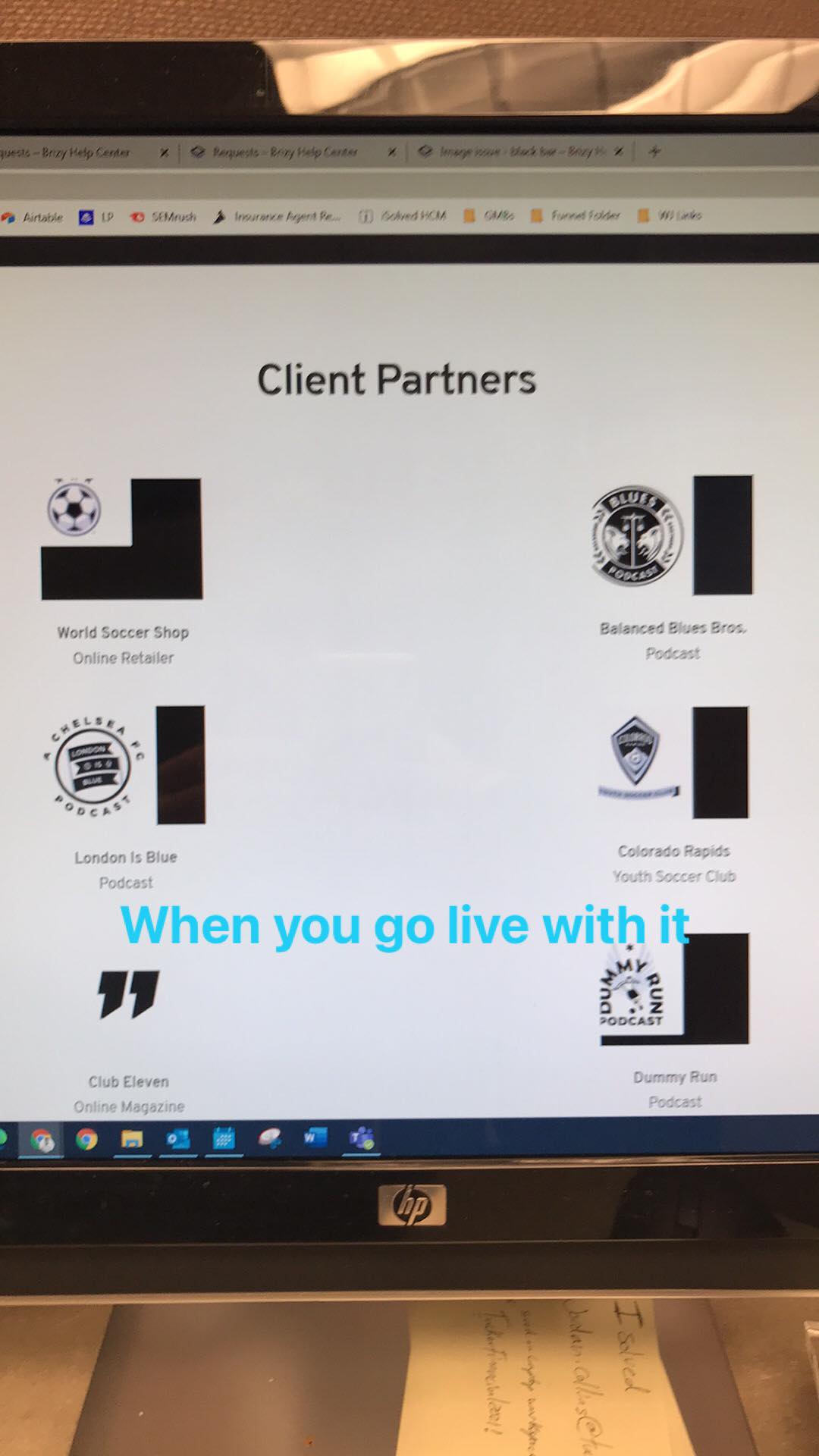
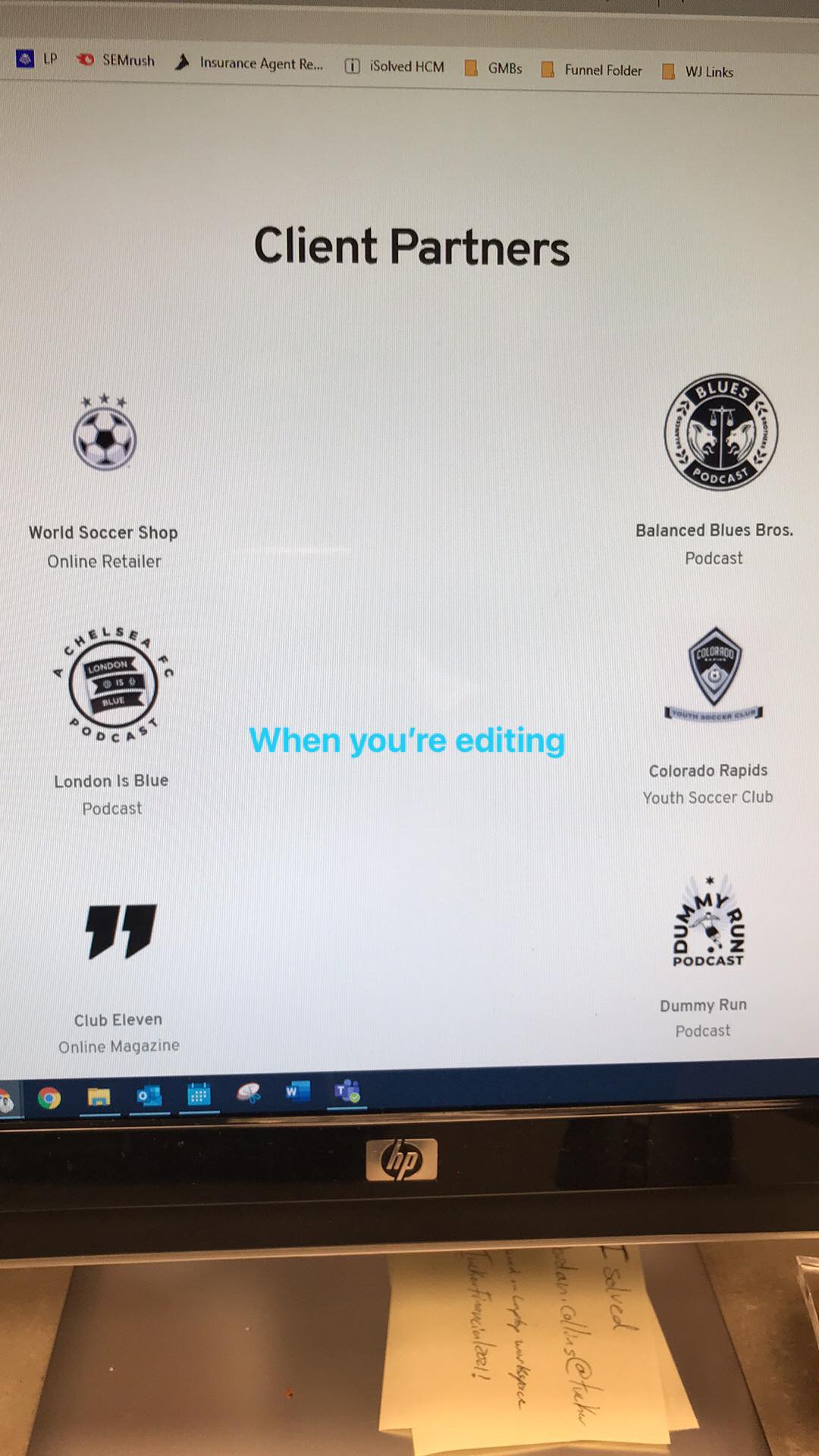
Hi, I'm uploading small images and every one of them is getting a black box around them.
I've tried turning the color of the block's backgrounds to white, resizing them, and uploading pngs but nothing has worked. I'm on the most updated version of Brizy and have read the other threads telling about using the image optimizer plug-in (which I've installed) and still nothing. I have no black boxes on my preview page but my site logo and following photos have black around them.

-

Hi,
Yes, we know about this inconvenience and our developers are working to solve it. This happens because the image sizes are smaller than the container where is added to the image or the png image has a big empty space. Therefore, appears empty spaces that are marked as black. To solve it for the moment, I can suggest adjusting the column, resizing the image, upload big images or use other image formats. I'm sorry if this created you some inconveniences!
Best regards,
Sandra0 -
It can happen because the images are smaller but it can also happen when they're scaled down, I've used both and try to extrapolate the exact size of the block to be sure that there's no room for the black. It hasn't worked. I've resized images and provided larger than needed images and it hasn't worked. I'm concerned that this isn't being fixed because the other threads is from 4 months ago. I don't have that kind of time to wait for a fix.
0 -
Hi,
Could you please send us the URL link of the page where you find this inconvenience? Also, could you please share us 2 of these images? We want to check them on our test sites. If you don't want to make all these details public, let us know and we will delete them before approving your reply.
Thanks!
Best regards,
Sandra0 -
Hi Sandra,
Thank you for your message - here's my homepage where you can see the cropping issue in my header and also if you scroll down to the client portion.
https://collisiondigitalmarketing.com/
I'll attach 2 images here to show you how it looks in the builder in comparison to when its published.
 --
--Here are 2 of the images I've been using. If i can upload them at exactly the block's size on desktop, I'd like to do that to mitigate any sizing issues.

 0
0 -
Hi,
Could you please give us more details about how did you upload these images? I noticed that you send us in the jpeg format but on your site, they are in the png format. Anyway, I saved the logo on my computer and tried to test it. I noticed that all are displaying fine. See here.
Best regards,
Sandra0 -
Hi Sandra,
I uploaded them the same way that you did in your link. I used PNG format because JPGs were giving me the black box. I was hoping the transparent background would mitigate the black box issue.
I tried doing the exact same thing you did and it gives me the black box. I tried it with 2 different sizes with both being JPGs and it didn't work the way it did in your "See Here" example. See below.
0 -
Hi,
It is a bit strange. I tried to upload a new png image and all seems to work fine. See here. Could you please check if you have the latest Brizy Free 2.2.7 and Brizy Pro 2.2.4 version? Also, could you please temporary deactivate all external plugins (except Brizy Free and Brizy Pro) and activate a WordPress default theme? Do you receive the same problem?
Best regards,
Sandra0 -
Hi,
I have Brizy v 2.27 and Brizy Pro 2.24. I've deactivated a ton of plugins to spot check the issue but none fixed my issue. After tinkering with the images, the black square has to do with the zoom box. Basically, if I have anything below 100% for my icons or an image it gets the black square. If I have 100% or higher I don't have an issue. It looks like for the most part I'm just going to have to make all my site images and logos the exact size. I'm a bit concerned that the desktop images will have issues on mobile since (from what I've read) Brizy scales images based on device (I could be wrong!). I've been trying to read up on the image optimization piece as that's what the Brizy forum suggestions have said.
0 -
Hi,
Yes, Brizy uses a different method to handle images. It crops it in the 6 examples, for retina and non-retina desktop, tablet and mobile devices. In this article, you can find more details about this. Also, in this article, you can find how to optimize the Brizy images. Let us know if the image optimization helps you.
Best regards,
Sandra0 -
Hi Sandra,
I've read the articles and have an idea how they optimize images but this system is a massive time suck. Below is a video. I've uploaded an image that is too small and an image that is too big. Regardless of the size of the image, the zoom tool (which is what is causing the black bars) makes them appear as if they are the same size. I don't have image-related plug-ins on.
I've uploaded the same image as a 50x50 pixel image and as a 400x400 pixel image. When uploaded both images crop and will same zoom=100% which is logically impossible.
I've tried changing filetypes, aspect ratios, and the container but no matter what I seem to do there is no uniformity that can be manipulated to just get an image to show without cropping.
I'm at a point where if I don't find a fix for this, I'll be contacting Brizy for a refund. It's absolutely ridiculous that something as simple as uploading an image that doesn't crop has taken this much time to troubleshoot.
0 -
Hi,
We recommend that the zoom of the image always be 100%. But the aspect you said, "Regardless of the size of the image, the zoom tool (which is what is causing the black bars) makes them appear as if they are the same size.", it isn't about the zoom but about the height and width. If you have set the width and height with 100%, then the image will have as the reference the container size (e.g. column where is added the Image element) and will strive to fit in that container size. If you set the image width and height in px value, then it will not depend on the container size and will something like "standalone".
Anyway, we want to check this inconvenience from your dashboard. Could you send us in that private message the WP credentials to this site? I have created a private ticket for this request. You had to receive a notification regarding this by email.Thanks!
Best regards,
Sandra0
Please sign in to leave a comment.
Comments
12 comments