Edit with brizy does not work

When I click "Edit with brizy", a default wordpress page shows up immediately; No editor is loaded; not even the "spinning circle" animation
I'm using brizy 2.2.7; already disabled all other plugins; server is apache2 2.4.41; PHP version 7.4.3
this is what it shows when I click Edit with brizy:

-

Hi,
Do you have the Brizy Pro? Is it updated to the 2.2.3 version? What theme did you use? Could you pleas temporary add a Default WP theme? Did you try to create a page with the theme? Can you view it in the right mode? Also, is your site on the localhost? If so, could you please check the site configuration, permalinks, the way you set-up the localhost? If the site is hosted on the localhost, unfortunately, we couldn't make some checks and solve the inconvenience, therefore we will recommend migrating the site on the public host with a public domain.
Best regards,
Sandra0 -
Hi Sandra,
I'm using the free version;
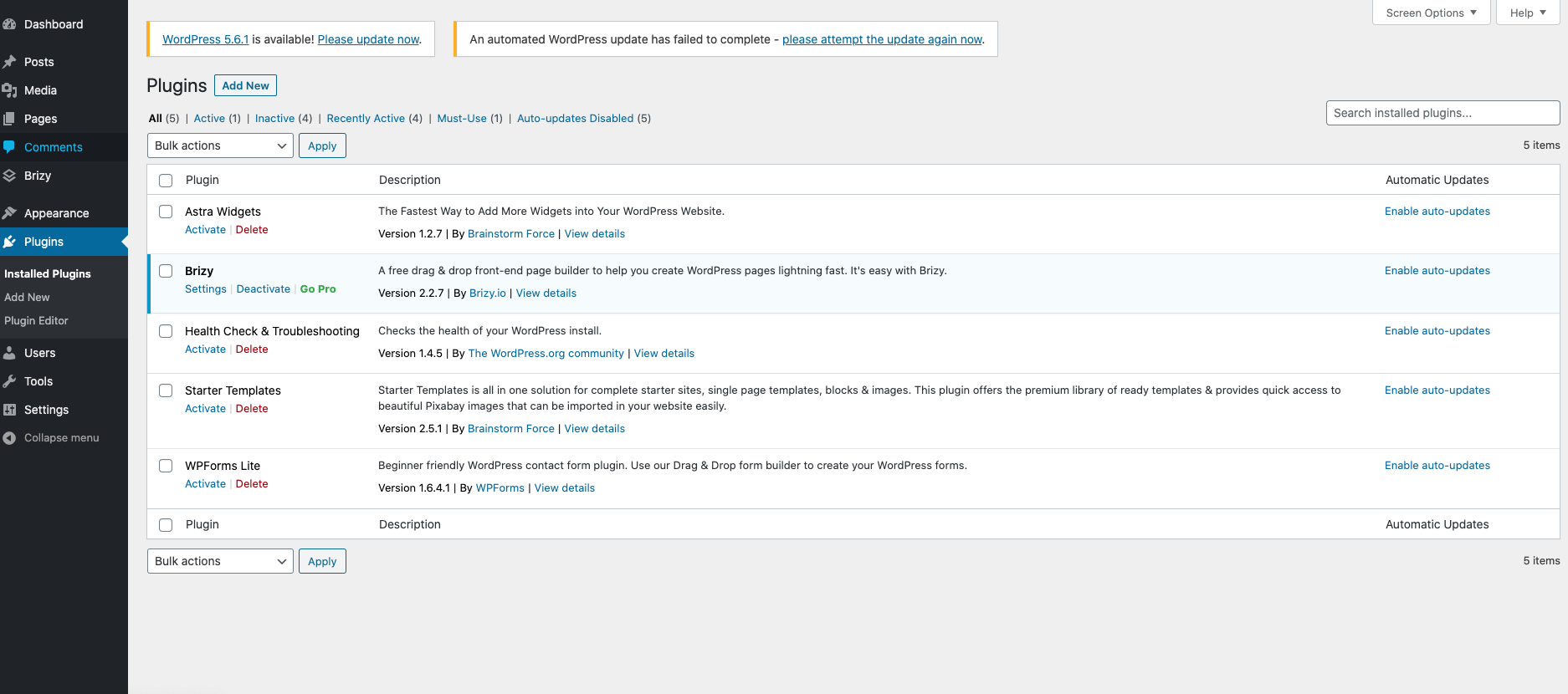
Theme was Astra; seems to have nothing to do with the theme cause when I switch to "Twenty Twenty" the problem is still there;
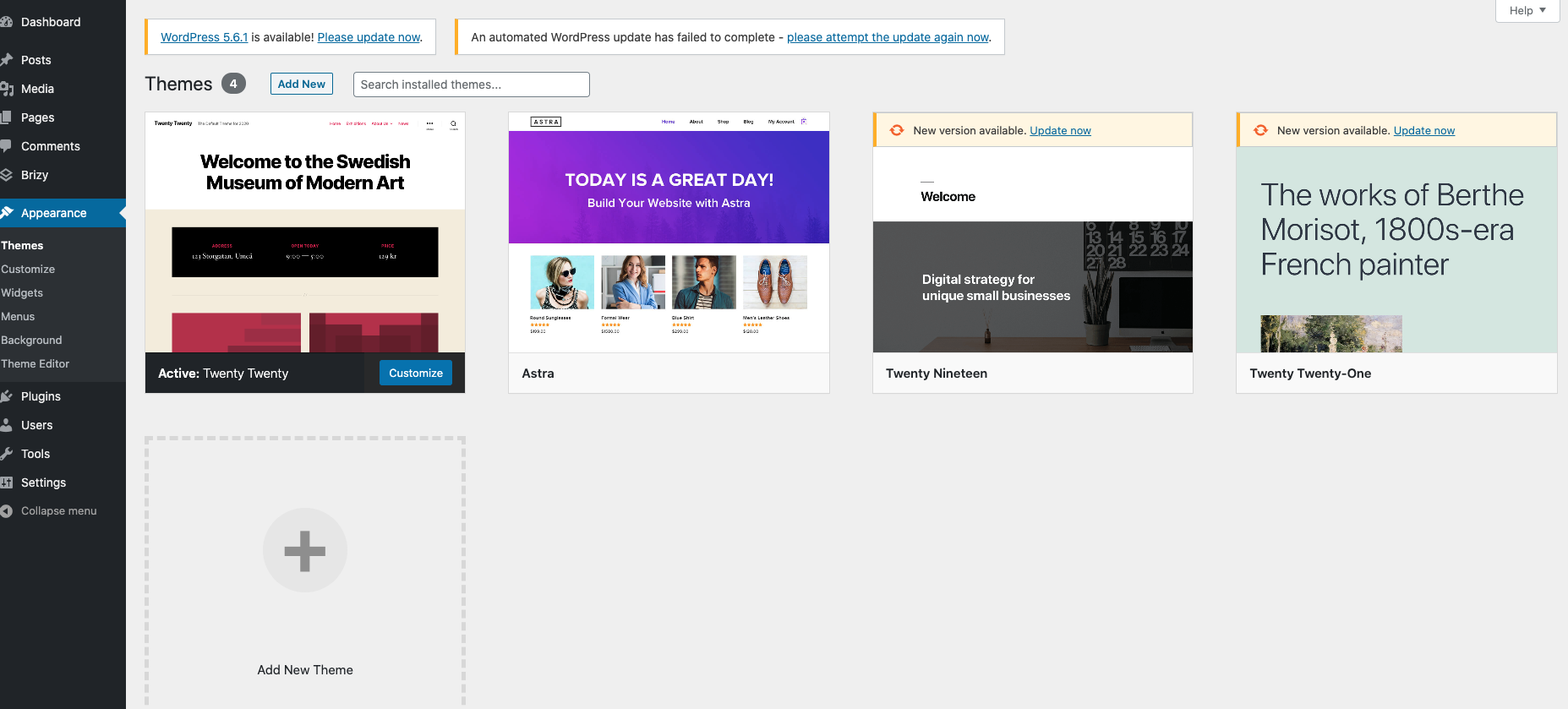
adding new WP theme FAILS with this curl error so I download new themes manually;
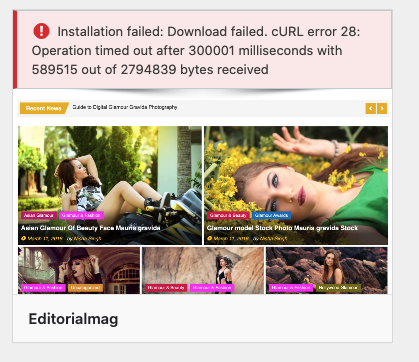
trying to create a page with the current theme works properly;
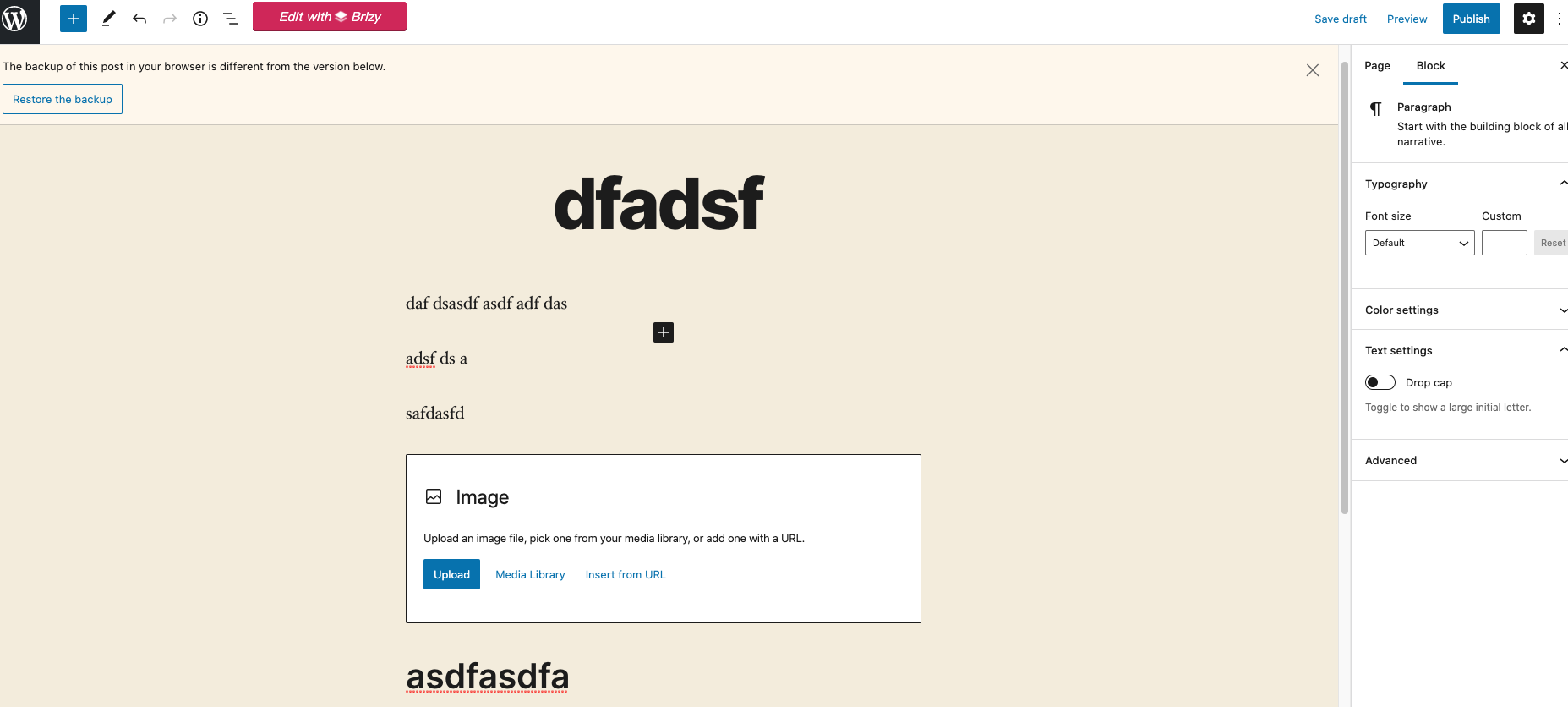
If I stick with the Wordpress editor, I can view the edited page and looks fine:
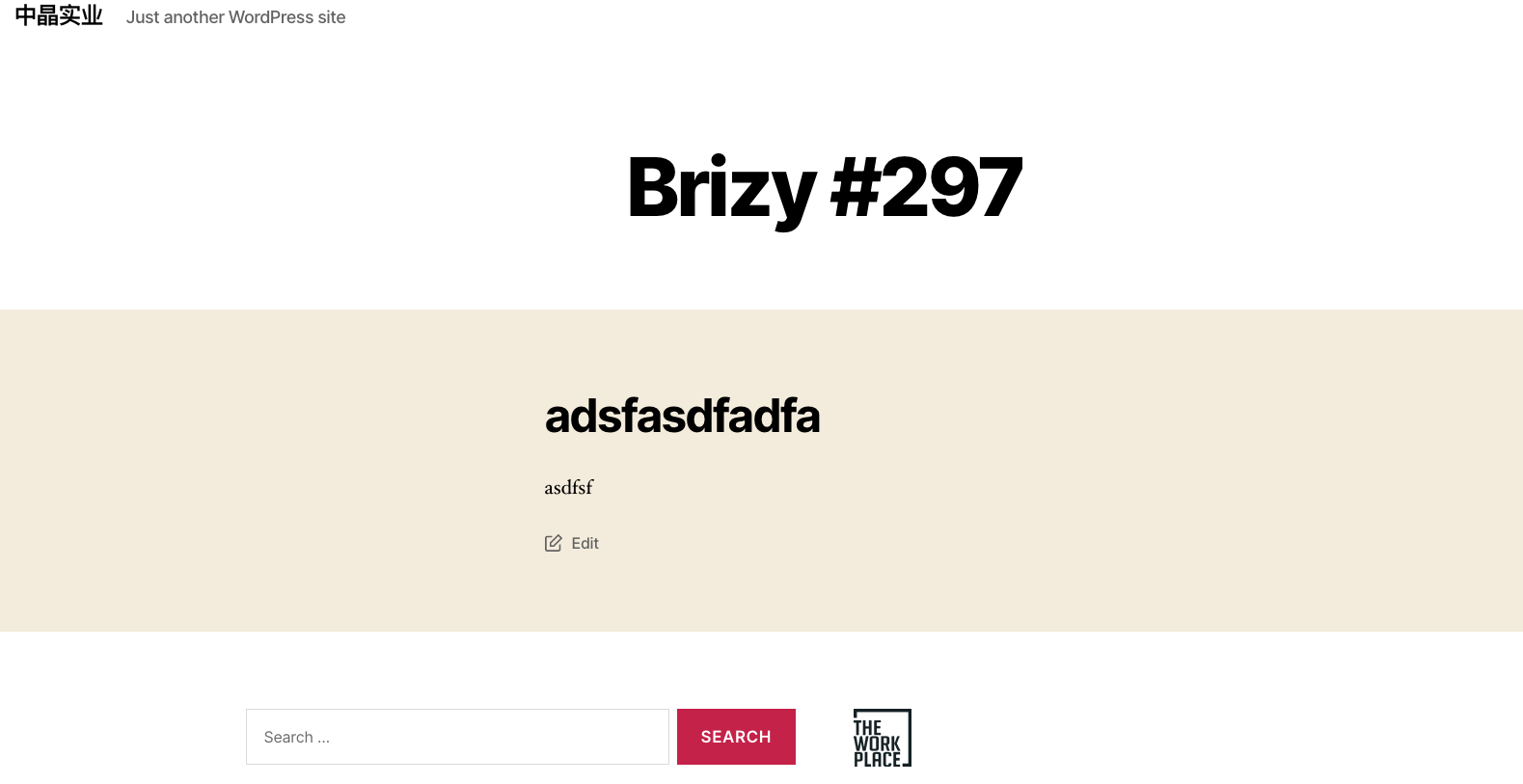
but when I hit the site's public address, It gives me the Wordpress page:

It is not on localhost; i can tell you the public address if you want;
Thanks!
Yuwen
0 -
Hi,
Thank you for all these details. Did you receive this WordPress page when you access the site's public address? In the previous message, you said that you receive this issue when clicking on "Edit with Brizy". Could you please check the permalinks of the site? How did you set them? Does the Site URL and WordPress Address are set the same?
Thanks!
Best regards,
Sandra0 -
Hi Sandra,
Thanks for your reply; I realize the problem is in the config file of my server; I've solved it; Thanks!
Yuwen
0 -
Hi,
Great! Thank you for updating and confirming that all is working fine now!
Best regards,
Sandra0
Please sign in to leave a comment.
Comments
5 comments