Blocks: Dynamic changing background image (when clicking menu button)

Dear Brizy-Team!
First of all — thank you for this ever-evolving great plugin!
I’d like to know if it’s possible somehow to have a block which has not only one background image but a certain amount of images, which will change when refreshing the page — or when clicking on a certain menu button?
What I want to achieve is having a one page layout with a fixed menu and when returning to the top by pressing “home” the block below the menu should have changed its background image.
Looking forward hearing from you!
-

Hi,
unfortunately, you can not do that. You can have only one image for background. If you have programming knowledge you could try to do something custom, but from the builder's options, you can't do this.
0 -
Hi Alex,
thank you for your reply! There is a plugin which does load a new image every time the page get’s a refresh. But when putting its code in a block by using the shortcode element unfortunately the images stretch to their dimensions … I need them to be 100% in width and height of the window — just like a background image. Is there a way to achieve this?0 -
I'm afraid I have the same answer. It is necessary to inspect the page, see why it's not set to 100% and fix it with a custom code.
btw: make sure the row in which the shortcode was added does not have any padding and has the width set to full-width: https://jmp.sh/F4RDgpm
0 -
Hi Alex,
all I want to achieve is that the empty block in my screen shot (which will contain a shortcode element) gets 100% height and 100% width — just like the purple background. Is this somehow manageable?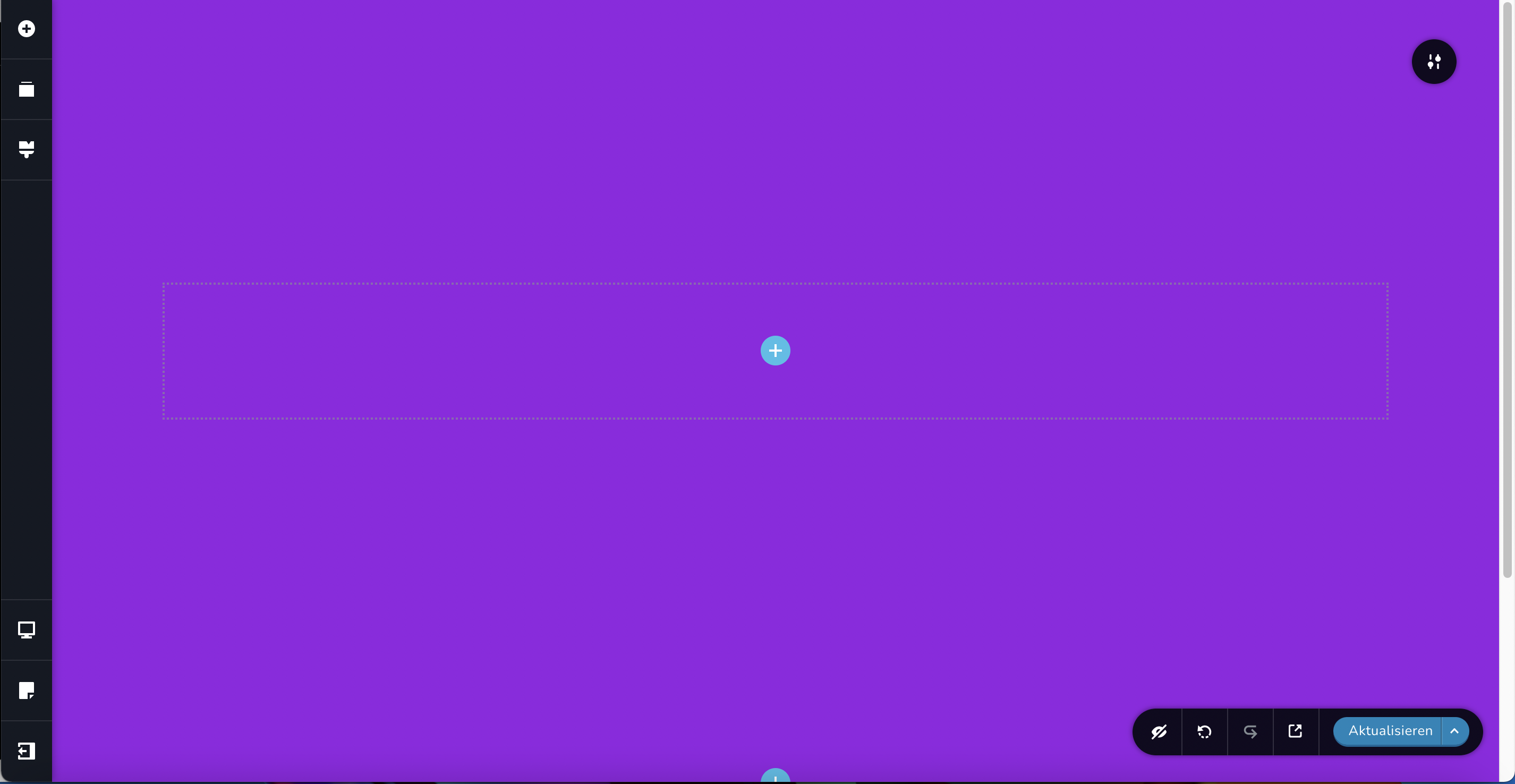 0
0 -
This also depends on the styles that the shortcode comes with. That's why I said you need to inspect the code and find the problem to fix it with custom CSS.
0 -
And apart from that code — how can I set the block height to 100% of its mother-block? For instance if I just have an image which should be displayed 100% height and 80% width of its mother-block?
0 -
you can set that image as the background and you can set the row height to the full height: https://jmp.sh/1K2oVGr or if you add an image as an element then you can play with the image settings https://jmp.sh/F8DjJHu
0 -
Hi Alex,
thank for taking the time to answer. Unfortunately I’m not getting the result I am looking for. When adding an image (portrait format) as an element and increasing its height the height of the mother block also increases. But I want the mother block stay at 100% height when adding an element and increasing its height. Is that possible?0 -
Hi,
the height of the mother block depends on the height of the elements. It is not fixed and is calculated based on the content. Could you give me an example of what you want to achieve? It is possible that we are talking in the wrong direction.
0
Please sign in to leave a comment.
Comments
9 comments