Brizy font upload problem

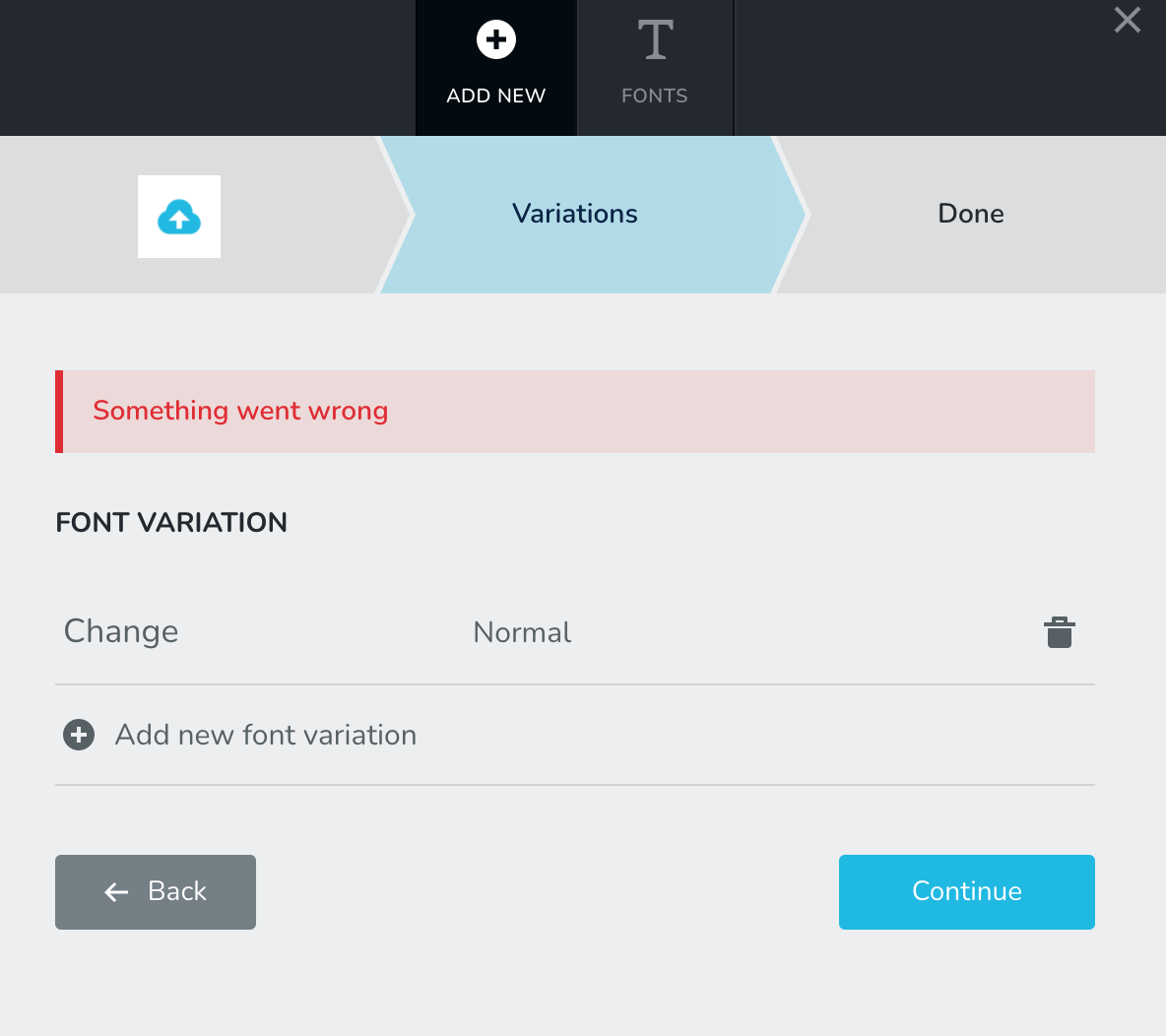
Hello I am trying to upload fonts to Brizy but I get "400 Bad request error". Here are some technical details that could help.
1. We are using PHP 7.2
2. Brizy 2.2.7 and Brizy Pro 2.2.4 are installed.
3. The site is hosted on AWS Elastic Beanstalk container.
Also, I checked the database logs and found this exception
Unable to handle font side load
-

Hi,
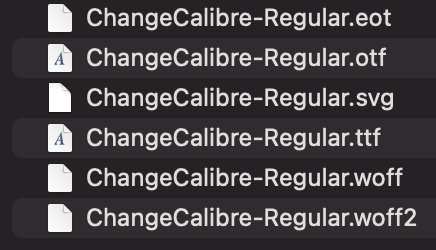
What custom font do you try to upload? What is the extension of the font you try to upload? Does it correspond with the extension you select to upload https://jmp.sh/pGVzzl6?
Best regards,
Sandra0 -
Hi,
Attached the screenshot of fonts we are trying to upload.
0 -
Hi,
I uploaded this font on my site and all seems to work fine. See here. Could you please send us a video with how did you upload the custom font?
Also, could you please temporary deactivate all external plugins (except Brizy Free and Brizy Pro) and activate a WordPress default theme? Do you receive the same inconvenience?Best regards,
Sandra0 -
Hi,
Let me explain it this way.
I have this plugin installed on 2 servers.
1. Single site WordPress: This server is a single instance server on AWS and the plugin works totally fine and we could upload fonts as well.
2. Multisite WordPress: This server is a multisite site WordPress network on AWS Elastic Beanstalk (totally different than 1) with autoscaling enabled. This is the site where I have font uploading problems.
FYI, I tried disabling all the plugins except Brizy free and Brizy Pro, and activated the WordPress default theme, and the issue of font uploading was still there.
I went through the Brizy code and this is where the error comes from https://github.com/ThemeFuse/Brizy/blob/f8465302f8ed8bbdb16f1672d9b0ab52cdb43f85/admin/fonts/manager.php#L214
We have also tried other things as well and even that didn't work, such as:
- Uploaded fonts through Custom Fonts plugin.
- Added this to our wp-config
define('ALLOW_UNFILTERED_UPLOADS', true);Let me know what should be done next.
0 -
Hi,
Thank you for all these details!
I have created a private ticket on this request. You had to receive a notification regarding this on email. Could you send us in that private message the WP credentials to this site? We want to check this problem from your dashboard because we can't reproduce it on our sites.Thanks!
Best regards,
Sandra0
Please sign in to leave a comment.
Comments
5 comments