How do I restore a layout's original font?

I used the religion font but forgot to click 'overwrite default font' (or whatever the little radio button was) so now all the fonts that it shows don't match and I cannot get the original font back. Can you please tell me how to get the font that was supposed to be with the theme back?
-

Hi,
Did you imported one of the premade layouts and didn't click on the "Replace global styling"? See here. I want to mention that if you activate this option on the layout importing, these styles will be replaced on all Brizy pages you have created. These styles will not be applied only for this page but for all Brizy pages because it will replace the global styles (typography and colours). If you agree with this and want this, you can delete all blocks or the entire layout https://jmp.sh/4GptBJ8 and import again the layout and at this time, click on the "Replace global styling" option before clicking on the "Import this layout" button.
Thanks!
Best regards,
Sandra0 -
Yes I forgot to click on the 'replace global styling' and now when I try to import that theme again I don't get that option anymore. I deleted the entire layout but when I try to re-import it doesn't offer the replace global styling. I am going to clear my cache and try again.
0 -
Still not working :(
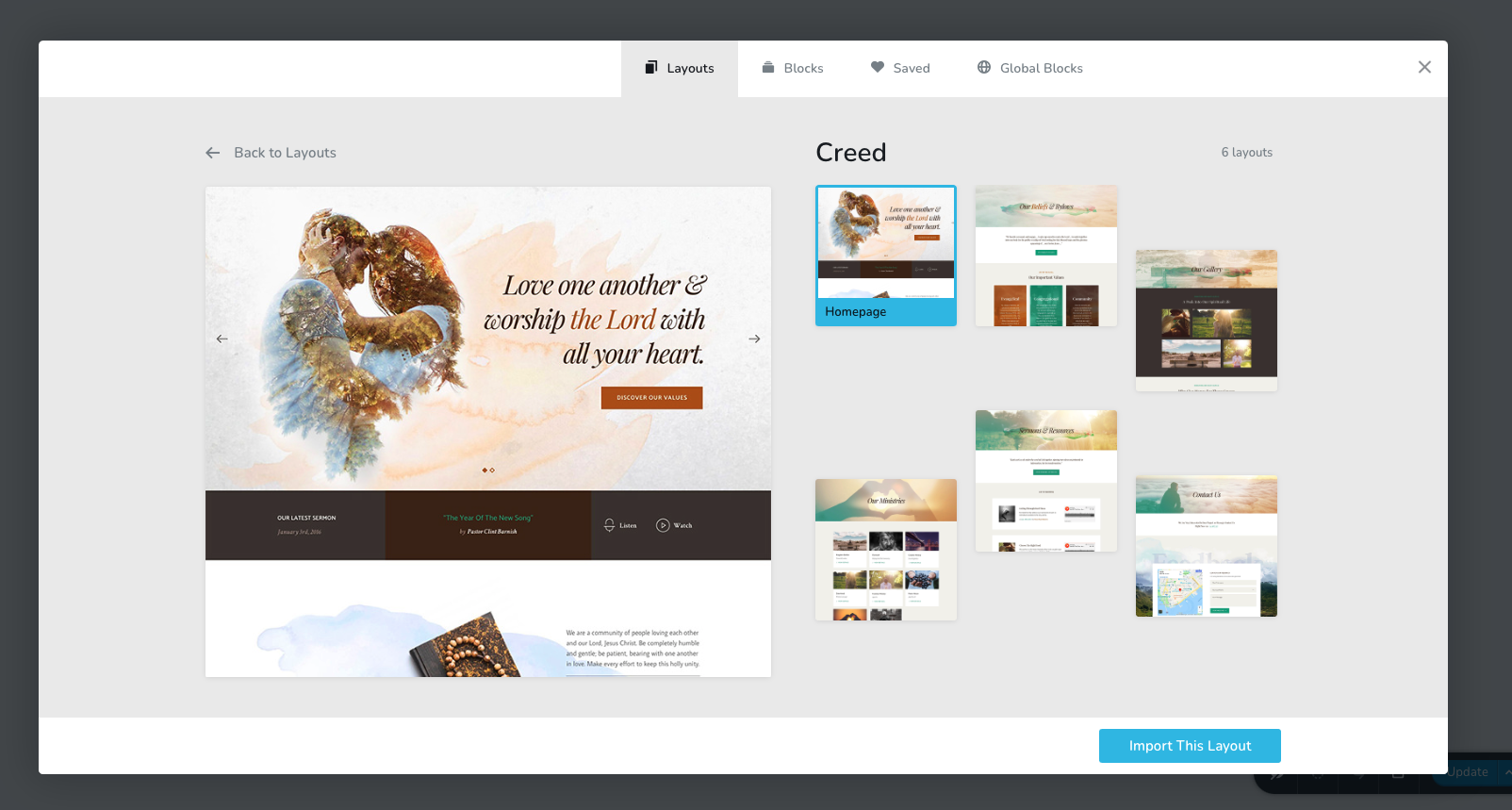 0
0 -
Hi,
Thank you for these details. Could you please access the left sidebar and go to the Styling -> Current Style option. There, in the end, you will find the "Creed" style. If you will select it, you will activate it and all Brizy pages will have these styling. See here.
Best regards,
Sandra0 -
you are wonderful! That's what I needed to know. From the other messages I thought I had to go block by block to change the font :) This is exactly what I needed. Have an amazing day!
0 -
Hi,
Great! Thank you for coming back and confirming that all is fine now!
Have a nice day too!Best regards,
Sandra0
Please sign in to leave a comment.
Comments
6 comments