Problem with uploading featured blog post image in Brizy Cloud

Hi, I'm having problems with uploading ay image as the featured image in the new Brizy Cloud blog post feature. Has anyone managed to get this working? Is this a known issue? (Very excited to have this long-awaited blog functionality! It looks very cool in general. :D )
Thanks
-

Hi,
Could you please inform us what problem did you find on the uploading featured image to the blog post? I tried to upload a featured image but all seems to work fine. See here. Could you please send us a video or a screenshot with the problem you encounter?
Thanks!Best regards,
Sandra0 -

Hi there, I am facing similar issue with the featured image. When I try to upload a featured image with dimension 1200px (width) x 600px (height) in the blog post section it showed up fine.
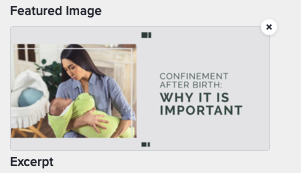
But when it is in the blog post itself, the image is being cropped.
Can you please advise?
0 -
Hi,
Could you please send us the URL link of this post? We want to check the image. If you don't want to make it public, let us know and we will delete the URL link before approving your message.
Could you please if the Image element isn’t set up with a zoom value higher than 100%? Also, it is important to check how is configured the Image element inside the editor mode. In the preview, the featured image will be added in the Image element you add in the editor mode of the post. Therefore, if it is set in the square or in the portrait mode, the featured image will not be displayed in the landscape mode as you uploaded it but in the square or portrait mode as you have in the editor mode. The Image element is something like a frame. Regarding the shape and dimension of this frame, will be added the featured image in the preview.
Thank you!
Best regards,
Sandra0 -
Hi Sandra, here is the link and screenshots.
URL Link: https://www.dadventurer.rocks/benefits-of-being-a-stay-at-home-dad
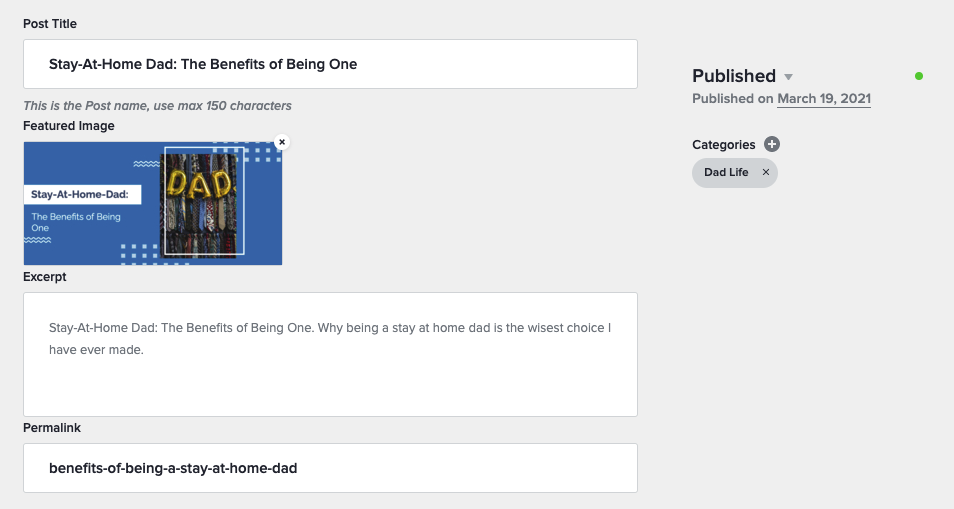
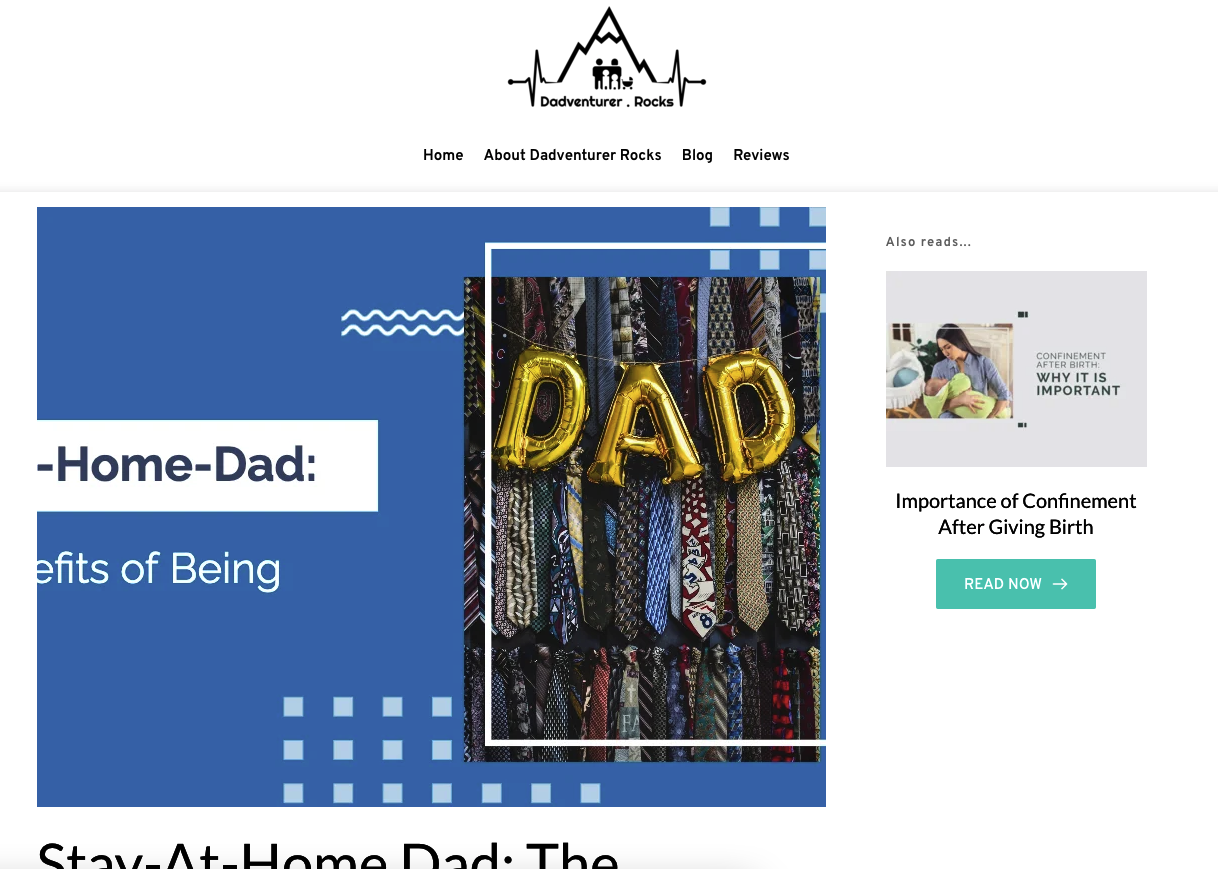
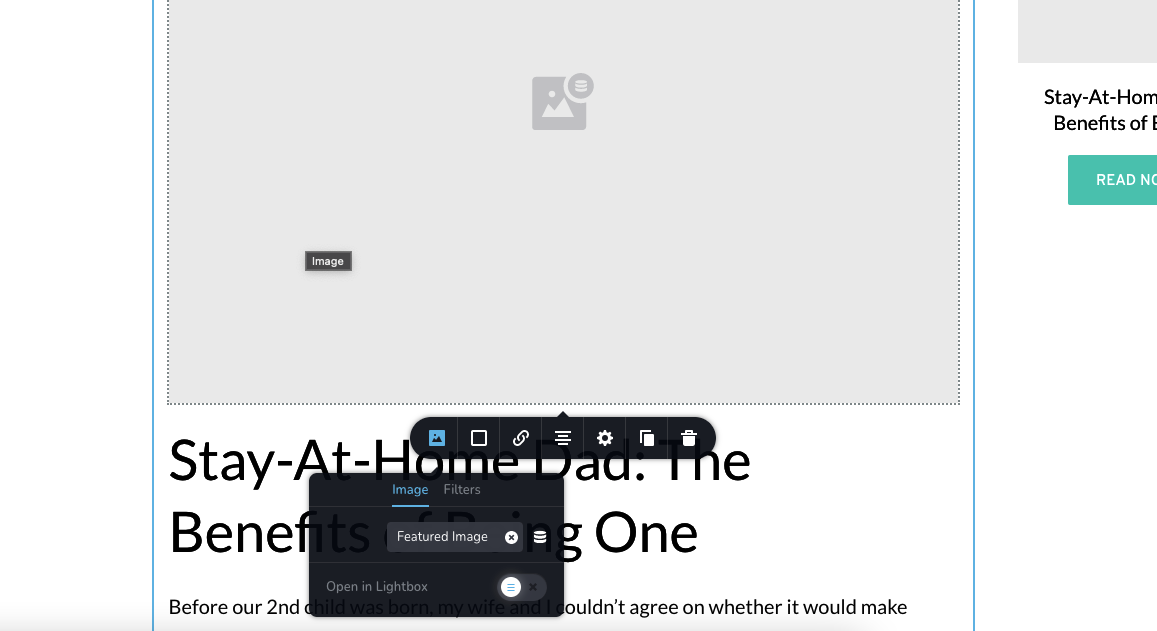
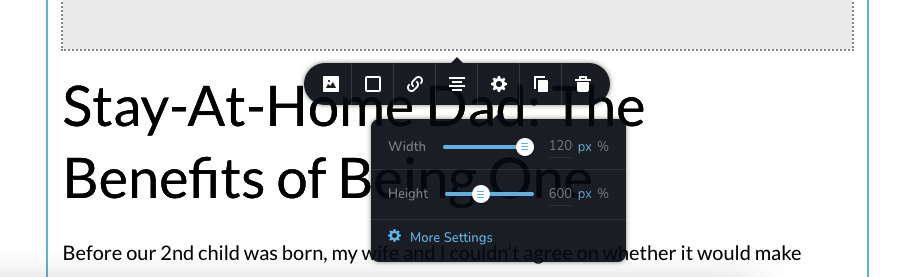
The only workaround is not using the featured image item but upload as a separate image with 100% being set for both width and height for the image with dimension: 1200px x 600px)
0 -
Hi Zack,
Thank you for the URL link. I checked the image and the container where is added the image element. I found that the container has the 789x600px but the image has the 1200x600px, for this reason, appears this inconvenient. The container is small to display the entire image. If we simply look at the image and container, we can found that the container is approximately squared but the Image is a rectangle. Therefore, we can suggest setting up the container and image element to be nearer to the picture sizes you want to upload on the post. Or, you can try to add manually the featured image and not use the dynamic "featured image" option.
Best regards,
Sandra0 -
Hi Sandra, I was hoping that the container could dynamically adapt to the featured image size. So looking at the limitations, I guess for every post, I will need to create 2 images, 1 for the featured image for the post and another for the manual hero image for the post. Cos it seems like this is the only work around. Please see my other post : https://www.dadventurer.rocks/importance-of-confinement-after-giving-birth .
0 -
Hi,
Unfortunately, at the moment, the Image element can't adapt automatically to the Feature image sizes. Now, it is depended on the column sizes.
Let us know if we can help you with something else!
Best regards,
Sandra0
Please sign in to leave a comment.
Comments
7 comments