having problems with the archive template for post and custom post types on local dev

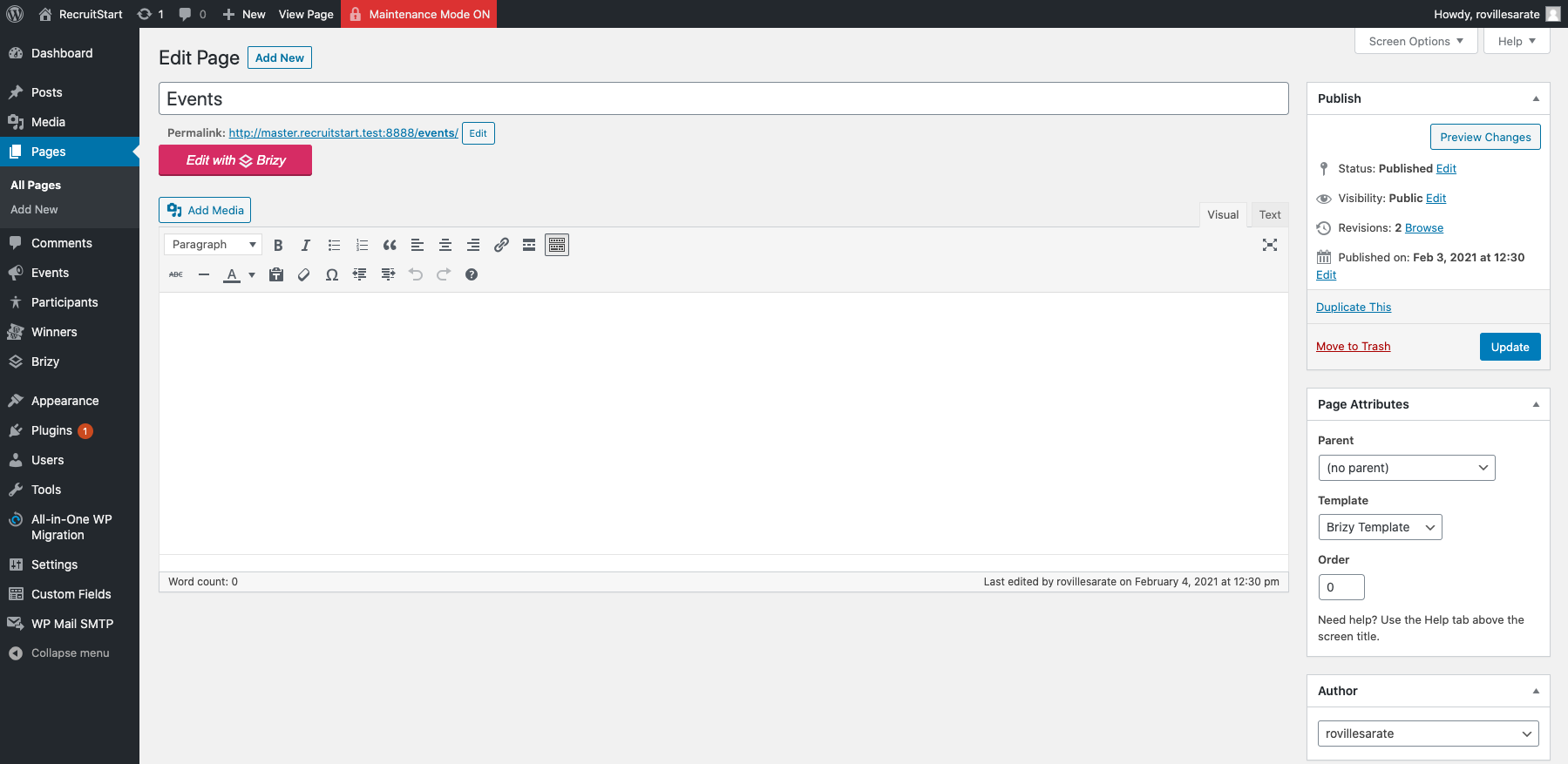
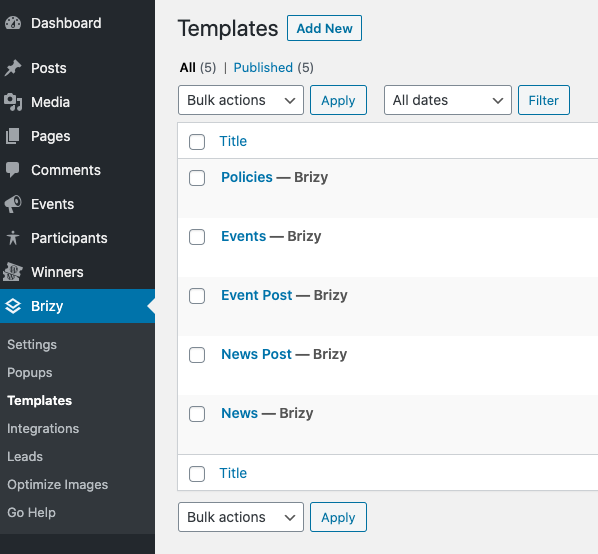
I created a page called news and events.
The news page host the posts and the events page is supposed to hold the events post type
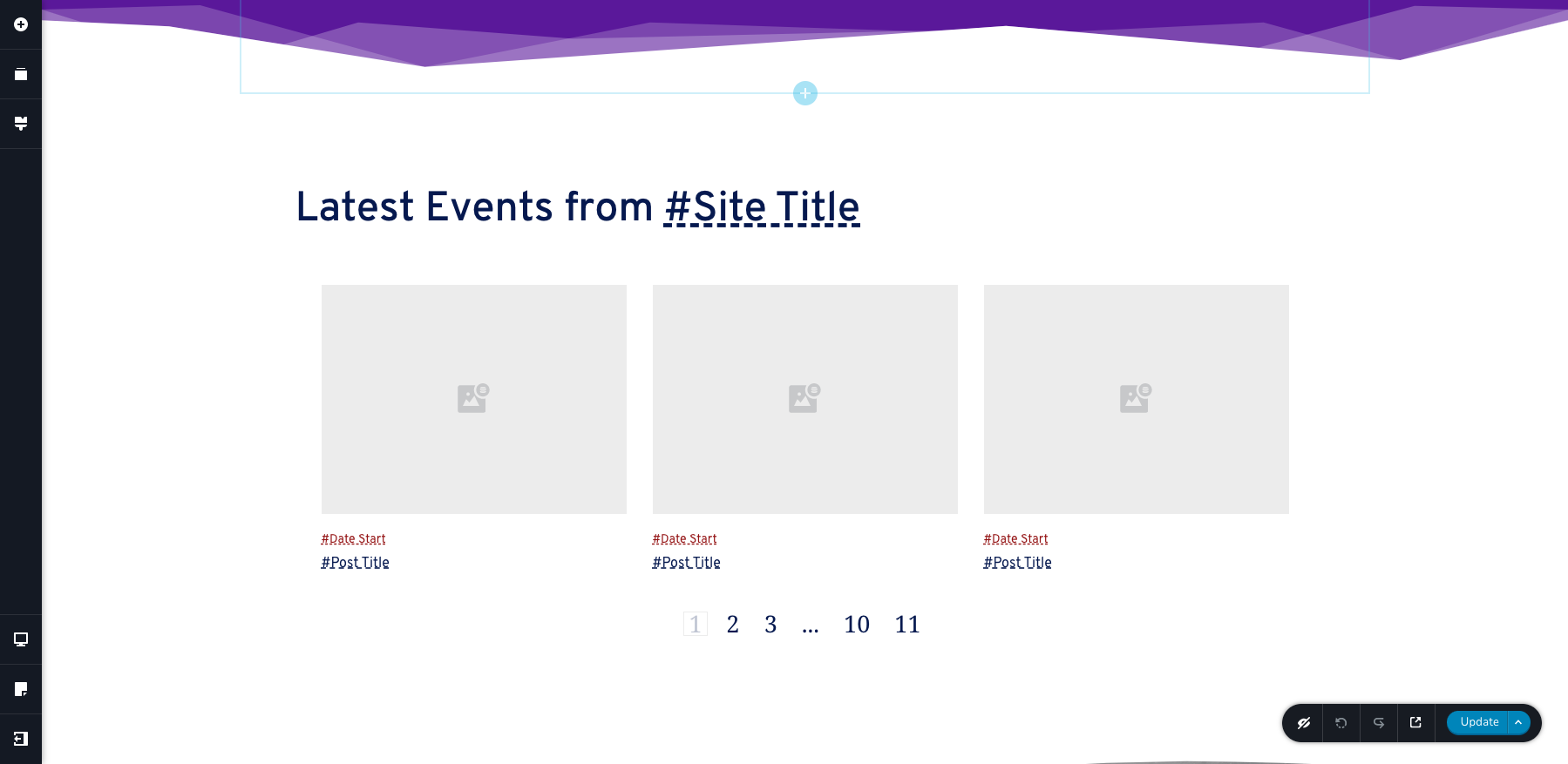
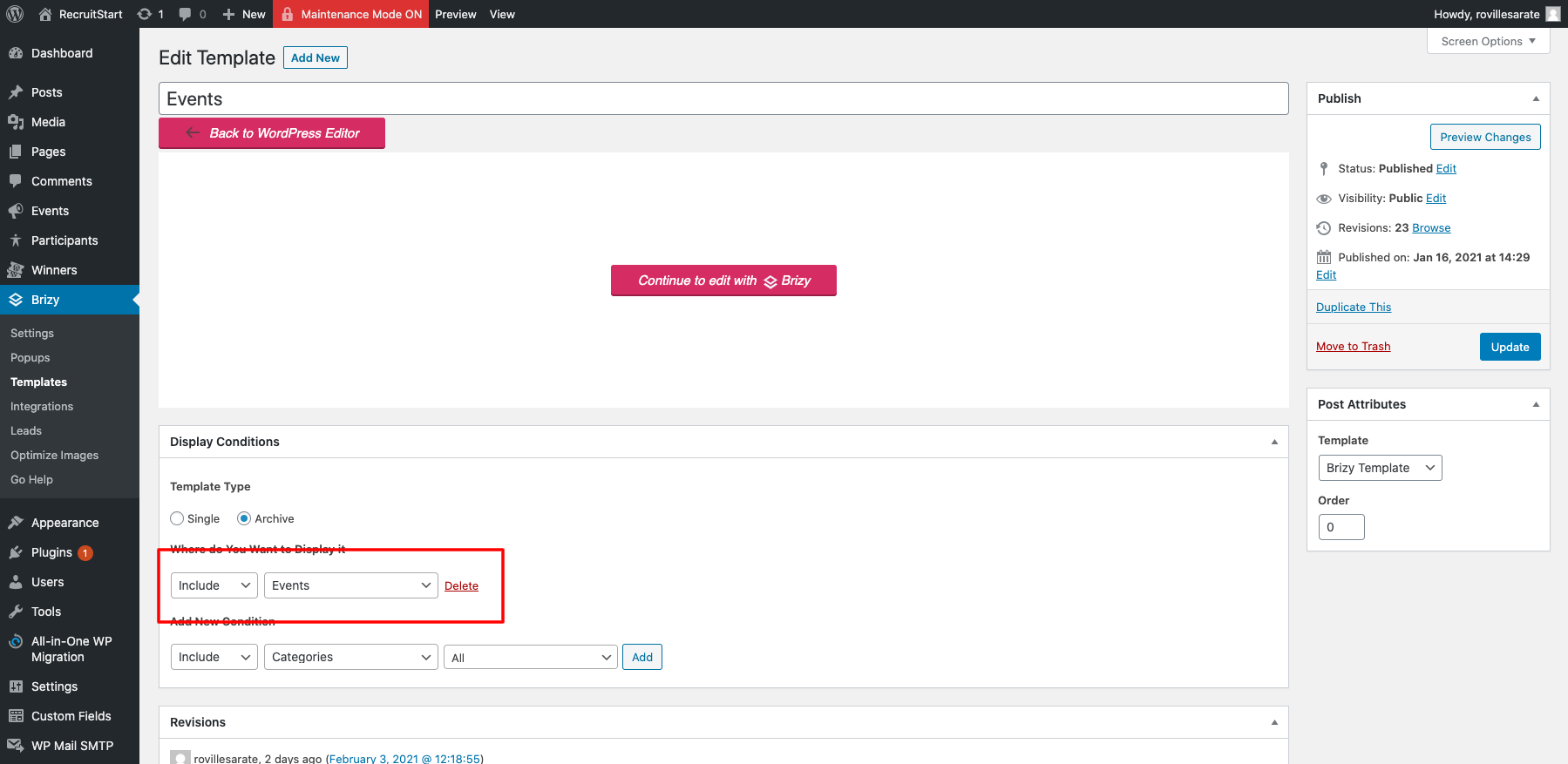
I created a template for both news and events and inserted the archive post
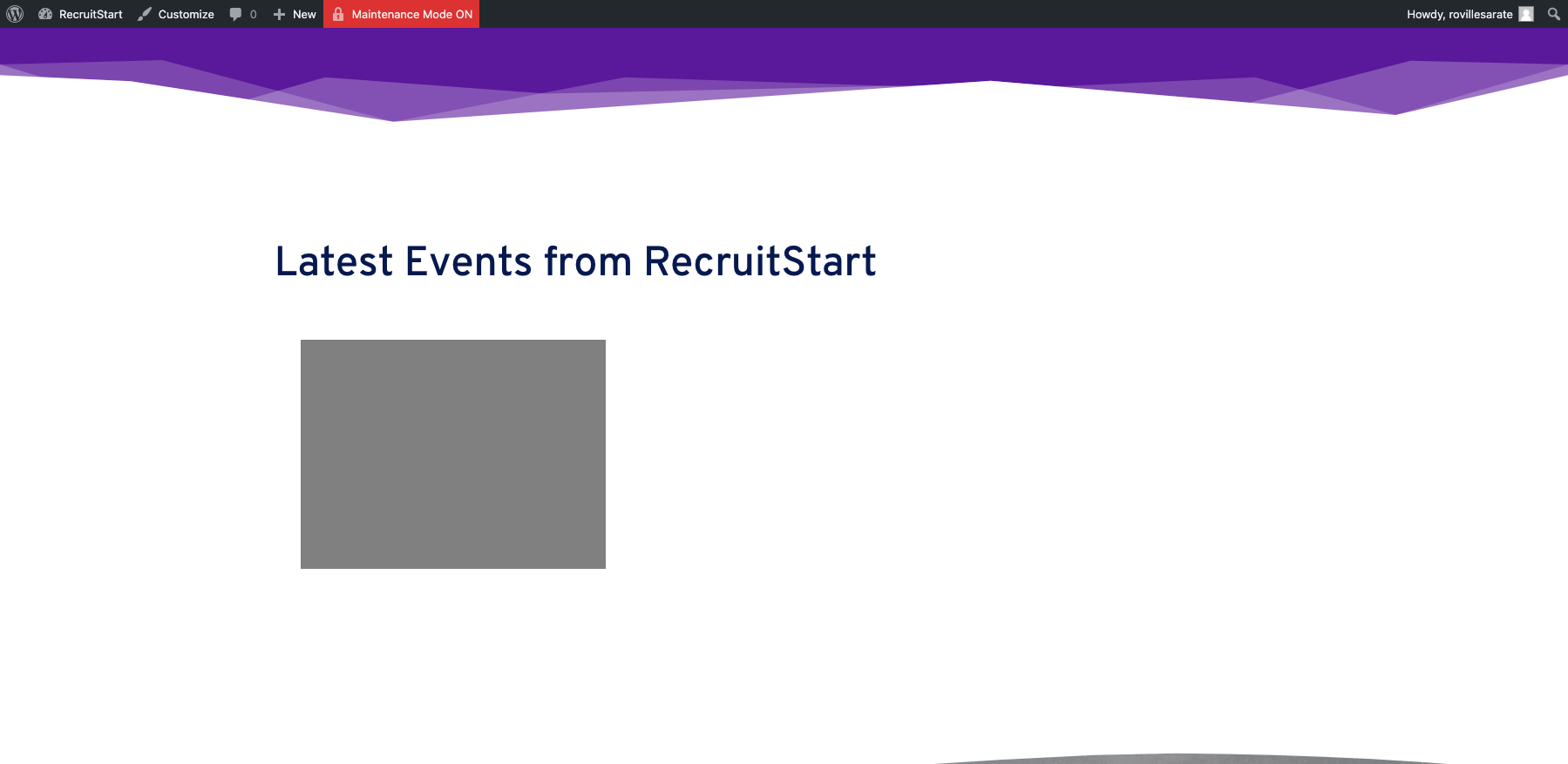
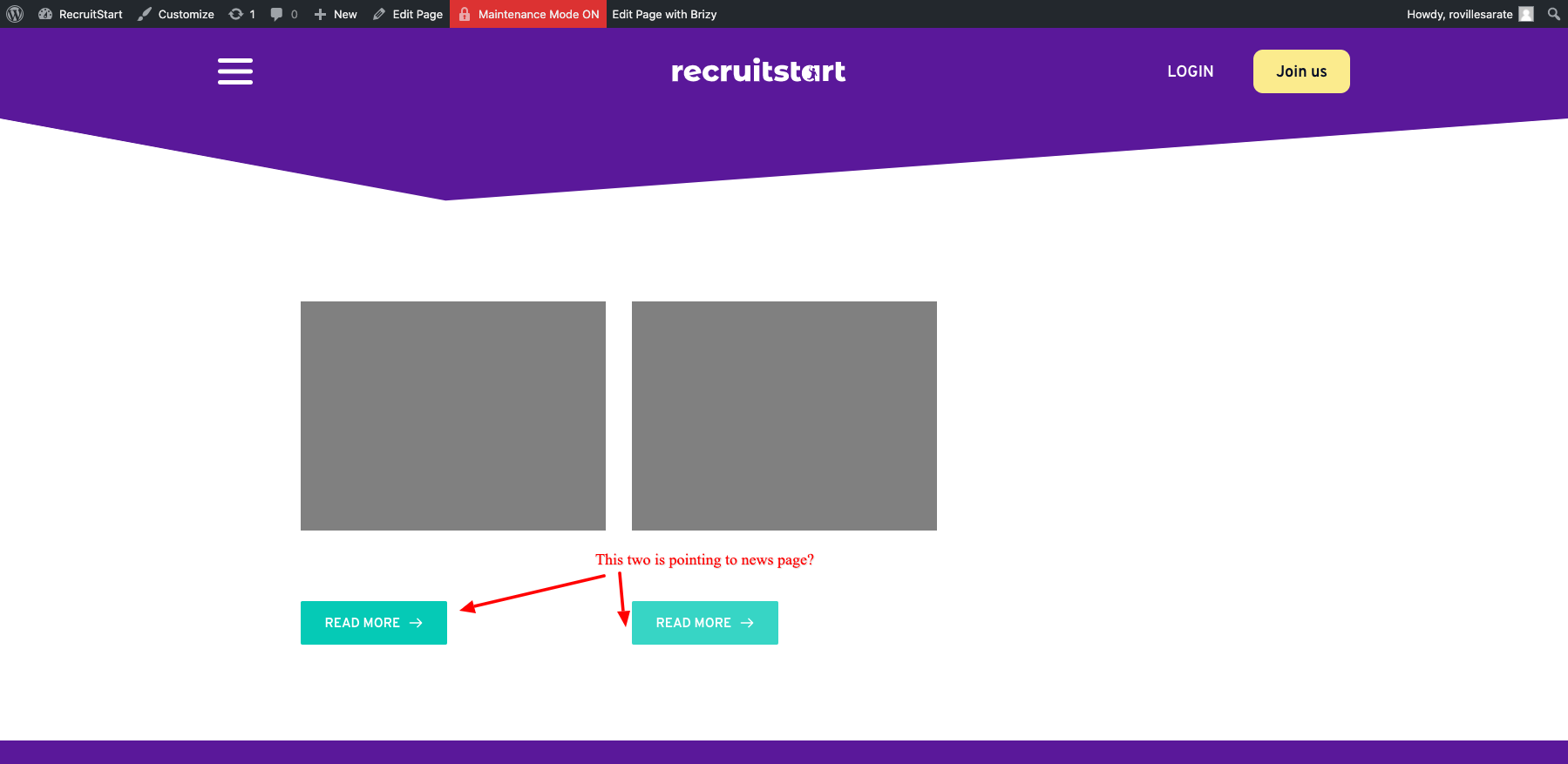
but when I am viewing the pages the post or custom post type does not show.
-

Hi,
How did you create the Custom Post Type "Events"? If you created a CPT Events, then you have to create posts inside the CPT Events, not in the Pages. Therefore, could you go to the "Events" and create there all the events? After you will create all the events and if you want to create a page to display all events, you have to follow these instructions:
1 - Add a Custom Taxonomy in the Custom Post Type https://jmp.sh/NDirFk9;
2 - Create a Taxonomy in the CPT, for example, I created the "new-set" taxonomy https://jmp.sh/VbgbRze;
3 - After this go to all CPT and add them to this newly created taxonomy (for example, for all CPT I set the "new-set" taxonomy) https://jmp.sh/zFuatE1;
4 - Go to Pages and create a new page;
5 - Edit it with Brizy;
6 - Inside this page add all elements you need to display (header, footer, title, etc.) + add the Posts element;
7 - For the Posts element, select for showing the posts from the custom taxonomy, in my example, I selected the "new-set" https://jmp.sh/2dUko16.Important! Check and make sure that in the Posts element you are using the Custom fields https://jmp.sh/u0NzcUv.
Best regards,
Sandra0 -
Hi,
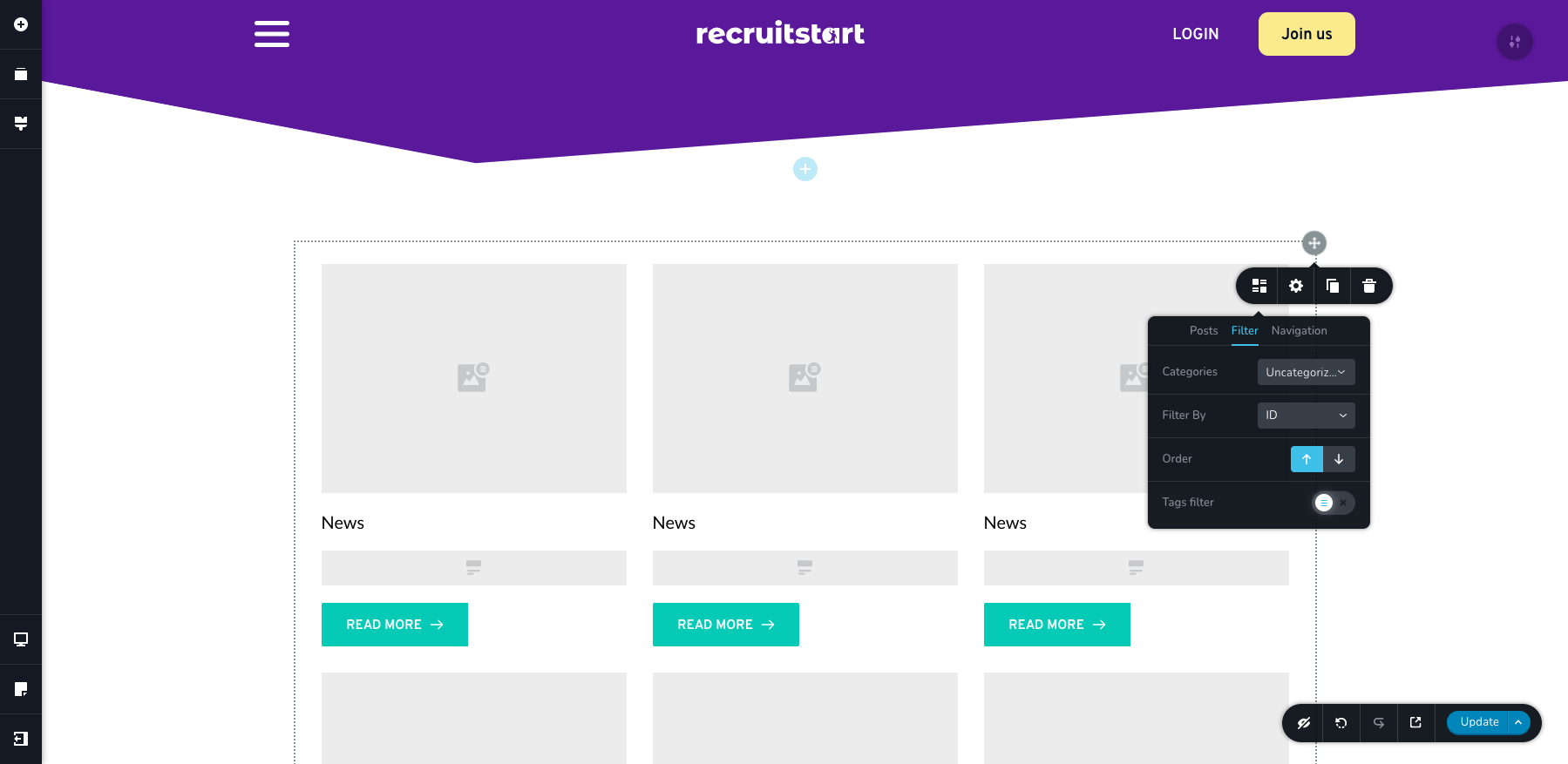
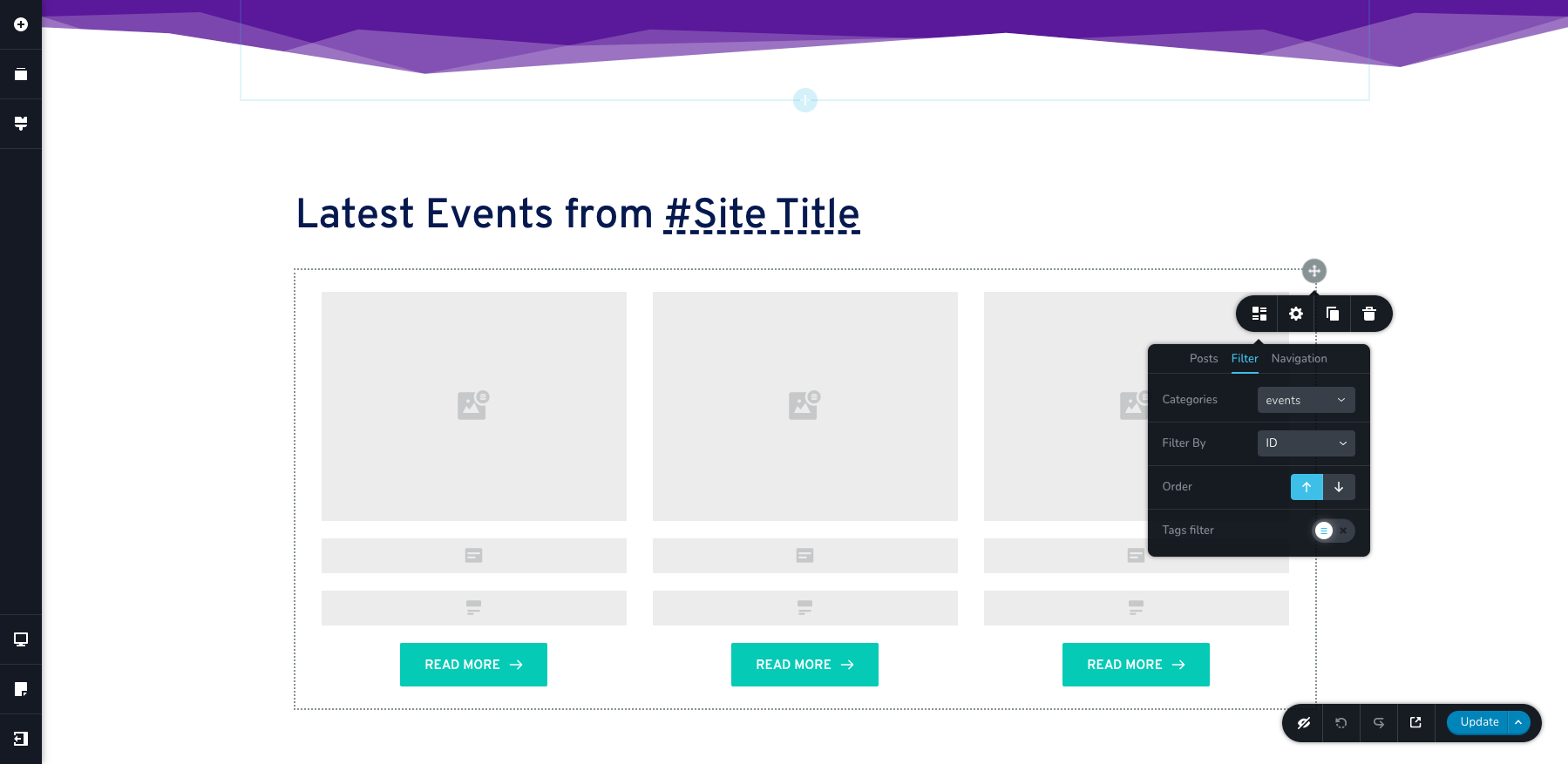
I followed your instruction and filtered using the category taxonomy. also selected taxonomy on the event post to the event but still not working.
Question: Should all post elements be on a custom field? even the post title and post content?
 0
0 -
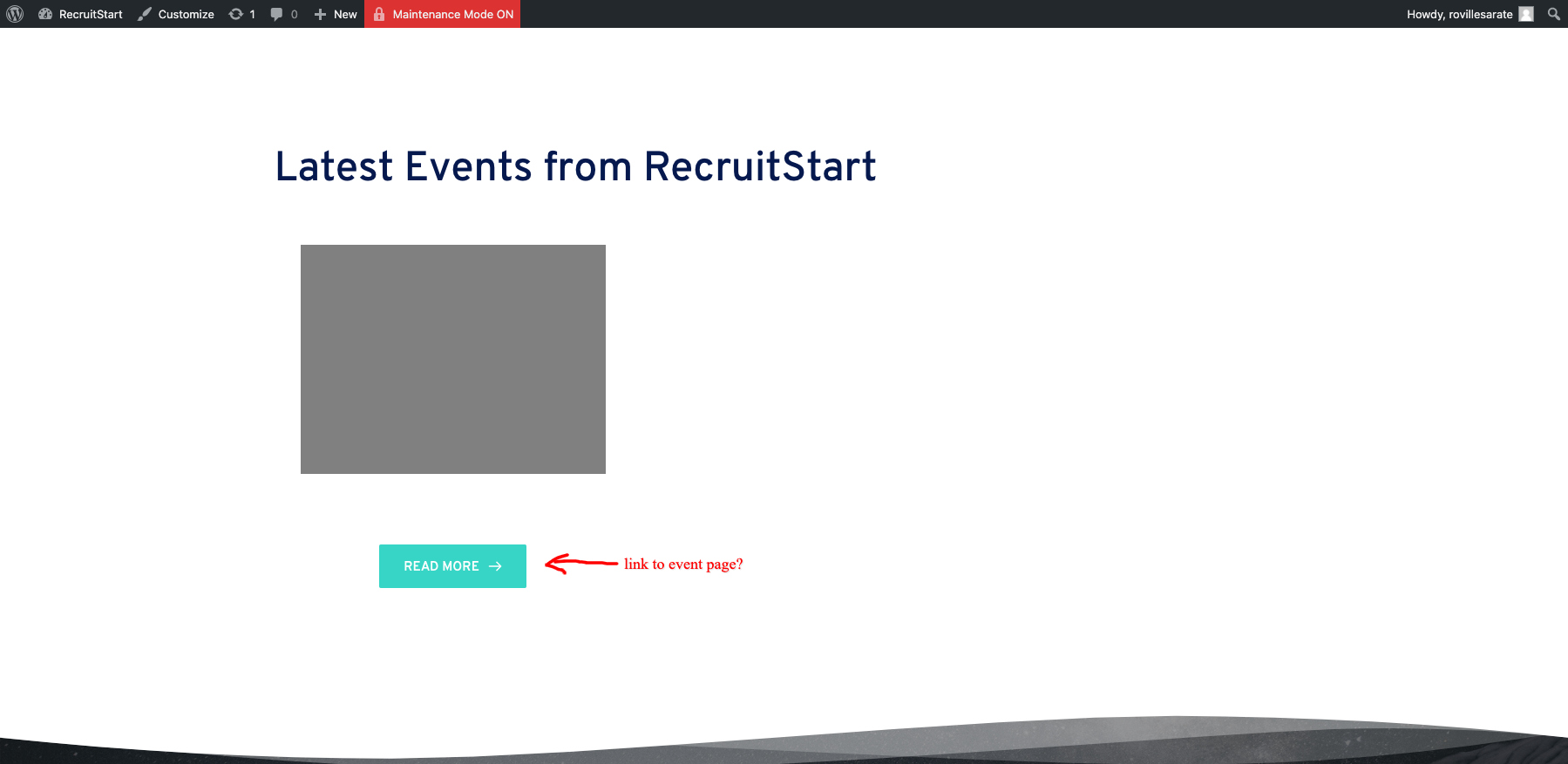
for some reason though. it correctly display the correct number of post or events on the list but it does not show the featured image and post title for the news post and not show the event poster custom field and post title on the events list.
0 -
Hi,
Thank you for these details. For the CPT, you have to select other dynamic tags for displaying them correctly. Therefore, for the image element, you have to select the name of the custom filed you created for the event. For example, in my case, the custom field for the Image is the "Image_car", therefore, I selected it for display in the Posts element. See here. The same with other custom fields. You have to add the Text element and insert the "#" and right after it the name of the custom field you want to display. For example, for my CPT, I created the "Description" field where I added the car description. Therefore, I added a text element and inside it, I typed the "#Description" https://jmp.sh/ZwOwzQ2.
Hope, this helped you!Let me know if I can help you with something else.
Best regards,
Sandra0
Please sign in to leave a comment.
Comments
4 comments