How do I display the product listing for the chosen category?

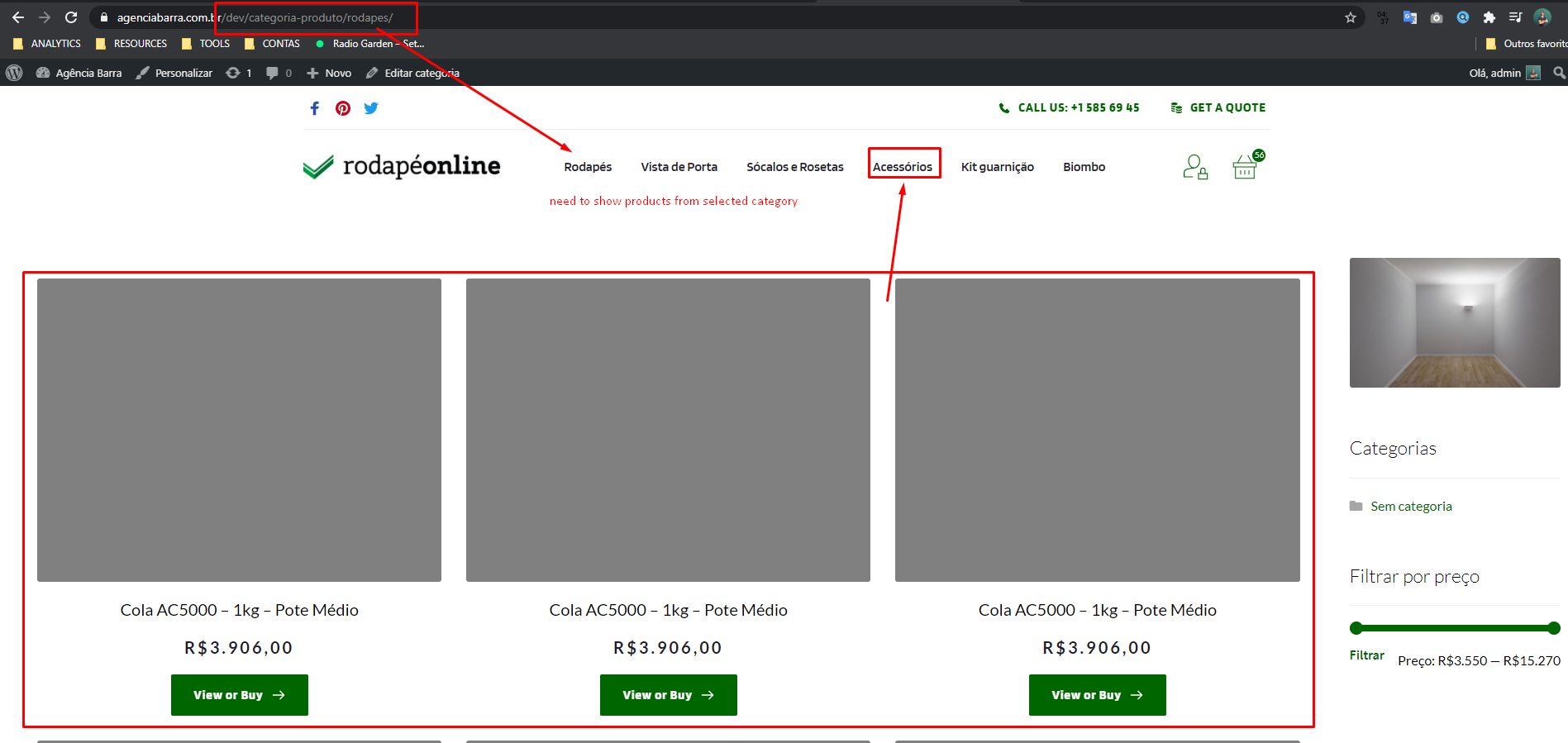
How do I display the list of products according to the selected category? that would be the natural functioning of navigation.
https://agenciabarra.com.br/dev/categoria-produto/biombo/
-

Hi,
how did you create these pages? Did you use the Products element? You have an option to select the products category: https://jmp.sh/Ua3iBd3 so you can display a specific category for each page or a specific category for a specific category page(if you use templates).
0 -
Hi Alex, I believe I have not explained my need correctly.
I changed the page using the pages element so that you understand better.
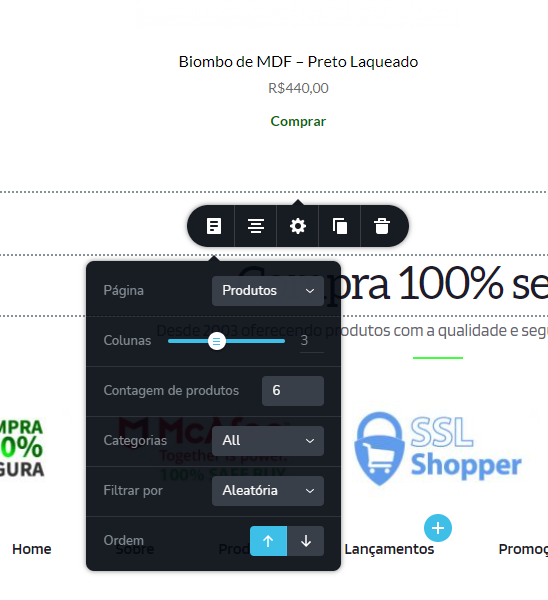
What I need is to present the products according to the category selected dynamically, as normally occurs with the navigation of woocommerce.
Example of how it should be (including the yellow circled bar must be present):
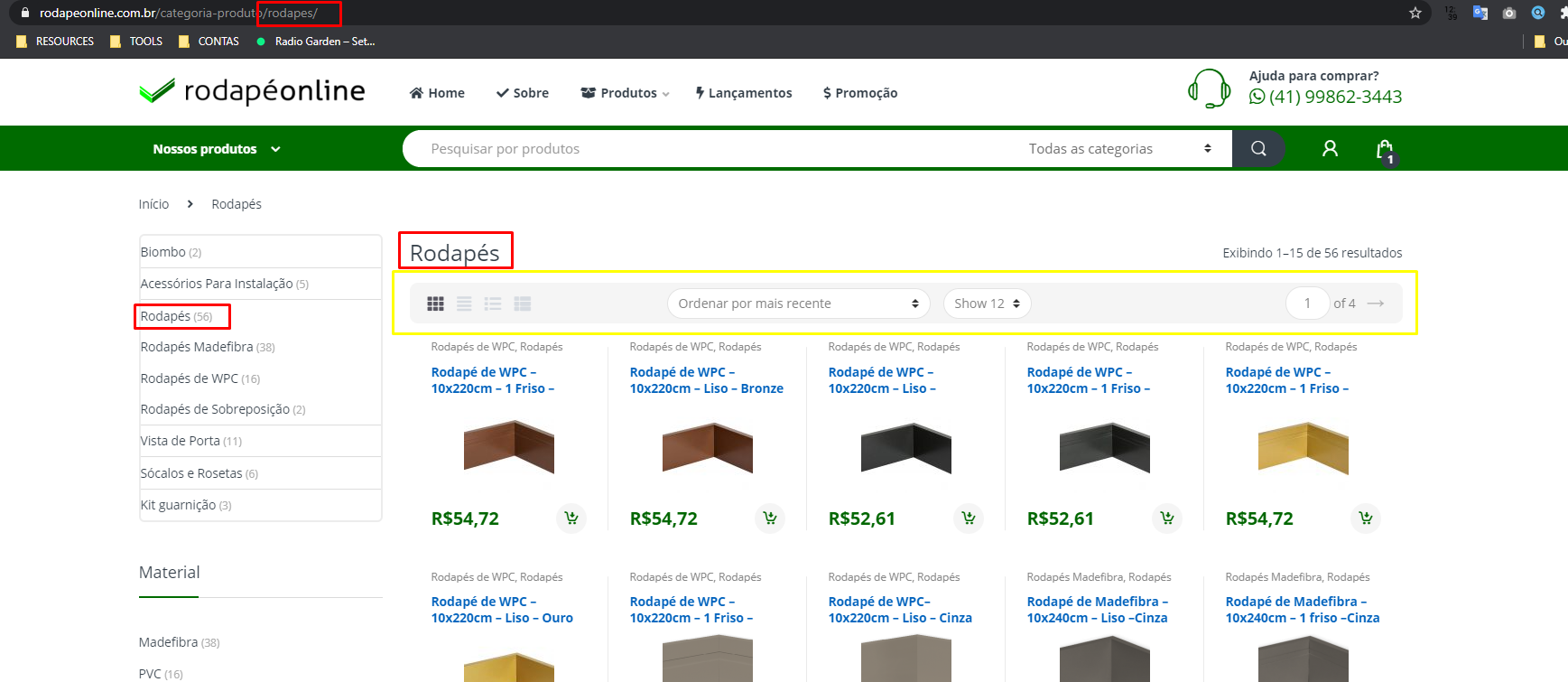
By clicking on "Rodapés" the page should show all products in this category with the option of pagination.I understand that I could create an exclusive page for each category, but I don't see any sense, as we have the option to create a template, just like on the individual product page.
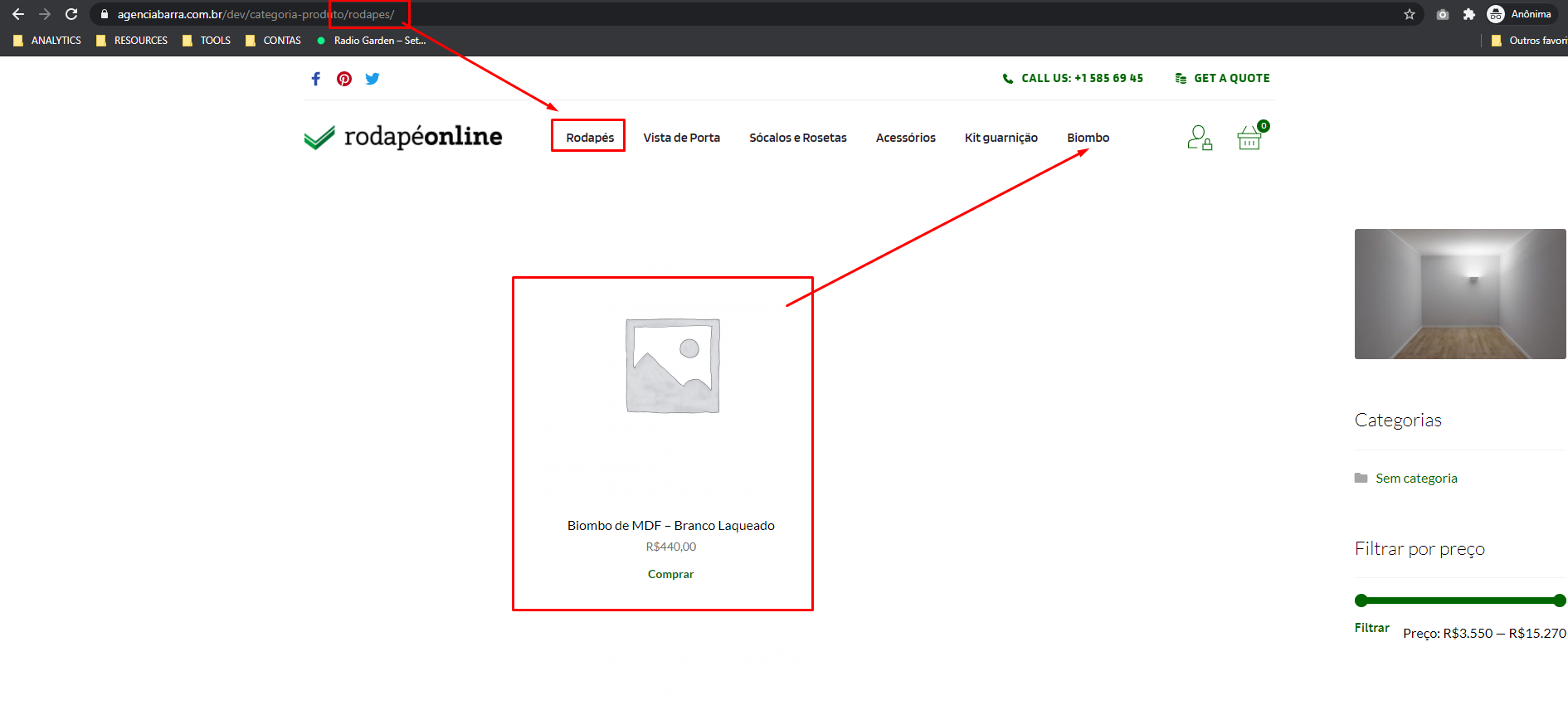
I could also use the standard Woocommerce page, but I would lose the Brizy customizations and, in that case, it would not make sense to purchase the PRO.
What do you suggest to me in this situation?
0 -
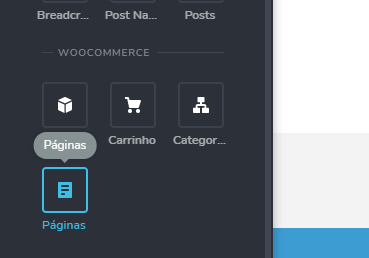
You need to create a Brizy Template for your Product category pages. For this, you need to set the right condition: https://jmp.sh/Bmx07oO and use the Archives element instead of Pages: https://jmp.sh/s11S8tO This way, every time you access a page of the product category, you will have the products from that category but with Brizy styles: https://jmp.sh/PFNeQtA
I hope I understood you correctly this time.
0 -
Nice! How i put the page title like your reference?
 0
0 -
You can use the #Archive Title tag: https://jmp.sh/o6o7Kkp
0 -
Thanx.
0
Please sign in to leave a comment.
Comments
6 comments