I purchase pro version and installed y still look like the free version

after installation of the pro version,
it works like a free version nothing good as what it shall be. and it also asks “Upgrade to pro”
why?
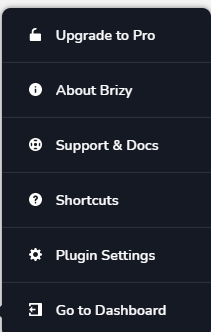
-

Hi,
Could you please check if you followed all these steps to upload the Brizy Pro on your WordPress site?
1 - Go to your Brizy account;
2 - Download the latest Brizy Pro version (2.2.3) - don't unzip the folder;
3 - Go back to WP dashboard in Plugins -> Add new -> Upload plugin;
4 - Upload the zip folder you downloaded from Brizy account;
5 - Activate the plugin;
6 - Activate the license.If you followed all these steps and you still don't have access to Pro features, could you please send us a screenshot with the entire list of plugins you have on the dashboard?
Thanks!
Best regards,
Sandra0
Please sign in to leave a comment.
Comments
1 comment