Paging on Posts element

Hello,
The paging in the Posts element doesn't work anymore. It says that the page is not found.
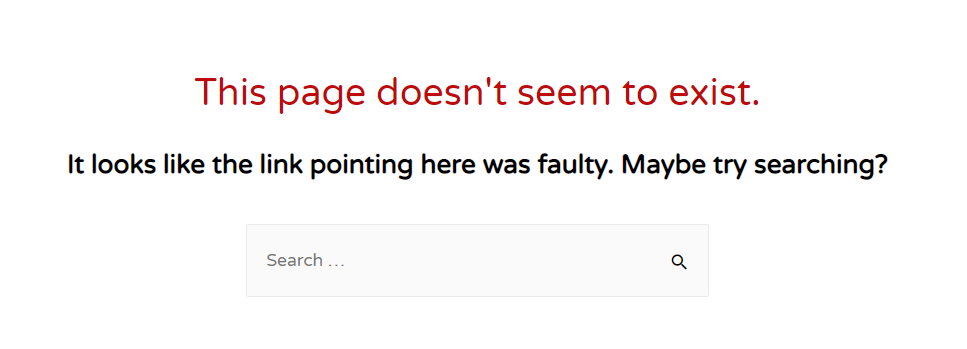
The pagination button redirects at https://domain.xyz/teeeest/bpage/2/ but is not found.
I tried this even when making a new page with a new Posts element, the result is the same.
Using WP 5.5, Brizy 2.2.6 with PRO 2.2.2. Please fix.
Also, in the past when a user clicked on the pagination button, ALL the Posts elements on the page moved to that page. Please fix this also, it's a bug that existed from the begining. We, the people who bought the PRO version, don't want more landing pages, but bugfixes...
-
Great, with update 2.2.7 you've managed to break my website. Looks like you fixed the pagination problem on Posts, but now all the custom fields(ACF) don't work. The custom fields do not display anything. Please fix!
0 -

Hi,
Thank you for updating and informing us regarding the inconvenience with the pagination. Great to know that all is fine now.
Regarding the ACF - could you please give us more details about the problem you encounter? How we can reproduce it? Where did you encounter it? How it is manifesting? Could you send us the URL link of a page/post where we can check it? Also, some screenshots or videos will be much appreciated.
Thanks!
Best regards,
Sandra0 -
Hello,
On my test website, i installed Brizy PRO 2.2.3(which DOESN'T appear on Wordpress to update) and all it's working. I deleted the PRO plugin on the main website and installed 2.2.3 manually and it works now. I installed also the WP 5.6 update. I hope it doesn't bite me in my back.
Also, please report the pagination bug to the devs. It's a bug from the very begining of Brizy. My website has a section with multiple dynamic Posts elements and when you press another page on an element, all of the elements on the page go to that page and the elements that don't have that page are showing nothing. It affects all the page this bug.
So I have elements
Posts 1
Posts 2
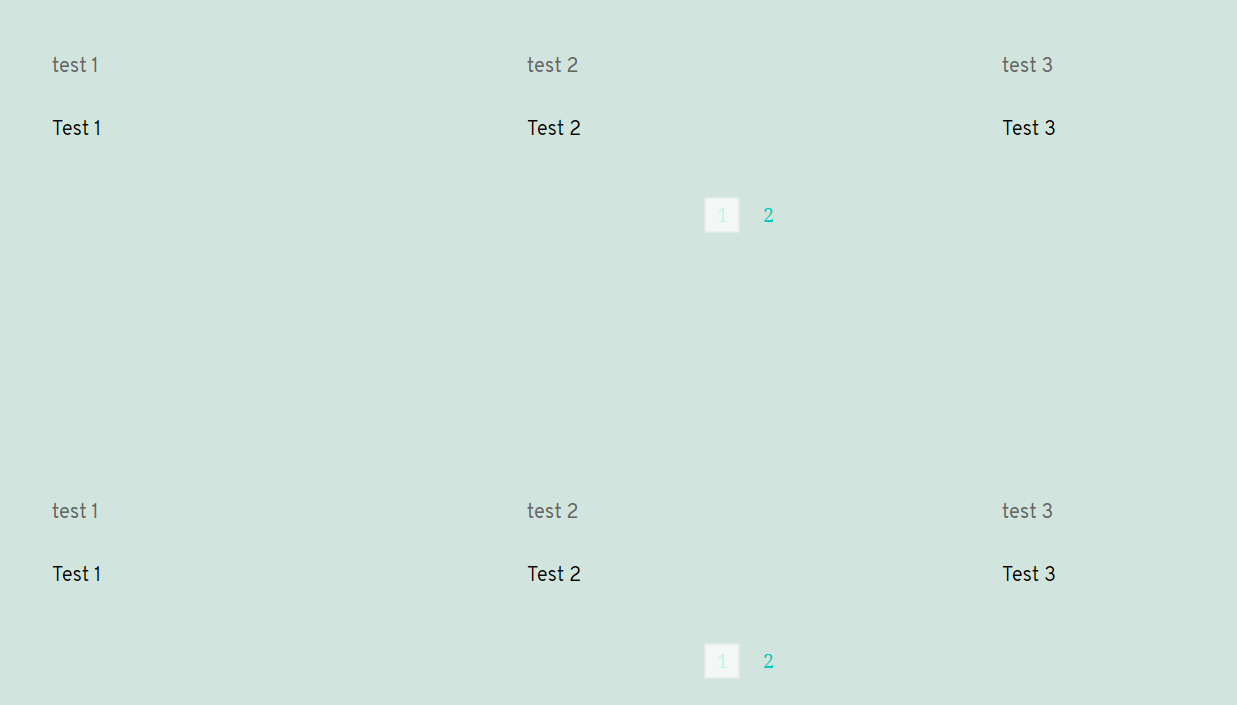
and when i press page 2 on the Posts 1, the Posts 2 is also going on the page 2. And if that page doesn't exist on Posts 2(because of less data injected dinamically), it shows blank. I hope you understand. It's not the first time i reported this bug, i reported it back in the spring of last year...
Example:
Before:
After:
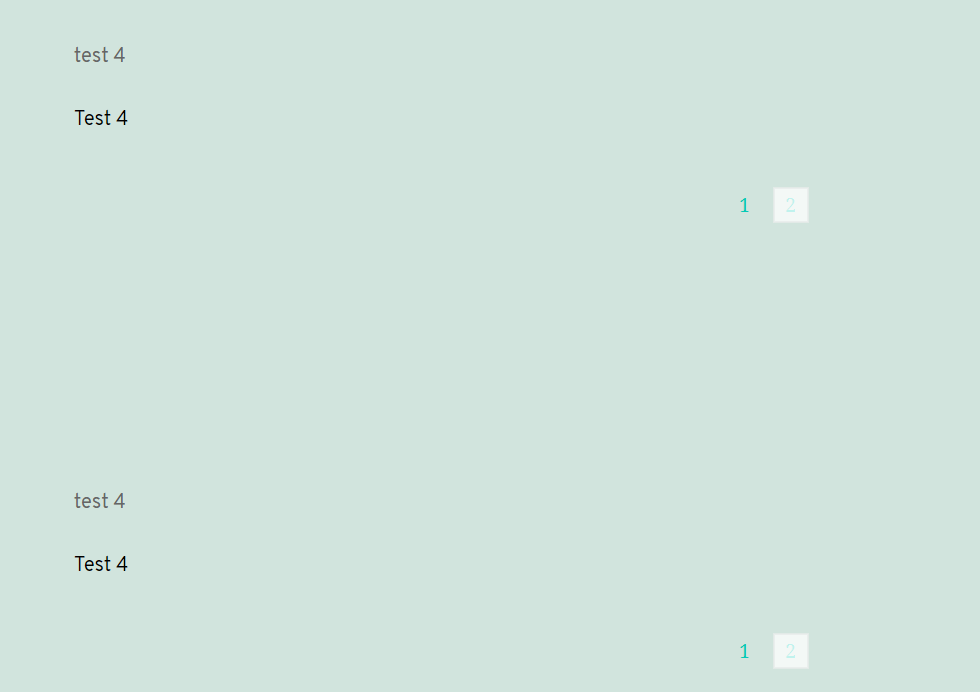
The both elements move to the same page. I mean...all of the Posts elements present on the whole page go to that pagination number. Please transmit this bug to the devs. Thank you!
0 -
Hi,
Thank you for all these details and screenshots related to the pagination. At the moment, the pagination options aren't loading and work inside the browser but it makes a refresh to the entire page to show you page 2 (this is an example). Therefore, the URL link of the page is changed and you can notice that appear the /bpage/2/. For this reason, is updated the second Posts element you have on the page. In such a way is working the Posts element and Pagination option. If you want to display 2 or more sections with the Posts, I can recommend using the Carousel element. For the carousel element, you can activate the Dynamic Content https://jmp.sh/E3DrfNo and select a category of posts you want to display. Also, you can select how many posts do you want to display. In such a way when you will want to display other posts you can navigate through arrows and this action will not affect the second section with posts.
Best regards,
Sandra0
Please sign in to leave a comment.
Comments
4 comments