Contcat forms not working

Hi there,
On one of my websites the contact form shows its connected and the message sends successfully but the emails are not being received?
https://wellshouse.ie/wedding-venue-wexford
Any idea what I need to do?
-

Hi,
Could you please check if the email is stored in the WP dashboard -> Brizy -> Leads? How did you configure the form? Could you please send us some screenshots with how did you set-up the form?
Could you please check if you have the latest Brizy Free 2.2.6 and Brizy Pro 2.2.2 version? Also, could you please temporary deactivate all external plugins (except Brizy Free and Brizy Pro) and activate a WordPress default theme? Do you receive the same problem?
Thanks!
Best regards,
Sandra0 -
Hey Sandra,
Apologies I replied to the email but guess that doesn't go to you. Brizy is up to date and yes they go to Leads in Brizy.
Thanks,
Robbie
0 -
Hi,
All is fine. I wanted only to clarify this detail to not think that we don't reply to the posts :).
How did you configure the form? What method did you use? Could you please send us some screenshots with how did you set-up the form?
Thanks!Best regards,
Sandra0 -
Hey,
See screenshots attached for one. But it is not working on all Brizy FormsThanks,
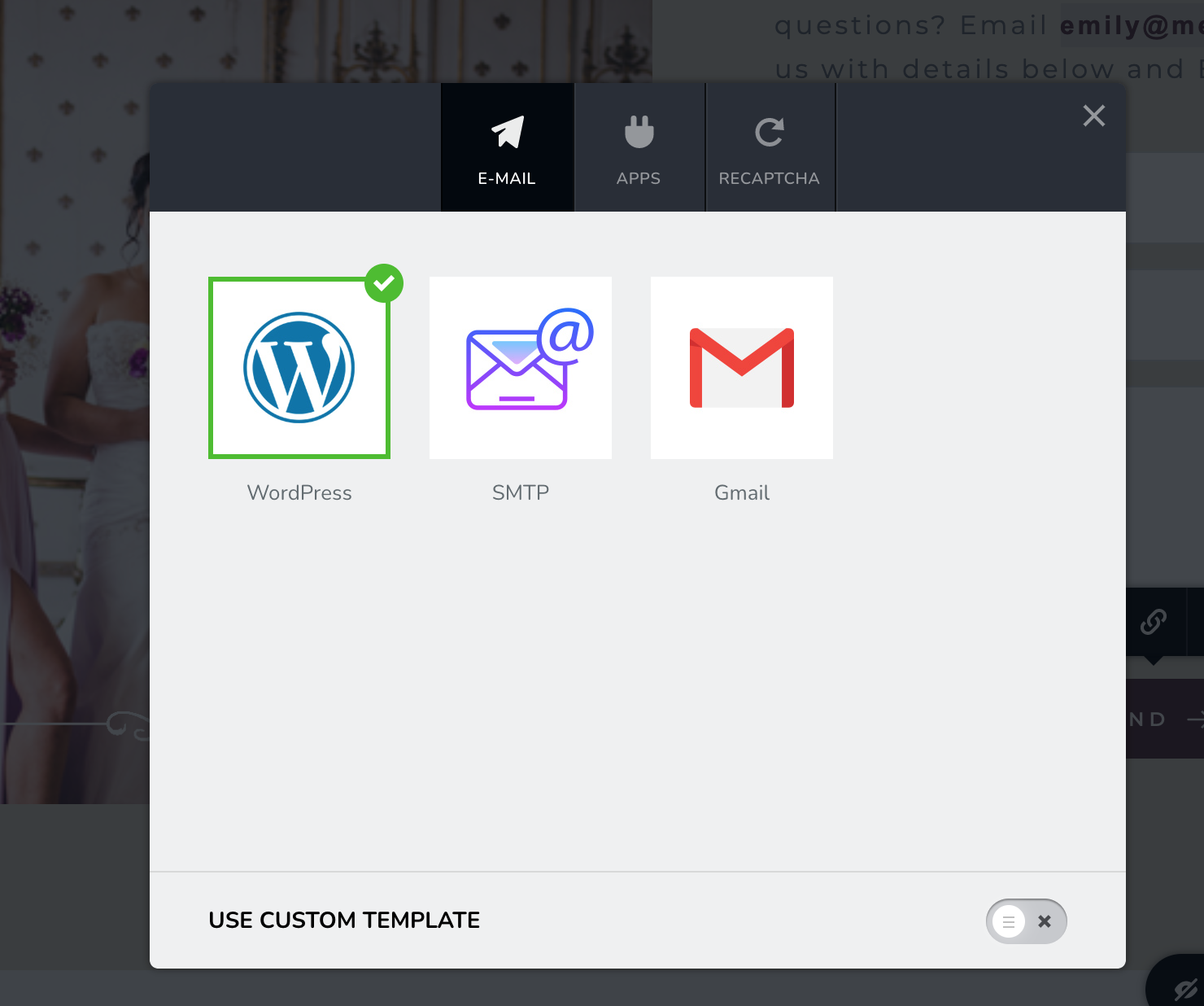
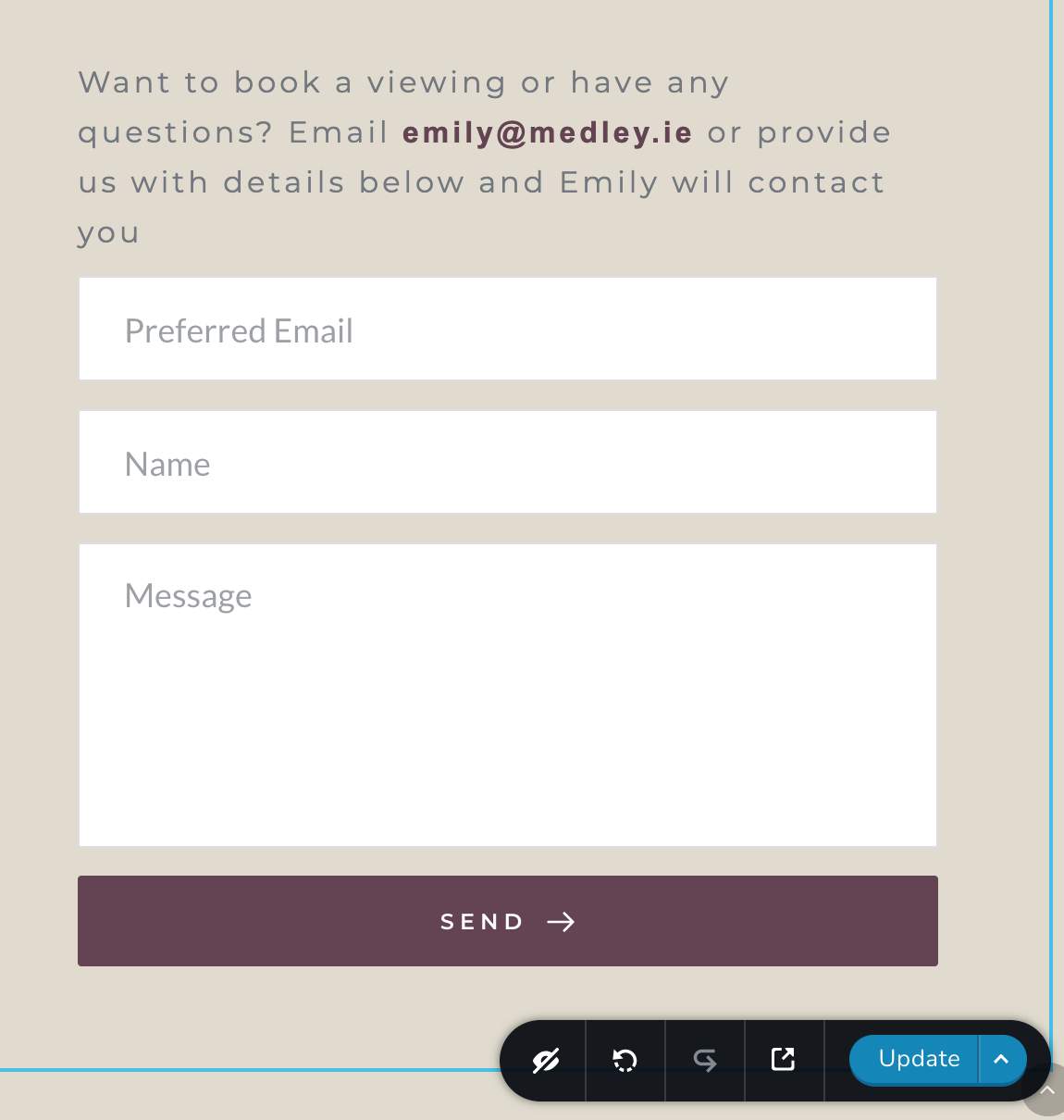
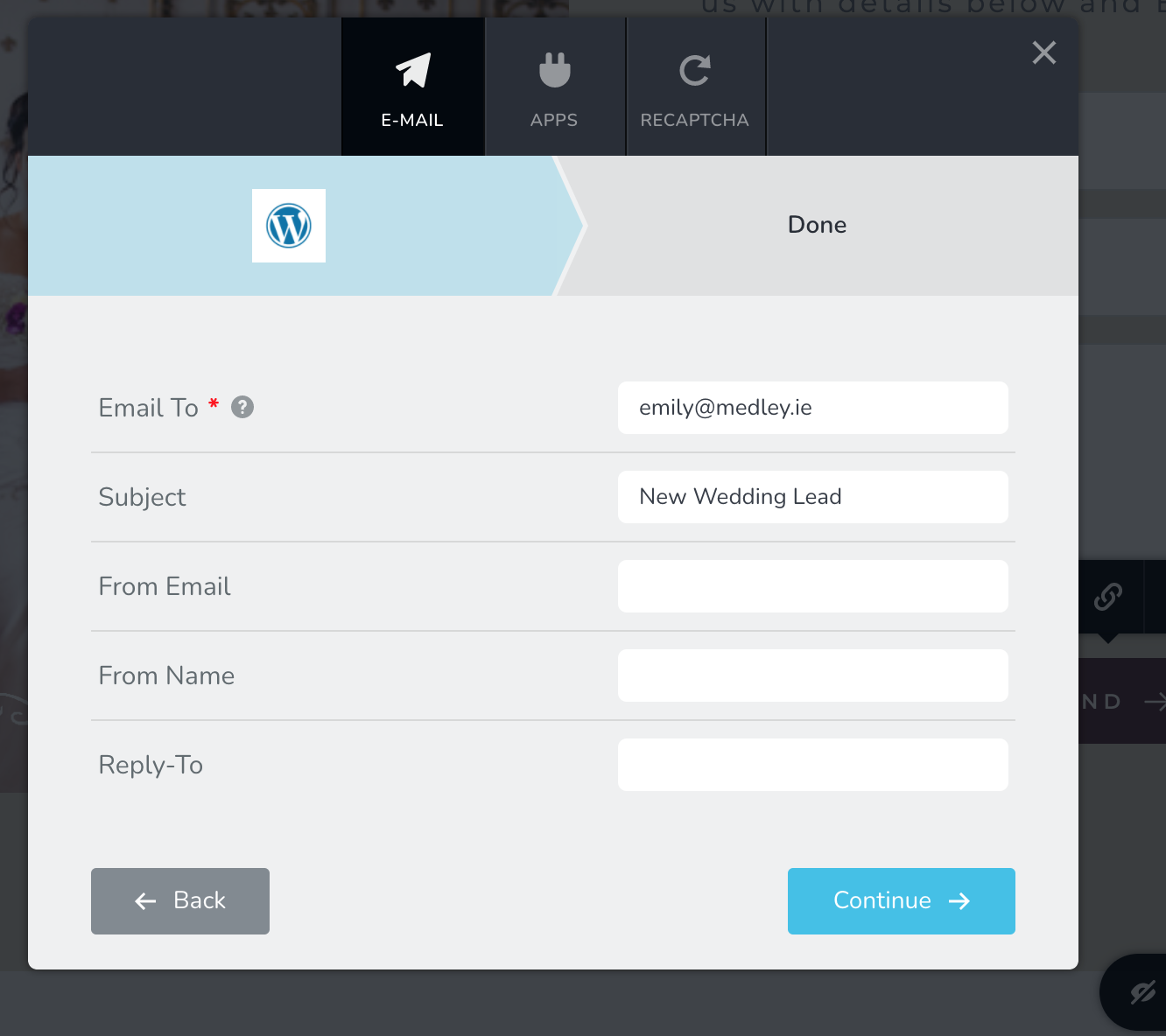 0
0 -
Hi,
On this certain did you receive the problem you reported that you don't receive the leads on your email? Could you try using another email for sending leads?
If on this form, all is working fine, check the form that doesn't send the leads to the email and check if it is connected to an email.Thanks!
Best regards,
Sandra0 -

Hi,
we also have some troubles with the contact form. Short messages get delivered, but normal email length messages won't. We only get the name, email-address and subject, but not the actual message. Is there a character limit?
Best
0 -
Hi,
Could you please check if set the Message field with the "Paragraph" field type https://jmp.sh/zcdTYr9? Also, could you please set this field as "Required"? How did you connect the form? What method did you choose?
Do you have the latest Brizy Free 2.2.7 and Brizy Pro 2.2.4 version? Also, could you please temporary deactivate all external plugins (except Brizy Free and Brizy Pro) and activate a WordPress default theme? So you receive the same problem?Best regards,
Sandra0 -
Hi Sandra,
yes it's set to "paragraph" and to "required". Method "Email; WordPress", updated versions of your plugins. Unfortunately I can't deactivate all other plugins and change to a default theme, as the website is active and we can't mess around with it at the moment.
Best
Johannes
0 -
Hi,
There are inoffensive actions because after you will deactivate all plugins and the theme, you will check the form and if all will work fine, you will activate the theme and will check again the form, then will activate one by one each plugin and the same will check the form. This action is necessary to exclude the possibility that this problem is caused by a plugin you have installed on the dashboard.
Also, could you please check how is saved the leads in the Brizy -> Leads? Do they save without the paragraph? Could you check to integrate the form with another email?
Thanks!
Best regards,
Sandra0
Please sign in to leave a comment.
Comments
9 comments