Cannot hide the header in order to edit slider

Hi,
I have a site, Pionairs.ca, that has two home pages, one French and one English. If I go into edit mode on the English page, I can click on the header/menu and it will hide properly and on the left hand side there will be the red "show header" button. However, on the French version of the home page, when I click on the header, it will not hide. If my cursor is lower down on another part of the page, I can see the circular edit button in the upper right, but of course if I move my cursor up to the header, that button is hidden and inaccessible.
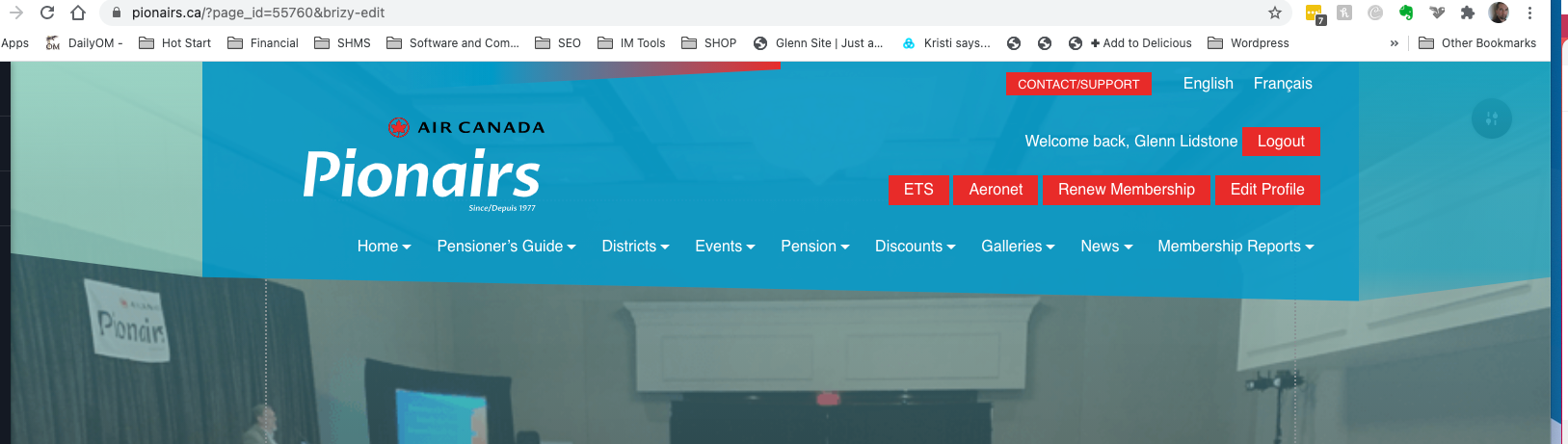
Above is English page. If I click the header it will hide.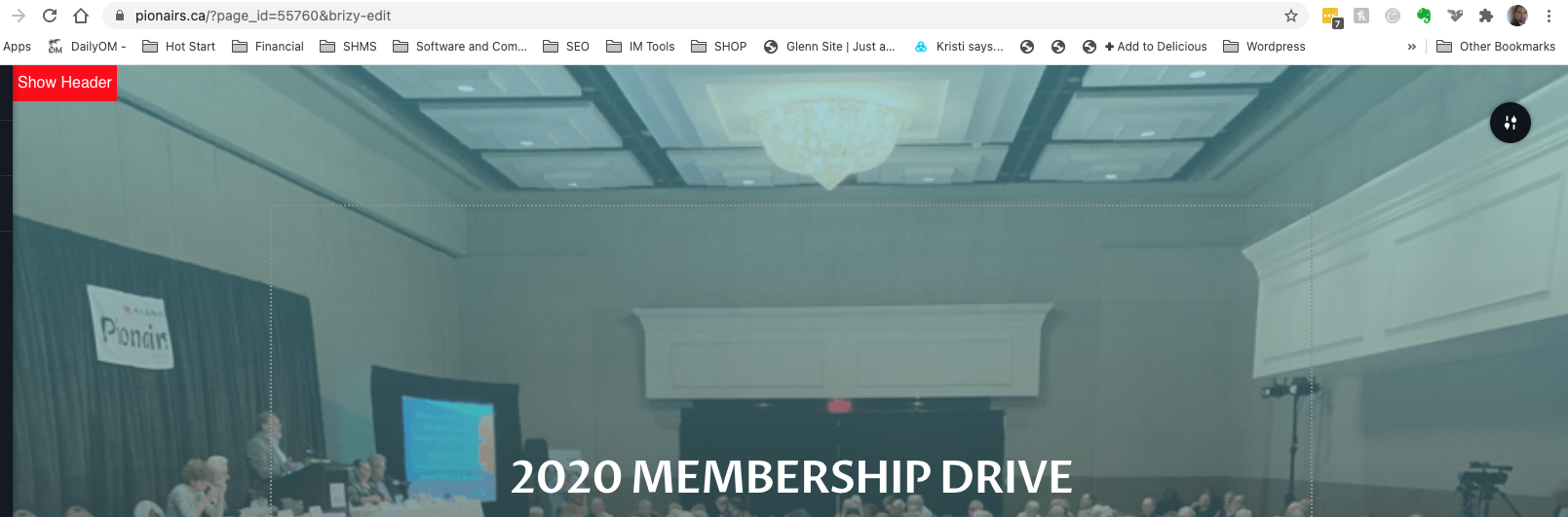
Above. English page header has been clicked. Can now access circular edit button at upper right hand corner.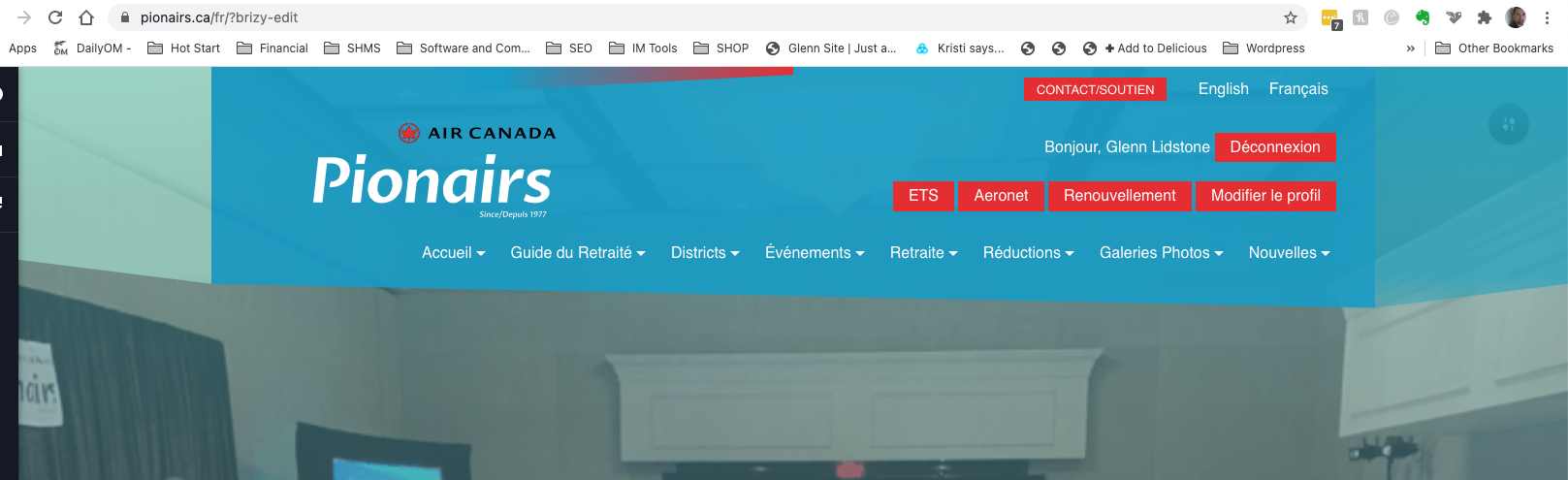
On French page above, cannot hide the header by clicking it. The circular edit button in the upper right hand corner is not accessible.
We are running:
WP 5.6
Brizy 2.2.6
Brizy Pro 2.2.2
Page Builder Framework 2.5.12 (theme)
The fact that this editing is working on one home page but not the other should rule out plugin conflicts...I think.
-

Hi,
Could you please give us more details about the header and menu? Did you create them in Brizy builder? Does it come from the theme or external plugin? If they aren't a Brizy element and you are using the theme page template or it is added as shortcode or embed code, I'm sorry to say but this isn't related with Brizy but with the theme/plugin that generates it. We only offer the possibility to show it but all the functionality is coming from the theme/plugin.
Let us know if we can help you with something else.Best regards,
Sandra0
Please sign in to leave a comment.
Comments
1 comment