Display after publication

Good afternoon, we had a posted post. After updating the breeze, it is not displayed correctly: there are no pictures and other displays.
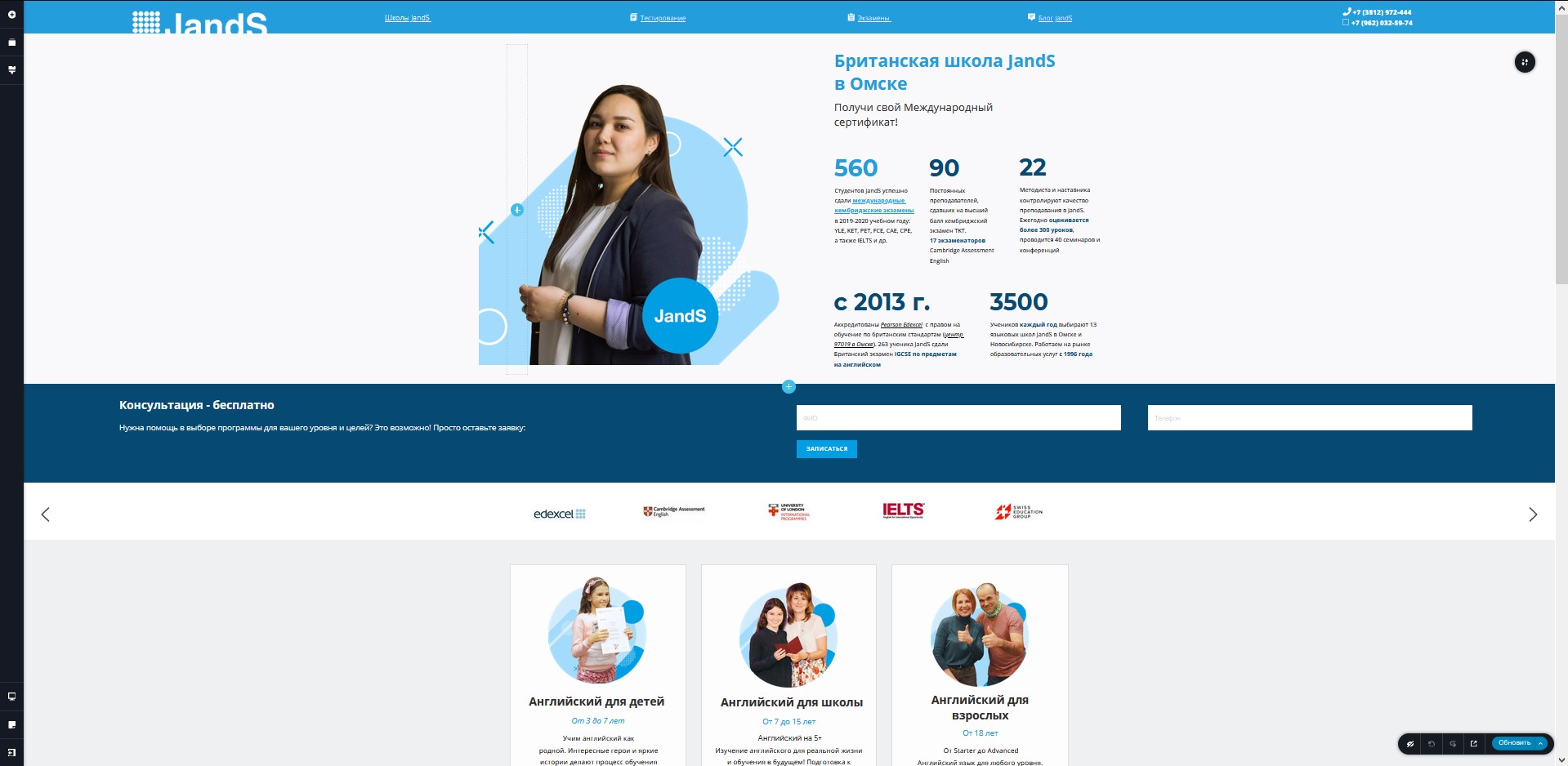
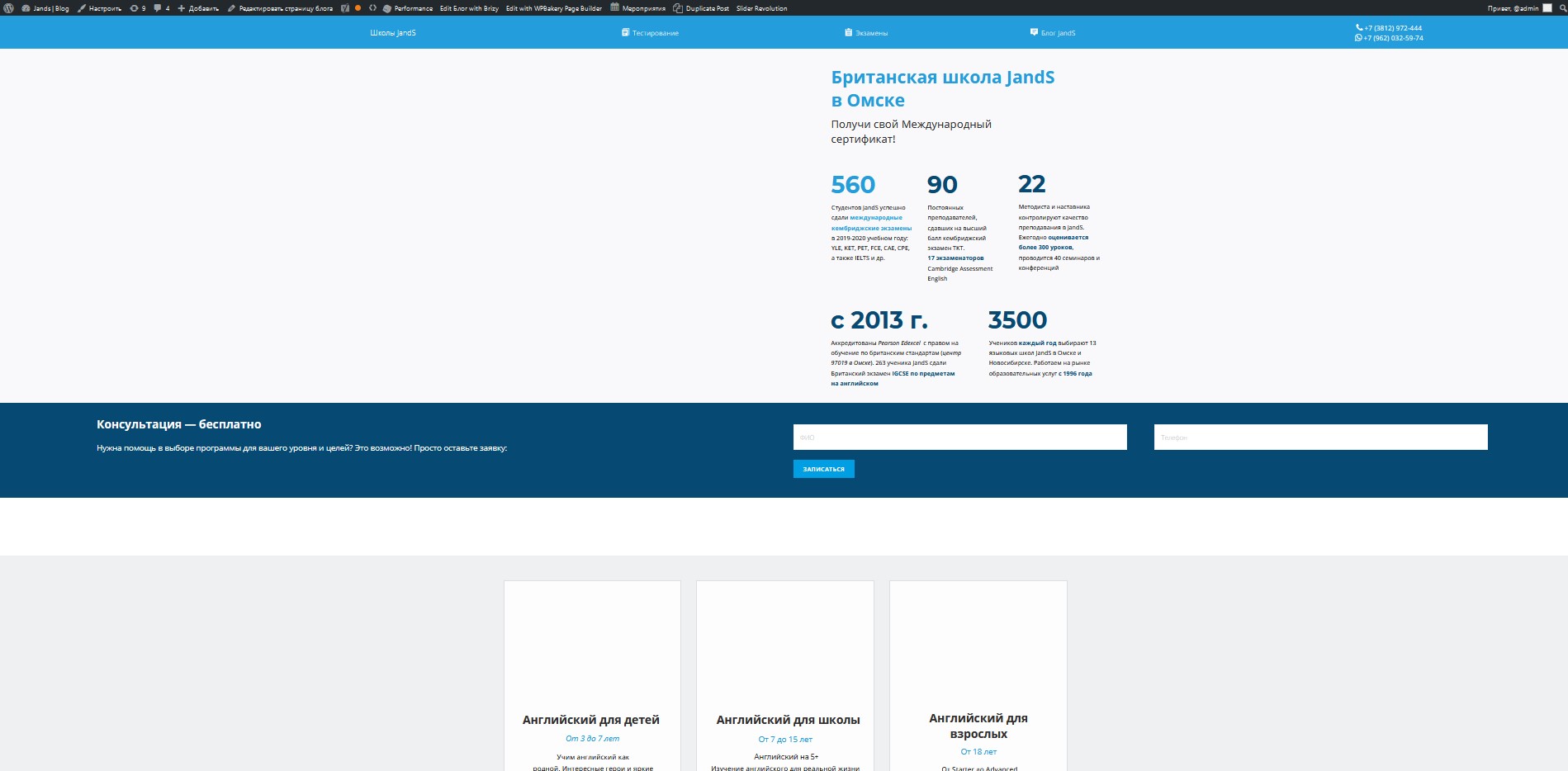
Everything is clearly visible in the preview, but after re-publication there are no pictures. Our website: page
-

Hi,
Could you please check if you have the latest Brizy Free 2.2.6 and Brizy Pro 2.2.2 version? Also, could you please temporary deactivate all external plugins (except Brizy Free and Brizy Pro) and activate a WordPress default theme?
How did you add images? Did you add them through WP Media Library? Could you please go in the WordPress Media Library, select an image you also use in the Brizy pages and try to modify it (rotate or crop)? Is all working fine?
Thanks!
Best regards,
Sandra0 -
Brizy Free 2.2.6 Wordpress 5.6.
Added images in brizy editor. Changed the default theme - didn't help. Turned off all plugins - did not help.
On this page I tried to add a new picture - and it doesn't show either! Tried rotating and trimming old and new - doesn't help.
The problem is that it is on this page that pictures are not displayed On other pages, everything is fine with the brizy editor.
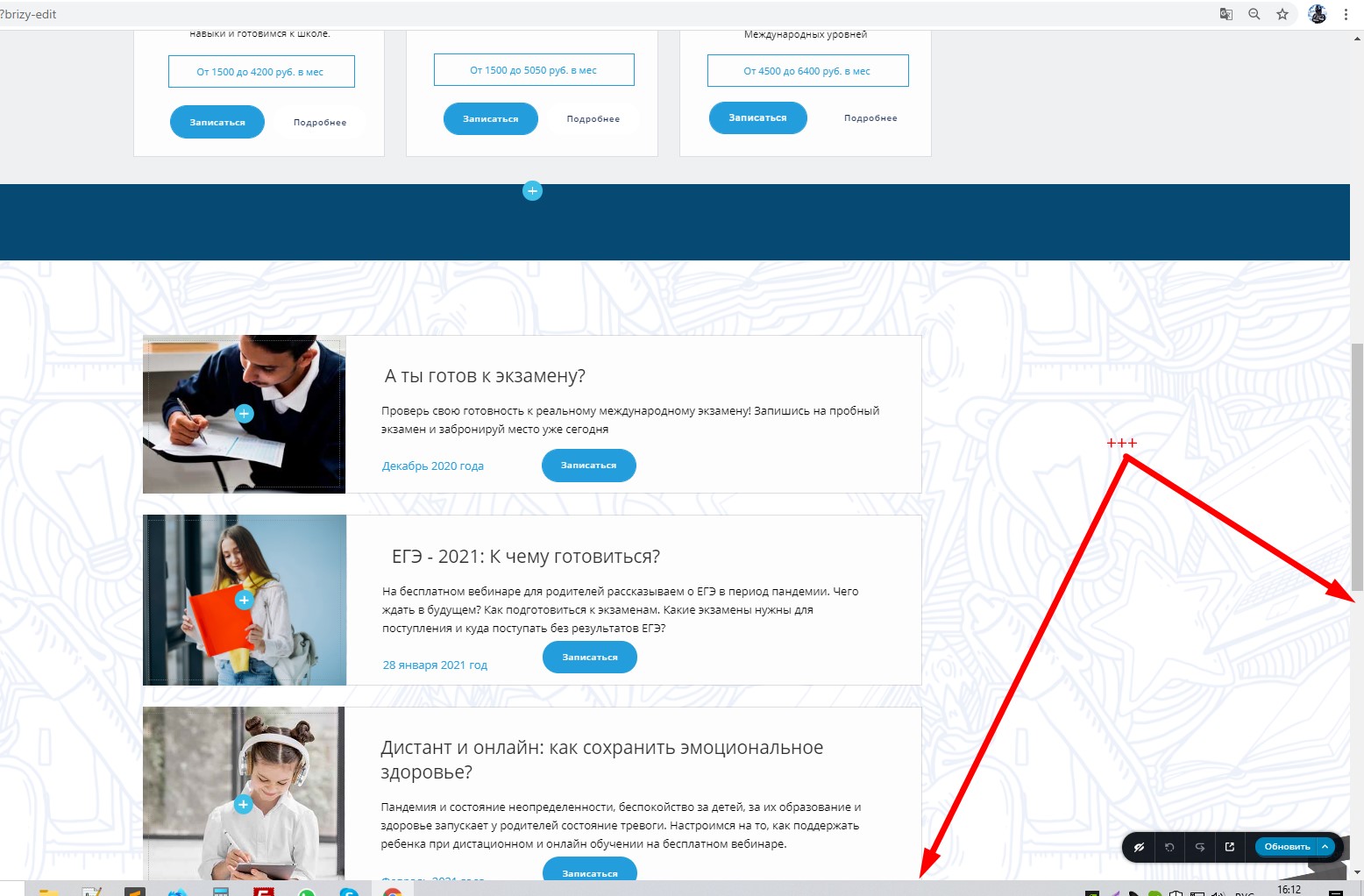
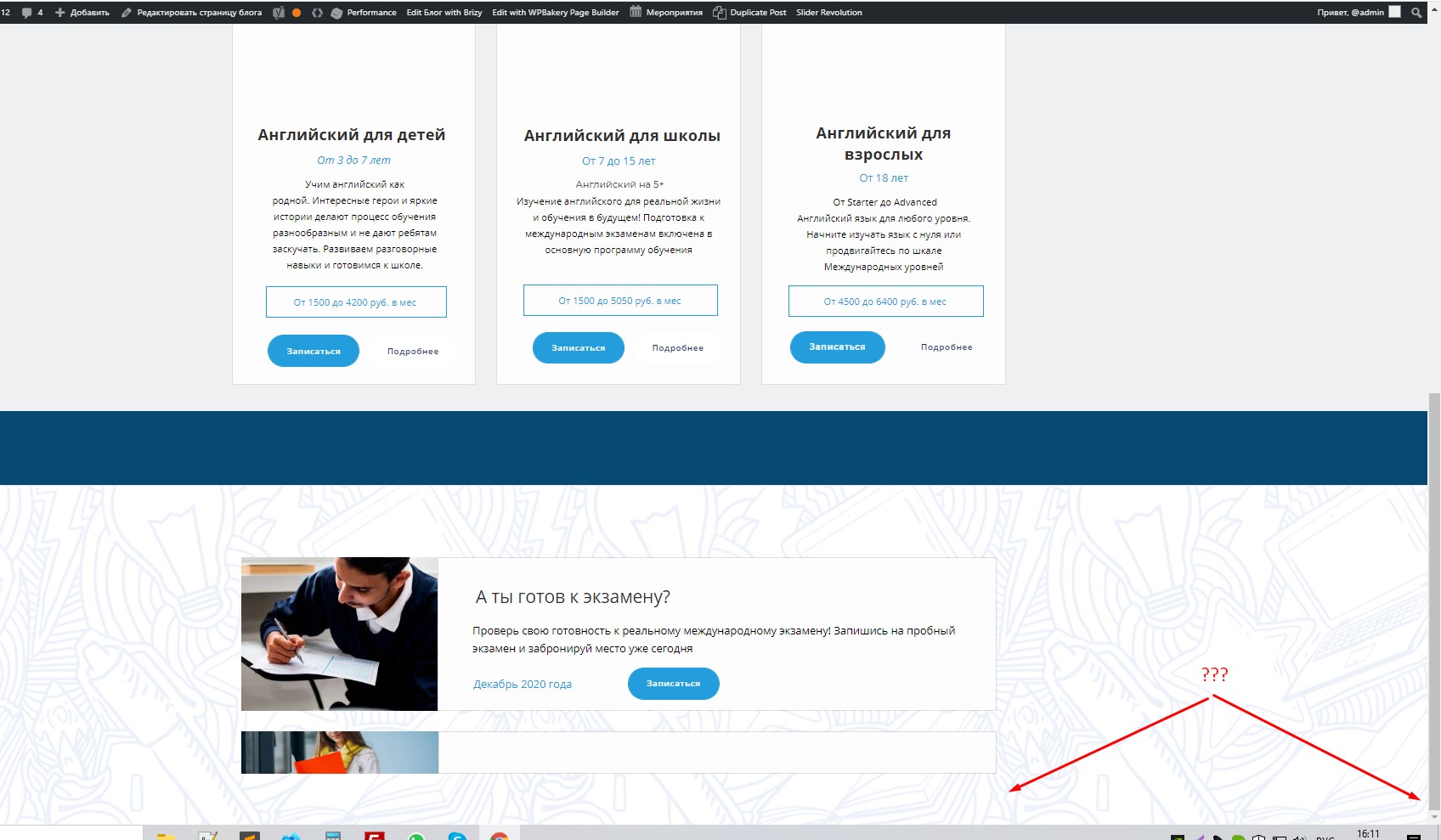
And the page is also cut off at the very end. In the preview, everything is displayed, scrolled. When published, no.
 0
0 -
Hi,
Thank you for sharing these screenshots from the editor mode. I could better understand the problem. All this happens because the images are added as a background image on the column. Inside the column there're no content or element. Therefore, on the editor mode, the image is displaying fine because by default in the editor mode are added space and the "+" to show that there you can add the content. In the preview mode, this space isn't displaying and you think that the images aren't displaying. To solve this inconvenience I can suggest 2 tips:
1 - Use Image element instead of showing the image in the background or
2 - Add a "Spacer" element on the column where you added the image on the background and set it with some value (e.g. 70px).Hope these can help you!
Best regards,
Sandra0 -
Removed the Speed Booster Pack plugin - that helped. Everything is back. As it was on the preview, so now after the publication
1 -
Hi,
Thank you for updating us regarding this issue. Great to know that it is now solved!
Best regards,
Sandra0
Please sign in to leave a comment.
Comments
5 comments