Two issues with Brizy

Hello there.
I have two problems with Brizy:
1- H1, H2 can't be found in the code.

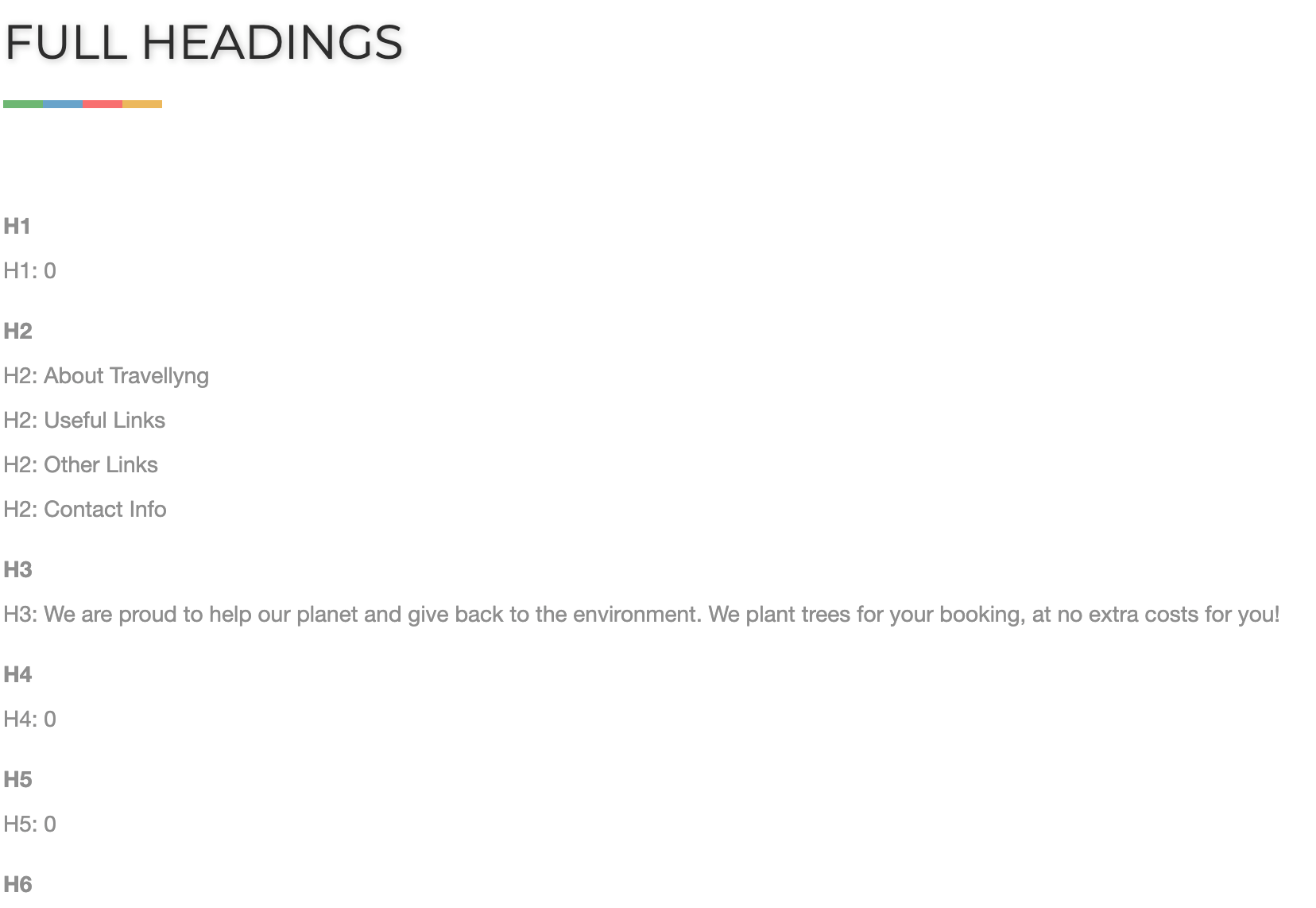
2- the editor has a problem when I try to add a new section.

I'm using the latest Brizy WP plugin and Blocksy Theme.
The website is travellyng.com
Thank you.
-

Hi,
1) Can you please confirm that you have set the appropriate tags here: https://jmp.sh/qo17zCb ?
2) By latest versions do you mean - Free 2.2.6. and PRO 2.2.2? Do you have the same problem if you disable all your external plugins?
0 -

I am having the same issue with Blocksy theme as is shown in the 2nd screenshot.. cant add elements and the dotted box around where you add elements is condensed to a single vertical line.. It could be due to the latest blocksy update
0 -

Hi Andy!
For the section issue - please, add this code - in the Appereance>>Customize>>Additional CSS tab.
Let me know if it works.
Thank you!
Natalia
0 -
Hi Alex & Natalia.
Thank you for your support.
The problem with the H1 was the tag that you showed me in the image.
And the second problem has been fixed with the code you sent.
I have another problem with RankMath and Brizy, I modified a page and RankMath says there are 13 keywords and it's too much, however, I checked them, and are 8.
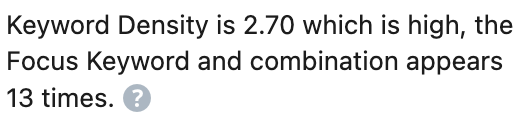
 For a different page, that I firstly created in Brizy and then set the SEO, the counter was right.
It seems that it can't count the words.
I'm using Brizy Free 2.2.6.
Thank you.
0 -
Hi,
so does this happen for certain pages? Have you noticed a specific condition when this problem happens? If we found the difference between the page where it works and the one where it does not work, it would help us to replicate the problem.
0
Please sign in to leave a comment.
Comments
5 comments