More rows in a block

Hi there!
I’m just wondering if there is a way to add more rows into a pre-designed block? Let’s say I add a block with three similar rows — but need to have five of them.
Or even duplicate the rows? All I am able to duplicate atm is the empty space between the rows …
-

Hi,
I guess you are referring to the columns rather than rows. In any case, the solution is to duplicate them: https://jmp.sh/6OV2IHm
0 -
Hi Alex,
thank you for your reply!
I indeed meant rows — like the ones in the screen shot attached.
Thank you in advance!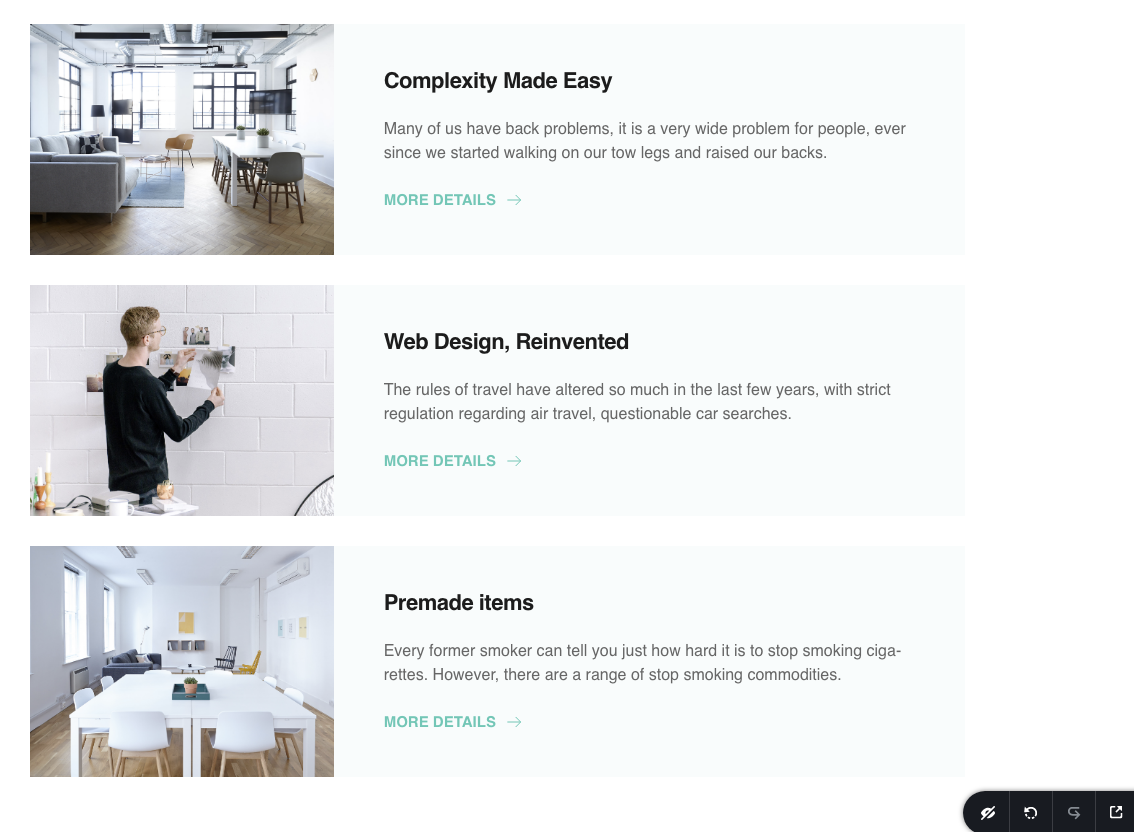 0
0 -
Hi,
the principle is the same but the thing is that this section does not contain rows and consists only of columns so you have to duplicate the columns then you need manually put them in the area where you need and adjust the size. I think it will be easier for you if you import the section twice and from the second section, you would delete the last block (two columns).
0 -
Ok, thank you!
0
Please sign in to leave a comment.
Comments
4 comments