Brizy template frontpage does not load

Hello all,
Until two days ago, everything was fine. I did not make any adjustments to the settings, but from the day before yesterday to yesterday (probably due to an update) the front page I created (as a template) was no longer active. I also do not manage to reactivate this. What is the reason for this and what can I do?
Best regards
Lasse
-
Brizy Pro: Version 2.2.1
Brizy: Version 2.2.5
Woocommerce: Version 4.9.0Template Settings:
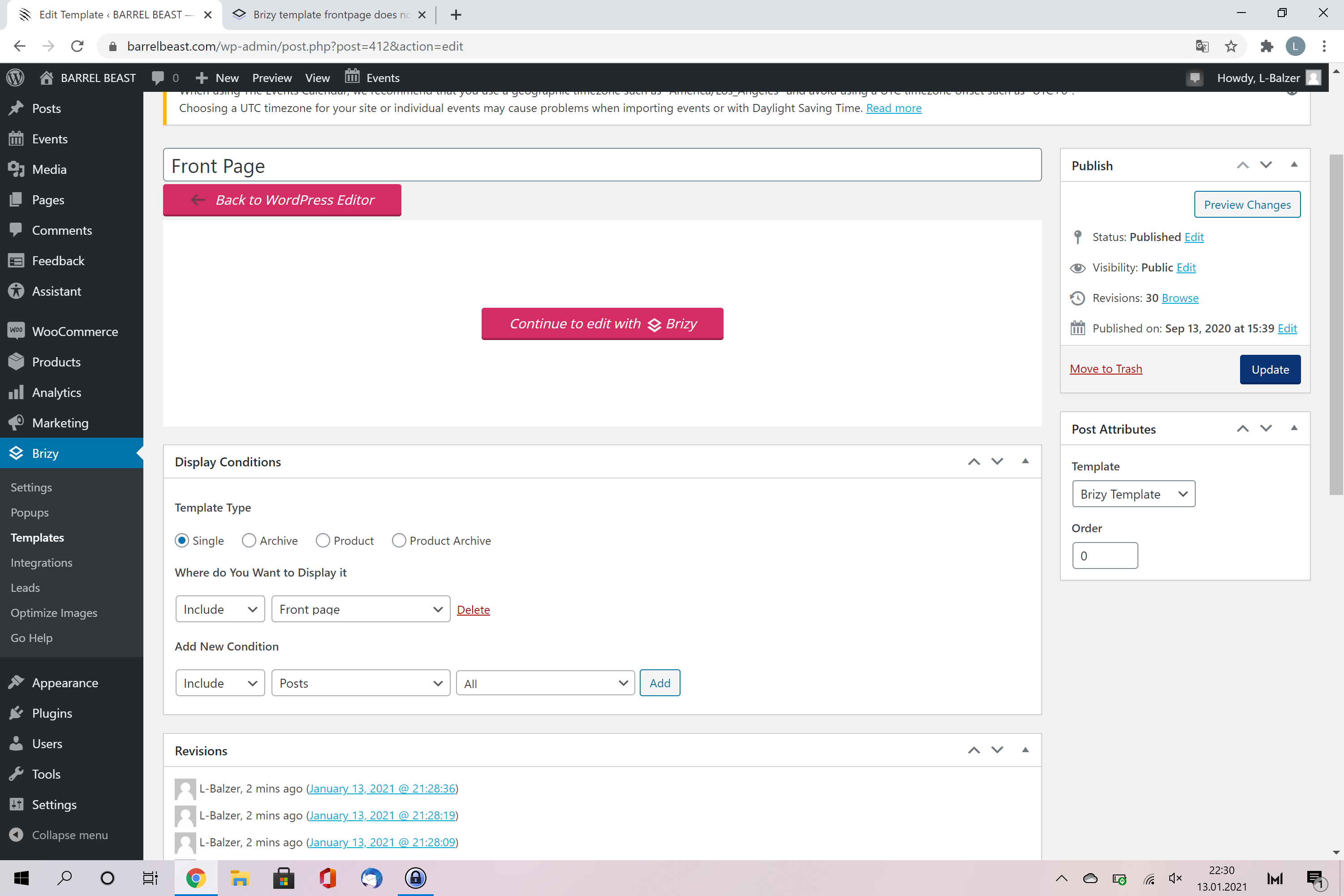 1
1 -

Hi,
Could you please check if you set-up a page as a Homepage in the Settings -> Reading https://jmp.sh/vVqGegn? Do the homepages isn't edited with Brizy? Do you see the Brizy name belong to the "Frontpage" https://jmp.sh/kIl6vZI? If you have this, please deactivate the Brizy editor from this page. For this please go to the Edit mode of the page and click on "Back to WordPress editor" https://jmp.sh/agRffZP.
Also, could I ask you why did you create a template for the FrontPage? Usually, the Brizy templates are used for dynamic pages like Blog, Shop page, Single Post page, Archive, Category.Thanks!
Best regards,
Sandra0 -
Hi Sandra,
the first screenshot did work out. I just set up a new page and changed as a new home-page. I also deactivated the template which was used for the front page before. Many thanks!
Best regards
Lasse0 -
Hi,
Thank you for updating us regarding this inconvenience!
Let us know if we can help you with something else.Best regards,
Sandra0
Please sign in to leave a comment.
Comments
4 comments