Strange problems since last update (excerpts, posts buttons, etc)

Since the last update (2.2.6 + Pro 2.2.2), im getting a lot of weird errors.
On my multisite WaaS, some sites are having big problems with the blog archive template.
I've deactivated all plugins except Brizy and am on default theme.
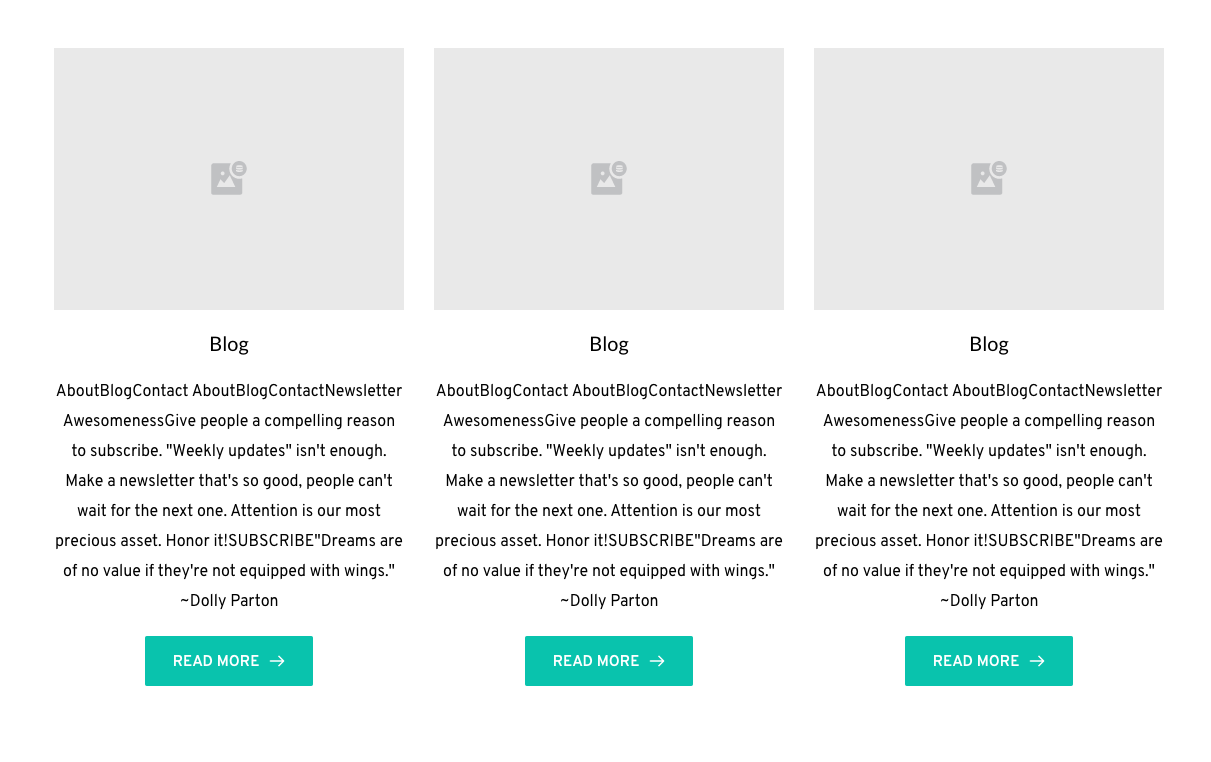
Excerpt is either showing the post URL, or its pulling data from the home page (including the navigation items).
This screenshot shows excerpt pulling data from homepage and header navigation. This is a screenshot from the Template editor. Trying to visit the actual blog page doesn't work (another screenshot below)
Another sub-site shows excerpt displaying the post URL:
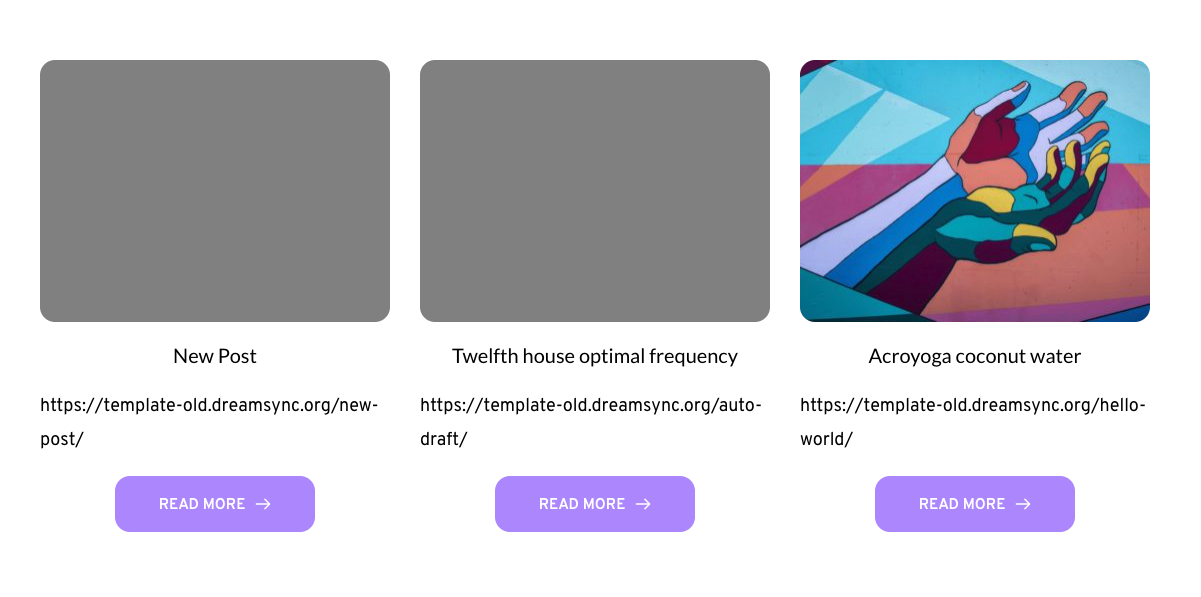
In both cases, the buttons in the posts grid do not link to the post URLs either, even though they are linked properly in the settings.
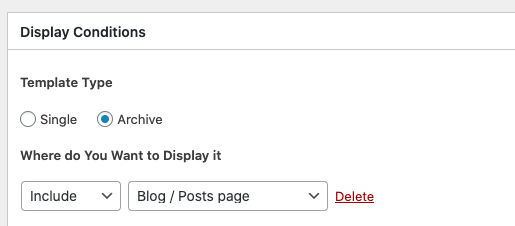
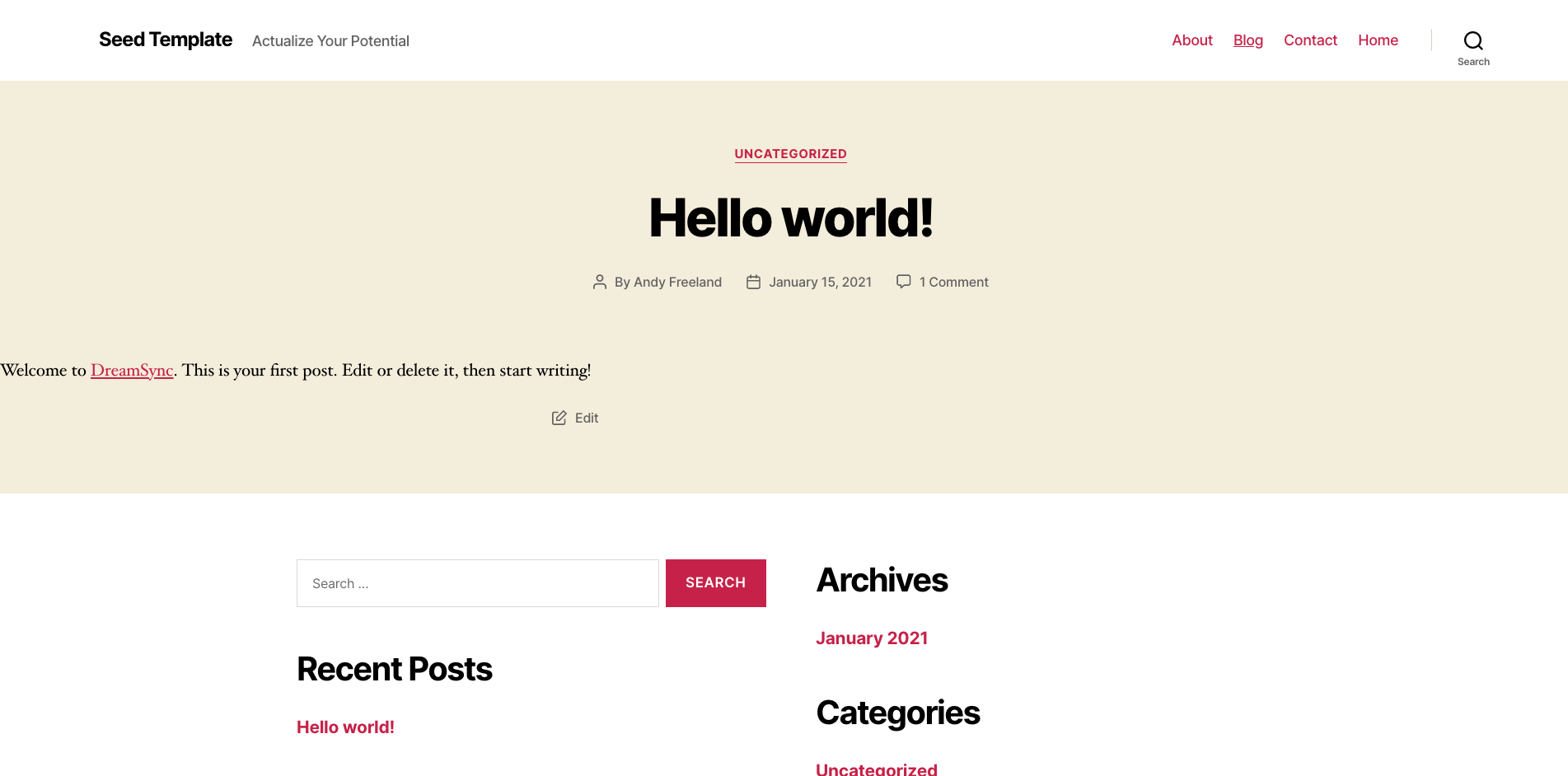
I have my template settings set up properly, but visiting the blog page in the first screenshot above results in the default theme view:
I have permalinks and the home/blog page settings how they should be.
-
I just did a test by creating a new subsite on the network, and using the Sync feature to import the make tempaltes/pages in question.. Starting fresh like that seems to have cleared it up.. But the behavior is unpredictable, because I was originally having the problem with one subsite, which i then used Sync to rebuild it on another subsite, and I ran into a slightly different problem.. those are the two sites shows in the screenshots above.. Now with a 3rd site, it seems to be okay, but the other two are still messed up.
Again, there is ONLY brizy installed, and all sites are on the same multisite installation.
Having to rebuild a site like that isn't a solution though.
I am onboarding 40 people on to my WaaS on Monday, so I REALLY hope this gets resolved ASAP
0 -
Okay I solved one issue .. Somehow the Brizy builder got activated on the Blog page on one of the subsites, which was causing those strange issues with the excerpt showing homepage content and the blog page showing the default 2020 theme page.. I definitely didn't activate the builder though (unless it was an accident), so i dont know what to think.. Either way, turning it back to default editor fixed it on that subsite..
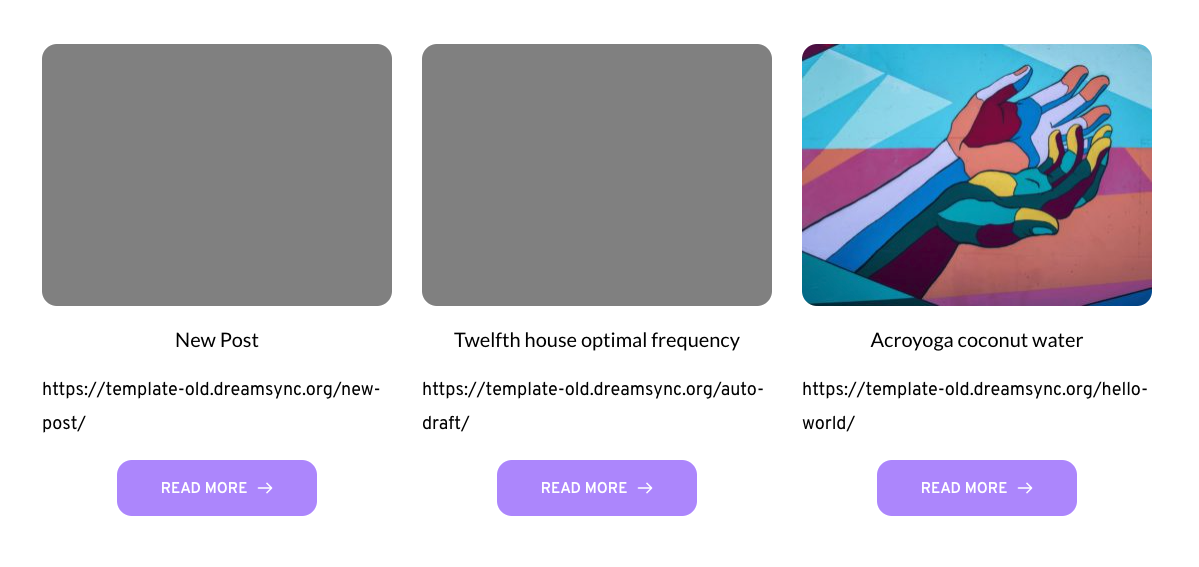
Now, the main issue is that on one of the sites, the excerpt is still pulling the post URL, and the post buttons link to the blog page, which just result in a page refresh/redirect, rather than linking to the post URL (even though the dynamic settings are linked to the post URL).
 0
0 -
Okay another update.. I was rebuilding the site because i dont have time to wait, and the new subsite seems to have fixed it.. got everything set up and the excerpt and blog post link buttons were working fine... Added a few posts to the blog and then went to check and all of the sudden its acting the same way as the screenshot above...
Excerpt suddenly showing post URL and buttons link to the blog archive page instead of the blog posts.
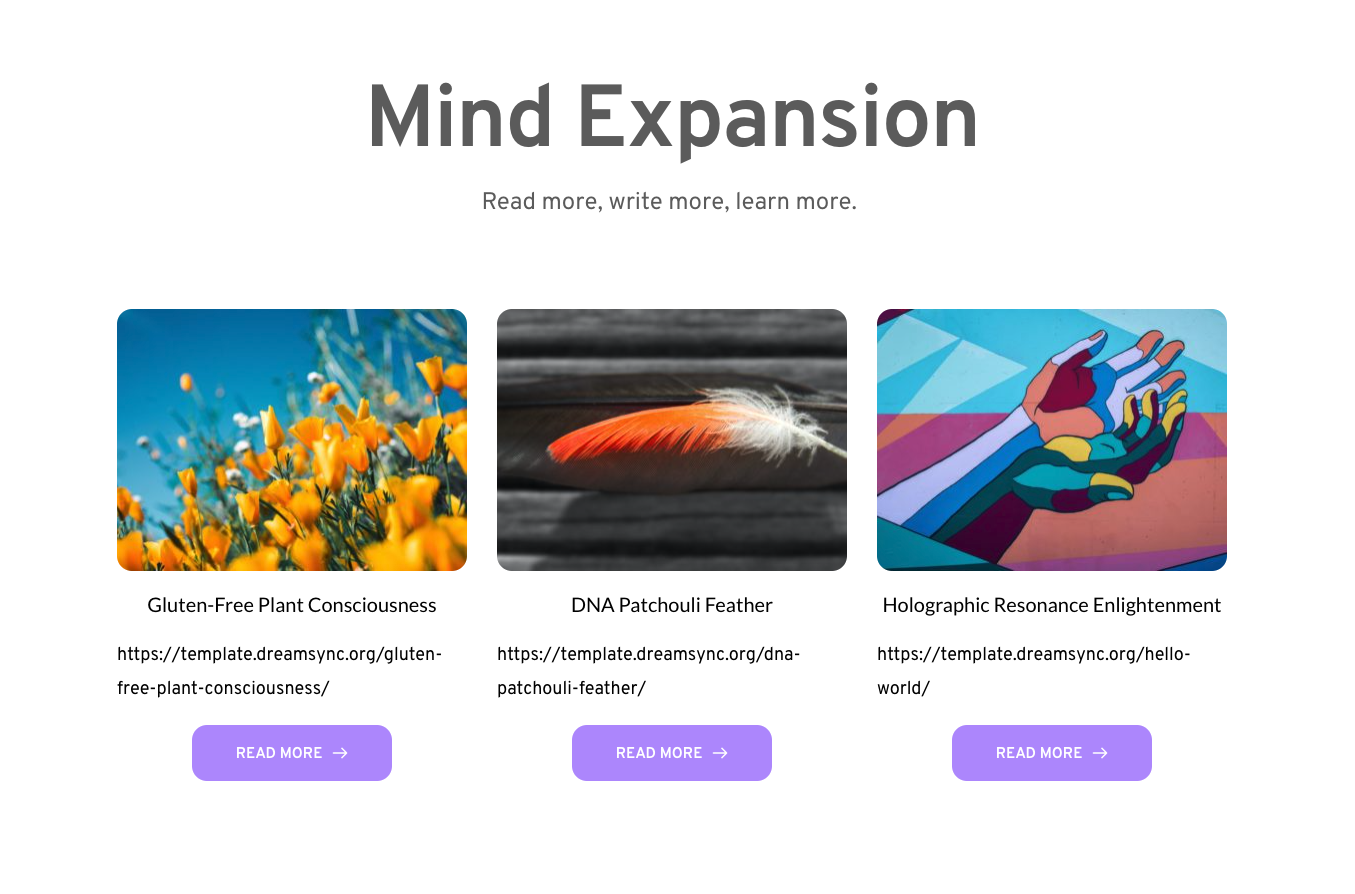
I created a dynamic link to the post url from title and image also, and those all work.. but the buttons do not, even though they are set up right..
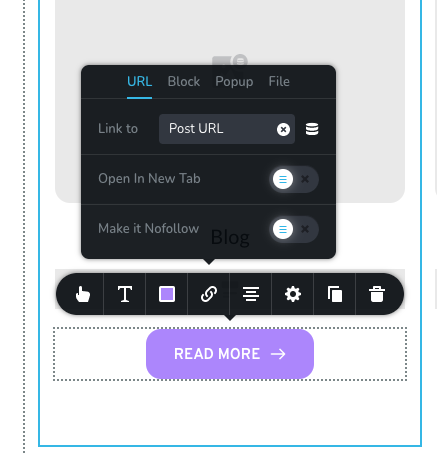
If I remove the post excerpt element, then the buttons work.
I also tried using the #Post Excerpt tag, and it behaves the same way as the excerpt module: shows post url, and makes button not work.
0 -

Hi,
We would like to check this problem on your site because we couldn't reproduce it on ourssites. I have created a private ticket on this request. You had to receive a notification regarding this on email. Could you send us in that private message the WP credentials to this site?
Thanks!
Best regards,
Sandra0 -

Andy. I have had the same problem with the excerpts, but in a less complicated setting than yourself. For me, the solution was to activate Brizy for posts in the Brizy settings. I don't actually use Brizy for posts but it seemed to do the trick.
John
1 -

@Sandra, I'm experiencing he same problem, can you create a private ticket with the error I'm experiencing too?
Here's the single post in the back-end editor:
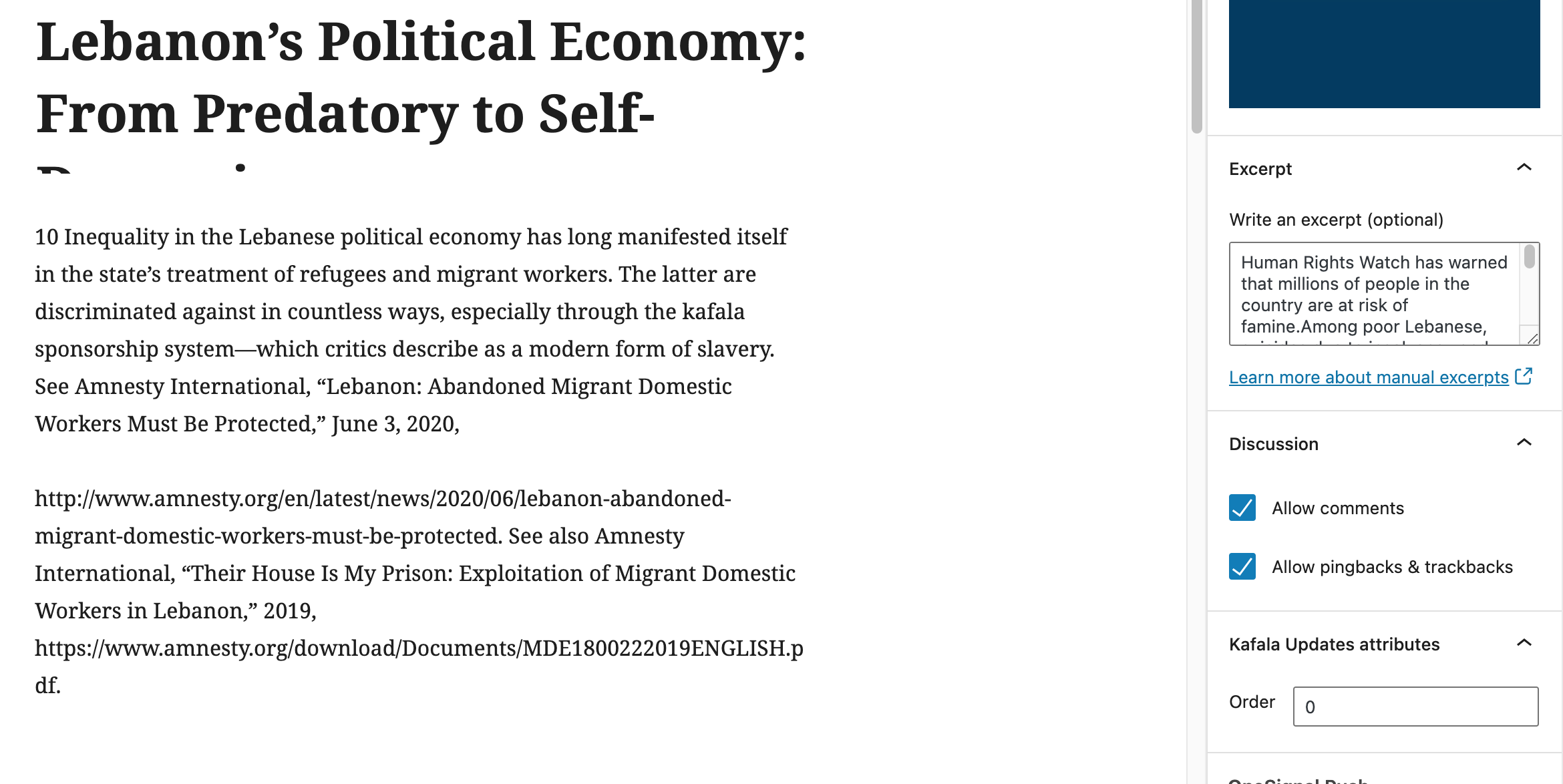 Here's the Archive page in the Brizy Template builder: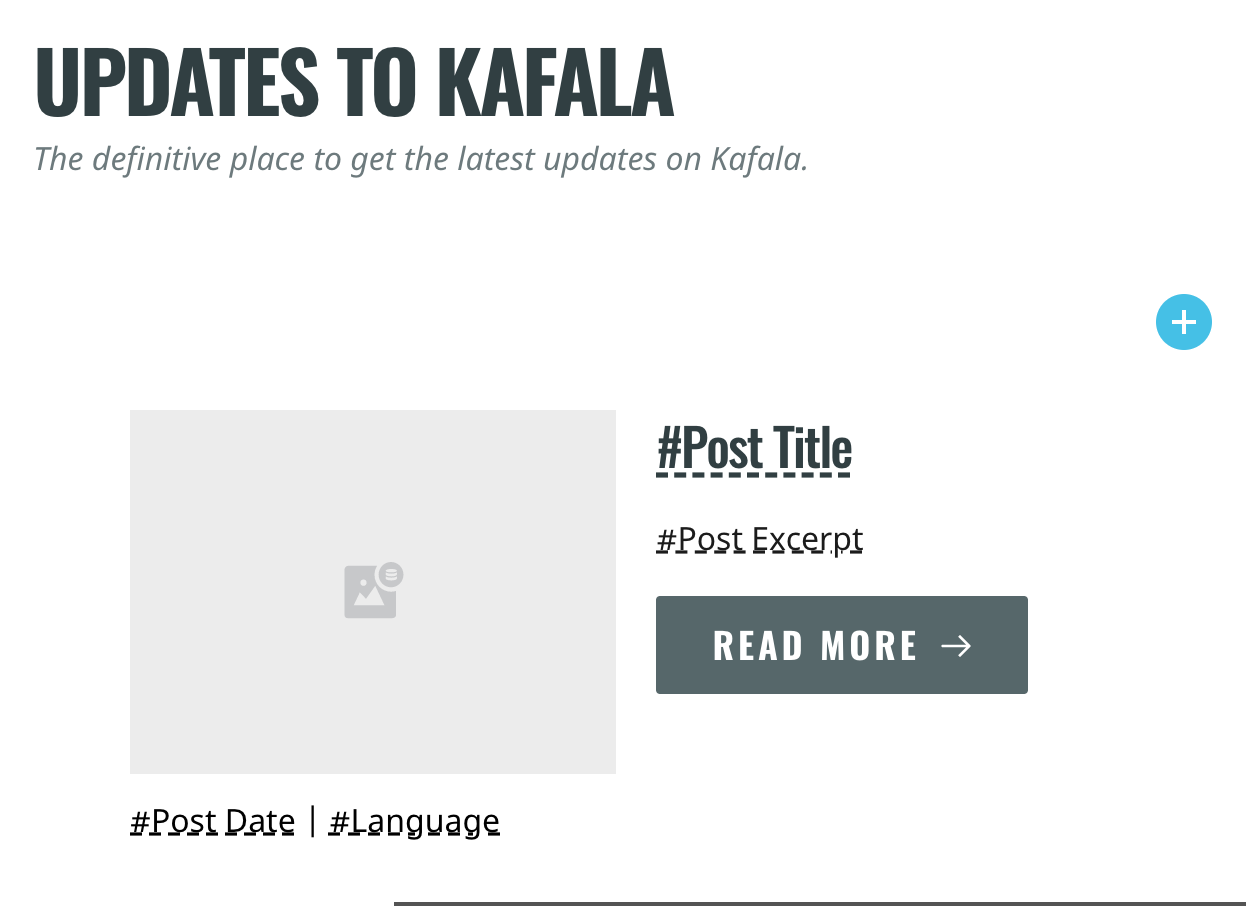
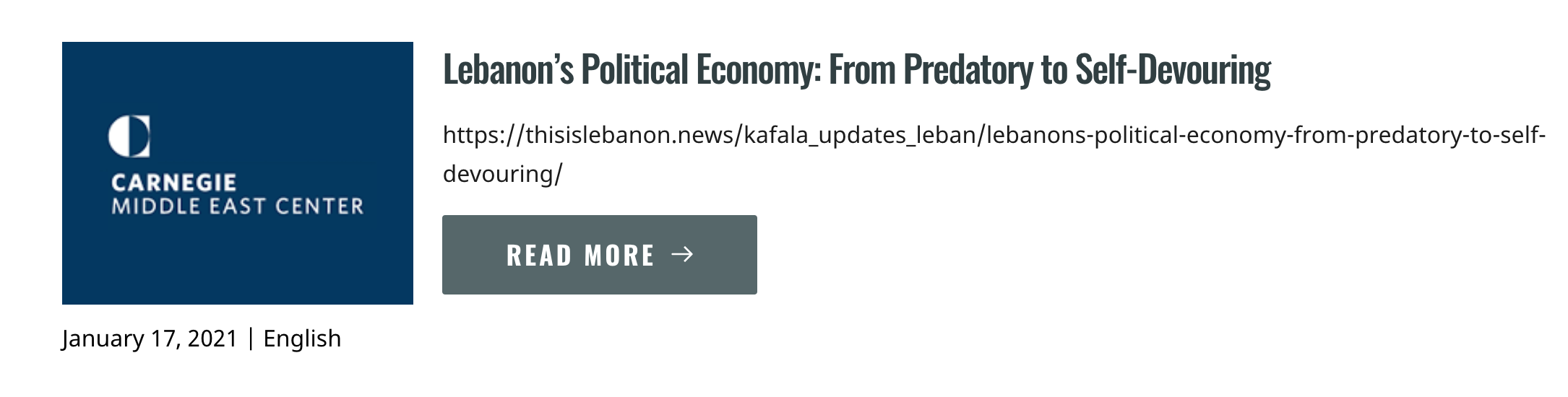
And here's how it shows up on the website:
 0
0 -
Hi there,
We could identify this inconvenience and our developers are already working on this issue. When we will receive some updates from them, we will inform you too. I'm sorry for this inconvenience!
Thank you for your understanding and patience!
Best regards,
Sandra0 -

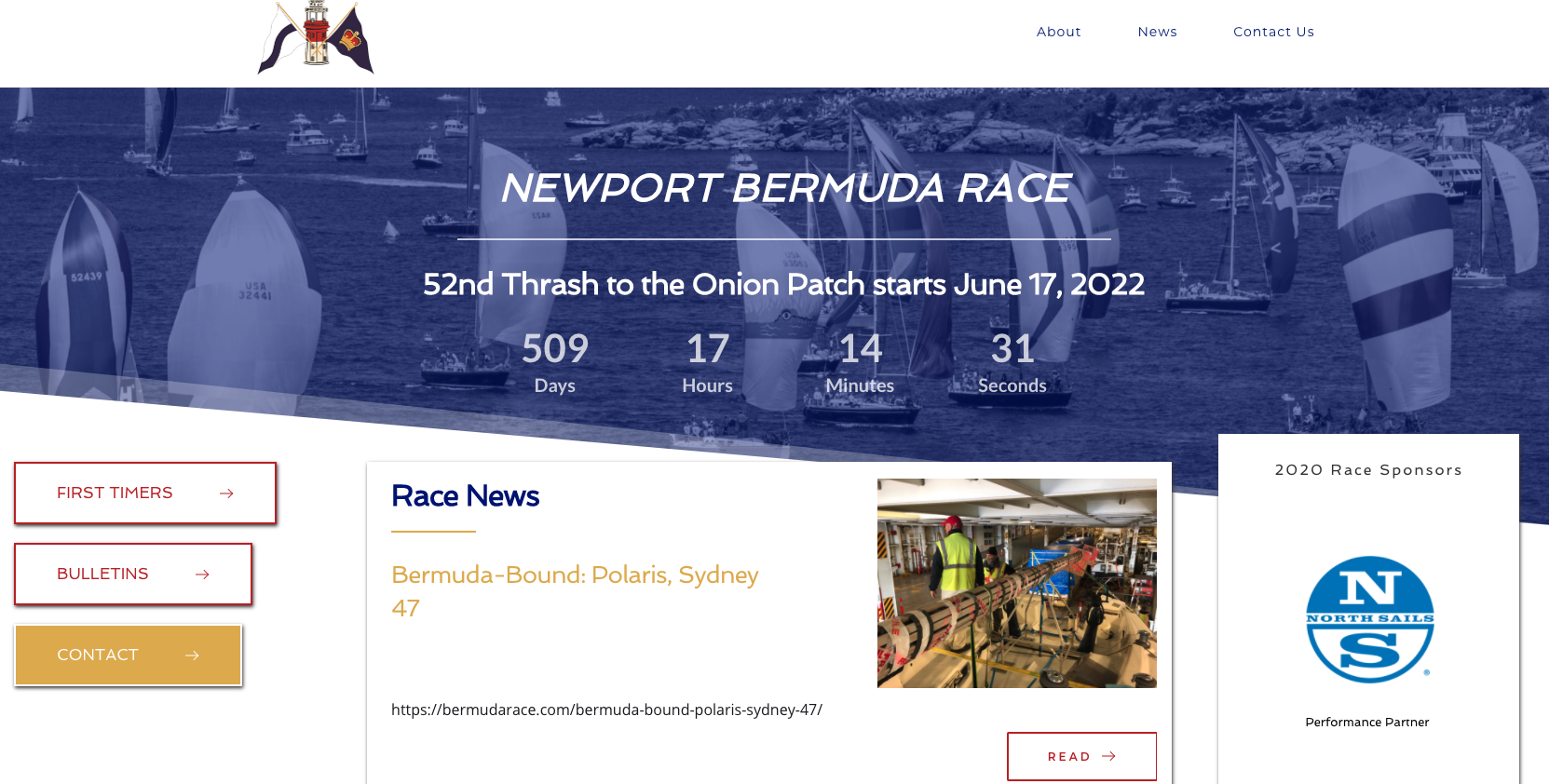
Just wanted to say that I am also having the same issue with Brizy 2.2.2 . If I take out the Post Excerpt, it fixes the issue. As I too can't wait, I had to revert our site back to 2.2.0 and that resolved the issue.
 0
0 -
Hi,
Thank you for your message and I'm sorry for this inconvenience! We are doing all the best to solve this inconvenience as soon as possible and release the new update.
Thank you!
Best regards,
Sandra0 -

Just to add on, I am also having this problem. It's pulling the title, content, and button link from/to the homepage not any posts.
0 -
Hi Paul,
Could you please give us more details about this problem? Do you have the latest Brizy Free 2.2.8 and Brizy Pro 2.2.5 version? We already fixed this issue in one of the previous updates. If you still have this problem, could you please give us more details about it? How did you create posts? Could you please send us the URL link of the page where we can check this problem?
Thanks!
Best regards,
Sandra0 -

HI I am having the same issue with #post excerpt. The excerpt is showing the Menu options in addition to the excerpt. I have Brizy pro 2.2.6. seems like other people are reverting to 2.2.2 for it to work.
How can I revert to the old brizy pro?
0 -
Hi Vinh Bui,
Could you please replace the #Post Excerpt tag with the Post Excerpt element? Also, could you please check if you have activated and updated to the latest version of the Brizy Free too? At the moment we have the 2.2.9.1 version for Brizy Free.
We don't recommend reverting to an old version of the Pro plugin because can exist some inconvenience with the Brizy Free version and generate some problems. But if you want to take this risk, to revert to an old version of the Brizy Pro, you need to have the archive of a previous version. If you have it, you have to deactivate and delete the current Brizy Pro plugin, delete the site cache and then upload manually an older version of the Pro plugin.
Best regards,
Sandra0
Please sign in to leave a comment.
Comments
13 comments