Broken Images

I get all the broken Images recently for my clients website. Hence, it cannot display on the website. I tried all the Google options but it seemed useless
the Image Location shows like posted below or on brizy edit mode
when I Inspect the image I get https://drukhorticulture.com/?brizy_media=wp-fc874b3621152dbdd14feee0f7d0a60f.jpg&brizy_crop=iW%3D633%26iH%3D316%26oX%3D185%26oY%3D0%26cW%3D263%26cH%3D316&brizy_post=14
While it should be https://drukhorticulture.com/wp-content/uploads/2021/01/DSC01160.jpg
Please look forward to this issue, Thanks
-

Hi,
Brizy uses a special method to handle images. Brizy crop the image in 6 examples (for retina and non-retina desktop, tablet and mobile devices) and store them in a Brizy image folder. For this reason, the image URL used in Brizy look in such a way https://drukhorticulture.com/?brizy_media=wp-fc874b3621152dbdd14feee0f7d0a60f.jpg&brizy_crop=iW%3D633%26iH%3D316%26oX%3D185%26oY%3D0%26cW%3D263%26cH%3D316&brizy_post=14
For more details about this aspect, please check this article.Regarding the problem you encounter - when did you encounter it? Do you have the latest versions for Brizy Free 2.2.3 and Brizy Pro 2.2.0? How did you upload images? Did you upload them through WP Media Library? If you go to the WP Media Library and modify an image you want to use in the Brizy builder (e.g. crop or rotate it), did you encounter some problems?
If you deactivate all external plugins (except Brizy Free and Pro) and activate a WP default theme (Twenty Nineteen), do you receive the same problem?Thanks!
Best regards,
Sandra0 -

Hi Sandra,
We're currently having the same issue on one specific page of a site we're working on. Again using basic WordPress theme. All plugins are entirely up-to-date. It is showing fine on the front end but occasionally defaulting to a broken image there too. The images were all uploaded via WP Media Library and have been there for weeks without issue. Can you help please?
0 -
Hi Darren,
I noticed that you said you have the latest versions for Brizy plugins but could you please check if you have exactly the 2.2.13 version for Brizy Free and the 2.2.9 one for Brizy Pro? If you temporary deactivate all external plugins (except Brizy Free and Brizy Pro), do you have the same problem? This problem can be caused by the server, what is your hosting provider?
Best regards,
Sandra0 -
Hi Sandra,
We have version 2.2.14 for Brizy Free and 2.2.10 for Brizy Pro. We've also deactivated all extrenal plugins and the problem persists. We use Guru as our hosting provider.
This is rapidly becoming a concern so any help you can give would be fantastic.
Thanks,
Eilidh
0 -
Hi,
Thank you for all these details! We would like to check this problem from your dashboard. Could you please send us the WP credentials to this site?
I have created a private ticket for this request. You had to receive a notification regarding this by email. Could you send us in that private message the WP credentials to this site?Thanks!
Best regards,
Sandra0 -
Hi Sandra,
Thanks for this. Will do.
0 -

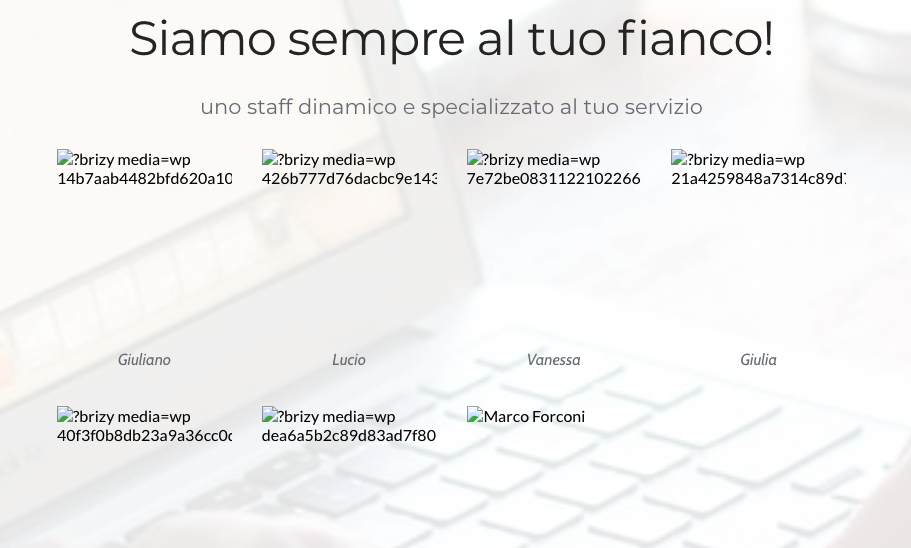
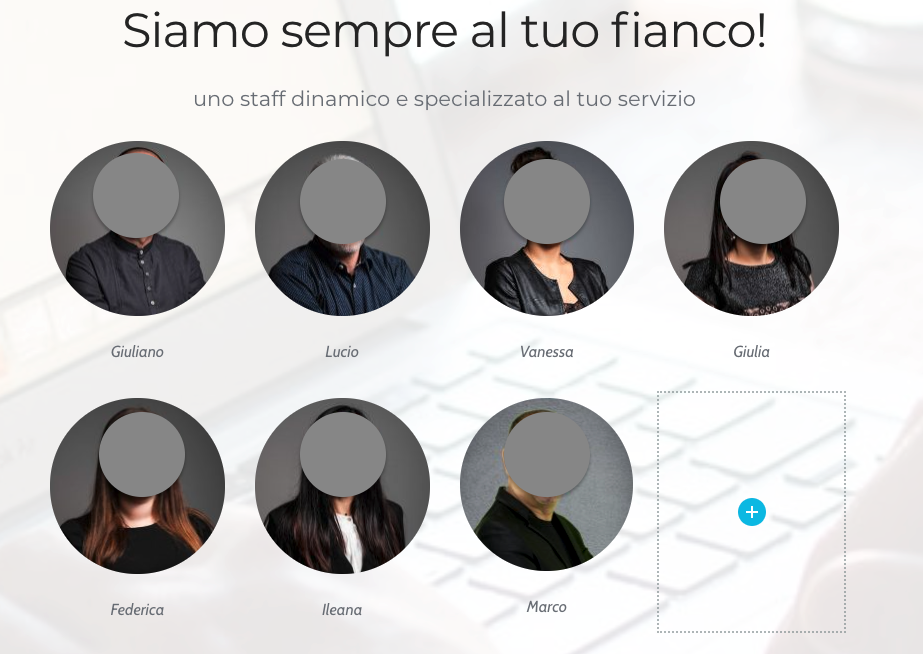
hi i am facing exactly the same, i can see/edit images in Edit Brizy mode, not in PUblic mode (just masked images for privacy purpose)
 0
0 -
Hi Pete,
Thank you for your message! Could you please check if you have the latest Brizy Free 2.2.16 and Brizy Pro 2.2.11 version? Could you please temporary deactivate all external plugins (except Brizy Free and Brizy Pro) and activate a WordPress default theme? Do you have the same problem?
Could you please go to the WP Media Library and try to modify (e.g. crop or rotate) an image that looks broken in the preview mode? Do you receive some error?
Best regards,
Sandra0 -
Hi,
Has anyone managed to fix this issue? We now have a support ticket open but remains ongoing since 13th May with no resolve....
Thanks,
Eilidh
0 -
Hi,
I'm sorry for our late response. We are working on this inconvenience and we are collaborating with our developers on this. In a short time, you will receive a notification from Natalia about this issue.
Best regards,
Sandra0 -
Hi Sandra,
This is an urgent issue which we have now been battling with for 3 weeks. Natalia has yet to come back to us after your last message over 6 days ago. We're getting very concerned as the site is now live. Can you please advise?
Thanks,
Eilidh
0 -
Hi,
Unfortunately, I can't help with this problem but I announce Natalia about your message. She said that soon will come with an update and reply.
Best regards,
Sandra0 -
Hi Sandra,
Thank you for this. I do appreciate it. However, I was also told this a week ago so anything you can do to push that along would be appreciated.
Thanks again,
Eilidh
0 -

Hello,
I can see that this thread is not resolved, but I'd like to find if there's an update.
We've had the exact same issue, where images that are uploaded don't seem to show up on pages - they'd just randomly disappear from a page. You can still find the images in the media library, but re-adding them doesn't seem to work. Only when you re-upload the image, effectively creating a duplicate with a newer date, only then it shows up.
What I find particularly frustrating is that when there's an image which is used across many pages, you effectively have to upload it over and over again for each page, because even if I've re-uploaded it a day ago, it won't show it. This page has this problem: https://www.cpdstandards.com/download-cpd-guide/
 0
0 -

Hi Amanda,
I have looked at the page https://www.cpdstandards.com/download-cpd-guide/ This is what I see https://jmp.sh/GbOJ4mv9 I could not see a missing image.
We will need access to your WordPress Dashboard to help you with the issue of having to upload the same image over and over again for each page. I will create a private ticket for you if you would like us to investigate this.
0 -
Hi George.
I fixed the image following that and perhaps even found out what was happening. When an image is added and then its size is changed, it works well at the start, but with updates and time, things get messed up. When you select "Original" as the size, it's all fixed.
Nevertheless, this is quite clearly a bug which needs addressing. How would you like me to provide you access to the website?
0 -
Hi Amanda,
I am making a private ticket for you. You will receive an email notification from support@brizy.io. Please reply to this email with credentials to access your WordPress Dashboard.
0
Please sign in to leave a comment.
Comments
17 comments