Lightbox image quality problem

Hi,
I just encountered a weird problem concerning the lightbox. When I enable the "Open in Lightbox" feature of an image and click on it, an enlarged version of the image is displayed as expected. However, the quality of that enlarged image is very low! In fact, the resolution of the enlarged image in the lightbox is lower than the small image, which is not enlarged.
This is the meta data from the image on my webpage, the resolution is 1364 x 800:
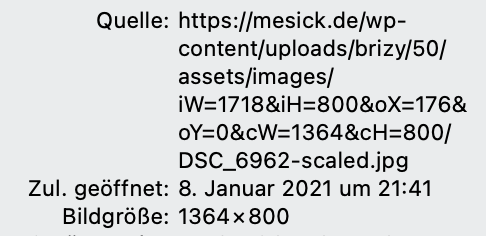
When I click on it, the lightbox shows an enlarged version of the same image, but it has a lower resolution of 1200 x 559:
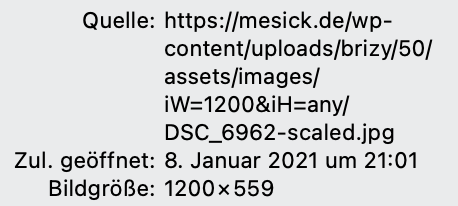
How can that be? I create a website for a photographer, he is absolutely unsatisfied with that lightbox image quality. I tested it with Safari and Chrome, same behavior.
The same problem exists, when I use the gallery element instead of the image element.
Any ideas?
Kind regards,
Uli
-

Hi,
Could you please send us the URL link of the page where you encounter this problem? Do you have the latest versions for Brizy Free 2.2.3 and Brizy Pro 2.2.0? Just now I tried to reproduce the problem you encounter but all seems to work fine. See here. In the lightbox, the image is opening in the original sizes it is added inside the Brizy.
Best regards,
Sandra0 -
Hi Sandra,
thanks for the reply.
I have the latest Brizy installed in my WordPress: Brizy Free 2.2.3 and Brizy Pro 2.2.0. To show you the behavior I created a test site in Brizy Cloud:
https://kiwi4789369.brizy.site
You see an image, which has a size of 2340 x 1771 px:
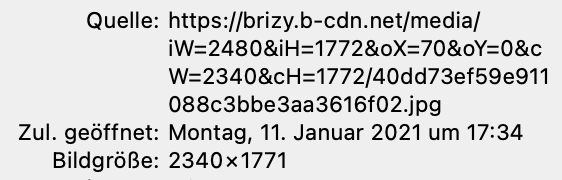
When you click on it, the Lightbox opens and shows an image of the size 1200 x 857.
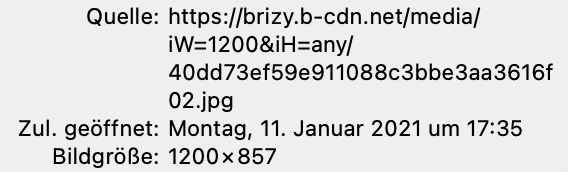
This makes no sense to me. I want the Lightbox to show a higher resolution, not a lower.
Kind regards,
Uli0 -
Hi,
The reply to this question was sent in this post.
Best regards,
Sandra0
Please sign in to leave a comment.
Comments
3 comments