How to force brizy to rebuild (reload) image cache?

Since Brizy overrides WP media files with it's own static images (see How-does-Brizy-handle-images) how do I force it to rebuild those 6 static images?
(I've replaced images through a plugin, but it only changed wp media files)
-

Hi,
Could you please give us more details about how do you want to rebuild those 6 images from Brizy image folder?
The Brizy editor can use images only uploaded through the WP Media Library, there is stored the original image used in Brizy. Unfortunately, at the moment isn't possible to upload images from another source because we have only the interaction with the WP Media Library. Therefore, if you will try to another source, those images will not be displayed in the Brizy pages.Best regards,
Sandra0 -
Hi,
the problem is that, after I used this plug-in (https://wordpress.org/plugins/enable-media-replace) to replace (update) images in WP media library, the images didn't update on the live page. After some digging, I realised that Brizy creates it's own static copies that didn't update.
Can I just delete the images from brizy's plugin folder?
Regards,
Damjanps:
this is the site: https://centar-borongaj.grad.hr/
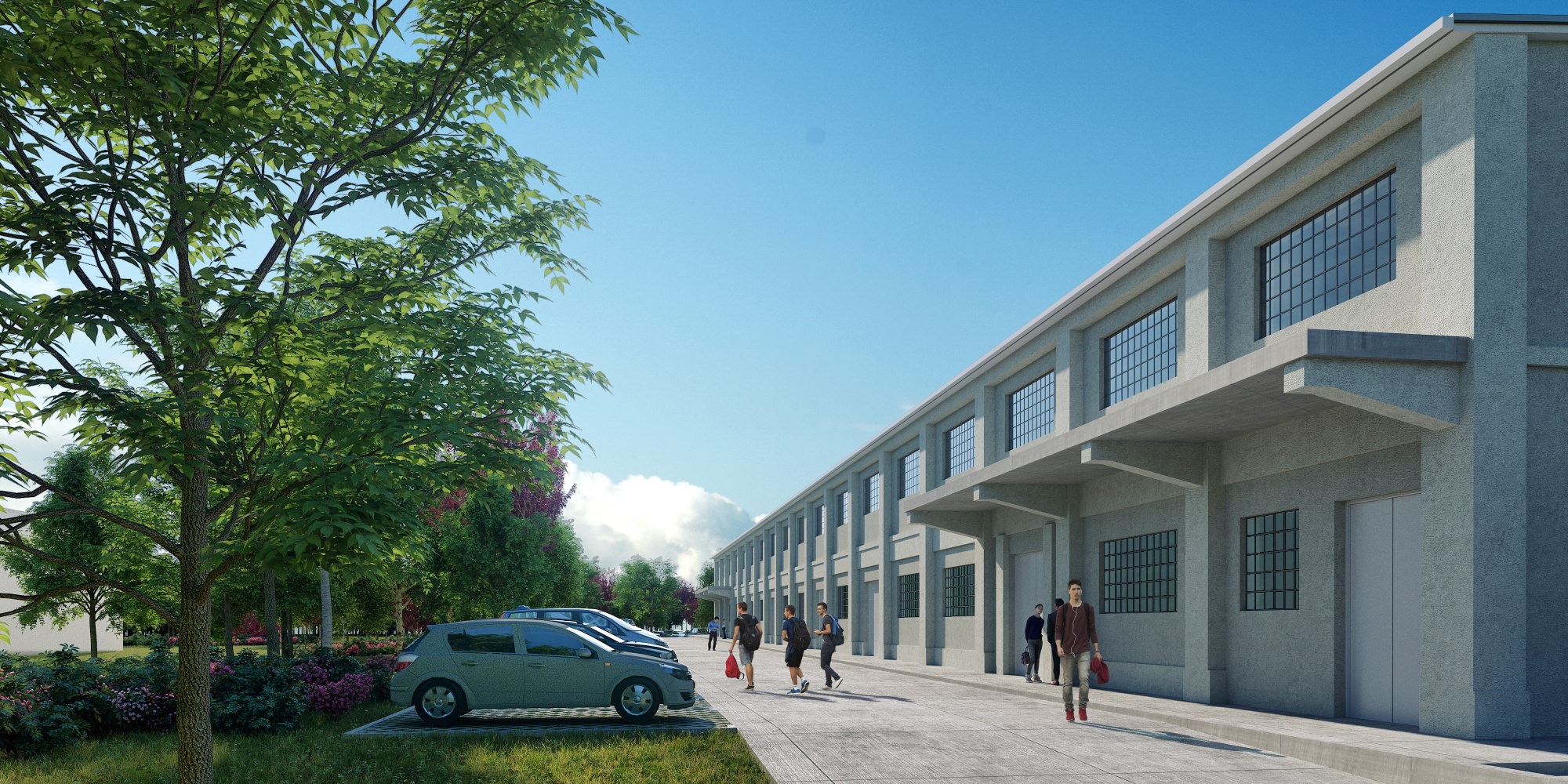
this should load: https://centar-borongaj.grad.hr/wp-content/uploads/2020/10/CentarBorongaj_009.jpg
this loads instead: https://centar-borongaj.grad.hr/wp-content/uploads/brizy/7/assets/images/iW=5000&iH=any/CentarBorongaj_008.jpg0 -
Hi,
Unfortunately, it isn't recommended to delete the Brizy image folder, overwise all images from Brizy pages will be broken and will not be visible. The images used in the Brizy pages are stored in this folder and you can't delete this folder. I'm sorry to say but this plugin will not work on the images used in Brizy pages.
Best regards,
Sandra0

Please sign in to leave a comment.
Comments
3 comments