alll my images are "broken"

every image that I upload and the images used in the Brizy templates will not appear on my site. Please help!
-

Hi,
Did you receive this issue in the Brizy for WordPress? Did you receive it on all pages and everywhere or only in the Brizy template? Could you please send us a screenshot with the problem you encounter? When did you encounter it? What were your previous actions on the site? Did you migrate the site or upload a plugin or change a setting?
Do you have the latest versions for Brizy Free 2.2.3 and Brizy Pro 2.2.0?Thanks!
Best regards,
Sandra0 -
Hi,
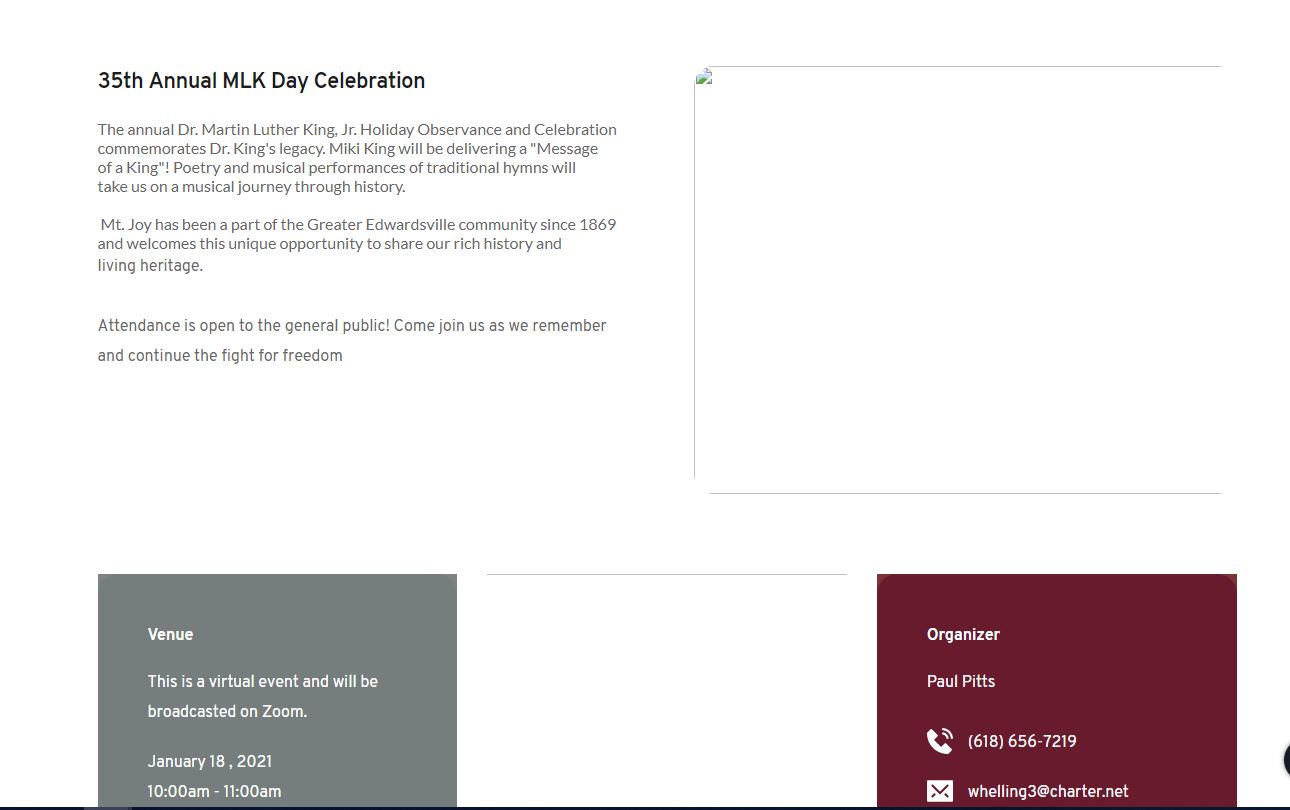
I purchased Brizy over the weekend.Did you receive this issue in the Brizy for WordPress? Yes, I am using Brizy Pro for Wordpress.Did you receive it on all pages and everywhere or only in the Brizy template? all pages are affected with this issueCould you please send us a screenshot with the problem you encounter? attachedWhen did you encounter it? This has happened since the install this weekend.What were your previous actions on the site? I downloaded Brizy to update the graphics and all my images are now "broken"Did you migrate the site or upload a plugin or change a setting? I downloaded the zip form the website and uploaded it to workpress and then activatecd the PRO version. Initially I was using the free version and only purchased PRO because i thought you didnt have access to images on the free version.
Do you have the latest versions for Brizy Free 2.2.3 and Brizy Pro 2.2.0? yes, i downloaded this from the website on Saturday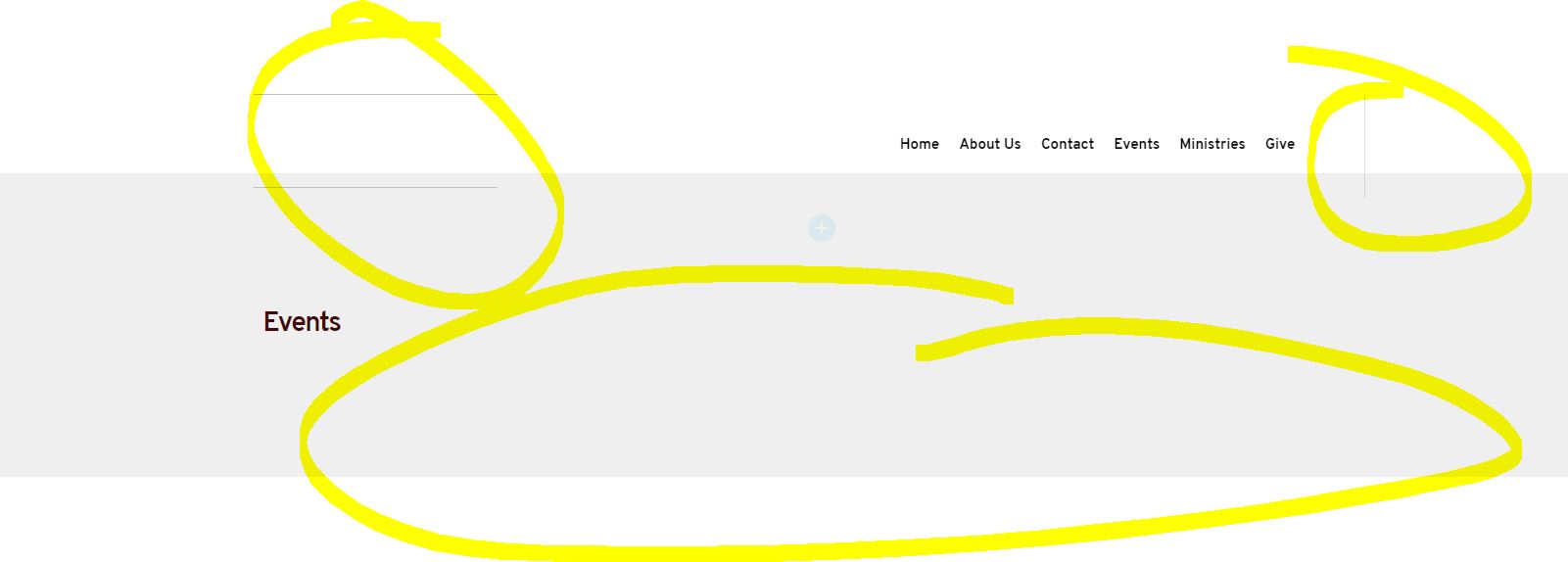
 0
0 -

Hey Sandra,
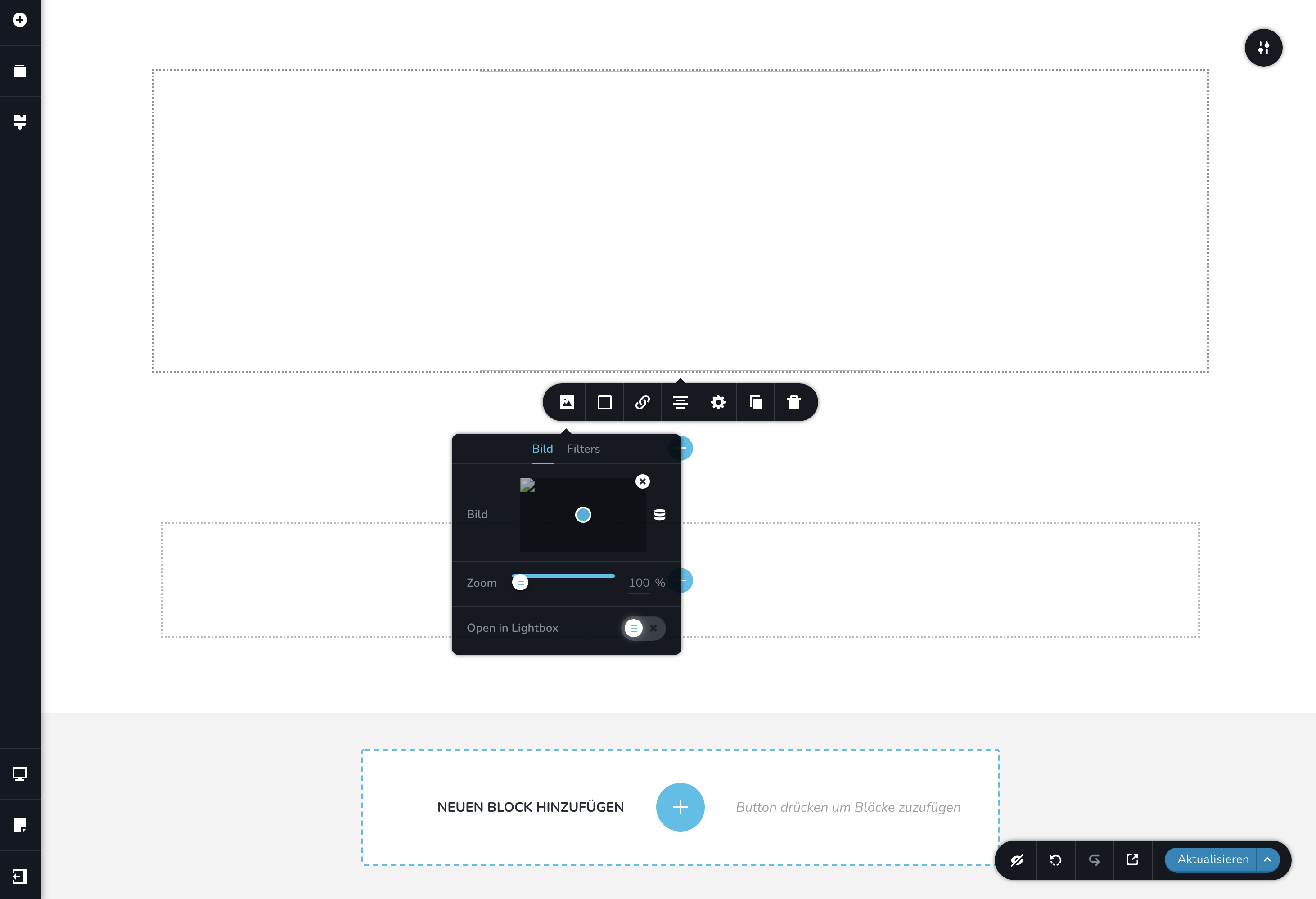
I have the same problem.
Appears on all pages.
Brizy Wordpress is up to date. Brand new installation…
This seems to be a problem, which occurs quiet often. What are the problems/solutions?
I am not on NameCheap, btw, where this occurred as I could see in older forum posts…
regards
achim
 0
0 -
Hi Brittany,
I am a bit confused regarding this "Did you migrate the site or upload a plugin or change a setting? I downloaded the zip form the website and uploaded it to workpress and then activatecd the PRO version. Initially I was using the free version and only purchased PRO because i thought you didnt have access to images on the free version. " - Did you migrate the site from one domain or hosting to another one? What migration method did you use? For migration, we recommend using the WP All in One Migration plugin, it will help you to copy all file and folders and will not persist some problems. In most cases, this problem happens when the site is migrated. Brizy uses a special method to handle images and with the classic way of migrating the site, the Brizy images can not be copied and pasted on the new host or domain.
Thanks!
Best regards,
Sandra0 -
Hi Achim,
The problem with NameCheap is already solved and now all topics related to the images should be fine on all Brizy sites hosted on the NameCheap sites.
Did you make a site migration or this is a new fresh installation where you added the Brizy Free and Pro plugins and started to create and edit pages with Brizy?
If you migrated the site, can you please take a look at my last response to Brittany?
If it is a new fresh installation and you receive this problem, could you please check if you receive the same problem even if you temporary deactivate all plugins (except Brizy Free 2.2.3 and Brizy Pro 2.2.0) and activate a WP default theme? If you go to the WP Media Library, can you edit the image without any error (e.g. rotate or crop it)?Thanks!
Best regards,
Sandra0 -
The site i am working on was already a WordPress site. I simply added the Brizy Free and Pro to my site by uploading the zip drive i purchased from your website.
Since then, I have attempted to add new images to the site and nothing appears.
Please advise.
0 -
Hi Sandra,
it was a fresh install.
Of course I already tried to deactivate all plugins, which were not many ;-)
I tried the wordpress themes twenty twenty and twenty twenty-one
This a provider I never used before, what server settings should I look for? (wordpress website check returns ok)
Server-Architektur SunOS localhost 5.10 Generic_150401-49 i86pc SunOS localhost 5.10 Generic_150401-49 i86pc SunOS localhost 5.10 Generic_150401-49 i86pc Webserver Apache/2.4.43 (Unix) PHP-Version 7.4.13 (Unterstützt keine 64bit-Werte) PHP-SAPI cgi-fcgi Maximale PHP-Eingabe-Variablen (max_input_vars) 4000 Maximale PHP-Ausführungszeit (max_execution_time) 240 PHP-Speicher-Limit (memory_limit) 256M Maximale Eingabe-Zeit (max_input_time) 60 Maximale Dateigröße beim Upload (upload_max_filesize) 64M Maximale Größe der PHP-Post-Daten (post_max_size) 76M cURL-Version 7.73.0 OpenSSL/1.0.2u Ist SUHOSIN installiert? Nein Ist die Imagick-Bibliothek verfügbar? Ja Werden sprechende Permalinks unterstützt? Ja .htaccess-Regeln Deine .htaccess-Datei enthält nur die WordPress-Core-Funktionen. thanks.
regards
achim
0 -
Hi Brittany,
Thank you for these details. I already created a private ticket for your request, could you please send us there the WP and FTP credentials to this site? We want to check this problem from the site.
Thanks!
Best regards,
Sandra0 -
Hi Achim,
Thank you for all these details. We created for you a private and separately ticket too. Could you please check it and send us there the WP and FTP credentials to this site?
Thanks!
Best regards,
Sandra0
Please sign in to leave a comment.
Comments
9 comments